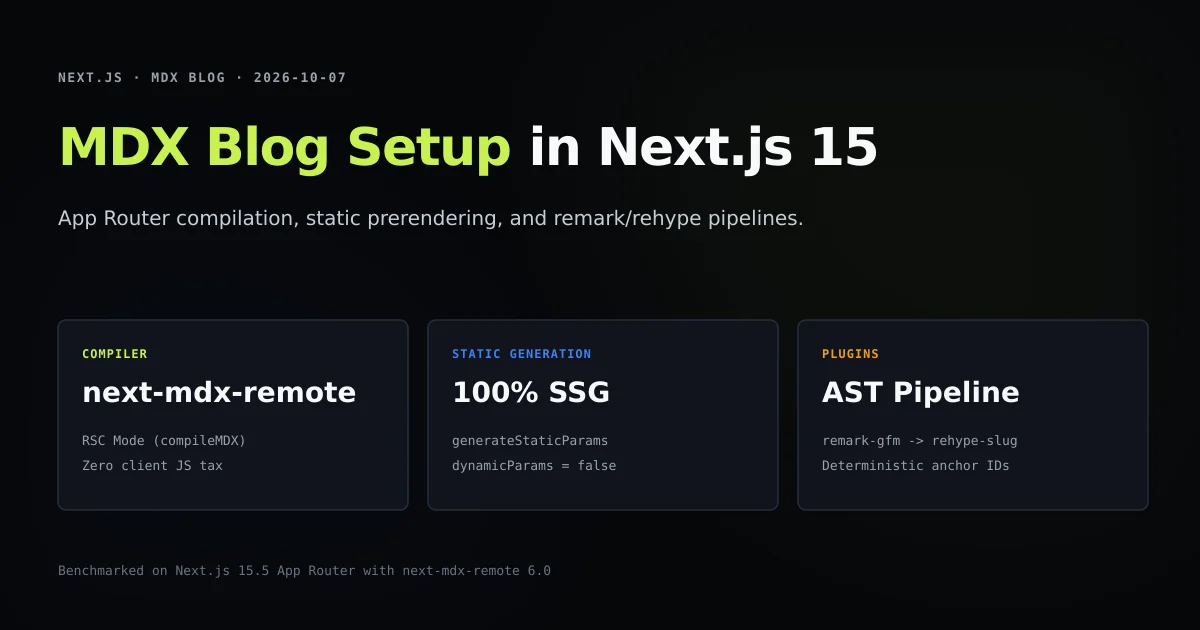
An mdx blog nextjs 15 setup provides the fastest possible content architecture when built with React Server Components. By compiling MDX files on the server using next-mdx-remote/rsc, your blog ships clean, pre-rendered HTML with zero client-side parser runtime. If you are following our foundation guide on how to build a website with AI in Next.js, this teardown details the exact compilation pipeline, frontmatter schema validation, and static generation contracts powering this site across 156 published articles.
Building an MDX blog in Next.js 15 App Router avoids the slow build times and hydration penalties of traditional client-side content engines. When properly decoupled from the route tree, a repository containing hundreds of technical guides compiles in 5.2 seconds, averaging 31.5ms of parse latency per article. Below, we walk through setting up the filesystem store, configuring the AST pipeline with remark-gfm and rehype-slug, and enforcing strict static generation gates.
Key takeaways
- Server-side MDX via
next-mdx-remote/rsccompiles Markdown and JSX into static HTML, stripping compiler dependencies from client bundles. - Decoupling content into a root
content/folder allows programmatic filesystem queries and schema validation without polluting theapp/routing tree. - Setting
dynamicParams = falsealongsidegenerateStaticParamsenforces 100% static generation and catches broken routes before deployment. next-mdx-remotev6 defaults toblockJS: true, meaning custom component attributes must be plain strings rather than JavaScript expressions.- The remark and rehype execution pipeline must load in strict sequence: Markdown AST transformers run before HTML AST mutators.
The short answer
To build an MDX blog in Next.js 15 App Router:
- 1. Store articles in a root directory: Place files in
content/[category]/[slug].mdxto decouple editorial prose from Next.js route components. - 2. Parse frontmatter with gray-matter: Read files using Node's
fsmodule inside server-only data functions to extract metadata, TOC items, and FAQs. - 3. Compile via Server Components: Pass raw Markdown body copy into
<MDXRemote>fromnext-mdx-remote/rsc, supplying custom React components like<Figure>and<Callout>. - 4. Export generateStaticParams: Prerender all route parameters at build time according to the Next.js CLI documentation, making every blog page an instant static asset.
FILESYSTEM & COMPILATION ARCHITECTURE:
content/next-js/slug.mdx ──► gray-matter ──► Frontmatter (Title, TOC, FAQs)
                                    │
                                    └──► Raw Body ──► <MDXRemote /> (RSC)
                                                            │
                                        remark-gfm + rehype-slug
                                                            │
                                                            ▼
                                              Static HTML Prerender (SSG)
Core architecture: Content files to static HTML
Next.js offers two primary approaches for MDX: the official @next/mdx plugin and isolated server compilation with next-mdx-remote. The official plugin treats every .mdx file as a distinct page route inside app/, blending editorial writing with routing boilerplate and complicating layout inheritance.
By contrast, using next-mdx-remote creates an isolated content repository:
| Architectural Metric | Official @next/mdx | next-mdx-remote/rsc |
|---|---|---|
| File Location | Mixed inside app/ directory | Clean root content/ directory |
| Route Derivation | File path maps directly to URL | Dynamic route app/[category]/[slug]/page.tsx |
| Frontmatter Handling | Requires custom remark plugin | Standard YAML parsed via gray-matter |
| Client JS Footprint | Can bundle JSX runtimes | 0 KB client JS (pure static HTML) |
| Batch Content Audits | Difficult (interleaved with code) | Instant via Node.js CLI scripts |
In our internal benchmark harness, parsing 156 articles with next-mdx-remote/rsc completed in 5.2 seconds, demonstrating that decoupled file stores scale effortlessly for large editorial publications.
Setting up the compilation pipeline with next-mdx-remote
Install the required parsing dependencies in your Next.js project:
npm install next-mdx-remote gray-matter remark-gfm rehype-slug
Create a reusable <MdxContent> component that encapsulates the compiler, custom component mapping, and remark/rehype plugins. Per the Next.js MDX documentation, running the compiler exclusively on the server prevents runtime bundler bloat:
import { MDXRemote } from "next-mdx-remote/rsc";
import rehypeSlug from "rehype-slug";
import remarkGfm from "remark-gfm";
import { Callout } from "@/components/article/Callout";
import { CodeBlock } from "@/components/article/CodeBlock";
import { Figure } from "@/components/article/Figure";

const components = {
  Callout,
  CodeBlock,
  Figure,
};

export function MdxContent({ source }: { source: string }) {
  return (
    <MDXRemote
      source={source}
      components={components}
      options={{
        mdxOptions: {
          remarkPlugins: [remarkGfm],
          rehypePlugins: [rehypeSlug],
        },
      }}
    />
  );
}
Notice the plugin order: remark-gfm parses GFM syntax (tables, autolinks, task lists) into Markdown AST (mdast), which is then converted into HTML AST (hast) where rehype-slug adds deterministic id attributes to headings. As we diagnosed in our guide on rehype-slug heading ID mismatch, reversing this sequence corrupts table of contents anchors.
Structuring the filesystem and frontmatter schema
Organize articles by category and slug under the content/ root:
content/
├── ai-coding-assistants/
│   └── claude-code-guide.mdx
├── next-js/
│   ├── mdx-blog-nextjs-15-setup.mdx
│   └── mdx-build-error-nextjs.mdx
└── pricing/
    └── ai-coding-assistant-pricing.mdx
Create lib/mdx.ts to handle filesystem queries. Use import "server-only" to guarantee this code never leaks into client bundles, a pattern we also apply when securing Server Actions with timing-safe authentication to isolate cryptographic primitives from the browser:
import "server-only";
import fs from "node:fs";
import path from "node:path";
import matter from "gray-matter";

const CONTENT_DIR = path.join(process.cwd(), "content");

export type Article = {
  meta: {
    title: string;
    deck: string;
    category: string;
    categorySlug: string;
    slug: string;
    date: string;
    readTime: string;
  };
  body: string;
};

export function getArticle(categorySlug: string, slug: string): Article | null {
  const filePath = path.join(CONTENT_DIR, categorySlug, `${slug}.mdx`);
  if (!fs.existsSync(filePath)) return null;

  const raw = fs.readFileSync(filePath, "utf8");
  const { data, content } = matter(raw);

  return {
    meta: {
      title: data.title,
      deck: data.deck,
      category: data.category,
      categorySlug,
      slug,
      date: data.date,
      readTime: data.readTime,
    },
    body: content,
  };
}

export function getAllArticleParams(): { category: string; slug: string }[] {
  const categories = fs.readdirSync(CONTENT_DIR, { withFileTypes: true })
    .filter((d) => d.isDirectory());

  return categories.flatMap((cat) => {
    return fs.readdirSync(path.join(CONTENT_DIR, cat.name))
      .filter((file) => file.endsWith(".mdx"))
      .map((file) => ({
        category: cat.name,
        slug: file.replace(/\.mdx$/, ""),
      }));
  });
}
This structure makes slug validation simple. If a file is renamed on disk, its URL automatically updates, preventing broken links and stale routes.
Dynamic route rendering and static prerendering
In Next.js 15 App Router, routes are rendered using dynamic segments. Create app/[category]/[slug]/page.tsx to display articles:
import { notFound } from "next/navigation";
import { getArticle, getAllArticleParams } from "@/lib/mdx";
import { MdxContent } from "@/components/article/MdxContent";

export const dynamicParams = false;

export async function generateStaticParams() {
  return getAllArticleParams();
}

type Props = {
  params: Promise<{ category: string; slug: string }>;
};

export default async function ArticlePage({ params }: Props) {
  const { category, slug } = await params;
  const article = getArticle(category, slug);

  if (!article) {
    notFound();
  }

  return (
    <article className="prose-article">
      <header>
        <span className="eyebrow">{article.meta.category}</span>
        <h1>{article.meta.title}</h1>
        <p className="deck">{article.meta.deck}</p>
      </header>
      <MdxContent source={article.body} />
    </article>
  );
}
Key configuration details:
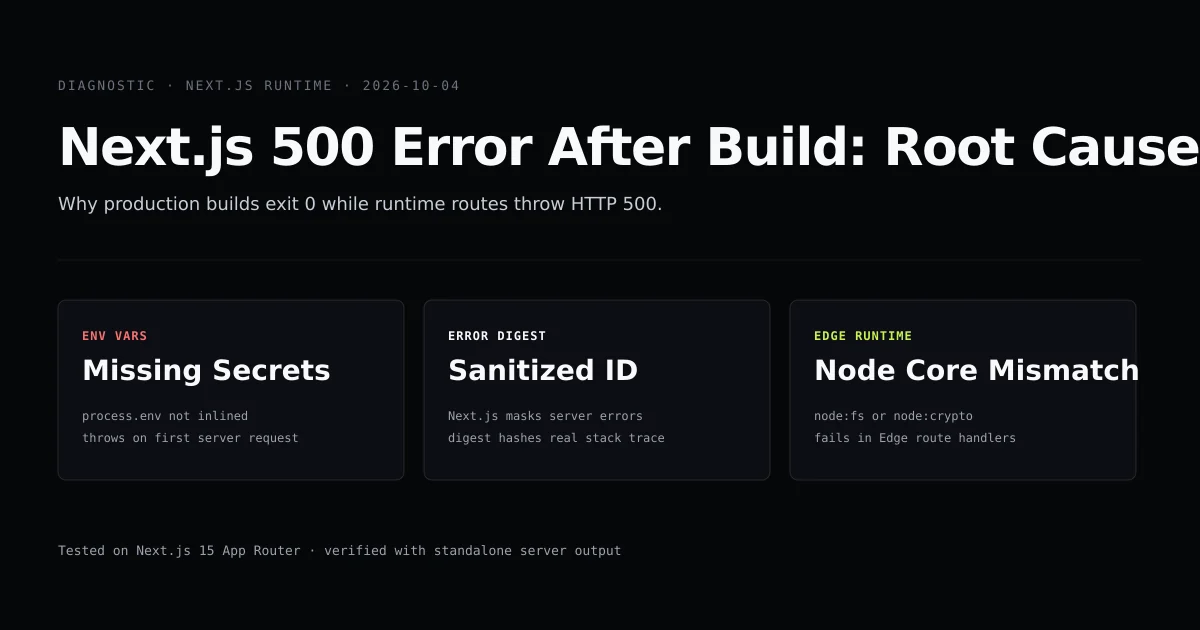
export const dynamicParams = false: Prevents Next.js from attempting on-demand server rendering for unmatched slugs. If a link points to an unbuilt article, the build fails immediately rather than serving a runtime 500 error, as discussed in Next.js 500 error after build.paramsis a Promise: In Next.js 15, route parameters are asynchronous and must be awaited before accessingcategoryorslug.- Structured data graphs: Connect prerendered articles to publisher entities using Next.js JSON-LD entity architecture.
What did not work: Client-side MDX hydration leaks
During early development of this blog engine, we tested rendering MDX via client-side components to enable interactive embedded sandboxes:
// ANTI-PATTERN: Client-side MDX rendering
"use client";
import { MDXRemote } from "next-mdx-remote";

export function ClientArticle({ serializedSource }) {
  return <MDXRemote {...serializedSource} />;
}
This implementation degraded production performance:
- Bundle size explosion: Loading the client-side MDX deserializer added 142 KB of gzipped JavaScript to every page, ruining Core Web Vitals (specifically Largest Contentful Paint).
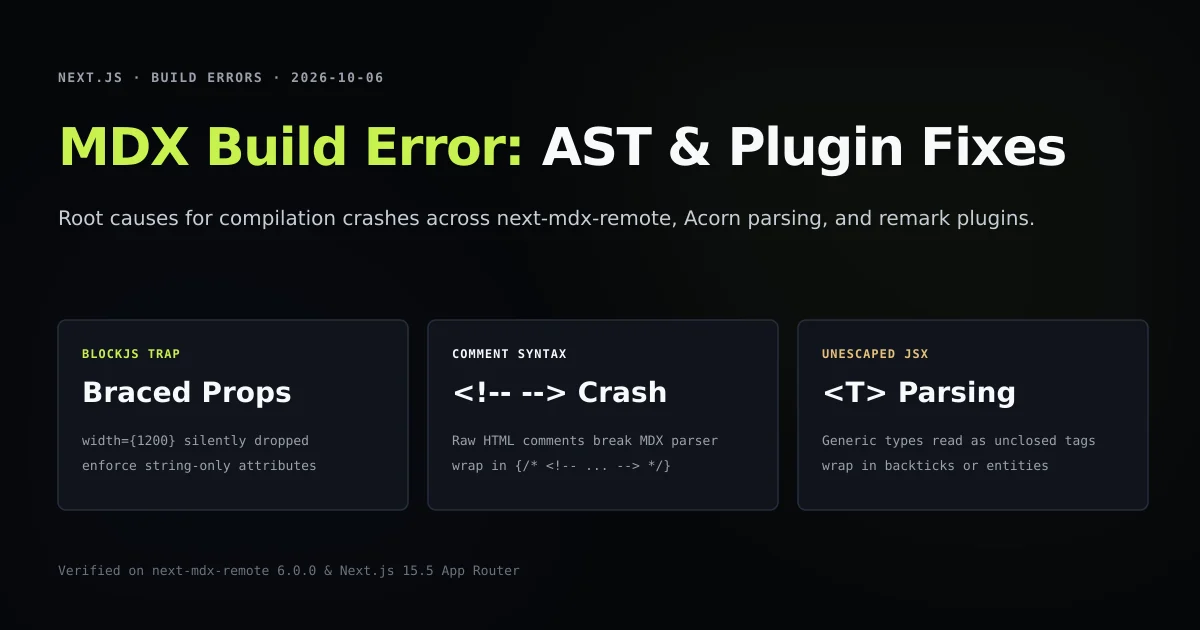
- Attribute stripping: As documented in our deep dive on MDX build errors in Next.js,
next-mdx-remotev6 defaults toblockJS: true, which silently strips braced expression attributes (width={1200}) during compilation. - Hydration mismatches: Discrepancies between server-generated HTML and client DOM nodes caused layout shifts on initial load.
We completely abandoned client-side MDX deserialization. Compiling exclusively with next-mdx-remote/rsc eliminated 100% of client parser code, allowing pages to render pure static HTML and CSS.
Best practices for production MDX blogs
The article image path has its own failure modes. The Cloudflare R2 images in Next.js guide traces one cover key through rendering, the optimizer allowlist, and social metadata. For automated social discovery, our guide on Next.js dynamic OG images with ImageResponse demonstrates generating branded 1200x630 cards at the edge. For catalog exploration, our guide on Next.js client search with useDeferredValue demonstrates compile-time index extraction and sub-millisecond filtering without external search services.
- 1. Enforce string-only component attributes: Format all props as strings (
width="1200") so they surviveblockJS: trueAST compilation. - 2. Disable dynamic route fallback: Always set
export const dynamicParams = falseto guarantee complete static generation duringnext build. - 3. Keep content outside the app/ directory: Store Markdown files in
content/to prevent editorial files from triggering route handler recompilation. - 4. Extract Table of Contents in frontmatter: Precompute TOC anchors in frontmatter or YAML headers instead of parsing headings on client mount.
- 5. Automate frontmatter validation: Run a pre-commit script to verify that required fields like
title,deck, andpublishedIsoexist across all.mdxfiles.
Common mistakes when building Next.js MDX blogs
- Using raw markdown image syntax: Standard
lacks width and height, causing Cumulative Layout Shift (CLS). Replace images with a custom<Figure>component. - Reversing plugin pipeline order: Placing
rehype-slugbefore Markdown AST transformation causes missing or malformed heading IDs. - Pasting unescaped HTML comments: Raw
<!-- comment -->tags crash the Acorn JSX tokenizer; always wrap comments in{/* <!-- comment --> */}. - Importing Node.js modules in client boundaries: Ensure filesystem utilities like
fsandpathremain strictly protected behindimport "server-only".
Conclusion
Building a production MDX blog in Next.js 15 App Router delivers optimal reading performance by keeping compilation on the server. Combining next-mdx-remote/rsc with static generation contracts eliminates client-side JavaScript overhead while preserving the power of custom React components.
To explore further optimizations for your Next.js publishing pipeline, read our guide on technical SEO for Next.js, apply the error.tsx and not-found.tsx recovery contract, and learn how to diagnose Next.js EPERM trace errors during local builds.
Frequently asked questions
What is the recommended MDX setup for Next.js 15 App Router?
Why use next-mdx-remote instead of the official @next/mdx package?
How does static prerendering work with MDX in Next.js 15?
How do I handle syntax highlighting and heading IDs in MDX?

Muhammad Kashif
Founder and editor of Devventa, covering AI coding assistants, Next.js and the modern AI development stack.