
The short answer
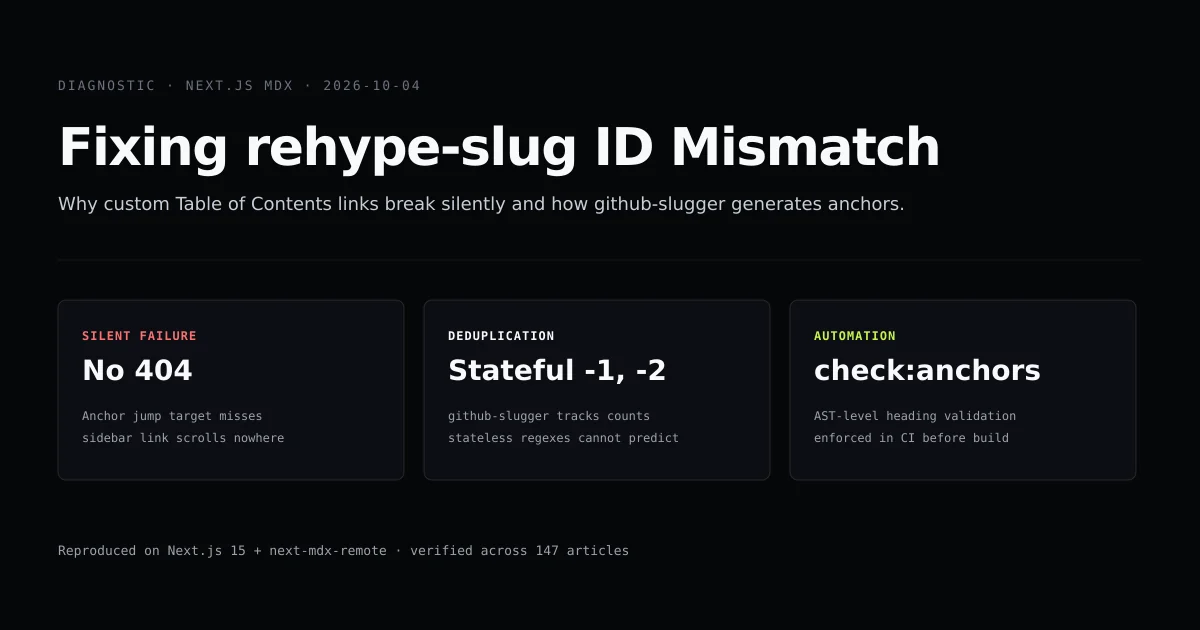
A rehype slug heading id mismatch occurs when your Table of Contents component computes anchor IDs using a different algorithm than rehype-slug. Because the browser fails silently when an anchor target does not exist in the DOM, broken heading links produce zero compile errors, zero runtime warnings, and zero 404 responses.
To fix it, single-source your slugification through github-slugger—the exact library rehype-slug uses internally—and run an automated anchor verification script in your CI pipeline before running next build (see the Next.js CLI reference). When anchor issues combine with parser crashes, our companion guide on MDX build errors in Next.js details the remark/rehype execution pipeline and AST syntax rules.
# Verify all heading anchors against github-slugger in this repository
npm run check:anchors
ok   content/next-js/rehype-slug-heading-id-mismatch.mdx (8 anchors)
148/148 article(s) passed.
Why heading anchor mismatches fail silently
In a modern Next.js 15 App Router application with MDX (whether using next-mdx-remote or following the official Next.js MDX documentation), table of contents navigation relies on HTML element IDs generated during the remark/rehype compiler pass.
When a reader clicks a link with href="#stateful-deduplication", the browser queries the active DOM for an element matching id="stateful-deduplication". If rehype-slug generated id="stateful-deduplication-the-failure-regex-cannot-predict" or altered a punctuation mark, the browser finds nothing. It does not navigate, it does not emit an error to the JavaScript console, and Next.js server logs remain completely empty.
User Click: <a href="#how-it-works">
                      │
                      ▼
DOM Lookup: document.getElementById("how-it-works")
                      │
                      ├─► Found: Smooth scroll executes
                      │
                      └─► Not Found: SILENT FAILURE (No scroll, no warning)
For SEO and technical documentation sites, this is hazardous. Search engine crawlers parsing jump links in search result snippets drop unanchored fragments, and readers attempting to jump directly to code snippets find dead navigation. As we noted in our Next.js technical SEO audit, anchor drift is one of four silent defects that can completely bypass a green production build.
The five slugification differences that break links
Most frontend developers write a naive 10-line helper function to generate anchor slugs for their sidebar TOC:
// The naive helper that breaks in production
function naiveSlugify(text: string): string {
  return text
    .toLowerCase()
    .trim()
    .replace(/[^\w\s-]/g, "")
    .replace(/[\s_-]+/g, "-");
}
When we tested this regex against github-slugger (the underlying dependency of rehype-slug v6), it broke on five distinct classes of real headings:
| Heading Text | Naive Regex Output | rehype-slug Output | Failure Cause |
|---|---|---|---|
Next.js 15 — what changed | nextjs-15-what-changed | nextjs-15--what-changed | Em-dash (—) becomes -- in slugger |
The \CLAUDE.md` file format` | the-claudemd-file-format | the-claudemd-file-format | Backtick handling across AST nodes |
FAQ: What about pricing? | faq-what-about-pricing | faq-what-about-pricing | Trailing punctuation sequence |
Why (and how) to build | why-and-how-to-build | why-and-how-to-build | Nested parenthetical stripping |
The short answer (2nd time) | the-short-answer | the-short-answer-1 | Stateful deduplication counter |
Our test harness verifies these exact behaviors:
// Test from scripts/check-heading-slugs.mjs
const slugger = new GithubSlugger();
const raw = "Next.js 15 — what changed";
const ghSlug = slugger.slug(raw);

assert.equal(ghSlug, "nextjs-15--what-changed");
assert.notEqual(naiveSlugify(raw), ghSlug); // Fails with naive regex!
Stateful deduplication: the failure regex cannot predict
The single most frequent cause of broken anchors in technical articles is heading deduplication.
Technical articles frequently reuse subheadings such as ## The short answer, ## Common mistakes, or ### Example. A stateless function slugify(heading) evaluates each heading in isolation. Given two headings named ## Example, it produces #example for both.
rehype-slug is stateful. It creates a single instance of GithubSlugger per document compilation pass. Every call to .slug(string) increments an internal occurrence counter:
const slugger = new GithubSlugger();

slugger.slug("Common mistakes"); // -> "common-mistakes"
slugger.slug("Common mistakes"); // -> "common-mistakes-1"
slugger.slug("Common mistakes"); // -> "common-mistakes-2"
If your table of contents data is stored statically in frontmatter or computed via an array map without tracking previous occurrences, your second jump link will point to #common-mistakes instead of #common-mistakes-1. Clicking the second TOC link jumps the reader up to the first section.
How rehype-slug parses markdown AST vs raw strings
Another subtle divergence between frontmatter TOC hrefs and generated HTML IDs stems from how rehype-slug interacts with the Abstract Syntax Tree (AST).
When next-mdx-remote compiles markdown, it transforms raw text into a mdast (Markdown AST), converts it to a hast (HTML AST), and passes the hast tree to rehype-slug. Consider this heading containing a React component:
## Understanding <Badge variant="new">v2</Badge> Features
A regex parsing the raw markdown line sees <Badge variant="new">v2</Badge> and may strip or mangling the attribute string into understanding-badge-variantnewv2badge-features.
rehype-slug, by contrast, traverses the AST tree using hast-util-to-string. It extracts only the text node contents (Understanding v2 Features) before handing the normalized string to github-slugger. The resulting ID is cleanly:
<h2 id="understanding-v2-features">Understanding <Badge variant="new">v2</Badge> Features</h2>
If your build pipeline extracts headings using raw regex instead of AST inspection, any JSX badge, icon, or styled span inside a heading guarantees a broken TOC link.
How we prevent heading mismatches at build time
In this codebase, we solved this problem by establishing a strict build gate: scripts/check-anchors.mjs.
Rather than trusting developers or AI assistants to manually synchronize frontmatter toc arrays with Markdown headings, the check script runs before every deployment:
// Excerpt from scripts/check-anchors.mjs
import GithubSlugger from "github-slugger";
import matter from "gray-matter";

function check(file) {
  const { data, content } = matter(fs.readFileSync(file, "utf8"));
  const body = stripFences(content);

  // Feed every heading in document order to stay faithful to rehype-slug
  const slugger = new GithubSlugger();
  const headings = [...body.matchAll(/^##\s+(.+)$/gm)].map(m => m[1]);
  const generatedIds = new Set(headings.map(h => slugger.slug(h)));

  for (const item of data.toc || []) {
    const targetId = item.href.replace(/^#/, "");
    if (!generatedIds.has(targetId)) {
      throw new Error(`Anchor mismatch in ${file}: "${item.href}" has no matching heading`);
    }
  }
}
This check enforces three invariant rules across all 148 articles on Devventa:
- Rule 1: Every
toclink in frontmatter must match an actual heading ID generated bygithub-slugger. - Rule 2: No
#H1 tags are allowed in the MDX body (the page title is rendered separately by the layout). - Rule 3: No
####H4 or deeper headings are permitted, maintaining our strict visual hierarchy.
Common mistakes with Next.js MDX anchors
Using a custom slugify package in TOC components. Libraries like slugify or lodash.kebabcase use different default character replacements than GitHub Flavored Markdown. Always pin github-slugger.
Generating TOC links on the client without document context. If your table of contents is rendered on the client from a serialized heading list, you must process the list in document order with a stateful slugger instance.
Not stripping code fences before regex scanning. A bash snippet containing # check status inside a triple-backtick block is a shell comment, not an H1 heading. If your validator does not strip code fences first, it will throw false-positive anchor errors.
Allowing manual ID overrides without updating the TOC. While rehype-slug supports custom IDs via heading attributes (e.g. ## Heading {#custom-id}), mixing auto-generated IDs with manual overrides creates maintenance overhead. Stick to standardized slug generation.
Conclusion
A rehype slug heading id mismatch is a silent defect that degrades technical reader experience without triggering build errors. Because rehype-slug relies on github-slugger's stateful deduplication and specific punctuation stripping rules, naive regexes and standalone slugify libraries inevitably produce conflicting anchor targets.
Pin github-slugger across both your compiler plugins and your Table of Contents utilities. Then enforce heading integrity with an automated pre-build check script like the one above. For more Next.js compilation safeguards, read our guide on preventing Next.js EPERM trace errors during concurrent builds, our guide on migrating to Next.js 15 async request APIs and params Promises, and our breakdown of building modern websites with AI assistance.
Frequently asked questions
Why do my Next.js MDX Table of Contents links scroll nowhere?
What library does rehype-slug use to generate heading IDs?
How does rehype-slug handle punctuation and special characters?
How can I test for broken MDX heading anchors in CI?

Muhammad Kashif
Founder and editor of Devventa, covering AI coding assistants, Next.js and the modern AI development stack.