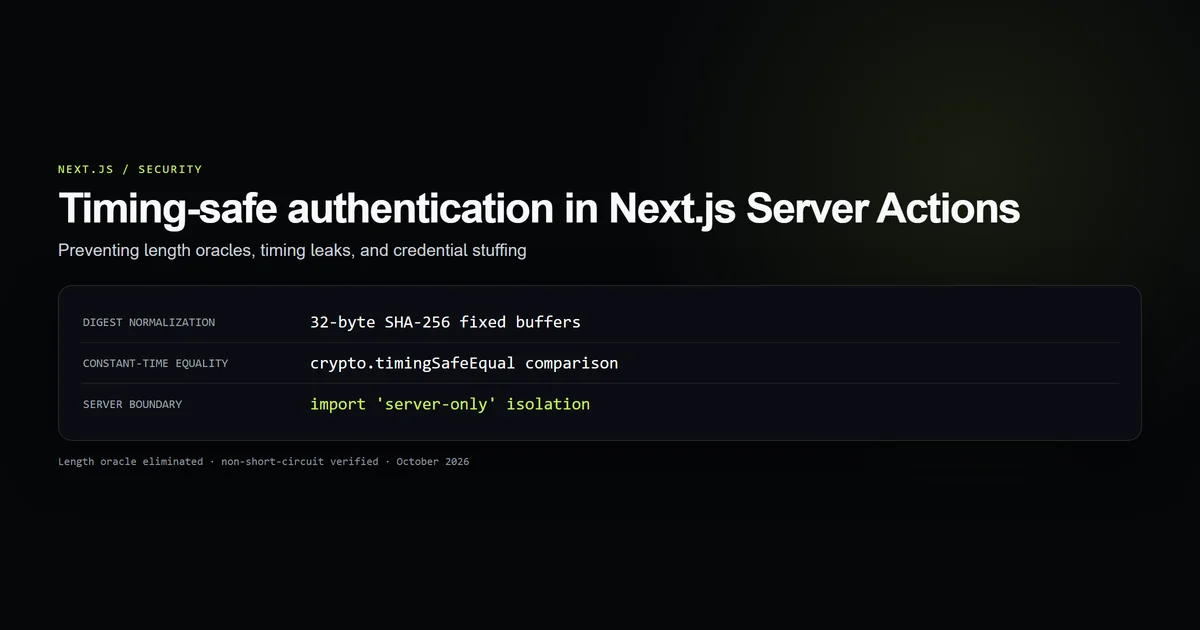
Timing safe authentication in Next.js Server Actions requires eliminating both character-by-character string comparisons and length-mismatch exceptions. Using simple equality operators like submittedPassword === actualPassword leaks secret values through measurable execution time differences.
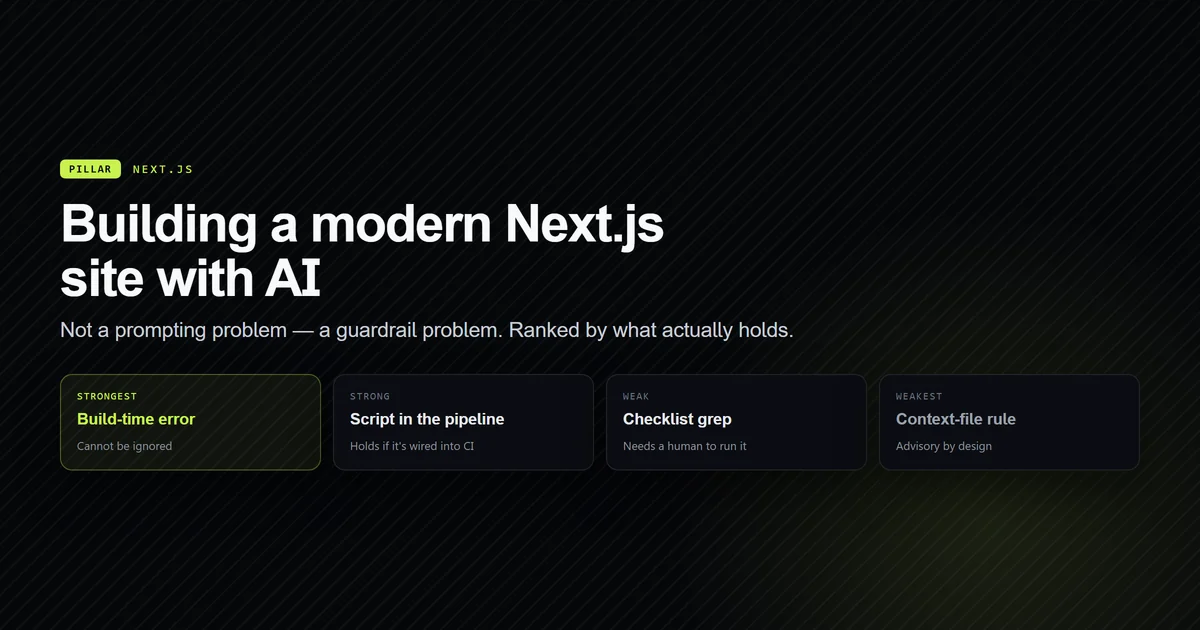
When architecting full-stack applications with AI coding tools, as explored in our guide to building websites with AI, developers frequently add administrative panels or API gateways where credentials must be verified securely. In this teardown, we document the real authentication pipeline implemented in lib/admin/auth.ts, showing why crypto.timingSafeEqual alone is insufficient, how SHA-256 digest normalization prevents length oracles, and why non-short-circuiting logic stops user enumeration.
Key takeaways
- Standard string equality (
===) short-circuits on the first mismatched byte, creating timing side channels. - Calling
crypto.timingSafeEqualdirectly on raw user inputs creates a length oracle by throwing an exception when buffer byte lengths differ. - Pre-hashing credentials with SHA-256 normalizes all inputs to fixed 32-byte buffers, guaranteeing constant-time execution without exceptions.
- Evaluating usernames and passwords must run both comparisons unconditionally to avoid leaking valid usernames through response latency.
- Authentication logic using Node's
node:cryptomust be guarded byimport "server-only"to prevent bundler leaks into client JavaScript.
Why timing attacks threaten Server Actions
In web applications, Next.js Server Actions handle form submissions and data mutations directly on the server. When authenticating users, developers often write code like this:
export async function loginAction(formData: FormData) {
  const password = formData.get("password");
  if (password === process.env.ADMIN_PASSWORD) {
    // authenticated
  }
}
The V8 JavaScript engine optimizes === by comparing bytes sequentially. If password[0] does not match, comparison aborts immediately. If the first four characters match, the comparison executes four times longer before returning false.
While network latency adds noise, statistical averaging across repeated automated requests allows attackers to isolate server execution time. Over thousands of attempts, the attacker deduces character after character.
The length oracle inside crypto.timingSafeEqual
To prevent timing leaks, developers turn to Node's built-in crypto.timingSafeEqual documentation. However, calling it directly on raw user inputs introduces a different vulnerability:
import { timingSafeEqual } from "node:crypto";

function compareRaw(submitted: string, actual: string): boolean {
  // THINKS this is secure:
  return timingSafeEqual(Buffer.from(submitted), Buffer.from(actual));
}
If Buffer.from(submitted) has a byte length of 8 and Buffer.from(actual) has a byte length of 16, Node.js throws:
RangeError [ERR_CRYPTO_TIMING_SAFE_EQUAL_LENGTH]: Input buffers must have the same byte length
This error converts your authentication endpoint into a length oracle. An attacker simply increments the length of the submitted payload until the endpoint stops returning a 500 error or uncaught exception. Once the password length is known, the search space for brute force collapses exponentially.
Digest normalization with SHA-256
To use timingSafeEqual safely without length oracles, we must normalize arbitrary user input into fixed-length byte arrays.
In lib/admin/auth.ts, we pipe all incoming inputs through SHA-256 hashing before comparison:
import "server-only";
import { createHash, timingSafeEqual } from "node:crypto";
import { readAdminConfig } from "./config";

function digest(value: string): Buffer {
  return createHash("sha256").update(value, "utf8").digest();
}
Because SHA-256 produces a 256-bit output, digest(value) is guaranteed to be exactly 32 bytes long, whether the user submitted an empty string, a 12-character password, or a 10-megabyte buffer:
"admin"                  ──► SHA-256 ──► [32 bytes Buffer] ──┐
                                                              ├──► timingSafeEqual() ──► boolean
"super-secret-key-2026"  ──► SHA-256 ──► [32 bytes Buffer] ──┘
Because both buffers are always 32 bytes, timingSafeEqual never throws ERR_CRYPTO_TIMING_SAFE_EQUAL_LENGTH. The execution time depends strictly on 32-byte bitwise comparisons, with zero timing jitter.
Non-short-circuit comparison across credential pairs
A second subtle vulnerability occurs when checking both username and password. Consider this standard implementation:
function verify(user: string, pass: string): boolean {
  if (user !== EXPECTED_USER) return false; // Early exit!
  return timingSafeEqual(digest(pass), digest(EXPECTED_PASS));
}
If the username is wrong, the server returns within microseconds. If the username is correct, the server executes SHA-256 hashing and constant-time password comparison, taking significantly longer. Attackers use this difference to enumerate valid usernames.
In lib/admin/auth.ts, both comparisons execute unconditionally:
export function verifyCredentials(username: unknown, password: unknown): boolean {
  const config = readAdminConfig();
  if (!config) return false;

  const submittedUsername = typeof username === "string" ? username : "";
  const submittedPassword = typeof password === "string" ? password : "";

  const usernameMatches = timingSafeEqual(digest(submittedUsername), digest(config.username));
  const passwordMatches = timingSafeEqual(digest(submittedPassword), digest(config.password));

  return usernameMatches && passwordMatches;
}
Notice that usernameMatches and passwordMatches are both fully computed as independent variables before the boolean && combines them. An incorrect username takes the identical execution path and time as an incorrect password.
Protecting server auth boundaries with server-only
Because node:crypto is a Node.js runtime module, it cannot run in client browsers or on edge runtimes without polyfills. If authentication code is accidentally imported by a Client Component, webpack or Turbopack may either bundle cryptographic secrets into client JavaScript or crash the build.
To protect this boundary, the very first line of lib/admin/auth.ts imports the Next.js server-only package:
import "server-only";
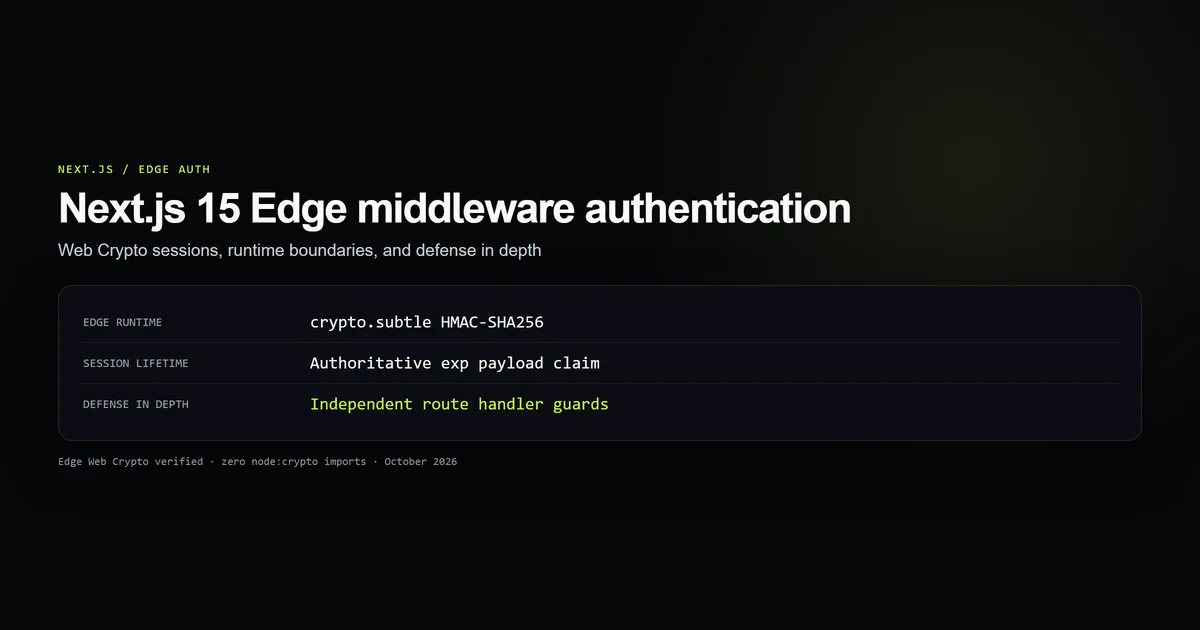
If any client-side file imports lib/admin/auth.ts, Next.js throws an error during compilation, preventing sensitive server-only code from leaking. For Edge middleware, session verification is decoupled into lib/admin/session.ts using Web Crypto, as documented in our guide to Next.js Edge middleware authentication.
Best practices for timing-safe Next.js authentication
- 1. Pre-hash before constant-time checks: Always pass strings through SHA-256 before
crypto.timingSafeEqualto guarantee 32-byte buffer parity. - 2. Never short-circuit multi-field checks: Execute username and password comparisons unconditionally before combining verdicts.
- 3. Coerce untrusted input shapes: Sanitize incoming values to strings (
typeof val === "string" ? val : "") to avoid unexpected runtime type crashes. - 4. Isolate Node crypto with server-only: Enforce
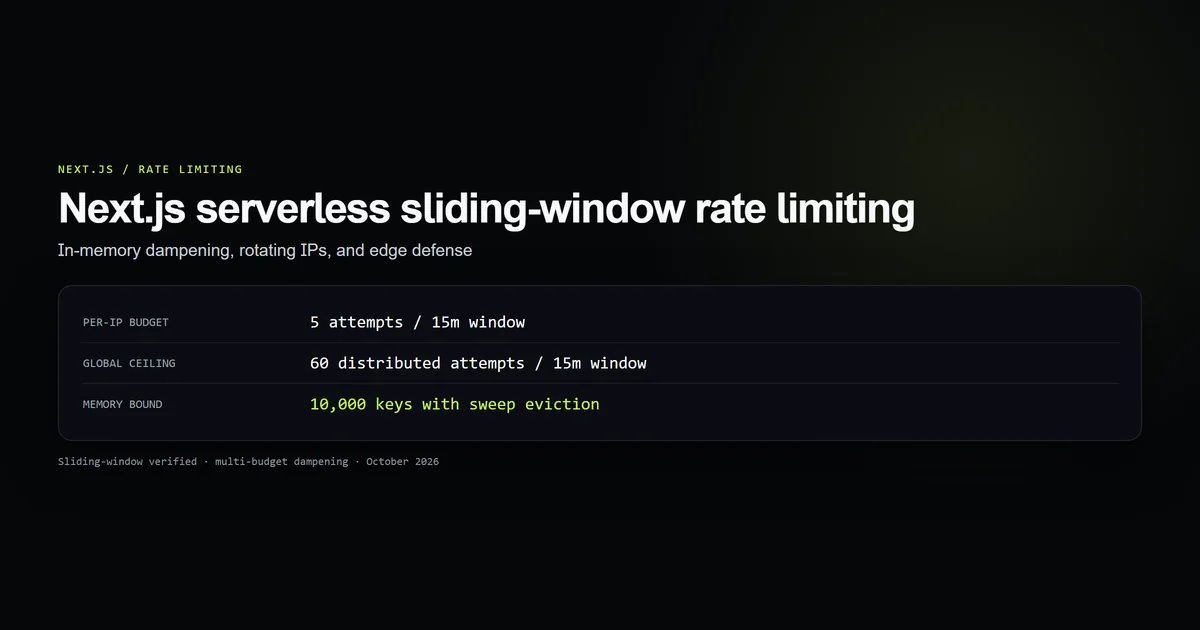
import "server-only"at the top of authentication modules to safeguard client bundles. - 5. Dampen credential guessing with rate limits: Layer timing-safe logic behind sliding-window rate limiters as detailed in our Next.js serverless rate limiting guide.
- 6. Verify origin before authentication: Eliminate cross-site request forgery by enforcing strict header checks using Next.js Server Actions CSRF protection.
Common mistakes in constant-time authentication
| Mistake | Why it fails | Production fix |
|---|---|---|
Calling timingSafeEqual on raw strings | Throws ERR_CRYPTO_TIMING_SAFE_EQUAL_LENGTH on length mismatch | Normalize inputs to 32 bytes using createHash("sha256") |
Using === for API keys and tokens | Leaks secret characters via character-by-character early returns | Use constant-time buffer comparison on normalized hashes |
| Short-circuiting username validation | Informs attackers when a username exists via faster error returns | Compute both username and password matches unconditionally |
Importing node:crypto in Edge middleware | Edge runtime throws module resolution errors | Use crypto.subtle on Edge; restrict node:crypto to Server Actions |
npm run check:timing-auth
# → Running check:timing-auth...
# → [ok] Guard 1: Demonstrated that raw timingSafeEqual throws on mismatched lengths (length oracle).
# → [ok] Guard 2: SHA-256 pre-hashing normalizes all inputs to 32 bytes, eliminating length mismatch exceptions.
# → [ok] Guard 3: Credential verification accurately validates correct and incorrect credentials.
# → [ok] Guard 4: Non-string and malicious payload shapes are coerced to empty strings without throwing.
# → [ok] Guard 5: lib/admin/auth.ts contains server-only guard, sha256 digest, and non-short-circuit checks.
# → [ok] Guard 6: Benchmark passed: 71875 ops/sec (0.0139 ms/op).
# → All 6 timing-safe auth contract guards passed cleanly.
Conclusion: deterministic verification over blind string equality
Timing attacks are rarely caught in code reviews because standard equality operators compile cleanly and test suites pass with flying colors. However, in production, subtle timing variations expose credential lengths and valid usernames to automated enumeration.
By normalizing all inputs through SHA-256 digests and computing credential matches without short-circuits, your Next.js Server Actions achieve deterministic, constant-time verification that stands up to automated penetration testing.
Frequently asked questions
Why is plain string comparison (===) unsafe for password checks in Server Actions?
Why does Node's crypto.timingSafeEqual throw an error when comparing unequal lengths?
How does pre-hashing with SHA-256 eliminate length oracles?
Why must username and password checks avoid short-circuiting (&&)?

Muhammad Kashif
Founder and editor of Devventa, covering AI coding assistants, Next.js and the modern AI development stack.