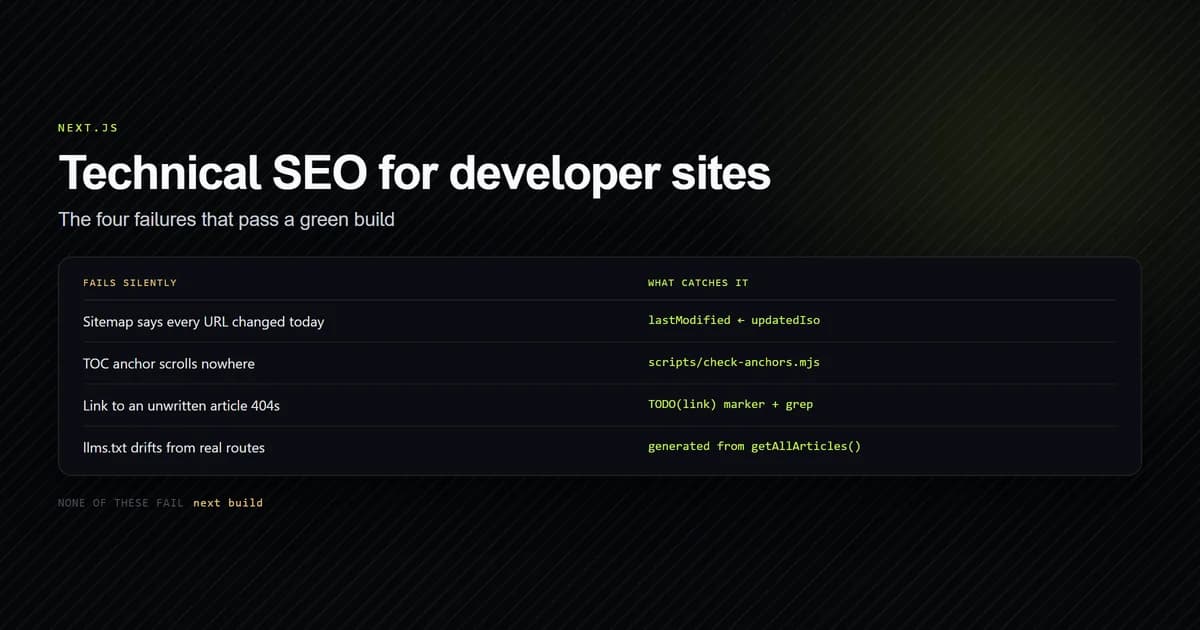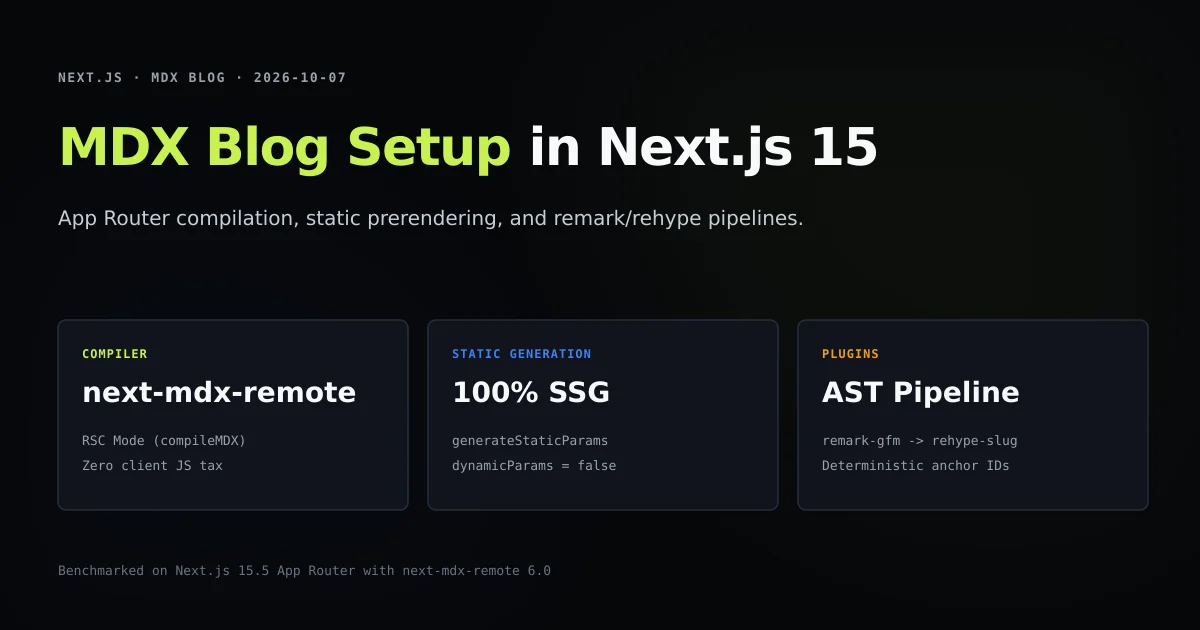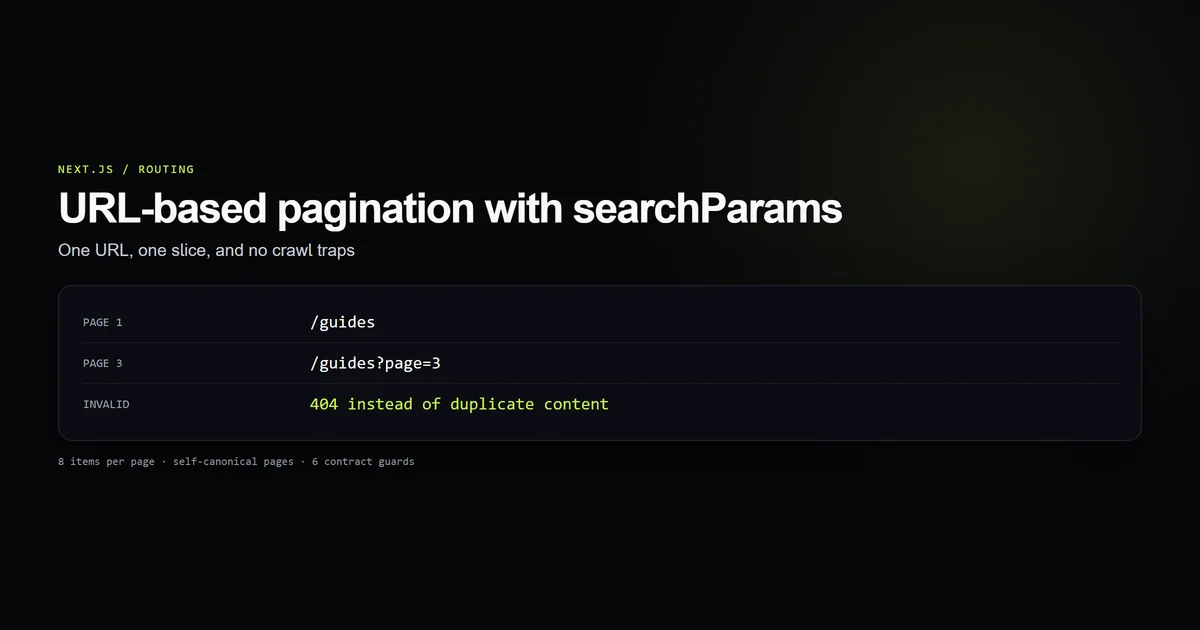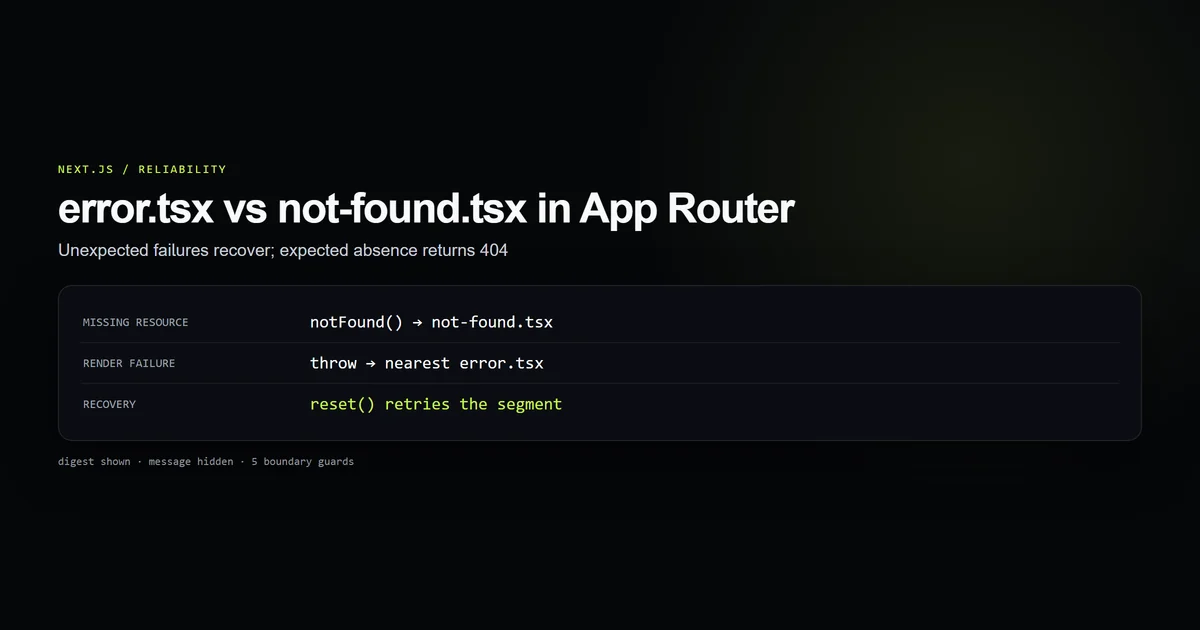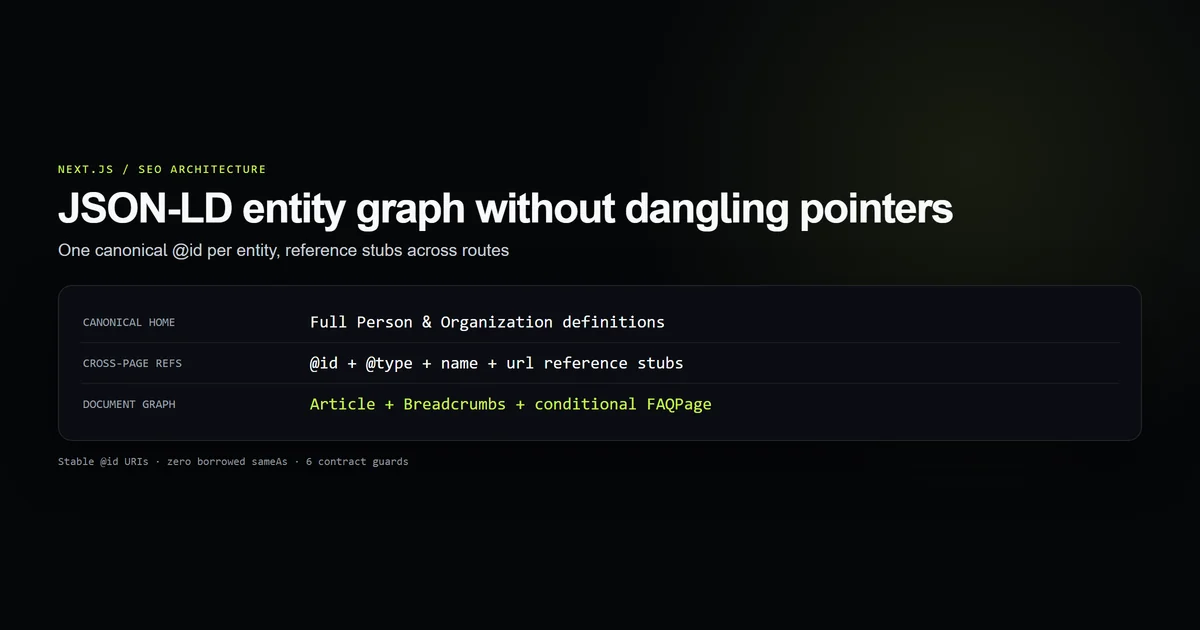
Nextjs json ld implementation often begins with copying snippets from Schema.org into raw script tags across multiple templates. This approach quickly produces duplicate IDs, broken cross-page relationships, and invalid entity definitions that search engine parsers discard.
A production technical SEO architecture treats structured data as an interconnected graph rather than disconnected page snippets. Combined with dynamic Open Graph social cards, it creates a unified discovery and metadata layer across search and social channels. By separating permanent real-world entities from transient document pages, centralizing canonical @id strings, and deploying reference stubs across routes, your schema stays consistent across builds.
Key takeaways
- Separate persistent entities (Organization, Person) from document nodes (Article, ProfilePage, BreadcrumbList).
- Give every entity exactly one canonical definition on its canonical URL and reference it by stable
@id. - Use four-field reference stubs (
@type,@id,name,url) rather than bare IDs to prevent dangling pointers for single-page crawlers. - Keep personal author profiles off
Organization.sameAsto prevent false identity mergers. - Sanitize serialized JSON strings against HTML script-tag injection before passing to
dangerouslySetInnerHTML.
Nextjs json ld requires separating entities from documents
Search engines interpret Schema.org data using node identity. An entity is a thing that exists independently of a web page: a human author, a publisher, or a software tool. A document is a web page that describes an entity or collection: a blog post, a profile page, or an archive listing.
When routes redefine the same entity with contradictory attributes, search indexers fail to resolve canonical authorship. The solution is assigning each entity a permanent canonical @id rooted in your site URL with a hash fragment identifier:
| Node | Type | Canonical URL | Canonical @id |
|---|---|---|---|
| Publisher | Entity | / | https://example.com#organization |
| WebSite | Entity | / | https://example.com#website |
| Author | Entity | /authors/syed | https://example.com/authors/syed#person |
| Author Profile | Document | /authors/syed | https://example.com/authors/syed#profilepage |
| Article | Document | /guides/example | https://example.com/guides/example#article |
This repository implements this structure in lib/schema.ts. Each entity is declared once, with routes referencing these exported constants instead of composing strings inline.
Build canonical ID URIs in a central module
Define your entity IDs, publisher references, and helper methods in a server-isolated module:
import { author, authorProfilePath } from "./author";
import { absoluteImageUrl } from "./images";
import { site } from "./site";

export const organizationId = `${site.url}#organization`;
export const websiteId = `${site.url}#website`;

export const authorUrl = `${site.url}${authorProfilePath}`;
export const personId = `${authorUrl}#person`;
export const profilePageId = `${authorUrl}#profilepage`;
Schema attributes requiring image URLs must resolve to absolute paths. Relative paths such as /icon-512.png fail validation because external consumers have no local host context.
function authorImageUrl(): string | undefined {
  return author.avatar ? absoluteImageUrl(author.avatar) : undefined;
}
Use four-field reference stubs instead of bare IDs
When linking an article to its author, a common shortcut is writing a bare ID pointer:
{
  "author": { "@id": "https://example.com/authors/syed#person" }
}
This works if a crawler has already ingested /authors/syed. But if an automated crawler or social scraper fetches only the article URL in isolation, that bare pointer is a dangling reference with no name, role, or link.
Devventa resolves this by defining an author reference stub:
export const personRef = {
  "@type": "Person",
  "@id": personId,
  name: author.name,
  url: authorUrl,
} as const;
This stub costs less than 120 bytes of payload. A single-page crawler gets complete attribution data immediately, while a graph crawler merges the stub into the full Person definition because both carry the identical @id.
The full Person schema is emitted on /authors/syed:
export function personSchema() {
  const image = authorImageUrl();

  return {
    "@type": "Person",
    "@id": personId,
    name: author.name,
    url: authorUrl,
    jobTitle: author.role,
    description: author.bio.profile,
    knowsAbout: author.knowsAbout,
    sameAs: author.socials
      .filter((social) => social.sameAs)
      .map((social) => social.href),
    worksFor: { "@id": organizationId },
    mainEntityOfPage: { "@id": profilePageId },
    ...(image ? { image } : {}),
  };
}
Notice the sameAs array. It is populated solely from personal social profiles marked with the sameAs flag. Devventa's Organization schema explicitly omits sameAs: personal accounts must not be attributed to the publishing organisation.
Render the publication graph in the root layout
Global entities belong in the root layout where they are rendered once for the entire site:
import { siteSchema } from "@/lib/schema";

const organizationJsonLd = siteSchema();

export default function RootLayout({ children }: { children: React.ReactNode }) {
  return (
    <html lang="en">
      <body>
        {children}
        <script
          type="application/ld+json"
          dangerouslySetInnerHTML={{ __html: JSON.stringify(organizationJsonLd) }}
        />
      </body>
    </html>
  );
}
In lib/schema.ts, siteSchema() returns a @graph array housing both Organization and WebSite:
export function siteSchema() {
  return {
    "@context": "https://schema.org",
    "@graph": [
      {
        "@type": "Organization",
        "@id": organizationId,
        name: site.name,
        url: site.url,
        description: site.description,
        logo: {
          "@type": "ImageObject",
          url: absoluteImageUrl("/icon-512.png"),
          width: 512,
          height: 512,
        },
        founder: personRef,
        employee: personRef,
      },
      {
        "@type": "WebSite",
        "@id": websiteId,
        name: site.name,
        url: site.url,
        publisher: { "@id": organizationId },
        potentialAction: {
          "@type": "SearchAction",
          target: `${site.url}/search?q={search_term_string}`,
          "query-input": "required name=search_term_string",
        },
      },
    ],
  };
}
This structure connects the site entity to the publisher entity, defines search action parameters, and connects the author as founder and employee without duplicating records.
Compose article breadcrumbs and FAQs in page routes
In the dynamic article route mdx-blog-nextjs-15-setup, build a composite @graph array containing the document schemas:
import { organizationId, personRef } from "@/lib/schema";
import { site } from "@/lib/site";

export default async function ArticlePage({ params }: PageProps) {
  const { category, slug } = await params;
  const article = getArticle(category, slug);
  if (!article) notFound();

  const { meta, body } = article;
  const url = `${site.url}/${category}/${slug}`;
  const coverUrl = meta.cover ? absoluteImageUrl(meta.cover) : undefined;

  const jsonLd = {
    "@context": "https://schema.org",
    "@graph": [
      {
        "@type": "Article",
        "@id": `${url}#article`,
        url,
        headline: meta.title,
        description: meta.metaDescription ?? meta.deck,
        inLanguage: "en",
        articleSection: meta.category,
        wordCount: proseWordCount(body),
        datePublished: meta.publishedIso,
        dateModified: meta.updatedIso,
        author: personRef,
        publisher: { "@id": organizationId },
        mainEntityOfPage: url,
        ...(coverUrl ? { image: coverUrl } : {}),
      },
      {
        "@type": "BreadcrumbList",
        itemListElement: [
          { "@type": "ListItem", position: 1, name: "Home", item: site.url },
          {
            "@type": "ListItem",
            position: 2,
            name: meta.category,
            item: `${site.url}/${meta.categorySlug}`,
          },
          { "@type": "ListItem", position: 3, name: meta.title },
        ],
      },
      ...(meta.faqs.length
        ? [
            {
              "@type": "FAQPage",
              mainEntity: meta.faqs.map((faq) => ({
                "@type": "Question",
                name: faq.question,
                acceptedAnswer: { "@type": "Answer", text: faq.answer },
              })),
            },
          ]
        : []),
    ],
  };

  return (
    <>
      <main id="main">
        {/* Render article body and layout */}
      </main>
      <script
        type="application/ld+json"
        dangerouslySetInnerHTML={{ __html: JSON.stringify(jsonLd) }}
      />
    </>
  );
}
Notice that the FAQPage node is conditionally appended only when meta.faqs.length > 0. Emitting an empty FAQ node or one without answers causes validation warnings in Google Search Console.
Prevent script injection in JSON-LD tags
When rendering JSON-LD into HTML, passing arbitrary strings directly to JSON.stringify inside a <script> tag creates an XSS vulnerability:
<script type="application/ld+json">
  {"headline": "</script><script>alert('xss')</script>"}
</script>
HTML parsers scan for the literal character sequence </script> without evaluating whether it resides within a JavaScript string literal. If an article deck or user-authored title contains that string, the browser closes the script tag prematurely and evaluates the remainder as active JavaScript.
To eliminate this vector, replace the < character with its unicode escape \u003c:
export function serializeJsonLd(data: unknown): string {
  return JSON.stringify(data).replace(/</g, "\\u003c");
}
JSON parsers treat \u003c as < identically, while the browser HTML parser never encounters the raw tag-closing sequence.
Test the schema contract with automated guards
Devventa ships with an automated guard script (scripts/check-json-ld-graph.mjs) that asserts these architectural boundaries on every commit:
- Step 1: Verifies that canonical entity IDs (
organizationId,websiteId,personId,profilePageId) maintain stable fragment identifiers. - Step 2: Asserts that cross-page references (
personRef) export four-field entity stubs rather than dangling bare IDs. - Step 3: Verifies that
Personretains verifiedsameAssocial links whileOrganizationomits borrowed identities. - Step 4: Confirms all image URLs in schema definitions pass through
absoluteImageUrl. - Step 5: Tests that the article route binds
Article,BreadcrumbList, and conditionalFAQPagenodes into a connected graph. - Step 6: Asserts valid
application/ld+jsonscript embedding in both layout and article templates.
Our latest run of that script:
npm run check:json-ld-graph
# Output
Running check:json-ld-graph...
  [ok] Guard 1: entity IDs use stable canonical URIs with hash fragment identifiers.
  [ok] Guard 2: cross-page references use four-field entity stubs rather than bare strings.
  [ok] Guard 3: Person retains verified sameAs URLs while Organization omits borrowed identities.
  [ok] Guard 4: all Schema image references resolve via absoluteImageUrl.
  [ok] Guard 5: Article, Breadcrumbs, and conditional FAQPage connect cleanly to site graph.
  [ok] Guard 6: valid application/ld+json script tags render in both layout and article templates.
All 6 JSON-LD graph contract guards passed cleanly.
Common Next.js structured data mistakes
- Mistake 1: Emitting relative URLs for schema images. The symptom is Search Console reporting "Image URL not found". The fix is resolving all image paths against
site.urlusing a centralized absolute URL formatter. - Mistake 2: Defining the full Person entity in every article. Emitting full person details in 200 article routes leads to data drift when author credentials change. Define the full Person node on the author profile and emit reference stubs on articles.
- Mistake 3: Assigning author social accounts to the Organization node. Attributing a developer's GitHub profile to a publication entity confuses Google Knowledge Graph. Keep personal links on Person and corporate links on Organization.
- Mistake 4: Rendering empty FAQPage schema. Generating a
@type: "FAQPage"node with an empty array of questions triggers structured data penalties. Conditionally render FAQ schemas only when questions exist. - Mistake 5: Unescaped string serialization. Emitting raw user input into script blocks permits script injection. Always sanitize closing brackets in serialized strings.
Conclusion: A connected durable graph
Structured data in Next.js App Router should mirror your application's domain model. Rather than treating JSON-LD as isolated marketing markup, design a clean entity graph: define real-world things with permanent @id strings on their home routes, link documents to entities with descriptive stubs, and isolate image resolution in server helpers.
Combine this with App Router error boundaries and pagination contracts to provide crawlers with unambiguous, error-free site architecture.
Frequently asked questions
Where should JSON-LD scripts be placed in Next.js App Router?
Why use reference stubs instead of bare @id strings?
Should Organization borrow personal social links via sameAs?
How do you prevent XSS in application/ld+json script tags?

Muhammad Kashif
Founder and editor of Devventa, covering AI coding assistants, Next.js and the modern AI development stack.