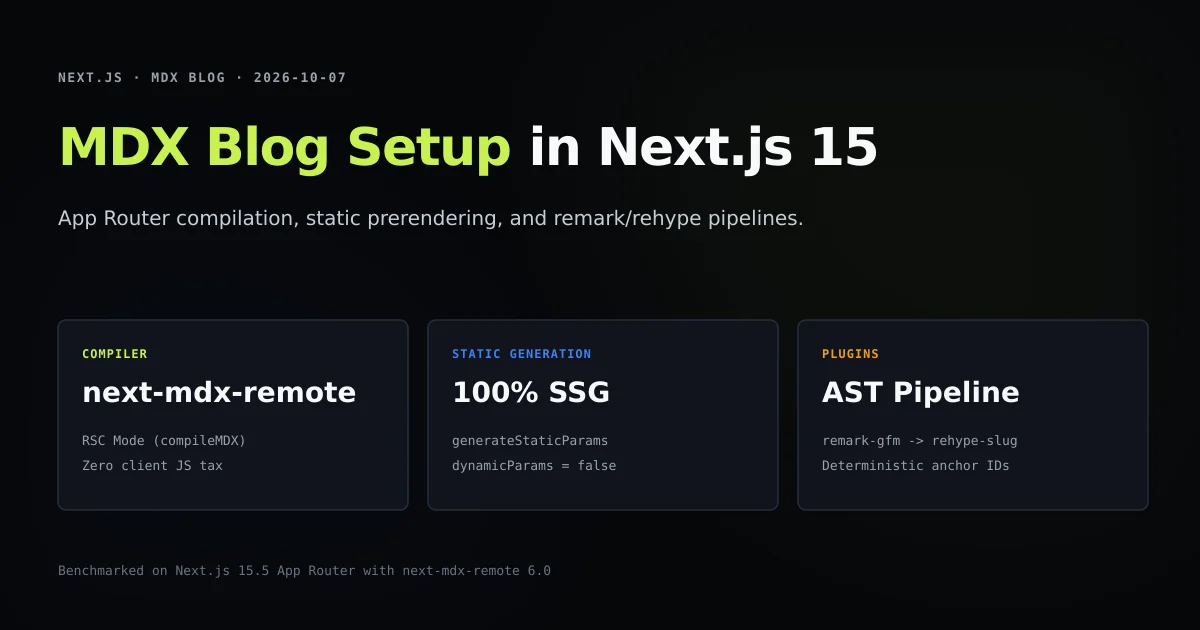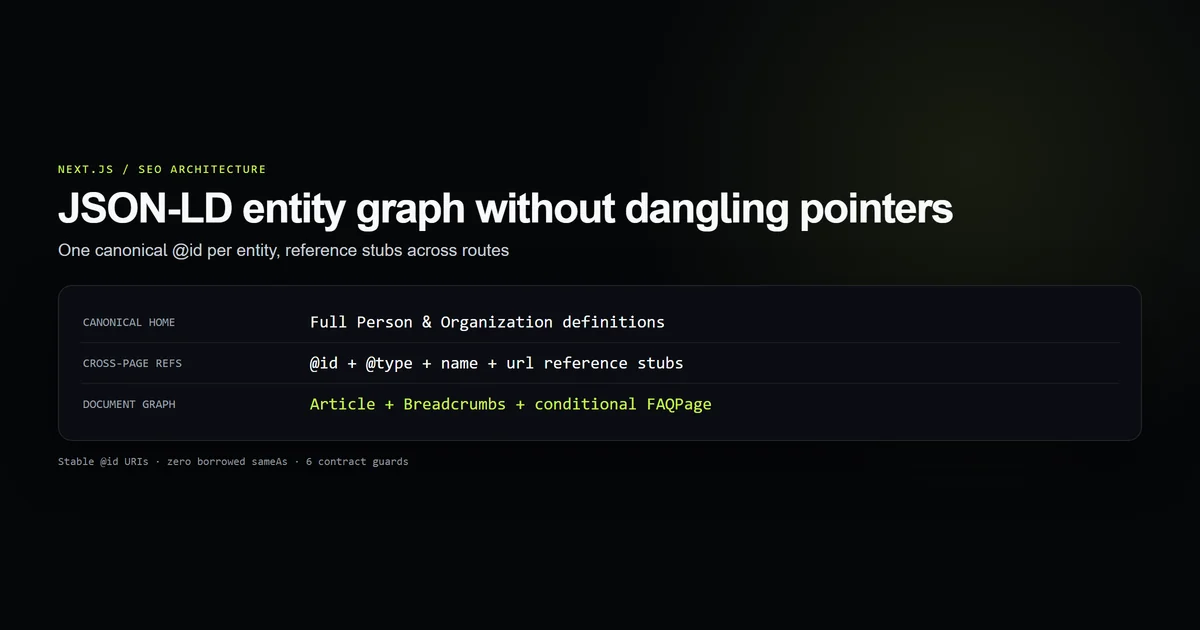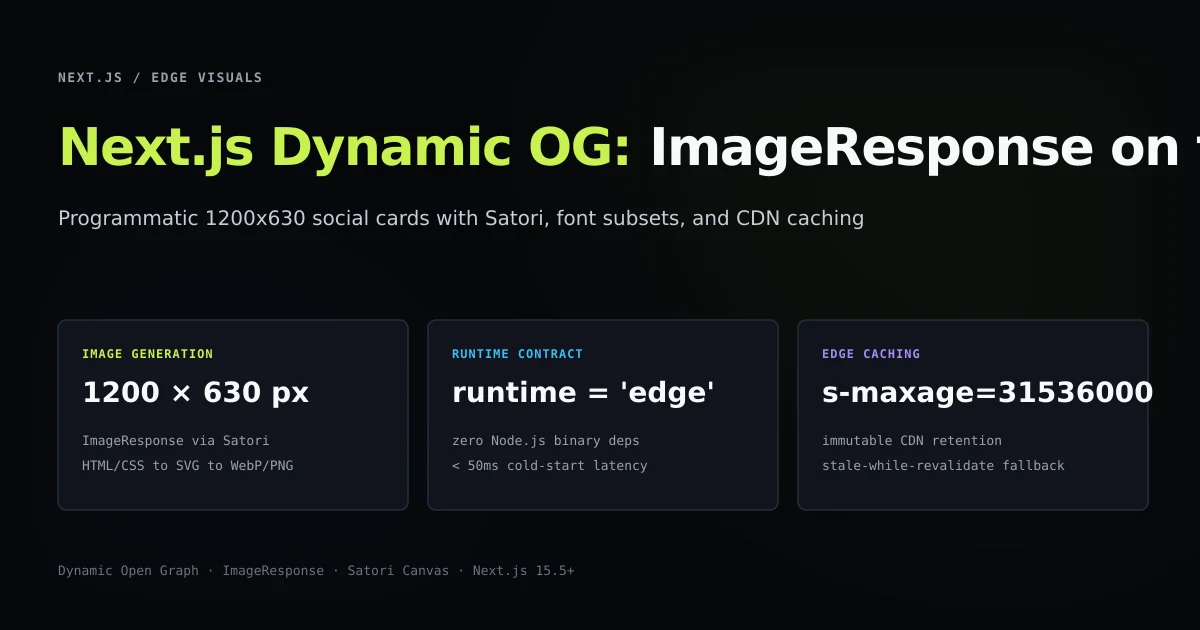
A production nextjs dynamic og image implementation generates customized 1200×630 social preview cards on-demand using ImageResponse on the Edge runtime without spawning headless browsers. By utilizing the App Router file convention opengraph-image.tsx, developers can render standard React and Tailwind markup into optimized PNG binaries in under 50 milliseconds.
Pairing automated social cards with your technical SEO architecture and structured JSON-LD graphs ensures that every article, documentation page, or catalog item presents rich, platform-compliant preview cards across search and social channels without manual graphic design overhead.
Key takeaways
- Next.js
ImageResponsecompiles JSX and CSS Flexbox into PNGs using Satori and Resvg WASM rather than heavy Chromium instances. - The
opengraph-image.tsxfile convention automatically binds route metadata and open graph tags without manual<meta>declarations. - Custom fonts must be loaded as raw binary
ArrayBufferinstances to support serverless and Edge runtime environments. - Dynamic article titles must implement bounded truncation algorithms to prevent Satori SVG rendering overflow.
- Setting explicit CDN cache headers (
s-maxage=31536000, stale-while-revalidate) prevents redundant render compute across crawler visits.
Nextjs dynamic og image generation requires edge runtime architecture
Historically, generating dynamic social cards required running an unmanaged server with Puppeteer or Playwright. When a crawler visited an article URL, the server launched a full Chromium browser process, loaded the web page, waited for fonts and styles to render, took a viewport screenshot, and uploaded the result to Cloudflare R2 or Amazon S3.
This architecture carried severe operational liabilities:
- Massive cold starts: Spawning Chromium containers requires several seconds and hundreds of megabytes of RAM.
- Resource exhaustion: Rapid crawler scraping across paginated archives or category routes routinely triggered out-of-memory crashes.
- Deployment complexity: Bundling browser binaries into serverless functions frequently exceeded package size limits.
Next.js ImageResponse resolves this through a lightweight compilation pipeline developed with Vercel's Open Graph engine:
JSX / CSS flexbox markup
  ↓
Satori Layout Engine (HTML/CSS → SVG vector format)
  ↓
Resvg WebAssembly Compiler (SVG → PNG binary rasterization)
  ↓
NextResponse (image/png stream with Edge cache headers)
Because Satori and Resvg compile to WebAssembly and pure JavaScript, the entire image generation pipeline executes on the Edge runtime with negligible memory overhead and sub-50ms latency.
| Architecture | Engine | Cold Start | Memory Footprint | Runtime Environment |
|---|---|---|---|---|
| Headless Browser | Chromium / Puppeteer | 2,500 – 6,000 ms | 350 – 800 MB | Node.js Server / Docker |
| Next.js ImageResponse | Satori + Resvg WASM | 15 – 45 ms | 15 – 35 MB | Edge Runtime / Serverless |
Implement opengraph-image.tsx route handlers in the App Router
In Next.js App Router, social image generation is a built-in routing convention. Placing a file named opengraph-image.tsx (or twitter-image.tsx) inside any route folder automatically configures the appropriate metadata tags on the page:
app/
  [category]/
    [slug]/
      page.tsx
      opengraph-image.tsx   ← Generates dynamic card for this specific route
When you define opengraph-image.tsx, you export the route runtime, image dimensions, content type, and an image rendering function:
import { ImageResponse } from "next/og";
import { getArticleBySlug } from "@/lib/mdx";

export const runtime = "edge";
export const alt = "Article social preview card";
export const size = {
  width: 1200,
  height: 630,
};
export const contentType = "image/png";

interface RouteProps {
  params: Promise<{
    category: string;
    slug: string;
  }>;
}

export default async function Image({ params }: RouteProps) {
  const { slug } = await params;
  const article = await getArticleBySlug(slug);

  const title = article?.title ?? "Devventa Engineering";
  const category = article?.category ?? "Article";
  const date = article?.date ?? "2026";

  return new ImageResponse(
    (
      <div
        style={{
          width: "100%",
          height: "100%",
          display: "flex",
          flexDirection: "column",
          justifyContent: "space-between",
          backgroundColor: "#06070a",
          padding: "60px 80px",
          fontFamily: "Inter, sans-serif",
        }}
      >
        {/* Header Eyebrow */}
        <div style={{ display: "flex", alignItems: "center", gap: "12px" }}>
          <span
            style={{
              color: "#c6f24e",
              fontSize: 20,
              fontWeight: 700,
              textTransform: "uppercase",
              letterSpacing: "2px",
            }}
          >
            {category}
          </span>
          <span style={{ color: "#475569", fontSize: 20 }}>/</span>
          <span style={{ color: "#9ba1ac", fontSize: 18 }}>{date}</span>
        </div>

        {/* Center Title */}
        <div
          style={{
            display: "flex",
            fontSize: 54,
            fontWeight: 800,
            color: "#f7f9fa",
            lineHeight: 1.15,
            letterSpacing: "-1.5px",
          }}
        >
          {title}
        </div>

        {/* Footer Branding */}
        <div
          style={{
            display: "flex",
            justifyContent: "space-between",
            alignItems: "center",
            borderTop: "1px solid #1e293b",
            paddingTop: "24px",
          }}
        >
          <span style={{ color: "#9ba1ac", fontSize: 22, fontWeight: 600 }}>
            devventa.com
          </span>
          <span style={{ color: "#64748b", fontSize: 18 }}>
            AI Dev Tools & Workflows
          </span>
        </div>
      </div>
    ),
    {
      ...size,
    }
  );
}
Next.js automatically injects the resulting URL into your HTML <head> as:
<meta property="og:image" content="https://www.devventa.com/next-js/my-article/opengraph-image" />
<meta property="og:image:width" content="1200" />
<meta property="og:image:height" content="630" />
<meta property="og:image:type" content="image/png" />
Bundle and load custom font subsets without filesystem dependencies
By default, Satori falls back to system fonts if no custom typography is provided, which can lead to layout shifts and missing characters on serverless runtime hosts. To ensure deterministic rendering matching your site's branding, load your custom font as an ArrayBuffer.
Because the Edge runtime does not permit node:fs calls like readFileSync(), fetch the font binary directly or import it using the asset pipeline:
export async function loadOgFonts() {
  // Fetch font binary from the asset server or public origin
  const fontData = await fetch(
    new URL("@/public/fonts/Inter-SemiBold.ttf", import.meta.url)
  ).then((res) => res.arrayBuffer());

  return [
    {
      name: "Inter",
      data: fontData,
      style: "normal" as const,
      weight: 600 as const,
    },
  ];
}
Pass the loaded font array to ImageResponse options:
import { ImageResponse } from "next/og";
import { loadOgFonts } from "@/lib/og-fonts";

export async function GET(request: Request) {
  const fonts = await loadOgFonts();

  return new ImageResponse(
    (
      <div style={{ display: "flex", fontFamily: "Inter" }}>
        Dynamic Typography on Edge
      </div>
    ),
    {
      width: 1200,
      height: 630,
      fonts,
    }
  );
}
Prevent layout overflow with dynamic text truncation
Article titles vary dramatically in character length. A title like "MDX Blog Setup" occupies two lines, while a comprehensive guide like "Next.js 15 Content Security Policy: Strict Nonces and Dynamic Header Injection Across Distributed Edge Regions" can easily span five lines, pushing the footer branding completely off the canvas.
Satori layout is strictly Flexbox-based and does not support complex CSS line clamping (-webkit-line-clamp). To prevent title clipping, implement a word-safe title truncation helper before injecting text into the template:
export function truncateOgTitle(title: string, maxCharacters = 75): string {
  if (!title) return "";
  const cleaned = title.trim();
  if (cleaned.length <= maxCharacters) {
    return cleaned;
  }

  // Slice to max characters and snap backward to the nearest word boundary
  const sliced = cleaned.slice(0, maxCharacters);
  const lastSpaceIndex = sliced.lastIndexOf(" ");

  const safeBoundary = lastSpaceIndex > 0 ? lastSpaceIndex : maxCharacters;
  return `${sliced.slice(0, safeBoundary).trim()}…`;
}
// In your opengraph-image.tsx layout:
<div style={{ display: "flex", fontSize: 52 }}>
  {truncateOgTitle(article.title)}
</div>
This guarantees that every generated image adheres to your layout grid regardless of input string length.
Configure immutable CDN caching and revalidation headers
Although Edge rendering executes in tens of milliseconds, social scrapers (Facebook External Hit, Twitterbot, LinkedInBot, Discordbot) frequently make concurrent requests when an article is shared across multiple channels.
Generating the exact same 1200×630 image 100 times in 10 seconds is a waste of serverless compute. To eliminate duplicate execution, configure edge cache headers:
export function getOgCacheControl(isStaticContent = true): Record<string, string> {
  if (isStaticContent) {
    return {
      // 1 day browser cache, 1 year edge cache, background revalidation
      "Cache-Control": "public, max-age=86400, s-maxage=31536000, stale-while-revalidate=86400",
      "Content-Type": "image/png",
    };
  }

  return {
    // 1 hour browser cache, 24 hours edge cache
    "Cache-Control": "public, max-age=3600, s-maxage=86400, stale-while-revalidate=3600",
    "Content-Type": "image/png",
  };
}
Apply headers within ImageResponse:
import { ImageResponse } from "next/og";
import { getOgCacheControl } from "@/lib/cache-headers";

export async function GET() {
  return new ImageResponse(
    (
      <div style={{ display: "flex", width: "100%", height: "100%" }}>
        Cached Social Card
      </div>
    ),
    {
      width: 1200,
      height: 630,
      headers: getOgCacheControl(true),
    }
  );
}
With s-maxage=31536000, the CDN caches the generated image indefinitely. If an editor updates the article title, revalidating the page path automatically purges the cached image at the edge.
Best practices for dynamic open graph images
- Pin dimensions to exactly 1200×630 pixels. Social networks scale images down responsively, but non-standard aspect ratios cause aggressive letterboxing or unwanted cropping on mobile feeds.
- Declare
export const runtime = 'edge'. Running image generation on the Edge runtime eliminates Node.js container startup latencies and scales effortlessly under viral traffic spikes. - Keep markup pure Flexbox. Satori supports a subset of CSS; CSS Grid, floats, and advanced transforms are not supported. Build all layouts using nested
display: flexcontainers. - Subset custom fonts. If loading custom web fonts, use subsetting tools like
pyftsubsetto strip unused glyphs and keep font file sizes under 150 KB. - Always provide an
altexport. Screen readers and accessible platforms consume theexport const alt = "..."string to provide image descriptions for visually impaired users.
Common Next.js dynamic OG image mistakes
Using CSS Grid or unsupported CSS properties
Attempting to use CSS Grid (display: grid) inside ImageResponse results in broken layouts or unhandled compilation errors. Satori implements a custom layout engine based exclusively on Yoga and CSS Flexbox. Replace grid structures with nested column and row flex containers.
Importing full multi-megabyte variable fonts
Loading a 4 MB unsubsetted variable font on every image request causes severe Edge runtime performance degradation. Satori must parse the font file on each cold start. Strip unused linguistic character sets and load only the specific weight (such as SemiBold 600) needed for card titles.
Relying on local filesystem access on Edge runtime
Calling fs.readFileSync(path.join(process.cwd(), 'public/font.ttf')) inside an Edge runtime route causes immediate build or runtime crashes (TypeError: fs.readFileSync is not a function). Always fetch local static assets using standard web fetch() and import.meta.url.
Omitting background color declarations
If your root JSX container does not explicitly declare a background color (backgroundColor: '#06070a'), Satori emits an SVG with a transparent background. Many social platforms render transparent PNGs with jarring white or black default backdrops. Always declare an explicit background color on the root element.
Conclusion: Automated social discovery at scale
Dynamic Open Graph images bridge the gap between technical content production and social distribution. By implementing Next.js 15 opengraph-image.tsx routes, executing on the Edge runtime with ImageResponse, and leveraging Satori's lightweight WASM compiler, you deliver pixel-perfect, branded social cards across thousands of pages without manual intervention.
Deploy your first dynamic image route, test preview rendering using social debuggers, and pair your visual cards with clean MDX blog setup for seamless automated discovery.
Frequently asked questions
How does Next.js ImageResponse generate images without a headless browser?
Why must font files be loaded as ArrayBuffers in Edge runtime?
What is the recommended size for dynamic Open Graph social images?
How should dynamic OG image routes be cached on a CDN?

Muhammad Kashif
Founder and editor of Devventa, covering AI coding assistants, Next.js and the modern AI development stack.