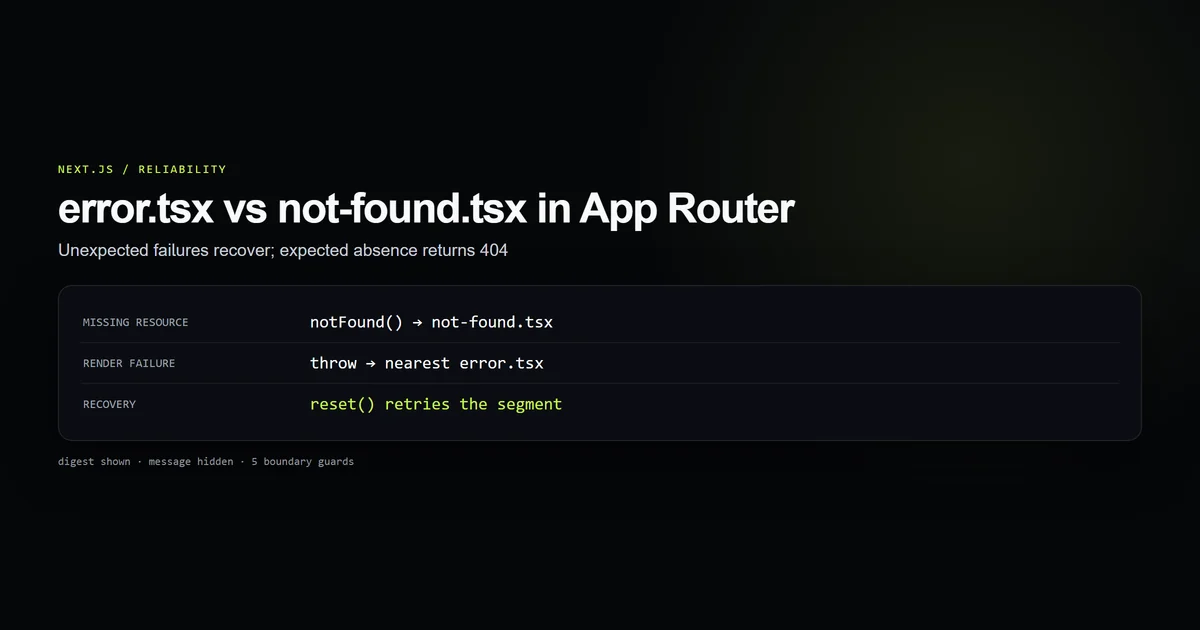
The choice between Nextjs error tsx vs not found is not visual. Both fallbacks may show a short explanation and a link home, but they describe different events. Missing content is an expected negative result. A thrown exception is an unexpected failure. Turning one into the other gives users, crawlers, monitoring, and support the wrong story.
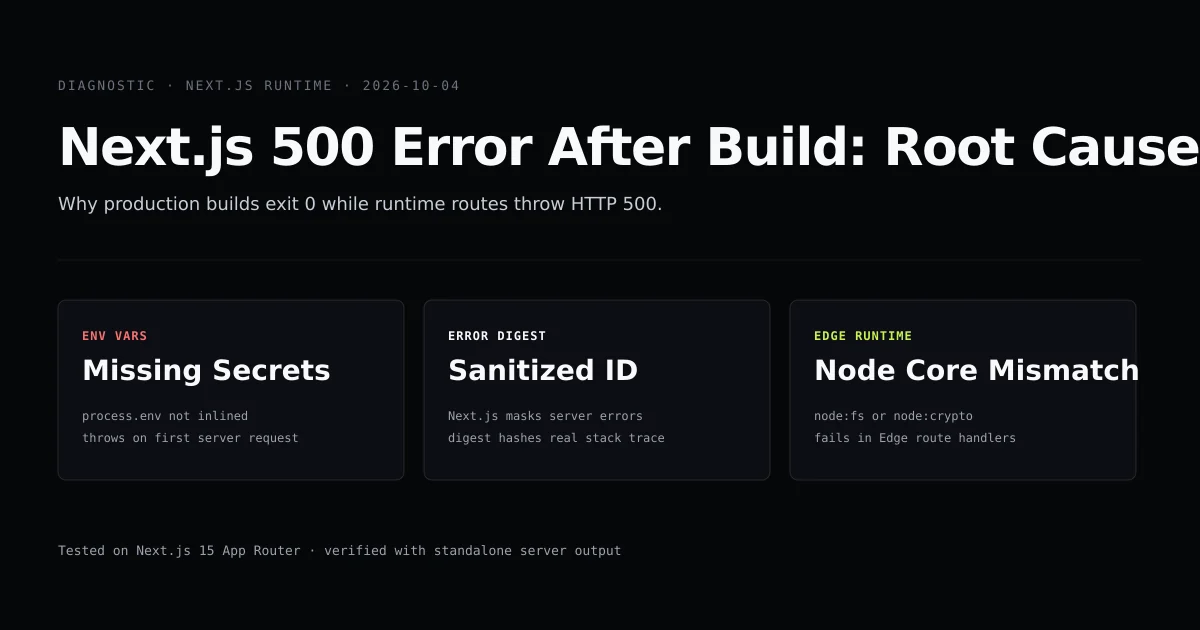
This guide uses the root boundaries and category routes running on this site. It complements the diagnostic guide to Next.js 500 errors after build: that article finds causes; this one defines the public recovery contract after a route knows whether it encountered absence or failure.
Key takeaways
- Call
notFound()for a missing resource, unknown category, malformed page, or page beyond the archive. - Let unexpected exceptions reach the nearest
error.tsxboundary. error.tsxmust be a Client Component becausereset()is interactive recovery.- Show a digest for correlation, never a raw production message or stack.
- A custom 404 needs useful exits and should not pretend retry can make nonexistent content appear.
Nextjs error tsx vs not found is a semantics decision
Start with one question: did the application successfully determine that the requested thing does not exist?
| Situation | Boundary | Why |
|---|---|---|
| Article slug is absent from the content store | notFound() | Lookup succeeded; resource is absent |
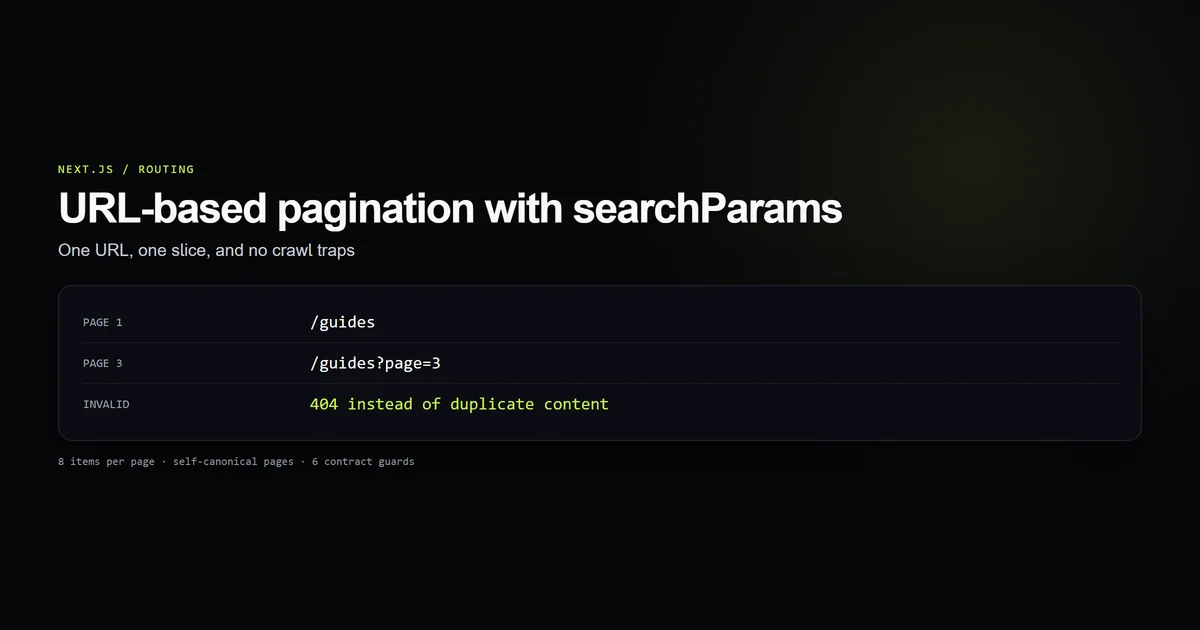
?page=999 exceeds the archive | notFound() | Pagination succeeded; slice does not exist |
| Query parameter is intentionally invalid | notFound() | URL does not identify a supported representation |
| Database request throws | nearest error.tsx | Existence was never established |
| Render code throws | nearest error.tsx | Application failed unexpectedly |
| Temporary upstream failure | nearest error.tsx | Retry may recover |
The Next.js error-handling guide makes the same separation: expected errors can be represented deliberately, notFound() handles missing resources, and uncaught exceptions reach an error boundary.
The repository’s check:error-boundaries suite enforces five groups: the client boundary and retry action, digest-only public detail, three deliberate 404 branches, two useful custom-404 exits, and shared page landmarks. It passed against the production source on October 18, 2026.
Expected absence belongs to notFound
The category route has three different negative cases, and each is a successful conclusion about the URL:
if (posts.length === 0 && !isKnownCategory(category)) notFound();

const page = parsePageParam((await searchParams).page);
if (page === null) notFound();

const pageResult = paginate(posts, page);
if (page > pageResult.totalPages) notFound();
An unknown category has no backing taxonomy and no articles. A malformed page parameter does not name a supported page. An out-of-range number has valid syntax but no slice. None is a server malfunction.
Invoking notFound() terminates rendering of the route segment by throwing Next.js’s internal 404 fallback and selects the nearest not-found.tsx. The result communicates absence to the browser and crawler rather than returning a friendly message inside a 200 response.
That distinction is also important for nextjs pagination SEO. If /guides?page=999 silently displays page 1, crawlers can discover unlimited URLs containing the same content. A hard 404 closes the space.
Unexpected failure belongs to error.tsx
An error.tsx special file creates a React error boundary around its route segment. The root file on this site begins with the required client directive and accepts the boundary contract:
"use client";

export default function Error({
  error,
  reset,
}: {
  error: Error & { digest?: string };
  reset: () => void;
}) {
  return (
    <main id="main">
      <h1>Something broke on our end.</h1>
      <p>This one is on us, not you.</p>
      <button type="button" onClick={reset}>Try again</button>
    </main>
  );
}
This is nextjs app router error handling for exceptions, not for every unsuccessful business result. Do not catch a database timeout and call notFound() merely because the page cannot currently retrieve a record. That changes “the server failed to answer” into “the record does not exist,” encouraging caches and users to trust a false negative.
Likewise, do not throw an ordinary Error for a missing article when the route already knows the slug has no match. That sends a normal content miss into monitoring as an application failure and offers a retry action that cannot help.
Error boundaries are segment-scoped. A boundary catches failures below it, not failures thrown by the layout at the same level. Add nested boundaries where a section needs isolated recovery; keep a root boundary as the final on-brand fallback for the route tree it can cover.
Make reset a real recovery action
The nextjs error boundary reset callback attempts to render the failed segment again. It is useful when the cause may be transient: an upstream request failed once, a server action raced, or a dependency returned a temporary error.
Use the supplied callback directly:
<button type="button" onClick={reset}>
  Try again
</button>
Do not label a link to / as “Try again”; that abandons the failed route rather than retrying it. Provide both actions when possible: retry for a transient problem and a home link for escape.
reset() is not a reload button and does not repair deterministic code. If the component throws every time, the fallback returns. That is still better than a forced full-page refresh loop, because the user retains control and monitoring continues to see the underlying failure.
The button is also why error.tsx needs "use client". The failed page may be a Server Component, but the recovery boundary holds interactive client state.
Show a digest without leaking the error
Production exception text is not user copy. It may contain a file path, query fragment, record identifier, upstream URL, or configuration clue. The fallback therefore avoids error.message and error.stack entirely:
<p className="font-mono text-dim">
  {error.digest ? `// error ${error.digest}` : "// unexpected error"}
</p>
The digest is an opaque correlation value. A reader can include it in a support report, and the operator can match it to server-side telemetry without disclosing the underlying exception in the browser.
Keep the public sentence stable and honest: the site failed, the user did not cause it, and retry is available. Log full details at the trusted boundary where access is controlled. A polished error page that prints a database message is still an information leak.
Give the custom 404 two useful exits
The root nextjs custom 404 page is a Server Component because it has no interactive state. It explains that the route is missing and offers two real destinations:
export default function NotFound() {
  return (
    <main id="main">
      <p>404</p>
      <h1>This page shipped to /dev/null.</h1>
      <p>The link may be broken or the article moved.</p>
      <Link href="/">Back home</Link>
      <Link href="/ai-coding-assistants">Browse articles</Link>
    </main>
  );
}
One exit returns to the site root; the other continues the user’s original content-discovery intent. Neither pretends the missing URL can recover by retrying.
Preserve ordinary page structure too. Both fallbacks on this site render <main id="main"> and the shared footer, so skip links, landmarks, typography, and navigation expectations remain intact. A boundary is still a page, and it should remain usable with assistive technology.
Avoid dumping a full search index or unrelated popular-post grid into every 404. The fallback should be lightweight, dependable, and less likely to fail than the route it replaces.
Test the routing decision, not only the fallback markup
A component snapshot can prove that a button says “Try again.” It cannot prove that the application chooses 404 for missing content and the error boundary for exceptions. The guard suite checks both sides:
npm run check:error-boundaries
# [ok] error.tsx is a client boundary with an actual retry action
# [ok] the UI exposes a correlation digest, not sensitive exception text
# [ok] three expected absence states deliberately choose 404
# [ok] not-found.tsx stays server-rendered and offers two exits
# [ok] both fallbacks preserve the page landmark and site chrome
The third guard is the important one. It scans the live category route for unknown categories, invalid query input, and out-of-range pages. Without it, the two fallbacks could be individually correct while the route sends every problem to the wrong one.
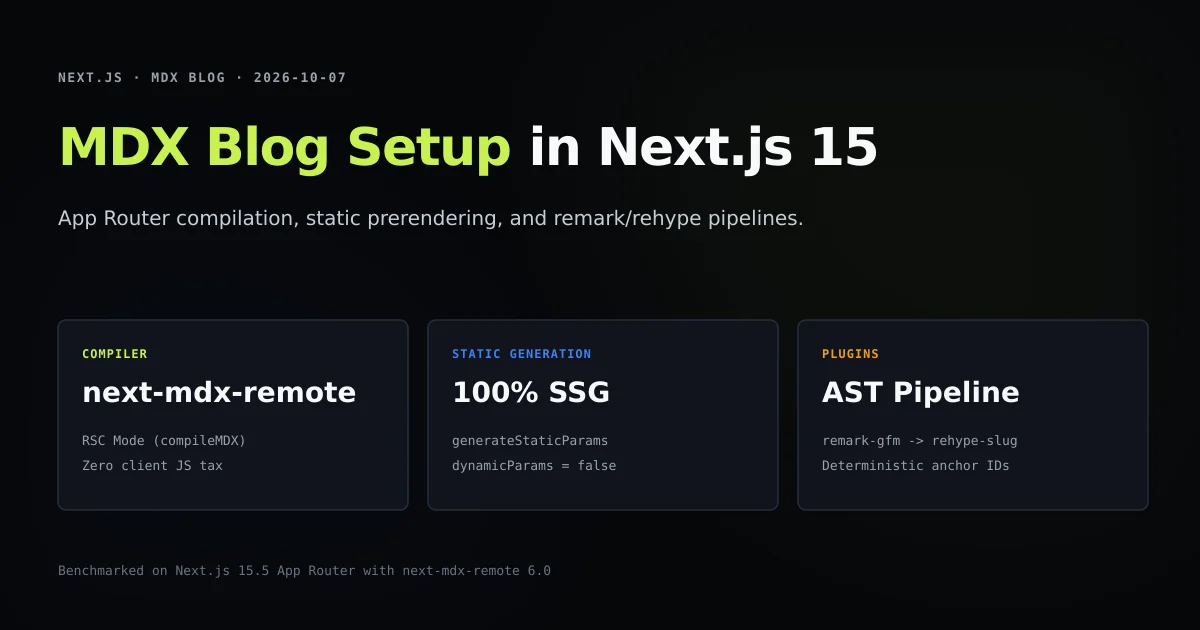
Combine this contract with the MDX static route setup: generateStaticParams defines the article routes that exist, dynamicParams = false rejects unknown builds, and notFound() handles runtime lookups that successfully return nothing.
Common App Router boundary mistakes
- Using
notFound()for infrastructure failure. A database outage does not prove the record is absent. - Throwing for ordinary absence. Missing content should not pollute error monitoring or offer a useless retry.
- Forgetting
"use client"inerror.tsx. The reset callback needs an interactive boundary. - Printing
error.messageorerror.stack. Public fallbacks are not trusted diagnostic consoles. - Calling a home link “retry.” Only
reset()retries the failed segment. - Returning a styled 404 with status 200. Render the special file through
notFound()so semantics match the copy. - Assuming the root boundary catches its own layout. Boundaries wrap descendants, not their same-level layout.
- Removing landmarks and navigation. Recovery UI still needs accessible structure and useful exits.
Conclusion: absence is not failure
Use not-found.tsx when the application has a valid answer: the requested thing is not there. Use error.tsx when the application could not produce an answer because something unexpected broke. That single distinction keeps status behavior, crawler signals, retry affordances, and monitoring aligned.
Then make each boundary honest. A 404 offers navigation, not false recovery. An error fallback offers reset(), not leaked exception text. For form mutations, pair boundary handling with useActionState form validation so user errors return structured state rather than unmounting the form tree. Five small guard groups can preserve that contract even as the routes, copy, and visual design continue to change.
Frequently asked questions
What is the difference between error.tsx and not-found.tsx in Next.js?
Why must error.tsx be a Client Component?
Should an error page display error.message?
When should a Next.js page call notFound()?

Muhammad Kashif
Founder and editor of Devventa, covering AI coding assistants, Next.js and the modern AI development stack.