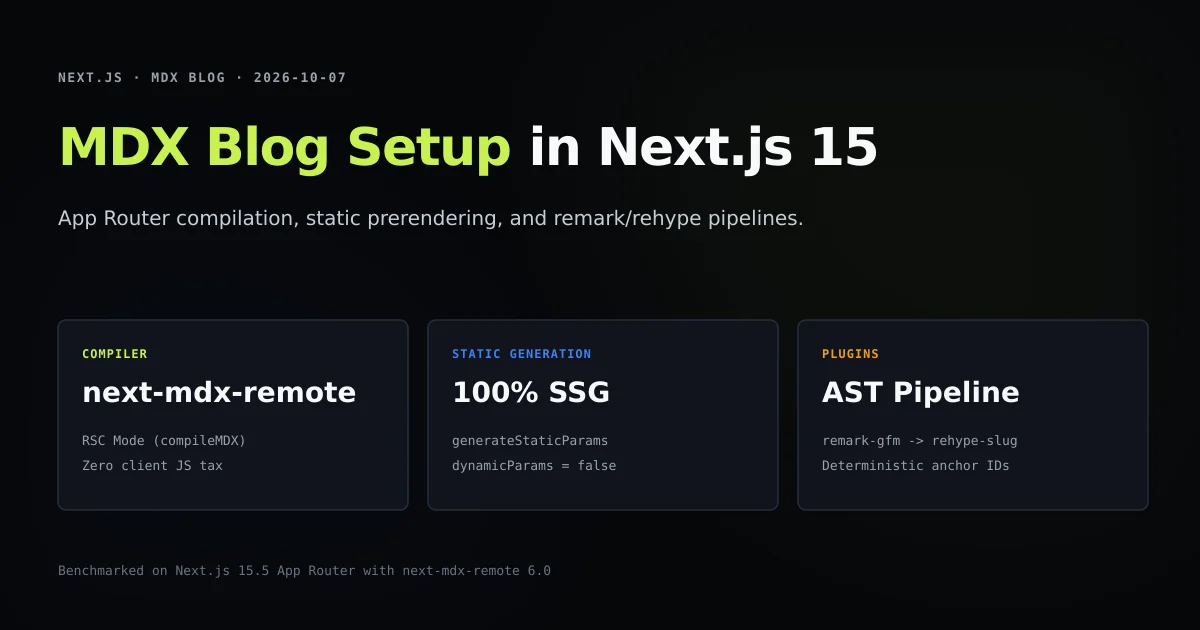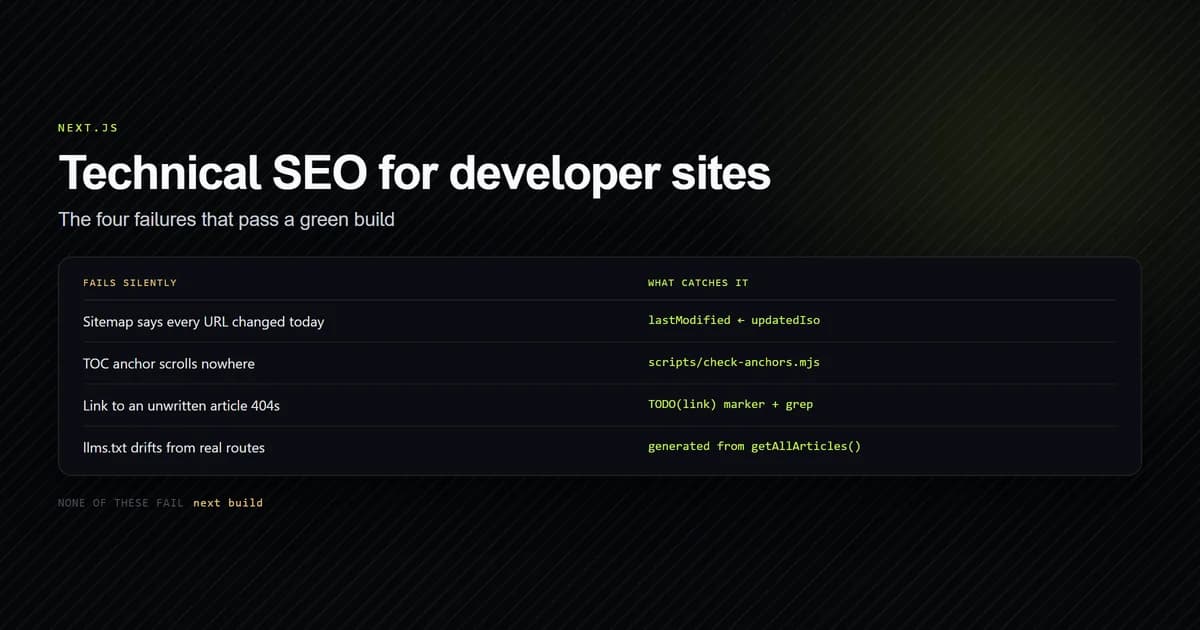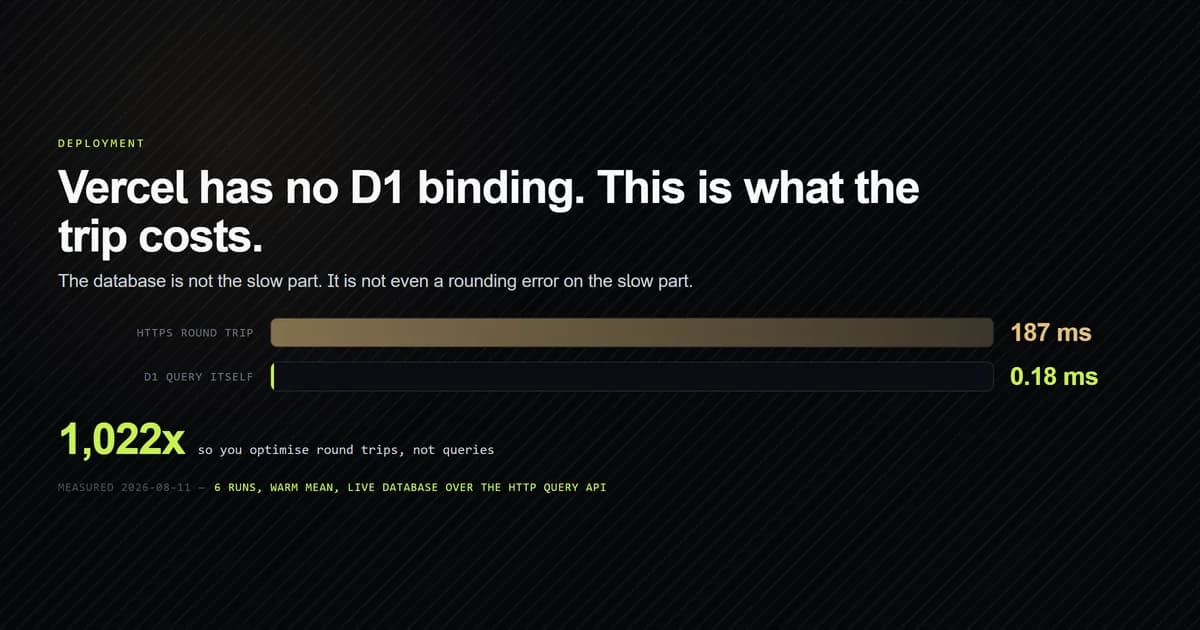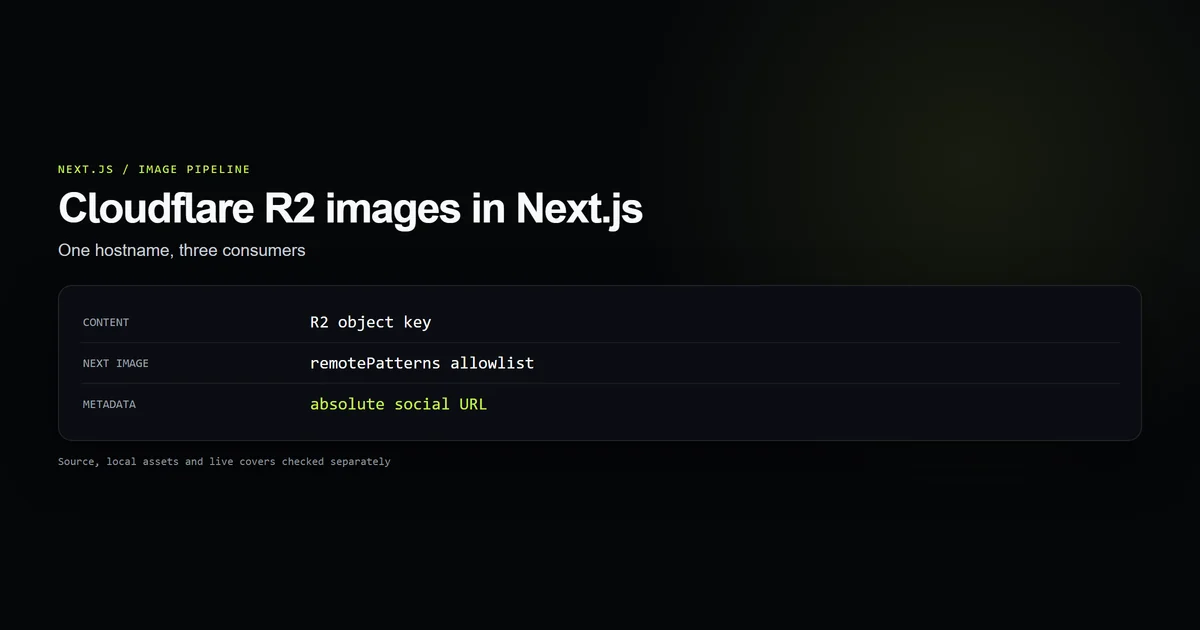
To serve Cloudflare R2 images in Next.js, keep the R2 hostname consistent in three places: the URL built from an article's object key, next/image's remotePatterns, and the absolute URL used by Open Graph and JSON-LD. A mismatch can leave the article route healthy while its image fails. This MDX blog setup supplies the article pipeline; here we inspect its image boundary on the current Next.js 15 site. An offline repository check passed 334 guards across 162 published articles on October 13, 2026.
Key takeaways
- Content stores
articles/<slug>/cover.webp, not a bucket hostname. One environment setting chooses the public image host. - Both the image URL builder and the
next/imageallowlist importlib/r2-hostname.mjs; the shared normalizer passed five input cases. - Page images can use a resolved URL, but social metadata and schema need an absolute URL.
- A successful build does not fetch each cover. The site's cover check verifies both a local asset and a live R2 response.
The three URL consumers
The first consumer is the page. CoverPlaceholder and Figure call resolveImageSrc, which turns a bare R2 key into an HTTPS URL while leaving /public paths alone. The second is Next's image optimizer: it accepts only remote URLs matching images.remotePatterns. The third is metadata: an Open Graph image and JSON-LD image need a URL a crawler can fetch outside this page.
These consumers can disagree without a TypeScript error. The article renderer can construct https://new-host/articles/x/cover.webp while the optimizer still allows the old host. Or the page can show the cover while Open Graph resolves articles/x/cover.webp under the site domain. Our technical SEO guide covers metadata ownership; the R2 image path is a concrete case where that distinction matters.
Store keys in content
This site's frontmatter stores an R2 object key:
cover: "articles/example/cover.webp"
coverAlt: "Measured result shown on the article cover"
lib/images.ts resolves bare keys against a configured R2 base URL. Root-relative paths remain /public assets, and absolute URLs pass through. That makes a CDN move a configuration change rather than a mass edit of MDX files. It also keeps article slugs aligned with their cover folders, which the publishing check can validate.
Cloudflare says its r2.dev public URL is for development; a custom domain is the production path and can use Cloudflare caching. The code's fallback hostname is a custom domain, but the actual public host can be set with NEXT_PUBLIC_R2_HOSTNAME.
Share the hostname with remotePatterns
next.config.mjs cannot import the TypeScript URL helper, so both files import the plain JavaScript lib/r2-hostname.mjs. The normalizer removes a pasted scheme, path, port, and case variation. Its five checked inputs include a blank value, a mixed-case https:// URL with a path, and a host with a port.
import { normalizeR2Hostname } from "./lib/r2-hostname.mjs";

const r2Hostname = normalizeR2Hostname(process.env.NEXT_PUBLIC_R2_HOSTNAME);

const nextConfig = {
  images: {
    formats: ["image/avif", "image/webp"],
    remotePatterns: [{ protocol: "https", hostname: r2Hostname, pathname: "/**" }],
  },
};
This is a focused excerpt of the site's config. Next.js documents that remote sources need remotePatterns; a mismatch can produce a 400 response from the optimizer. Remote images also need dimensions or a fill layout with sizes. Our components supply those inputs and a blur placeholder.
Use absolute URLs for social metadata
An article cover key is not a social image URL. In app/[category]/[slug]/page.tsx, absoluteImageUrl(meta.cover) supplies Open Graph metadata and the article schema. If the value is a /public path, the helper prefixes the site URL. If it is an R2 key, it returns the R2 URL. The page renderer uses resolveImageSrc because a relative /public path works inside the page; metadata leaves that page and needs an absolute address.
The key-to-URL conversion belongs in one helper. A second ad hoc conversion in the metadata route is how a CDN migration updates the visible cover but leaves social previews on an old host.
Verify the object after upload
The build does not establish that a remote object exists. On this site, an earlier audit found 12 article covers falling back to a placeholder: nine had correct keys whose objects were never uploaded, and three used frontmatter field names the loader did not read. The site added check:covers to catch both failure classes. The check validates the key and local file, then sends a HEAD request to every published cover and requires HTTP 200 with an image content type.
The new check:r2-image-route check complements that live check. It tests hostname normalization, asserts the URL builder and allowlist import the same module, checks the absolute metadata path, and validates every published cover key against a local file. Its October 13 run passed 334 guards for 162 published articles. This is source and local-asset evidence; the live-host evidence comes from check:covers.
Best practices
- Keep a bare object key in MDX. It makes domain changes one-setting work.
- Derive the allowlist and URL from one hostname. Two independent strings drift.
- Provide dimensions and
sizes. A responsive card should request a card-sized derivative. - Check the live object. The page build cannot tell you whether an upload was skipped.
Common mistakes
- Allowing one host while rendering another. The R2 URL loads directly, but the Next optimizer rejects it. Compare the resolved source against
remotePatterns. - Passing a key into Open Graph. The crawler resolves it under the site domain and may get a 404. Convert it to an absolute URL.
- Using
r2.devas a production CDN. Cloudflare documents variable rate limits there. Attach a custom domain to the bucket.
Conclusion
Use R2 as the original image store and Next Image as the page optimizer, with one hostname feeding both. Store keys in content, convert them once for page rendering and once for absolute metadata, and verify each uploaded object independently of the build. The repository check makes the three consumers agree; the live cover check proves that the public URL answers. The MDX article setup guide shows where those keys enter the content pipeline.
Frequently asked questions
How do I use Cloudflare R2 images with next/image?
Why does an R2 image load directly but fail in Next.js Image?
Should MDX store the full R2 URL for an article cover?
Does a successful Next.js build prove every R2 cover works?

Muhammad Kashif
Founder and editor of Devventa, covering AI coding assistants, Next.js and the modern AI development stack.