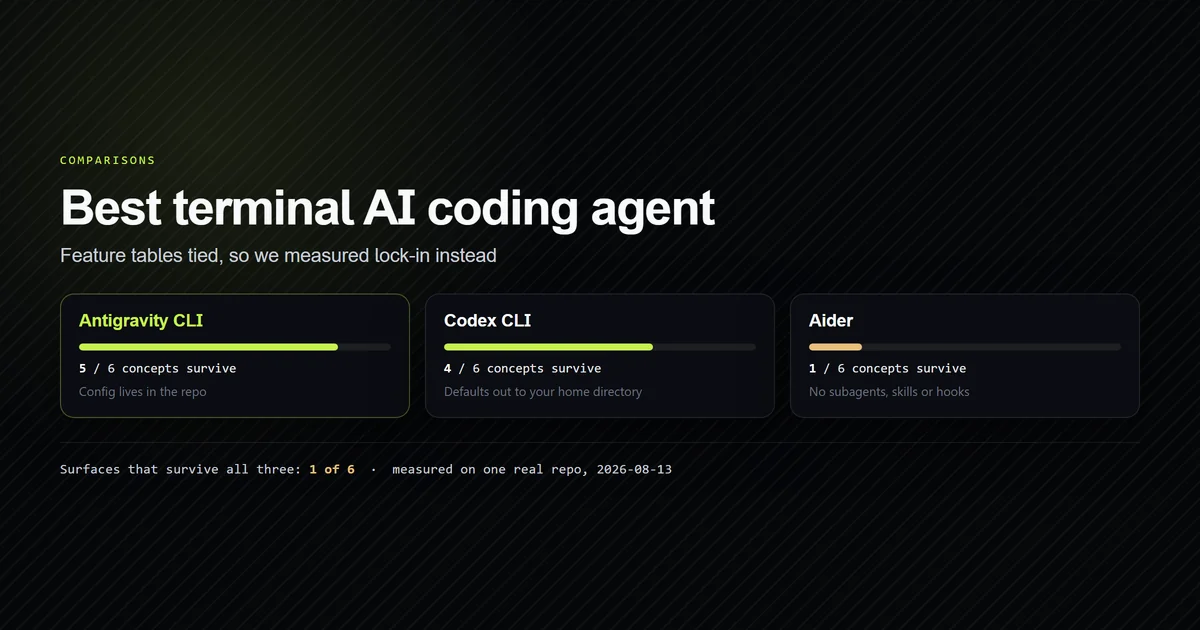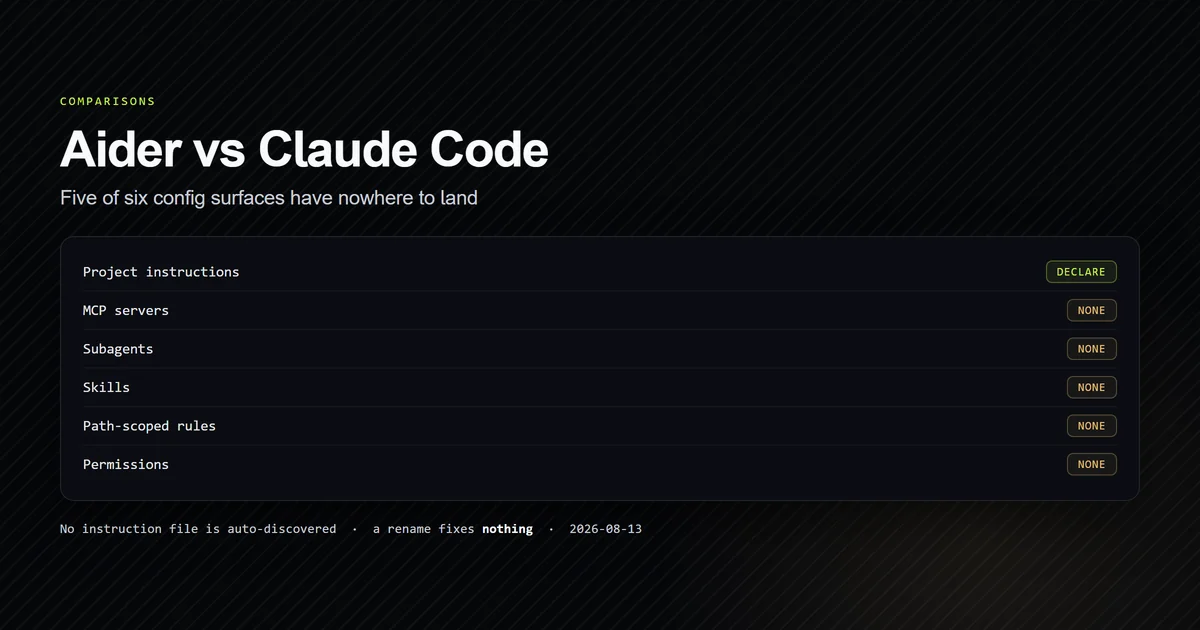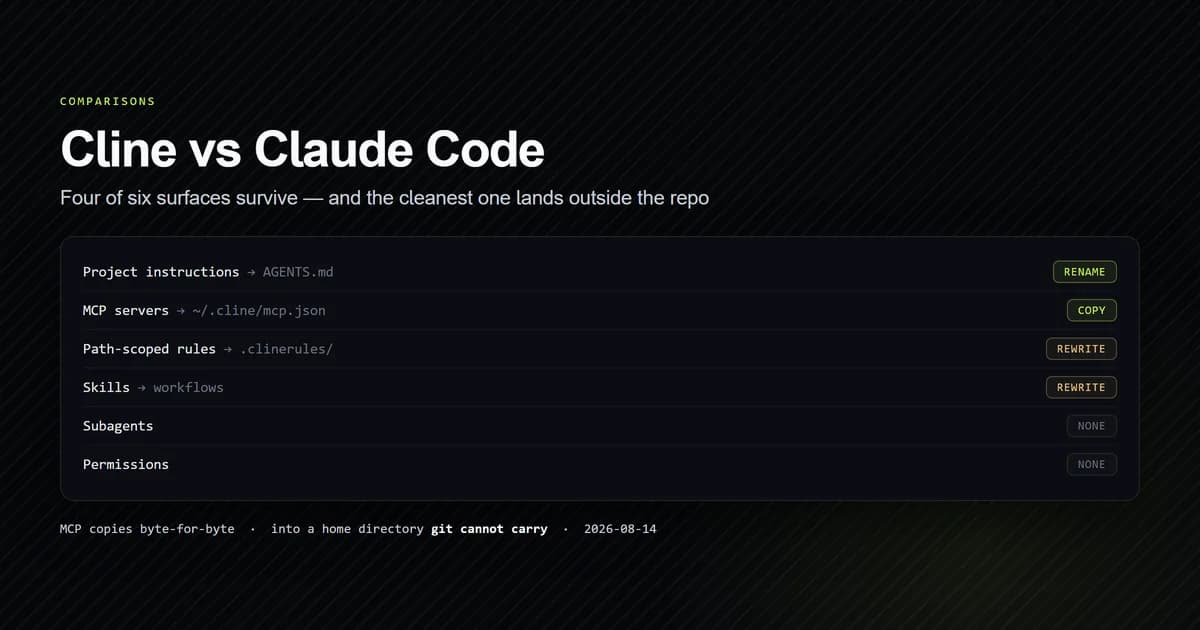
Cline vs Claude Code is no longer an editor-versus-terminal question, because Cline is now both. Measured against this site's own repository on 2026-08-14, 4 of 6 configuration surfaces survive the move to Cline — the same score Codex CLI gets — but the surface that ports most cleanly is also the one that goes missing. Cline's MCP config is a byte-for-byte copy of ours that belongs in your home directory, so it configures exactly one machine and no teammate.
Key takeaways
- Cline auto-discovers
AGENTS.mdand does not readCLAUDE.md. A one-line rename fixes it; nothing warns you before it does. - The MCP file needs no translation at all — same
mcpServerskey, samecommandandargs— and its documented home is~/.cline/mcp.json, with no project-scoped file in the reference. - Subagents have no Cline equivalent. That row is lost capability, not migration work.
- Cline's Plan and Act modes are a hard tool-level split, where Claude Code's plan mode is one phase of one session.
- Cline is Apache-2.0 and shipping constantly — pushed the same day we checked, latest release about an hour old. In a category where two comparable projects last shipped in May 2026, that is the differentiator.
Cline vs Claude Code at a glance
| Dimension | Claude Code | Cline |
|---|---|---|
| Version tested | 2.1.229 | not installed — see below |
| Licence | Proprietary | Apache-2.0 |
| Model | Anthropic, bundled in subscription | Any — bring your own key |
| Instruction file | CLAUDE.md, auto-loaded | AGENTS.md or .clinerules/ |
| MCP config | .mcp.json in the repo | ~/.cline/mcp.json in your home |
| Subagents | Yes | No equivalent |
| Modes | Plan mode within a session | Plan and Act, tool-gated |
| Surfaces | VS Code, JetBrains, SDK, CLI | Terminal |
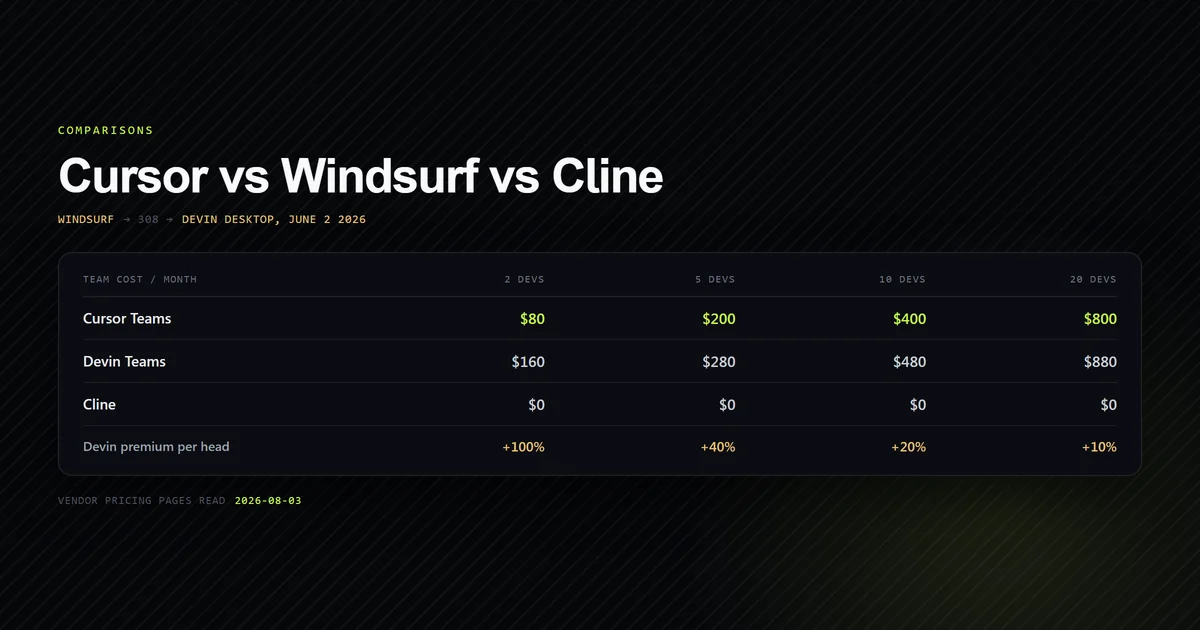
This is a head-to-head between two terminal agents. If you want Cline set against Cursor and Devin Desktop on seat pricing, that is a different article answering a different question, and we are deliberately not re-running it here. For the category decision above both, the best AI coding assistants comparison covers where each tool expects you to work.
What this article does not do: Cline is not installed on the machine this was written on, so there is no claim here about edit quality, speed, or how either tool handles a given task. The Claude Code figures are first-hand and reproducible; the Cline figures come from its published documentation and its public repository, both cited inline.
What the audit returns
The same audit behind our three-way terminal agent comparison takes a Cline target.
npm run check:portability -- --agent=cline
  CONCERN                   CLAUDE CODE                 PRESENT     IN GIT   PORTS AS  CLINE
  Project instructions      CLAUDE.md                   8,189 B     yes      rename    AGENTS.md  (or .clinerules/)
  Path-scoped instructions  .claude/rules/              absent               rewrite   .clinerules/
  MCP servers               .mcp.json                   284 B       yes      copy      ~/.cline/mcp.json  (home only)
  Subagents                 .claude/agents/             2,443 B     yes      none      —
  Permissions / approvals   .claude/settings.local.json 4,263 B     no       none      --auto-approve  (flag, not a list)
  Skills                    .claude/skills/             absent               rewrite   workflows  (slash commands)

  4 of 6 surfaces present. 10,916 B committed, 1 present but not in git — machine-local under either agent.
  Formats in play: markdown, JSON. Cline wants: markdown, JSON.

Project instructions

  CLAUDE.md            8,189 B
  Cline byte cap       not documented.
  Claude Code cap      none. Loaded in full regardless of length.

  AGENTS.md            absent
  Config home          ~/.cline/  (home, not the repo)
  Committable          no — rules are committable in .clinerules/; MCP is documented only at ~/.cline/mcp.json
  .clinerules/         absent
  MCP home             ~/.cline/mcp.json — no project-scoped file is documented

  What Cline would read from this repo today: nothing.
Two numbers matter here and they pull in opposite directions. The formats already match —
markdown and JSON on both sides, which is the first target we have audited where the translation
column is empty of format work. And Config lives in the repo is no, which is the first
target where a clean port still fails to reach anyone else.
Cline reads AGENTS.md, not CLAUDE.md
Cline's rules documentation lists what it
auto-discovers, and the list is generous: the .clinerules/ directory, .cursorrules,
.windsurfrules, and AGENTS.md. It reads a competitor's two rule formats. It does not read
CLAUDE.md.
So the 8,189 bytes of project instructions in this repository are invisible to Cline, and the failure is the quiet kind — no error, no warning, just an agent that has never seen any of your conventions and does not mention it.
The fix is one line, and it is the same fix that works for Codex
CLI and Antigravity
CLI: rename the file to AGENTS.md at the repository
root, then leave a one-line @AGENTS.md import behind so Claude Code still reads it. One rename
now satisfies four of the five agents we have audited.
There is no documented byte cap on either side of this row. Claude Code states that instruction files are loaded in full regardless of length; Cline's reference names no limit, which the audit records as unknown rather than as none. Codex CLI is the only agent in this category with a published number, and it silently truncates at it.
The MCP file that ports perfectly and goes nowhere
This is the finding that changes the advice, and it took printing the translated file to see it.
npm run check:portability -- --agent=cline --toml
.mcp.json → ~/.cline/mcp.json  (2 server(s))

{
  "mcpServers": {
    "roadmap": {
      "command": "node",
      "args": [
        "scripts/mcp/roadmap-server.mjs"
      ],
      "env": {}
    },
    "content": {
      "command": "node",
      "args": [
        "--conditions=react-server",
        "scripts/mcp/content-server.mjs"
      ],
      "env": {}
    }
  }
}
The output is the input. Same top-level mcpServers key, same command, same args — this is a
copy, and it is the second time we have measured that verdict after Antigravity CLI. The difference
is where the copy goes. Cline's MCP documentation gives
the CLI's config path as ~/.cline/mcp.json and documents no project-scoped equivalent.
That has a consequence the file itself hides. Both args entries are relative paths. Under
Claude Code they resolve against the project root, because .mcp.json sits in the project. Under
Cline the file is read from your home directory, which has no project root to resolve against — so
scripts/mcp/roadmap-server.mjs means two different things depending only on which file it is
written in.
If you are setting up MCP under Claude Code rather than moving away from it, our
.mcp.json reference covers the schema and the
path-resolution trap that this row is a second instance of, and running several servers at
once covers what happens when the list grows.
Plan and Act against plan mode
Both tools separate thinking from doing, and they draw the line in genuinely different places.
Cline's Plan and Act modes are a tool-level gate. In Plan mode Cline can read the codebase and search, and it cannot modify files or execute commands — the capability is withheld, not the instruction. You press Tab to switch, the conversation history carries across, and you can configure a different model for each mode, which makes "plan with the expensive model, execute with the cheap one" a setting rather than a discipline.
Claude Code's plan mode is a phase of a single session that ends when you approve the plan. The distinction we drew in auto mode versus plan mode applies directly: Claude Code gives you more gradations of autonomy, and Cline gives you a harder wall between the two states.
Neither is better in the abstract. The hard wall is easier to trust on a repository you do not own; the gradations are less friction on one you do.
What Cline does not have
Two rows come back none, and a none is not an afternoon of work — it is capability that does
not exist on the far side.
- Subagents. This repository commits two, at 2,443 bytes, and we wrote up how they behave in practice. Cline documents no equivalent concept. That work does not move.
- Permissions. Claude Code accumulates a per-call allowlist — 4,263 bytes of it here. Cline's closest equivalent is
--auto-approve, a switch rather than a list, so the granularity disappears in both directions. This row has come backnonefor every agent we have audited, which is now five for five.
The skills row is softer, and it is where Cline is arguably better arranged. Workflows are markdown
files in .clinerules/workflows/ that become slash commands automatically — drop in pr-review.md
and you have /pr-review — and Cline injects them only when invoked, where rules append to every
system prompt. So what Claude Code skills do has a real
destination, and the token model behind it is the explicit version of the one Claude Code manages
for you. It is still a rewrite rather than a rename.
Worth separating clearly, because the audit's Config lives in the repo: no verdict is about one
row only: rules and workflows are committable under .clinerules/, and MCP is not. Cline's
instruction surfaces travel with the repository perfectly well. Its server list does not.
What Cline has that Claude Code does not
It ships relentlessly, and you can check that yourself. Reading the GitHub API on 2026-08-14,
cline/cline had been pushed to the same day, with 66,165 stars and its most recent release
published roughly an hour before we looked.
curl -s https://api.github.com/repos/cline/cline/releases?per_page=1
# → "tag_name": "sdk/sdk/v0.0.75", "published_at": "2026-08-14T07:32:57Z"
That is the same check we ran for the editor comparison on August 3, and it returned the same answer then. In a category where Aider last shipped in May 2026 and Roo Code was archived that month — a Cline fork, which makes the contrast a direct one — a project shipping several times a day is not a small thing.
You choose the model. Cline is model-agnostic and Apache-2.0, so you bring your own key and can point it at a local model. Claude Code is Anthropic's client for Anthropic's models. If model choice is a procurement requirement, an air-gap requirement, or a cost lever, that single row settles it — and the cost question is genuinely open, because bring-your-own-key and bundled subscription are different billing shapes rather than different prices.
One agent, five surfaces. Cline runs as a VS Code extension, a JetBrains plugin, an SDK, and —
since Cline CLI 2.0, published February 13,
2026 — a terminal agent installed with npm i -g cline. The CLI supports headless operation with
-y, structured output with --json, and piped stdin, which is what makes it usable in CI. Claude
Code is a terminal agent with editor integrations; Cline is one agent wearing whichever interface
the task needs.
That asymmetry closed in 2026 from the other side too. Claude Code's VS Code extension bundles a
native claude.exe whose SHA-256 matches the CLI already on PATH, so the editor build is the
terminal build — we censused it in the VS Code surface comparison.
That last point is the reason this comparison exists at all. A Cline write-up from 2025 compares an editor extension to a terminal agent. That comparison is now out of date, and so is the instinct that Cline is the thing you use when you do not want a terminal.
Which one to use
- Use Claude Code if you use subagents or a fine-grained permission allowlist. Neither has a Cline equivalent, and this is a one-question decision.
- Use Claude Code if your MCP server list is a team asset.
.mcp.jsonis committed and read by everyone;~/.cline/mcp.jsonis a file each developer maintains alone. - Use Cline if model choice is a requirement. Local models, provider independence, and an auditable Apache-2.0 codebase are all things Claude Code structurally cannot offer.
- Use Cline if you need one agent across the terminal, VS Code and JetBrains. Nothing else in this comparison covers that spread, and configuration written once applies everywhere.
- Use Cline if release cadence is your risk. It is the most actively shipping project in this category by a wide margin, measurable in one
curl. - Rename to
AGENTS.mdeither way. It costs one line, it is reversible, and it is the difference between an agent that knows your conventions and one that silently does not.
Both are VS Code agents now
The terminal-versus-editor framing for this pairing expired in 2026, and the evidence is on disk rather than in an announcement. The Claude Code VS Code extension installed here ships its own claude.exe, and its SHA-256 is byte-for-byte identical to the CLI already on PATH — 4e4c1746aff835bb…, 233,691,808 bytes, twice.
That binary is 233,691,808 of the extension's 245,079,595 installed bytes: over 95% of the install is a second copy of the CLI, not a thin client that shells out to yours.
| Cline | Claude Code | |
|---|---|---|
| VSIX download (win32-x64) | 19,469,824 B | 109,249,944 B |
| Relative size | 1x | ~5.6x |
| Last updated | 2026-09-17 | 2026-09-17 |
claudeCode.useTerminal is a workspace setting, which makes terminal-versus-panel a checkbox rather than a product decision. Both extensions were updated the same day. Neither imports the other's configuration, which is the row that actually costs you something and is covered above.
Common mistakes moving between them
- Expecting
CLAUDE.mdto be read. It is not, under any circumstance. There is no error — just an agent that has never seen your conventions. - Copying
.mcp.jsoninto the repo root for Cline. The file is right and the location is wrong; the CLI reads~/.cline/mcp.json, and nothing tells you the project copy was ignored. - Carrying relative
argsacross unchanged. They resolve against the project root under Claude Code and against nothing under a home-directory config. Make them absolute before you move. - Reading
copyasdone. Four surfaces port; the two that do not are the two most teams actually rely on. - Assuming the 2025 comparison still applies. Cline shipped a CLI. The editor-versus-terminal framing that every older write-up uses is no longer the distinction.
Conclusion
If subagents or a real permission allowlist are in your workflow, this is decided and Cline is not a
replacement — those rows have no destination. If you want model independence, an Apache-2.0 codebase
you can read, or one agent that follows you from the terminal into two IDEs, Cline is the better
tool and the missing machinery is largely machinery you were not using. Either way, rename your
instruction file to AGENTS.md today: it is one line, it costs nothing under Claude Code, and it is
the only failure here that produces no error at all. Then make your MCP args absolute, because
that one is waiting for whoever moves next.
Frequently asked questions
Does Cline read CLAUDE.md?
Can I use the same .mcp.json with Cline and Claude Code?
Is Cline a terminal agent or a VS Code extension?
Is Cline actively maintained compared to Claude Code?
Do Cline subagents exist?
Is Claude Code a VS Code extension or a terminal tool?
Which extension is bigger, Cline or Claude Code?

Muhammad Kashif
Founder and editor of Devventa, covering AI coding assistants, Next.js and the modern AI development stack.