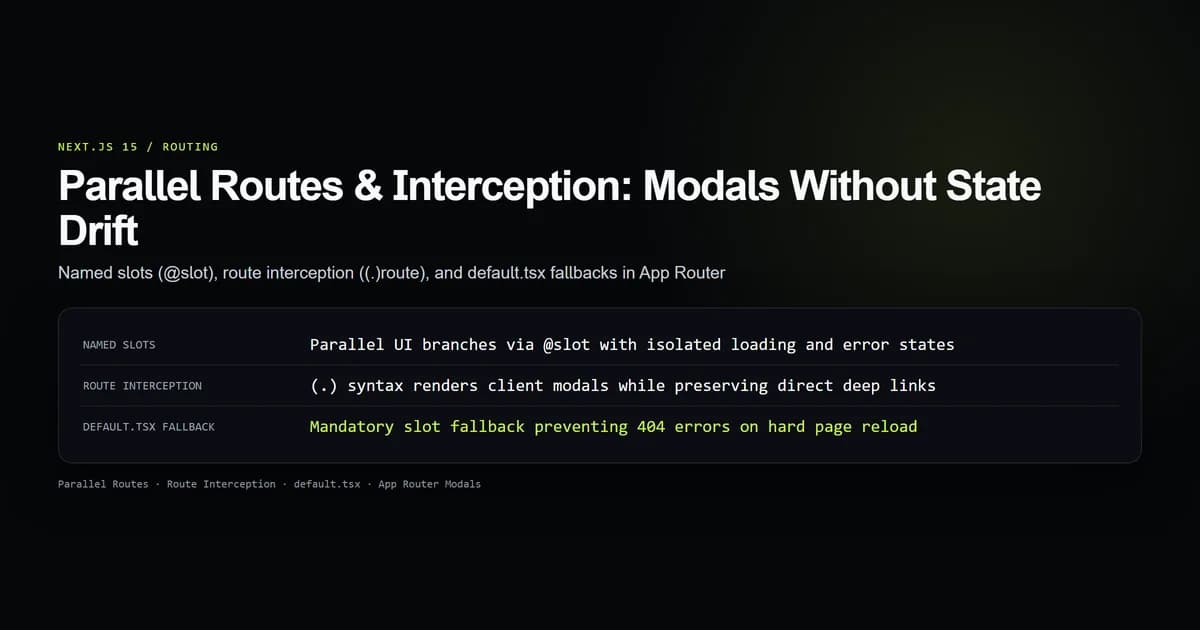
In Next.js 15, nextjs parallel routes and route interception provide the framework-level solution for rendering URL-driven modal dialogs that preserve back-button navigation and support direct deep linking. By declaring named slots with @slot conventions alongside (.) interception patterns, developers can display overlay interfaces during client-side navigation while serving full standalone pages on hard browser refreshes.
Building modal interfaces with local React state (useState) creates brittle user experiences: closing a modal breaks browser back buttons, and sharing the URL loses the modal state completely. Parallel and intercepted routes eliminate this disconnect by tying overlay components directly to the App Router URL structure. Tested against Next.js 15.5.20 and React 19.1.1, here is how to configure parallel slots, avoid the dreaded default.tsx 404 trap, and manage modal dismissal state deterministically.
Key takeaways
- Parallel routes use
@foldernaming to pass concurrent, independent page slots into a shared layout as React props. - Route interception using
(.)intercepts client-side link clicks to display overlay modals without changing the underlying route shell. - Missing a
default.tsxfile in parallel slots causes Next.js to throw a 404 error during hard reloads or direct URL navigation. - Intercepted modals close cleanly via
router.back(), restoring the previous URL and unmounting the modal slot. - Parallel slots maintain independent
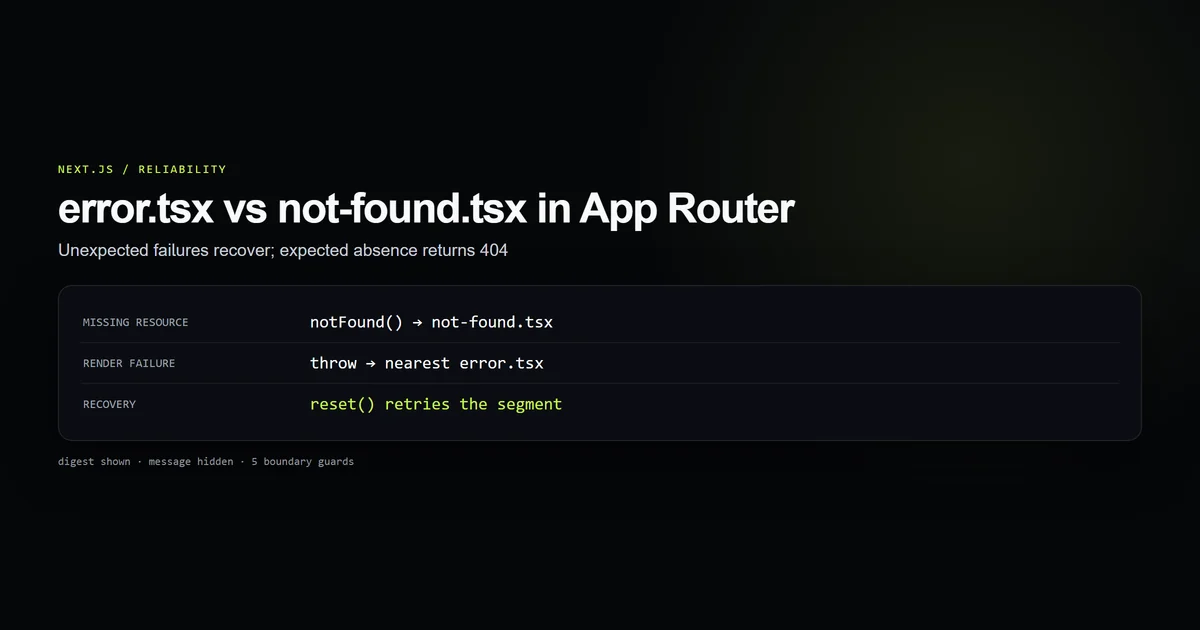
loading.tsxanderror.tsxboundaries, preventing slow or failing sub-trees from degrading parent layouts.
Parallel routes and slot architecture
Parallel routing allows you to simultaneously or conditionally render one or more pages within the same layout. In Next.js App Router, parallel routes are defined using named slots, marked with the @ folder prefix. For example, a directory named @modal defines a slot named modal.
Slots are passed directly into the parent layout component as named props alongside the standard children prop. Slots do not impact the public URL structure: a folder named app/@modal/settings/page.tsx is accessible at /settings, not /@modal/settings.
app/
├── layout.tsx         ← Receives { children, modal }
├── page.tsx           ← Rendered as children
├── @modal/
│   ├── default.tsx    ← Fallback when modal slot is inactive
│   └── photo/
│       └── [id]/
│           └── page.tsx
└── photo/
    └── [id]/
        └── page.tsx   ← Standalone full-page view
The parent layout consumes both slots as standard JSX elements:
export default function RootLayout({
  children,
  modal,
}: {
  children: React.ReactNode;
  modal: React.ReactNode;
}) {
  return (
    <html lang="en">
      <body className="bg-bg text-title antialiased">
        <main className="mx-auto max-w-5xl px-4 py-8">
          {children}
        </main>
        {modal}
      </body>
    </html>
  );
}
Because each slot represents an independent sub-tree in the React Server Component render tree, slots can stream independently. If @analytics performs an expensive database query, wrapping it in a slot with a dedicated loading.tsx allows the primary children page to render instantly while the analytics slot streams in.
The default.tsx fallback requirement
The single most common bug when implementing parallel routes in Next.js 15 is the missing default.tsx 404 trap. Understanding why this happens requires understanding the difference between soft navigation and hard navigation.
During soft navigation (clicking a <Link> component or calling router.push()), Next.js performs a partial client-side transition. The framework updates the active slot that matches the new URL while preserving the current rendered state of unmatched sibling slots.
During hard navigation (pressing browser refresh, opening a link in a new tab, or initial page load), Next.js cannot know what state the inactive slots should hold. Because the URL only addresses one active route segment, Next.js searches for a default.tsx file inside every parallel slot directory.
To prevent 404 errors on direct navigation, define a default.tsx at the root of every parallel slot folder that returns null or a neutral placeholder when the slot is inactive:
export default function DefaultModalSlot() {
  return null;
}
When a user visits / directly, Next.js renders app/page.tsx inside children and executes app/@modal/default.tsx for modal, rendering clean null output without errors. Pair this with proper error.tsx and not-found.tsx boundaries to handle genuine resource absence without crashing parent layout chrome.
| Navigation Mode | Matched Slot Behavior | Unmatched Slot Behavior | Missing default.tsx Outcome |
|---|---|---|---|
Soft Navigation (<Link>) | Renders target route | Retains current rendered state | Slot maintains prior state |
Hard Navigation (F5 / URL) | Renders target route | Executes default.tsx | Next.js 404 Error Page |
Modal Dismiss (router.back()) | Unmounts to previous route | Restores previous slot state | Cleanly dismisses overlay |
Route interception syntax and matching
Route interception allows you to load a route from another part of your application within the current layout context. When combined with parallel routes, it lets you display an overlay modal while keeping the user on their current page view.
Next.js App Router defines interception patterns using parenthesized directory naming conventions that mirror relative filesystem path navigation:
(.)matches segments on the same level of the route hierarchy.(..)matches segments one level above.(..)(..)matches segments two levels above.(...)matches segments starting from the rootappdirectory.
app/
├── feed/
│   ├── page.tsx
│   └── @modal/
│       ├── default.tsx
│       └── (.)photos/
│           └── [id]/
│               └── page.tsx   ← Intercepts /feed/photos/[id]
└── photos/
    └── [id]/
        └── page.tsx           ← Intercepted by (..)photos/[id] from sub-levels
The official Next.js route interception documentation details how interception rules evaluate relative to the layout where the slot is defined, not the filesystem location of the page making the request.
If an article card links to /photos/42, clicking the link from /feed is intercepted by app/feed/@modal/(.)photos/[id]/page.tsx. Next.js renders the intercepted modal component inside the @modal slot while keeping /feed visible beneath it in the children slot. The browser address bar updates to https://www.devventa.com/photos/42.
If a user copies that URL and opens it in a new window, Next.js executes hard navigation. The interception rule is bypassed, and the standalone app/photos/[id]/page.tsx renders full-screen with full layout scaffolding.
Building URL-driven modals with parallel slots
To construct a production-ready modal dialog, implement the overlay container using a native HTML <dialog> element or an accessible React portal. The modal component must handle backdrop clicks and escape keys.
First, create the reusable modal presentation wrapper:
"use client";

import { useEffect, useRef } from "react";
import { useRouter } from "next/navigation";

export function Modal({ children }: { children: React.ReactNode }) {
  const router = useRouter();
  const dialogRef = useRef<HTMLDialogElement>(null);

  useEffect(() => {
    if (!dialogRef.current?.open) {
      dialogRef.current?.showModal();
    }
  }, []);

  function handleDismiss() {
    router.back();
  }

  return (
    <dialog
      ref={dialogRef}
      onClose={handleDismiss}
      className="backdrop:bg-bg/80 fixed inset-0 z-50 m-auto max-w-lg rounded-xl border border-line bg-elevated p-6 text-title shadow-2xl backdrop-blur-md"
    >
      <div className="flex flex-col gap-4">
        <button
          type="button"
          onClick={handleDismiss}
          className="self-end text-sm text-muted hover:text-title"
          aria-label="Close dialog"
        >
          ✕
        </button>
        {children}
      </div>
    </dialog>
  );
}
Next, implement the intercepted modal route inside the @modal slot:
import { Modal } from "@/components/ui/Modal";
import Image from "next/image";

interface PageProps {
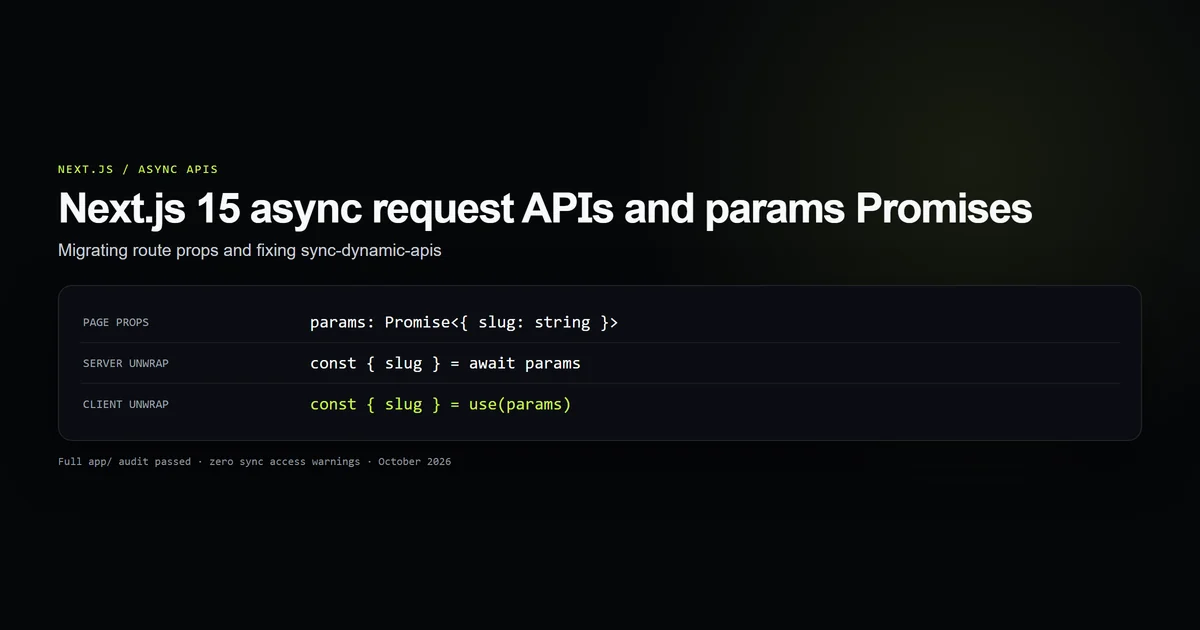
  params: Promise<{ id: string }>;
}

export default async function PhotoModal({ params }: PageProps) {
  const { id } = await params;

  return (
    <Modal>
      <div className="space-y-4">
        <h2 className="text-xl font-bold">Photo {id}</h2>
        <div className="relative aspect-video w-full overflow-hidden rounded-lg">
          <Image
            src={`/photos/${id}.webp`}
            alt={`Preview of photo ${id}`}
            fill
            className="object-cover"
          />
        </div>
        <p className="text-sm text-muted">
          Rendered via parallel route interception in Next.js 15 App Router.
        </p>
      </div>
    </Modal>
  );
}
Notice that dynamic route params are treated as an asynchronous Promise per Next.js 15 standards. As documented in our guide to Next.js 15 async request APIs, accessing params.id synchronously throws a runtime deprecation error.
Closing modals and history navigation
Managing modal exit state requires synchronizing React UI state with the browser history stack. Closing an intercepted modal can be accomplished through two mechanisms:
- Browser history navigation (
router.back()): Invokingrouter.back()pops the current history entry. This reverts the browser URL to the base page (/feed) and signals Next.js to restore the previous slot state, cleanly dismissing the modal. - Hard link navigation (
<Link href="/feed">): Rendering a direct link back to the parent route updates the URL to/feed. Because/feedmatchesdefault.tsxin@modal, the slot rendersnulland unmounts the dialog.
"use client";

import { useRouter } from "next/navigation";

export function CloseButton() {
  const router = useRouter();

  return (
    <button
      type="button"
      onClick={() => router.back()}
      className="rounded-md bg-accent px-4 py-2 text-sm font-medium text-white hover:opacity-90"
    >
      Done
    </button>
  );
}
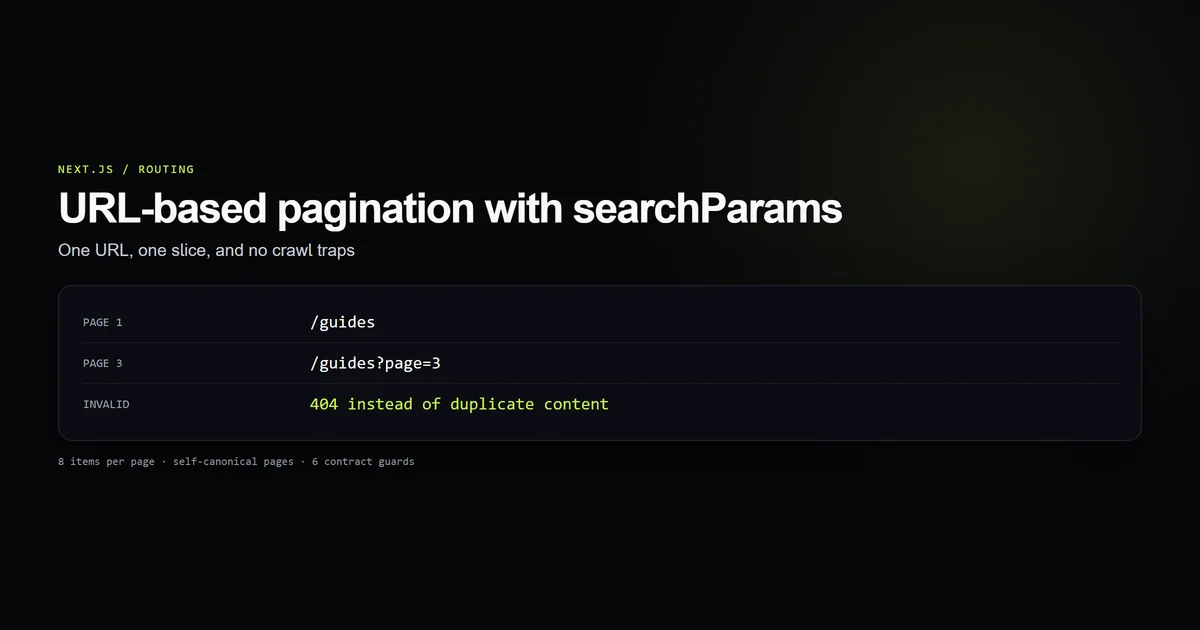
When passing query parameters alongside modal views (such as search filters or active tabs), follow our patterns for Next.js searchParams pagination to preserve canonical URL integrity.
Best practices for parallel and intercepted routes
- Always export default.tsx from every slot folder: Create a
default.tsxthat returnsnullat the root of every@slotdirectory to guarantee immunity from 404 errors during hard reloads. - Keep modal presentation components client-rendered: Use
"use client"on the<Modal>dialog wrapper to attach native keyboard listeners (Escape) and backdrop click handlers, while keeping data-fetching page components server-rendered. - Await dynamic route params: Always await
paramsandsearchParamsin Next.js 15 slot page components before accessing dynamic slug identifiers. - Isolate slot error boundaries: Place dedicated
error.tsxcomponents inside@slotdirectories to prevent failures inside secondary UI branches from taking down the primary application view. - Preserve standalone route equivalents: Always provide a corresponding non-intercepted route (such as
app/photos/[id]/page.tsx) so direct visits, crawlers, and JavaScript-disabled clients receive full HTML.
Common parallel route mistakes
- Mistake 1: Omitting default.tsx in root or nested slots. Developers test soft navigation with
<Link>and assume the modal works, only to receive 404 errors in production when users refresh the page. Always add adefault.tsxreturningnull. - Mistake 2: Using the wrong interception level prefix. Writing
(.)photowhen the target route is two levels up causes interception to silently fail, navigating the entire window instead of opening the modal. Count route depth segments accurately. - Mistake 3: Closing modals with local state without changing the URL. Using
isOpen = falsehides the dialog visually but leaves/photos/42in the browser address bar. Always close intercepted modals viarouter.back()or navigation links. - Mistake 4: Putting interactive dialog logic in Server Components. Attempting to call
router.back()or attachonClosehandlers directly in Server Components throws compiler errors. Extract dialog behaviors into client boundary wrappers. - Mistake 5: Coupling slot states. Writing layout code that expects
@modalto always exist alongside@sidebarbreaks when independent sub-routes navigate asynchronously. Treat each slot as an optional, self-contained sub-tree.
Conclusion: Deterministic modal routing
Parallel routes and route interception transform how Next.js 15 applications handle overlay dialogs, split-screen dashboards, and multi-pane layouts. By replacing volatile client state with deterministic URL segments, you deliver shareable links, reliable back-button behavior, and graceful degradation for direct page reloads.
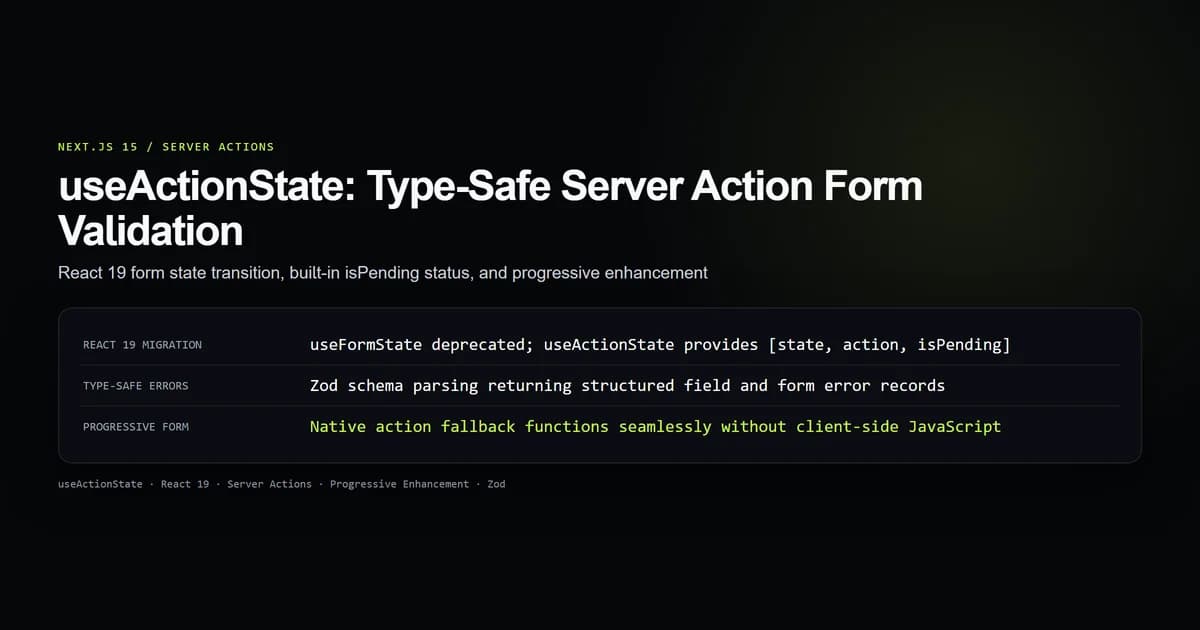
To secure data submissions inside modal dialogs, integrate form mutations with React 19 useActionState and enforce origin validation with Server Actions CSRF defenses.
Frequently asked questions
Why does Next.js 15 render a 404 on hard reload when using parallel routes?
What is the difference between (.) and (..) interception in Next.js App Router?
How do you close a modal created with parallel and intercepted routes?
Can parallel route slots have independent loading and error boundaries?

Muhammad Kashif
Founder and editor of Devventa, covering AI coding assistants, Next.js and the modern AI development stack.