Nextjs pagination searchparams code is easy to demo and surprisingly easy to make ambiguous. A listing can look correct while ?page=0, ?page=01, and ?page=999 all return the first page with status 200. It can show a featured article twice, give page 2 the canonical for page 1, or change the slice when the viewport changes.
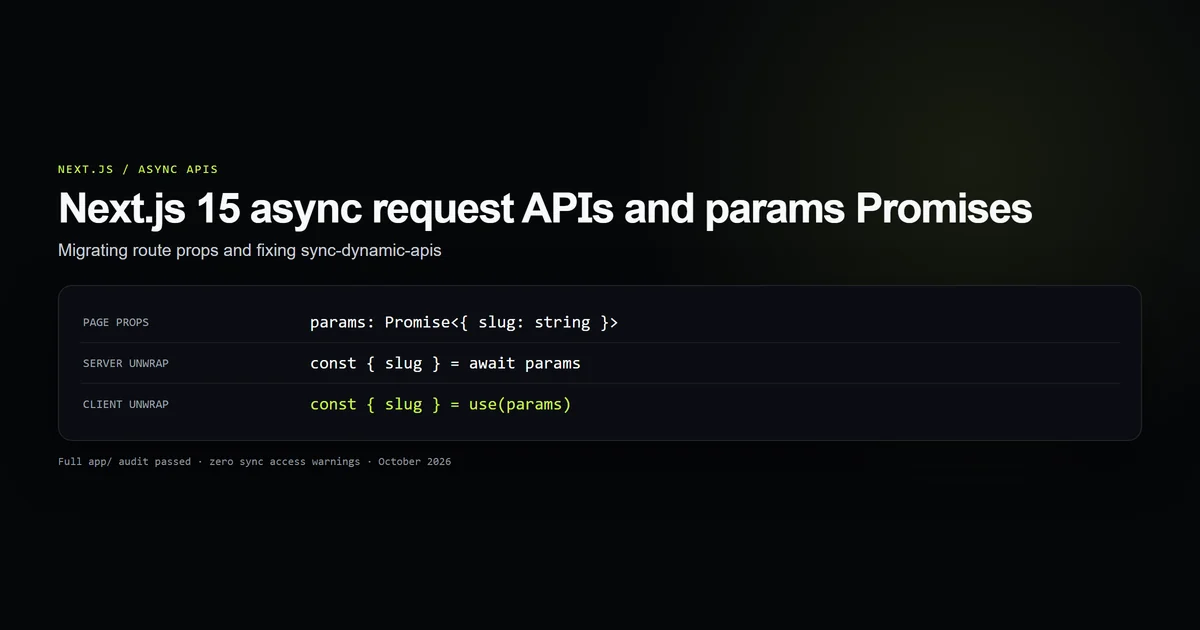
This guide uses the same App Router contract running on this site. It extends the Next.js 15 async request API pattern into a complete archive: one invariant page size, strict input parsing, server-rendered links, self-canonical continuation pages, and real 404s for URLs that do not represent content.
Key takeaways
- A page number is untrusted URL input. Accept positive base-10 integers and reject every ambiguous form.
- Page 1 uses the bare category URL; page 2 and beyond own their query-string URLs.
- One URL must always map to the same article slice, regardless of viewport.
- Pagination controls should be real links with
rel, labels, and a non-link current state. - A featured article should move within the collection, never be removed before pagination.
Nextjs pagination searchparams starts with a URL contract
The Next.js page convention supplies searchParams as a Promise in Next.js 15 and explicitly names pagination as one use. That tells you where the input arrives; it does not decide what the input means.
Write that contract before writing the buttons:
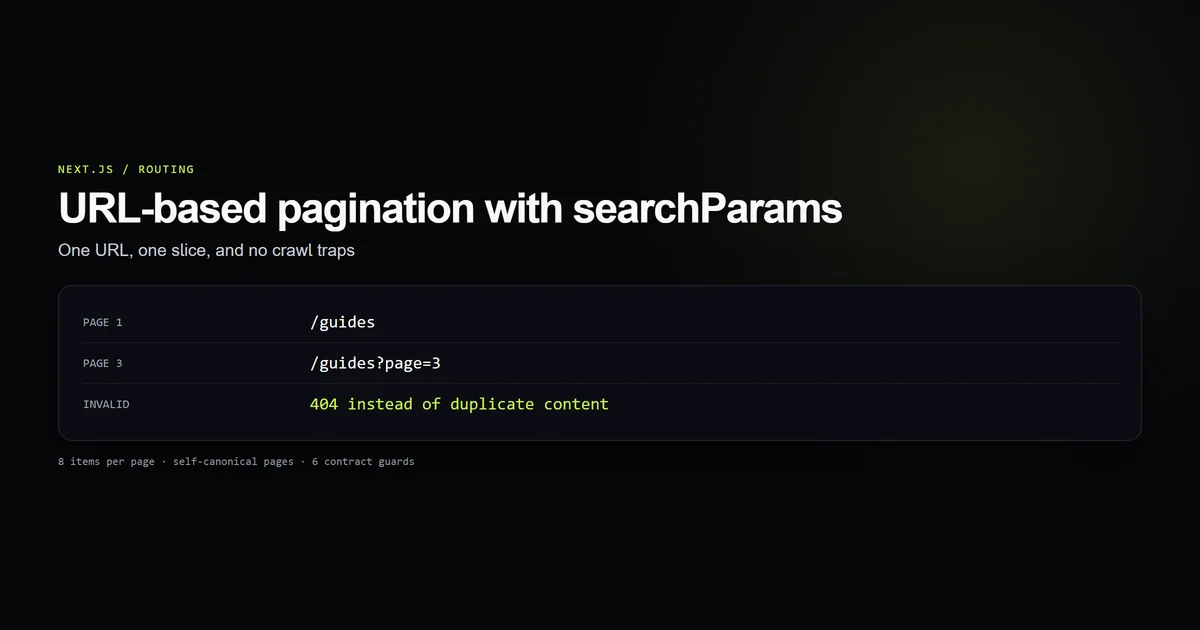
| Request | Meaning | Result |
|---|---|---|
/guides | First slice | 200, canonical /guides |
/guides?page=1 | Duplicate spelling of the first slice | Avoid generating it |
/guides?page=2 | Second slice | 200, self-canonical |
/guides?page=0 | Invalid page | 404 |
/guides?page=01 | Ambiguous duplicate spelling | 404 |
/guides?page=2&page=3 | Repeated parameter | 404 |
/guides?page=999 | Valid syntax, nonexistent slice | 404 |
This site’s scripts/check-pagination-contract.mjs runs six guards against that contract. On October 18, 2026, it checked eight parser cases, two canonical forms, three page slices, both navigation relations, the 404 branches, and the featured-card invariant. That run is the evidence behind this article: the rules below are enforced against the implementation, not inferred from a screenshot.
Parse page values before slicing content
In a Server Component, read the Promise and hand only the page value to a small pure parser:
export function parsePageParam(
  raw: string | string[] | undefined,
): number | null {
  if (raw === undefined) return 1;
  if (Array.isArray(raw)) return null;

  const trimmed = raw.trim();
  if (!/^[1-9][0-9]*$/.test(trimmed)) return null;

  const page = Number(trimmed);
  return Number.isSafeInteger(page) ? page : null;
}
The regular expression is intentionally narrower than parseInt. parseInt("2cats", 10) returns 2; Number("1e3") returns 1000; both turn malformed input into a legitimate route. The parser above accepts only the canonical spelling of a positive integer. A repeated query parameter arrives as an array and is rejected rather than resolved by picking whichever value happened to come first.
The page then distinguishes bad syntax from a missing parameter:
const page = parsePageParam((await searchParams).page);
if (page === null) notFound();

const pageResult = paginate(posts, page);
if (page > pageResult.totalPages) notFound();
Calling notFound() stops the segment and renders the nearest not-found.tsx. That is preferable to redirecting junk to page 1: a redirect hides the bug, while a silent 200 creates duplicate content.
Keep one page size for every viewport
The nextjs app router pagination helper is deliberately boring:
export const ARTICLES_PER_PAGE = 8;

export function paginate<T>(items: readonly T[], page: number) {
  const totalItems = items.length;
  const totalPages = Math.max(1, Math.ceil(totalItems / ARTICLES_PER_PAGE));
  const start = (page - 1) * ARTICLES_PER_PAGE;

  return {
    items: items.slice(start, start + ARTICLES_PER_PAGE),
    page,
    totalPages,
    totalItems,
    hasPrev: page > 1,
    hasNext: page < totalPages,
  };
}
Do not use 16 items on desktop and eight on mobile when the URL carries the page number. The server does not know the viewport reliably, a CDN may cache the first variant it sees, and a shared ?page=2 link would point to two different groups of articles. Hiding the extra eight with CSS is worse: the links exist in HTML but become unreachable to a mobile reader.
One eight-item slice is a smaller performance ceiling and an unambiguous public contract. Responsive CSS can change columns, gaps, and card widths without changing membership.
Give every valid page its own canonical URL
Good nextjs pagination SEO does not collapse every continuation page onto page 1. Page 2 contains different articles and different outgoing links, so page 2 is not a duplicate.
Build the URL in one place:
export function pageHref(basePath: string, page: number): string {
  return page <= 1 ? basePath : `${basePath}?page=${page}`;
}
Then use the same helper in metadata and in the visible controls:
const page = parsePageParam((await searchParams).page) ?? 1;
const { totalPages } = paginate(posts, page);
const paged = page > 1 && page <= totalPages;
const url = pageHref(`/${category}`, paged ? page : 1);

return {
  title: paged ? `${label} — Page ${page}` : label,
  alternates: { canonical: url },
  openGraph: { type: "website", title, description, url },
};
Next.js resolves that relative canonical against the root metadataBase; the Metadata API documentation documents the composition. The important part is consistency: page 1 never emits ?page=1, while every later valid page names itself.
Render links, not client-only state
Pagination navigation should survive disabled JavaScript, middle-click, copying, and crawler discovery. Render <Link> elements with real href values rather than buttons that mutate local state:
{page > 1 ? (
  <Link href={pageHref(basePath, page - 1)} rel="prev">
    ← Prev
  </Link>
) : (
  <span aria-hidden="true">← Prev</span>
)}

<span aria-current="page" aria-label={`Page ${page}, current`}>
  {page}
</span>

{page < totalPages ? (
  <Link href={pageHref(basePath, page + 1)} rel="next">
    Next →
  </Link>
) : (
  <span aria-hidden="true">Next →</span>
)}
The current page and disabled controls are spans, not dead anchors. The surrounding <nav> gets a specific accessible label. When totalPages <= 1, the entire component returns null; a disabled row saying “1” adds no navigation or information.
For a larger archive, show the first page, last page, a small window around the current page, and gaps. That keeps the control’s width stable without inventing nonfunctional ellipsis links.
Hoist featured content instead of extracting it
Featured cards introduce a subtle boundary error. Suppose a category has 17 articles, eight per page, and its pillar is article 17. If you remove that pillar before pagination and display it separately, the remaining set has 16 entries and only two pages. Page 3 disappears even though the category still has 17 articles.
Move the pillar to the front without changing collection membership:
const featured = posts.find((post) => post.slug === featuredSlug) ?? null;
const ordered = featured
  ? [featured, ...posts.filter((post) => post.slug !== featured.slug)]
  : posts;

const pageResult = paginate(ordered, page);
const showFeatured = pageResult.page === 1 && featured !== null;
const gridItems = showFeatured ? pageResult.items.slice(1) : pageResult.items;
The collection still contains 17 unique articles. Page counts and boundaries do not move. The first item merely uses the larger card on page 1, while later pages render their slices normally. This “hoist, do not extract” rule is specific enough to guard and general enough to reuse for pinned products or announcements.
Test the contract, not the CSS
Our check does not launch a browser. It tests the pure behavior and scans the integration points:
npm run check:pagination-contract
# [ok] malformed, repeated, and duplicate page forms are rejected
# [ok] page 1 is bare; later pages self-canonicalise
# [ok] one invariant eight-item window has no gaps or duplicates
# [ok] malformed and out-of-range URLs terminate as 404s
# [ok] controls are crawlable, labelled, and absent when unnecessary
# [ok] featured content is hoisted without changing collection size
The CSS can change without altering any one of those facts. Conversely, changing parsePageParam from the strict expression to parseInt turns a green route into a crawl trap even if every screenshot stays pixel-identical. This is why a contract check belongs beside the source rather than in a visual QA note.
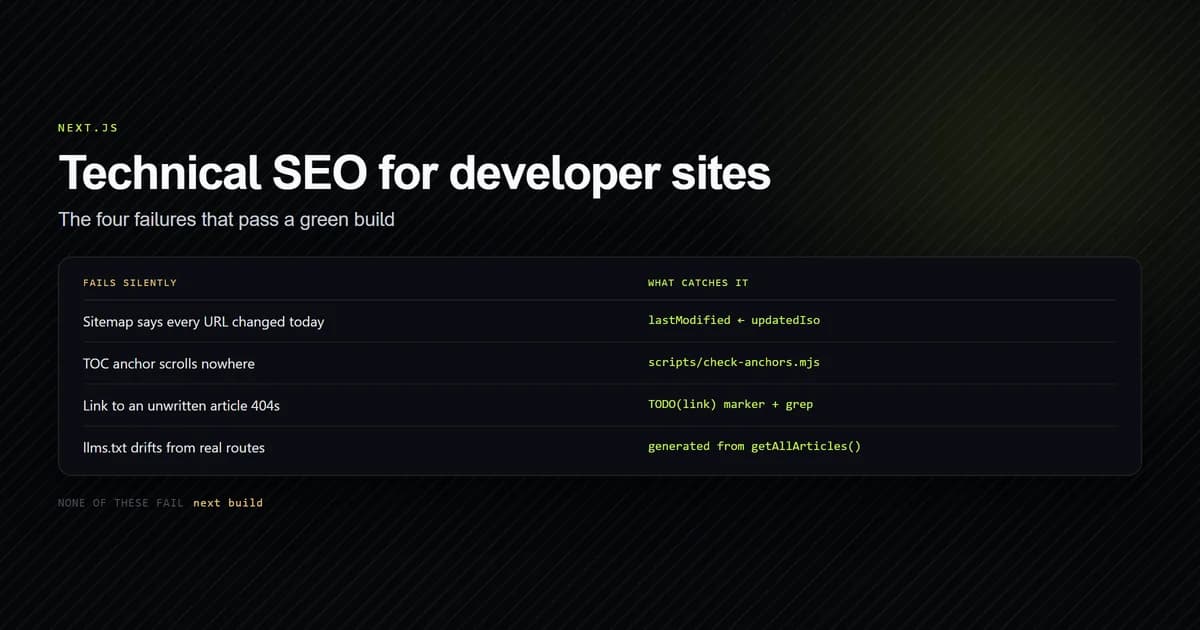
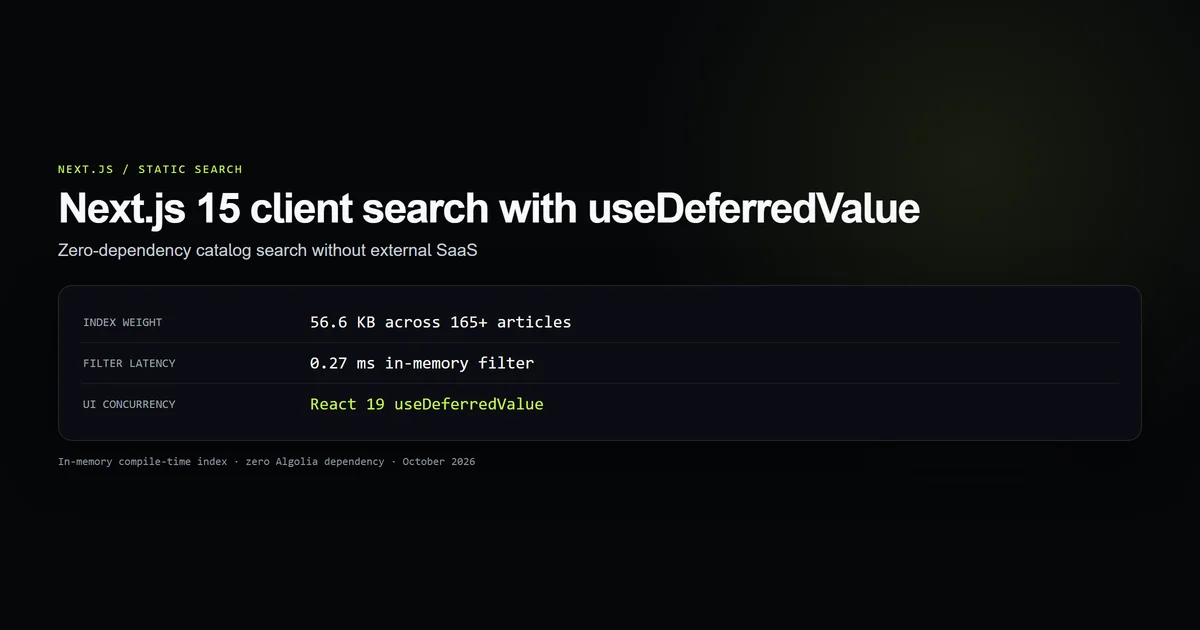
For broader crawl integrity, pair it with the anchor and route checks in the technical SEO guide. For client-side filtering within a slice, the useDeferredValue search pattern owns that separate problem.
Common Next.js pagination mistakes
- Canonicalizing page 2 to page 1. Continuation pages contain different items; self-canonicalize them.
- Accepting anything
parseIntcan partially read.2catsis not page 2. - Returning page 1 for out-of-range values. That mints unlimited duplicate 200 responses.
- Using different page sizes by viewport. One URL cannot safely identify two slices.
- Extracting a featured item before slicing. It changes total pages and can empty the last URL.
- Building buttons without hrefs. The archive becomes dependent on client JavaScript and harder to crawl.
- Repeating page-one copy and a featured hero on every page. Later pages are continuations, not clones of the category landing page.
Conclusion: one URL, one slice
The durable rule is not “add Prev and Next.” It is one valid URL, one deterministic slice. Parse query input narrowly, keep a single page size, 404 nonexistent slices, self-canonicalize every real page, and render navigation as links.
Once those invariants are in a small helper and a runnable guard, the component becomes the least important part. You can restyle it, change the window of visible numbers, or promote a featured card without changing what any URL means.
Frequently asked questions
Should Next.js pagination use searchParams or dynamic route segments?
Should page 2 canonicalize to page 1?
What should happen for ?page=0 or ?page=999?
Can mobile and desktop use different page sizes?

Muhammad Kashif
Founder and editor of Devventa, covering AI coding assistants, Next.js and the modern AI development stack.