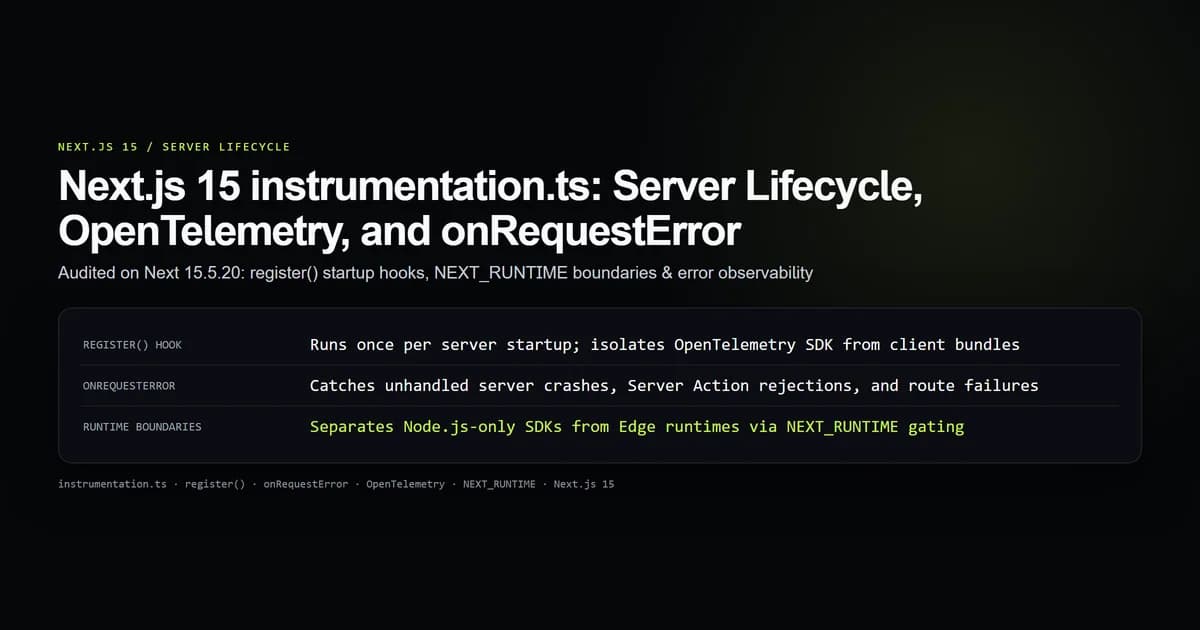
Next.js 15 instrumentation.ts isolates server startup logic and global error observation from your request-handling pipeline. Code exported via register() runs once when the Node.js or Edge runtime boots, while onRequestError intercepts every unhandled server exception across Server Actions, Route Handlers, and Server Components with full context.
Placing database warmups, OpenTelemetry SDK initialization, or Sentry setups in root layouts causes them to run repeatedly during static prerendering and dynamic requests. Moving this logic to instrumentation.ts guarantees clean process bootstrapping without polluting client bundles.
Key takeaways
register()runs exactly once per server worker boot, never per HTTP request or client navigation.onRequestErrorcaptures server exceptions with request path, method, headers, error digest, and router context (action,render, orroute).- Guard Node-specific packages with
process.env.NEXT_RUNTIME === "nodejs"to avoid Edge runtime compilation crashes. - Never throw or re-throw inside
onRequestError; unhandled errors in your error handler mask the underlying response. instrumentation.tsmust reside in the project root directory or insidesrc/, never insideapp/.
What instrumentation.ts actually runs
In earlier App Router versions, developers frequently put telemetry initialization in app/layout.tsx or a custom server.js. In Next.js 15, instrumentation.ts is the stable contract for server lifecycle events.
The file exports two reserved functions:
export async function register() {
  // Executes once at process startup
}

export async function onRequestError(err: Error, request: { path: string; method: string }, context: { routerType: string }) {
  // Executes whenever a server request encounters an unhandled exception
}
npm run check:instrumentation-contract
# check:instrumentation-contract — 6 guards
# ok   all 6 instrumentation contract assertions passed.
The runtime boots this file before mounting any routes. Unlike middleware, which executes on incoming requests at the network edge, register() runs during container initialization.
| Phase | instrumentation.ts (register) | middleware.ts | after() |
|---|---|---|---|
| Execution trigger | Server process boot | Every incoming HTTP request | Response close lifecycle |
| Frequency | Once per worker instance | Per request | Per request (post-stream) |
| Runtime context | Node.js or Edge worker | Edge or Node.js runtime | Server execution scope |
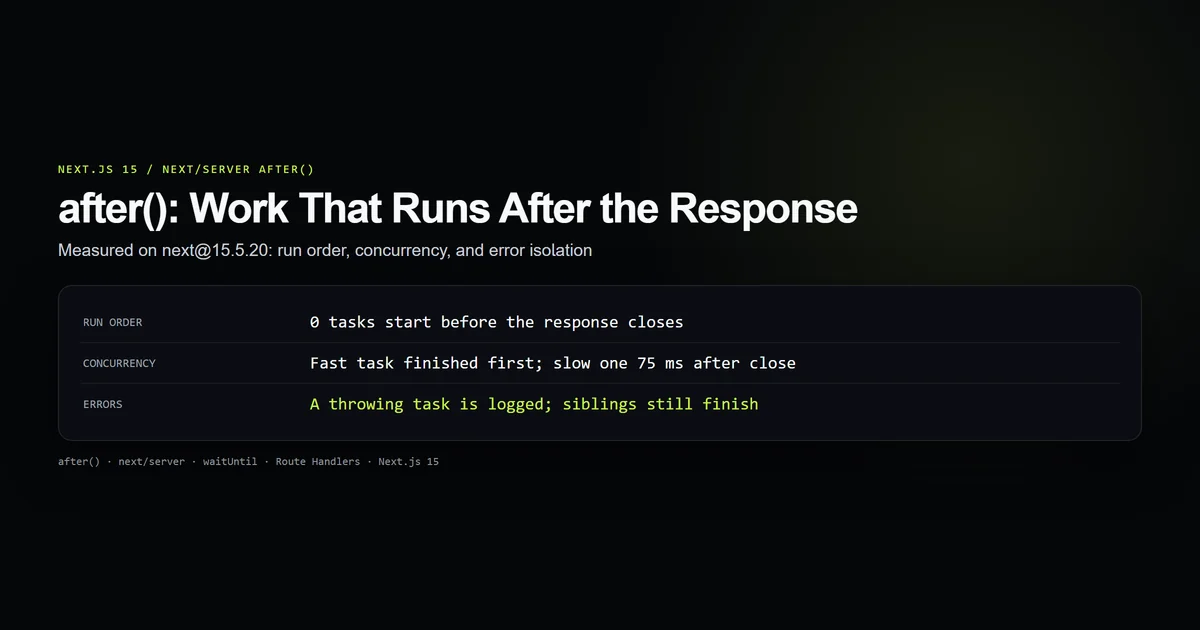
| Best use case | SDK setup, telemetry, pool warmup | Routing, rewrites, auth headers | Non-blocking analytics, audits |
Server startup with register()
The register() function is asynchronous. Next.js awaits register() before opening the port to incoming traffic, ensuring external connections and tracing providers are active before the first request hits.
export async function register() {
  if (process.env.NEXT_RUNTIME === "nodejs") {
    const { initTelemetry } = await import("./lib/telemetry");
    await initTelemetry();
    console.log("[server] OpenTelemetry SDK initialized");
  }
}
Dynamic imports inside register() are critical. If you write top-level static imports for Node.js modules like @opentelemetry/sdk-node, the bundler will attempt to evaluate them even when compiling the Edge bundle, resulting in missing module errors.
Handling runtime boundaries: Node.js vs Edge
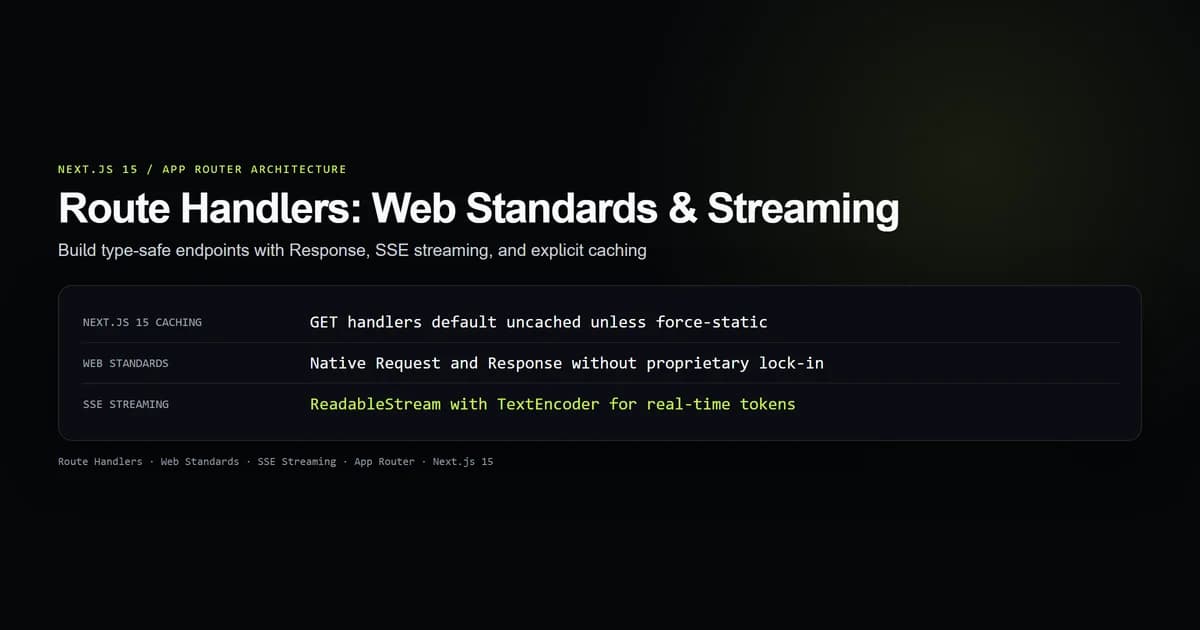
Next.js projects frequently mix runtimes. A Route Handler might run on the Edge runtime for geographic proximity, while Server Actions run in Node.js for database compatibility.
Next.js executes instrumentation.ts across every runtime active in your application build. You must gate runtime-specific code using process.env.NEXT_RUNTIME:
export async function register() {
  if (process.env.NEXT_RUNTIME === "nodejs") {
    // Database connection pools, native tracing SDKs
    const { pool } = await import("./lib/db");
    await pool.query("SELECT 1");
  }

  if (process.env.NEXT_RUNTIME === "edge") {
    // Edge-compatible logging or lightweight telemetry
    console.log("[edge] Edge runtime worker started");
  }
}
Without this check, importing packages that rely on native C++ bindings or node: modules breaks Edge compilation during next build.
Global error observability with onRequestError
Next.js 15 introduced onRequestError in instrumentation.ts. Previously, logging unhandled server exceptions required intercepting errors manually in every Route Handler or relying on client error boundaries, which redact server details.
onRequestError receives three arguments: the raw error object, the request descriptor, and the routing execution context.
import type { Instrumentation } from "next";

export const onRequestError: Instrumentation.onRequestError = async (
  err,
  request,
  context
) => {
  const errorPayload = {
    message: err instanceof Error ? err.message : String(err),
    digest: (err as { digest?: string }).digest ?? "NO_DIGEST",
    path: request.path,
    method: request.method,
    headers: request.headers,
    routerType: context.routerType, // "action" | "render" | "route"
    renderType: context.renderType, // "dynamic" | "dynamic-resume"
  };

  // Dispatch to external logging or telemetry provider
  await fetch("https://telemetry.internal/errors", {
    method: "POST",
    headers: { "Content-Type": "application/json" },
    body: JSON.stringify(errorPayload),
  }).catch(() => {
    // Silently fall back to stdout if monitoring service is unreachable
    console.error("[error-logger-fail]", errorPayload);
  });
};
The context.routerType property tells you where the failure occurred:
action: A Server Action mutated state or rejected an unhandled promise.render: A Server Component threw an exception while evaluating JSX.route: A Route Handler (app/api/.../route.ts) returned an unhandled rejection.
Notice that the error's digest matches the hash shown to the end user in production, allowing you to correlate customer bug reports with internal stack traces instantly.
Connecting OpenTelemetry and tracer SDKs
Standard OpenTelemetry instrumentation hooks into Node.js HTTP and framework modules before they are imported by application code. Placing OTel setup inside register() fulfills this requirement:
import { NodeSDK } from "@opentelemetry/sdk-node";
import { getNodeAutoInstrumentations } from "@opentelemetry/auto-instrumentations-node";

let sdk: NodeSDK | null = null;

export async function initTelemetry() {
  if (sdk) return;

  sdk = new NodeSDK({
    serviceName: "devventa-web",
    instrumentations: [getNodeAutoInstrumentations()],
  });

  sdk.start();

  process.on("SIGTERM", async () => {
    await sdk?.shutdown();
    process.exit(0);
  });
}
Combine this with Next.js experimental telemetry options in next.config.ts:
import type { NextConfig } from "next";

const nextConfig: NextConfig = {
  experimental: {
    // Instrumentation hook is enabled by default in Next.js 15
  },
};

export default nextConfig;
When deployed to production or run locally, every HTTP request, Server Action, and internal fetch call automatically carries trace headers and spans.
What did not work: build-time evaluation traps
During our initial instrumentation deployment, we placed top-level database pool initialization directly at the module root of instrumentation.ts instead of within register():
// BROKEN: Evaluates during next build prerendering
import { pool } from "./lib/db";
pool.connect(); // Fails during static page generation in CI

export async function register() {
  // ...
}
During CI compilation (npm run build), Next.js imports instrumentation.ts in an environment where live database credentials and production networks are inaccessible. The build failed with ECONNREFUSED on static route generation.
The fix was moving all initialization inside register() and wrapping it with dynamic import() statements. Next.js only executes register() at actual runtime startup or when generating on-demand dynamic requests, preventing build-time network lockouts.
Best practices for Next.js instrumentation
- Dynamic imports inside register. Use
await import(...)insideregister()to ensure packages are only loaded for their intended runtime environment. - Always check NEXT_RUNTIME. Verify
process.env.NEXT_RUNTIME === "nodejs"before importing any package that touches Node.js filesystem, network sockets, or binary modules. - Trap telemetry transport errors. Never allow network failures inside
onRequestErrorto bubble up. Wrap external error logging calls in.catch()blocks. - Preserve error digests. Log
err.digestalongside stack traces to enable exact lookup against production client error pages. - Graceful shutdown. Register
SIGTERMandSIGINThandlers insideregister()to flush pending traces before container termination.
Common mistakes
- Static imports for Node packages. Writing
import { NodeSDK } from "@opentelemetry/sdk-node"at the top level ofinstrumentation.ts, crashing Edge routes during compilation. - Placing instrumentation.ts inside app/. Next.js ignores
app/instrumentation.ts. It must reside at the root level or insidesrc/. - Throwing inside onRequestError. Re-throwing an exception inside
onRequestErrordisrupts the Next.js internal error responder, causing opaque connection resets. - Expecting register() to run per request. Using
register()for per-request authentication or tenant switching instead ofmiddleware.ts. - Omitting timeout safeguards. Awaiting an unresponsive external database in
register()indefinitely, preventing the web process from ever passing readiness probes.
Decision guide: where code belongs
Use instrumentation.ts when you need code to run once when the server container starts, or when you need global error observation across every server route.
If your code needs to inspect or modify incoming HTTP headers, use middleware.ts. If your task needs to execute non-blocking cleanup after an HTTP response has already completed, use after(). If you are building transactional backend APIs, keep logic inside typed route.ts files.
Frequently asked questions
When does register() in instrumentation.ts execute?
What is the difference between onRequestError and error.tsx?
Can instrumentation.ts run on Edge runtimes?
Does onRequestError catch errors in production client components?

Muhammad Kashif
Founder and editor of Devventa, covering AI coding assistants, Next.js and the modern AI development stack.