Next.js 15 Route Handlers replace legacy Pages Router API routes with native Web Standard Request and Response interfaces. Located inside route.ts files in the App Router directory, Route Handlers execute HTTP methods—GET, POST, PUT, PATCH, DELETE, HEAD, and OPTIONS—with native streaming support and runtime flexibility across Node.js and Edge runtimes.
In Next.js 15, Route Handlers are un-cached by default, removing unexpected stale data traps from earlier framework releases while requiring explicit configuration for static caching.
Why Route Handlers replace legacy API routes
In the legacy Pages Router, pages/api endpoints received Node-specific req: NextApiRequest and res: NextApiResponse arguments modeled on Express.js callbacks. This tied API logic to Node.js socket streams and prevented endpoints from running on lightweight Edge environments like Cloudflare Workers without emulation layers.
Route Handlers (app/**/route.ts) operate exclusively on the Web Standard Fetch API:
- Incoming requests are standard
Request(or Next.js-extendedNextRequest) instances. - Outgoing responses are standard
Response(orNextResponse) objects. - Streaming uses the native
ReadableStreaminterface rather than Node.js event emitters.
Because Route Handlers live in the app/ hierarchy alongside page.tsx files, they share the same routing tree, dynamic segment parameters, and layout colocation rules.
Web Standard Request and Response contracts
Writing a basic Route Handler requires exporting an asynchronous function named after the targeted HTTP method. There is no default export:
export async function GET(request: Request) {
  const data = {
    status: "healthy",
    timestamp: new Date().toISOString(),
  };

  return Response.json(data, {
    status: 200,
    headers: {
      "Cache-Control": "no-store",
    },
  });
}
When you need Next.js-specific conveniences—such as reading parsed cookies, managing redirects, or rewriting paths—use NextResponse:
import { NextResponse, type NextRequest } from "next/server";

export async function GET(request: NextRequest) {
  const token = request.cookies.get("session_token")?.value;

  if (!token) {
    return NextResponse.json(
      { error: "Unauthorized" },
      { status: 401 }
    );
  }

  const response = NextResponse.json({ authenticated: true });
  response.cookies.set("last_checked", Date.now().toString(), {
    httpOnly: true,
    sameSite: "lax",
    secure: process.env.NODE_ENV === "production",
  });

  return response;
}
Standard Response.json() works anywhere in modern JavaScript runtimes. Use NextResponse when interacting with Next.js cookies, URL resolution, or headers passed through middleware.
Next.js 15 caching changes and static opt-in
Next.js 14 statically evaluated GET Route Handlers by default if the function did not read request properties. This caused widespread bugs where endpoints intended to query databases returned build-time snapshots.
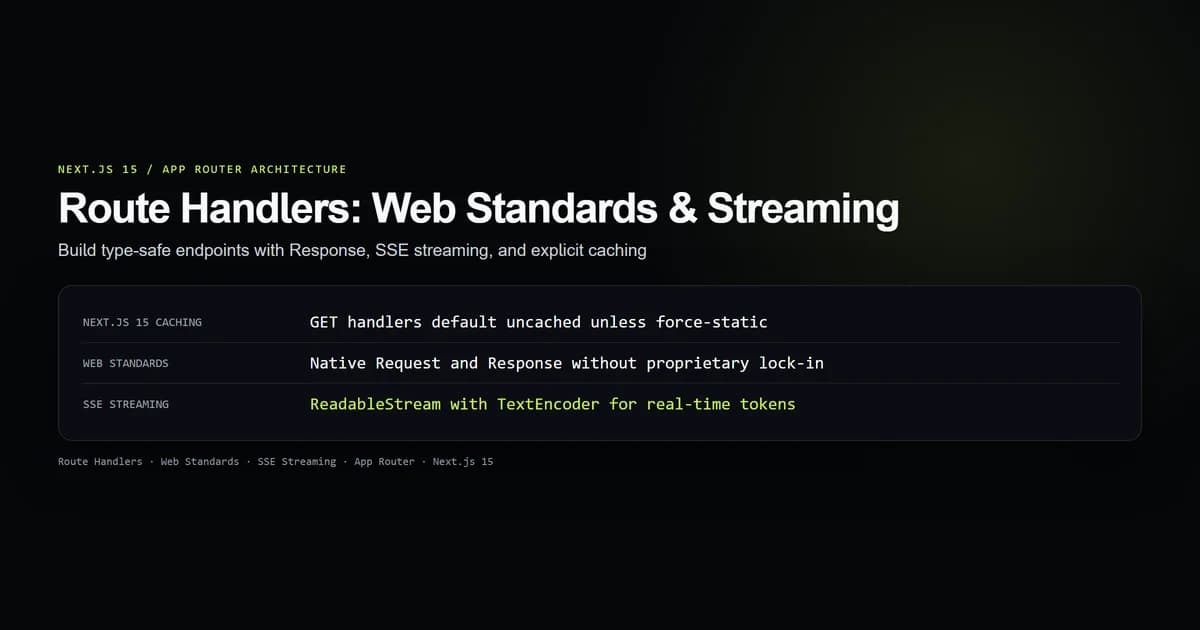
Next.js 15 inverted this behavior: all Route Handlers are now un-cached and dynamic by default.
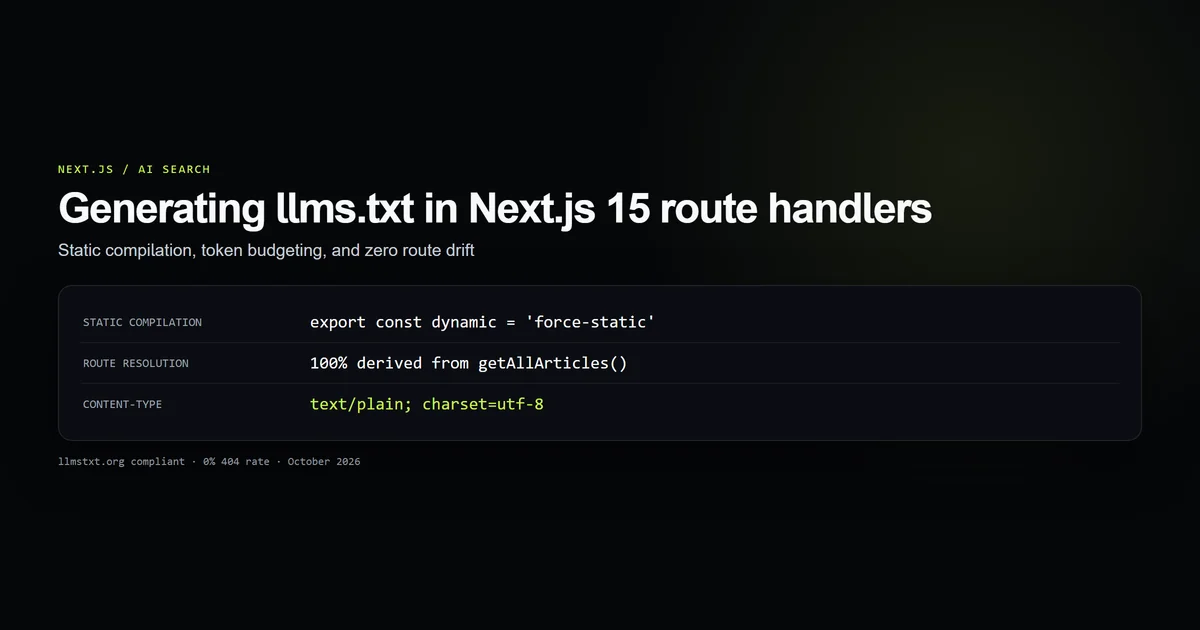
If your endpoint serves immutable or deployment-static content—such as an automated discovery file or catalog manifest—you must explicitly opt into static caching using route segment config:
import { adsTxtLine } from "@/lib/adsense";

// Opt into build-time static generation
export const dynamic = "force-static";

export function GET() {
  if (!adsTxtLine) {
    return new Response("Not Found", {
      status: 404,
      headers: { "Content-Type": "text/plain; charset=utf-8" },
    });
  }

  return new Response(`${adsTxtLine}\n`, {
    headers: {
      "Content-Type": "text/plain; charset=utf-8",
      "Cache-Control": "public, max-age=3600, immutable",
    },
  });
}
This site uses this static opt-in pattern in Generating llms.txt in Next.js 15 and app/ads.txt/route.ts to prerender static plain text at build time, eliminating runtime database queries.
Conversely, if an endpoint must never be cached across deployment workers, declare export const dynamic = "force-dynamic".
Streaming responses with Server-Sent Events
Route Handlers support Web Standard ReadableStream objects, making them the standard choice for real-time Server-Sent Events (SSE) and AI token streaming.
Here is an SSE stream implementation generating real-time event updates:
export const dynamic = "force-dynamic";

export async function GET(request: Request) {
  const encoder = new TextEncoder();

  const stream = new ReadableStream({
    async start(controller) {
      const items = ["Analyzing codebase", "Compiling AST", "Generating types", "Ready"];

      for (const item of items) {
        const payload = `data: ${JSON.stringify({ step: item, time: Date.now() })}\n\n`;
        controller.enqueue(encoder.encode(payload));
        // Simulate async work
        await new Promise((resolve) => setTimeout(resolve, 200));
      }

      controller.enqueue(encoder.encode("data: [DONE]\n\n"));
      controller.close();
    },
  });

  return new Response(stream, {
    headers: {
      "Content-Type": "text/event-stream; charset=utf-8",
      "Cache-Control": "no-cache, no-transform",
      "Connection": "keep-alive",
      "X-Accel-Buffering": "no", // Disables Nginx response buffering
    },
  });
}
The client consumes this endpoint using a standard EventSource or fetch() stream reader without external dependencies:
const response = await fetch("/api/events");
const reader = response.body?.getReader();
const decoder = new TextDecoder();

while (reader) {
  const { done, value } = await reader.read();
  if (done) break;
  console.log(decoder.decode(value));
}
Type-safe payloads and async request params
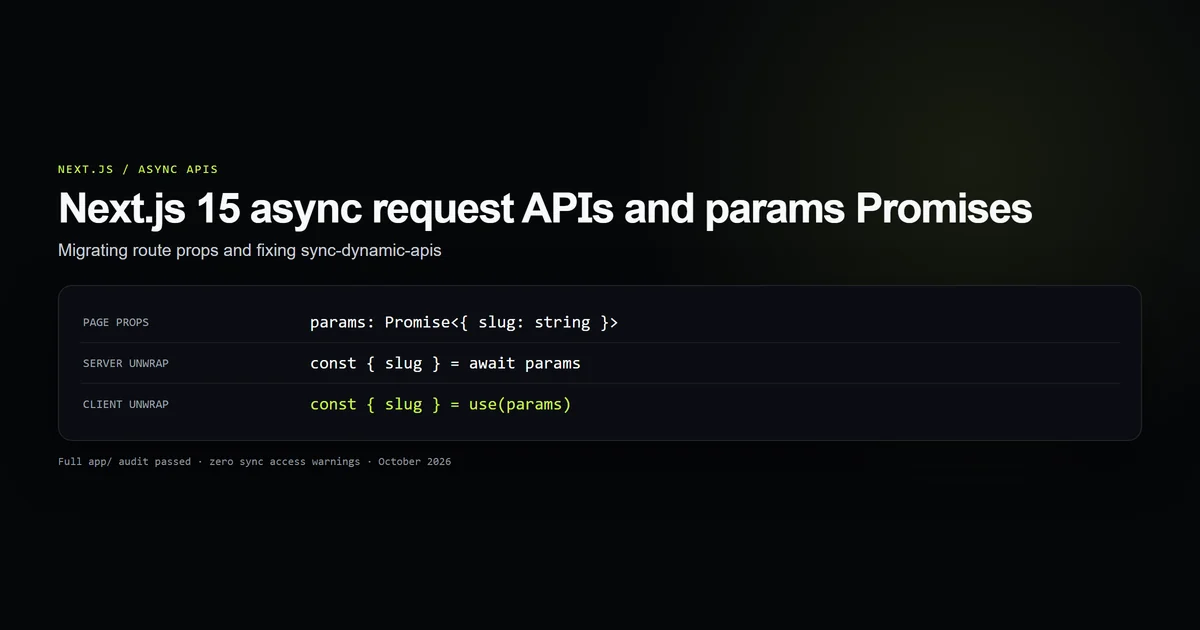
In Next.js 15, dynamic route parameters in Route Handlers are asynchronous Promises. Attempting to destructure context.params synchronously triggers the sync-dynamic-apis compiler error.
Type dynamic Route Handlers by wrapping params in a Promise:
import { NextResponse, type NextRequest } from "next/server";

interface RouteContext {
  params: Promise<{
    slug: string;
  }>;
}

export async function GET(request: NextRequest, context: RouteContext) {
  // MUST await context.params in Next.js 15
  const { slug } = await context.params;

  if (!slug) {
    return NextResponse.json({ error: "Missing slug parameter" }, { status: 400 });
  }

  return NextResponse.json({
    slug,
    url: `https://devventa.com/next-js/${slug}`,
  });
}
For handling incoming JSON mutations (POST / PUT), read the body via request.json() and validate it against a runtime schema library like Zod:
import { NextResponse } from "next/server";

export async function POST(request: Request) {
  let body: unknown;

  try {
    body = await request.json();
  } catch {
    return NextResponse.json({ error: "Invalid JSON body" }, { status: 400 });
  }

  // Type-narrow and process payload safely
  if (!body || typeof body !== "object" || !("email" in body)) {
    return NextResponse.json({ error: "Email field required" }, { status: 422 });
  }

  return NextResponse.json({ success: true }, { status: 200 });
}
This pattern matches the async parameter contracts documented in our guide to Next.js 15 Async Request APIs.
Defensive security and rate limiting
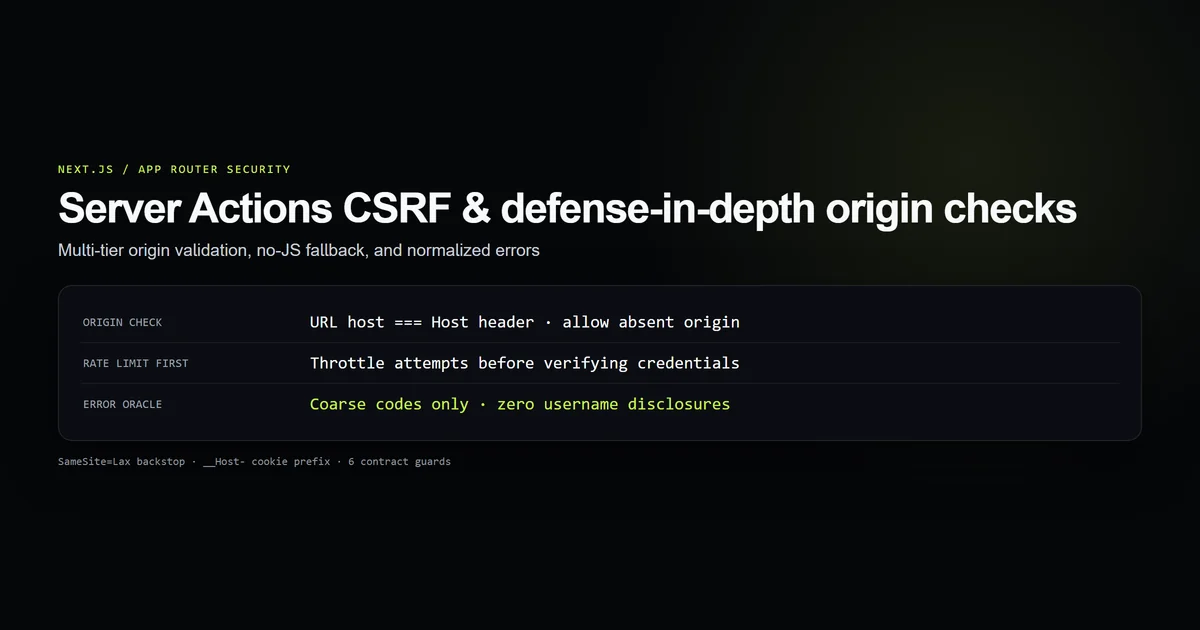
Unlike Server Actions which require origin checks to prevent CSRF exploits, public Route Handlers are open to direct HTTP calls from any origin unless protected.
When authoring mutations in Route Handlers:
- 1. Verify Request Origin: Check the
OriginorRefererheader against the expected host if the endpoint is intended only for your frontend. See Next.js Server Actions CSRF Defense for header inspection patterns. - 2. Cap Body Payload Size: Prevent denial-of-service memory exhaustion by rejecting oversized request streams before parsing JSON.
- 3. Apply In-Process Rate Limiting: Combine sliding windows with proxy headers to blunt automated floods.
Here is the defensive pattern used in this site's newsletter endpoint:
export const runtime = "nodejs";
export const dynamic = "force-dynamic";

// Reject oversized bodies before parsing
const MAX_BODY_BYTES = 2_048;

export async function POST(request: Request) {
  const contentLength = Number(request.headers.get("content-length") || 0);
  if (contentLength > MAX_BODY_BYTES) {
    return Response.json({ error: "Payload too large" }, { status: 413 });
  }

  const clientIp = request.headers.get("x-forwarded-for")?.split(",")[0]?.trim();
  // Execute sliding window rate limit on clientIp...

  return Response.json({ subscribed: true });
}
For immutable repository data such as MDX collections, avoid reading the filesystem repeatedly inside route handlers; instead, reuse the memoized corpus as demonstrated in Next.js Cache Filesystem Data.
Best practices for Route Handlers
- Use Web Standard Response by default: Stick to
Response.json()unless Next.js-specific cookie manipulation or redirects are required. - Explicitly declare dynamic configuration: State
export const dynamic = "force-static"for cacheable catalogs orforce-dynamicfor realtime mutations. - Always await route context params: Treat
context.paramsas a Promise in Next.js 15 to prevent runtime warnings and timing bugs. - Enforce payload size limits: Check
content-lengthbefore invokingrequest.json()to defend against memory exhaustion. - Set explicit cache headers on static streams: When serving immutable text assets, accompany
dynamic = "force-static"withCache-Control: public, max-age=3600, immutable.
Common Route Handler mistakes
- Synchronous params access in Next.js 15: Destructuring
{ slug } = context.paramsdirectly withoutawait, causing dynamic segment failures. - Assuming GET endpoints are cached in Next.js 15: Expecting Next.js 14 caching behavior without declaring
dynamic = "force-static". - Mixing page.tsx and route.ts in the same folder: Creating routing conflicts by placing both files in the same segment directory.
- Ignoring Server-Sent Events headers: Forgetting
Cache-Control: no-cacheorConnection: keep-aliveon streaming responses, causing intermediate proxies to buffer chunks. - Unchecked body parsing: Calling
await request.json()without atry/catchblock, causing unhandled 500 exceptions on malformed requests.
Conclusion: embrace Web Standards
Next.js 15 Route Handlers provide a unified, standards-compliant foundation for building APIs and streaming endpoints. By adopting native Web Standard Request and Response interfaces, being explicit about caching contracts, and awaiting dynamic context parameters, you build performant, portable endpoints that run reliably across serverless and edge environments.
Frequently asked questions
How do Route Handlers differ from Pages Router API routes?
Why are Route Handlers not cached by default in Next.js 15?
Should I use Response.json() or NextResponse.json()?
How do I handle dynamic route parameters in Next.js 15 Route Handlers?
Can I stream real-time data using Route Handlers?

Muhammad Kashif
Founder and editor of Devventa, covering AI coding assistants, Next.js and the modern AI development stack.