Next.js middleware matchers filter incoming requests before Edge Function execution begins. Without an explicit config.matcher export in middleware.ts, Next.js invokes your middleware on every single HTTP request—including JavaScript chunks, optimized images, font files, and public icons—wasting edge compute quotas and adding latency to static assets.
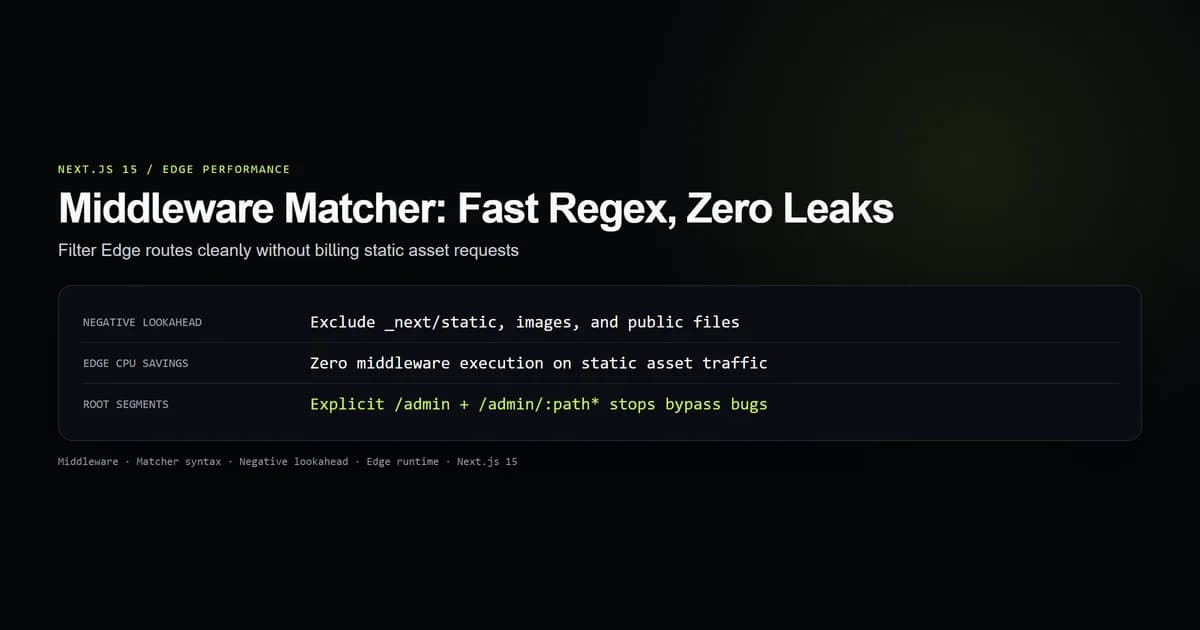
Using a precise matcher eliminates unneeded edge invocations while preventing accidental authorization bypasses on protected routes.
Why middleware matchers dictate edge costs
Every request handled by Next.js middleware executes on the Vercel Edge Runtime or Cloudflare Workers platform before reaching Server Components or route handlers. If you omit the config.matcher configuration, Next.js defaults to running middleware on every route.
On a production site with 50 page views where each page loads 12 JavaScript chunks, 4 CSS bundles, 6 WebP images, and a favicon, a single session can trigger over 1,000 Edge Function invocations. On serverless billing models with monthly execution caps, un-scoped middleware burns through free tiers and inflates compute bills.
Filtering requests at the matcher level ensures that static assets bypass the Edge execution runtime entirely. The request is served directly from the edge cache or CDN without spinning up a JavaScript execution isolate.
The canonical negative lookahead regex
The most common matcher pattern in Next.js applications uses a regular expression with a negative lookahead. This pattern matches all application routes while skipping framework internals and static files:
export const config = {
  matcher: [
    /*
     * Match all request paths except for:
     * 1. /_next/static (static files)
     * 2. /_next/image (image optimization files)
     * 3. /favicon.ico (favicon file)
     * 4. Static images and assets (.svg, .png, .jpg, .jpeg, .gif, .webp)
     */
    "/((?!_next/static|_next/image|favicon.ico|.*\\.(?:svg|png|jpg|jpeg|gif|webp)$).*)",
  ],
};
This regular expression breaks down into four essential boundaries:
- 1. Leading Slash Anchor (
^/): Enforces that matching begins at the root slash of the URL pathname. - 2. Exclusion Group (
(?! ... )): The negative lookahead assertion. If the path begins with or contains any of the pipe-separated exclusions, the pattern rejects the URL immediately. - 3. File Extension Rejection: The
.*\\.(?:svg|png|jpg|jpeg|gif|webp)$group excludes public media files stored in/public. Without this clause, requests for/cover.webpor/logo.svgtrigger edge middleware execution. - 4. Trailing Wildcard (
.*): Matches all remaining URL pathnames, routing normal page visits and API calls intomiddleware.ts.
Root segment and wildcard traps
When developers move away from global negative lookaheads to target specific route trees, path-to-regexp syntax traps frequently introduce security vulnerabilities.
Consider a protected administrative area under /admin. A common mistake is declaring only the nested wildcard:
export const config = {
  // WRONG: Does not match bare /admin in some routing configurations
  matcher: ["/admin/:path*"],
};
In Next.js path-to-regexp parsing, :path* represents zero or more path segments. However, depending on trailing slash configuration (trailingSlash: true vs false in next.config.mjs) and internal normalization, requesting the bare /admin route without a trailing slash can bypass the matcher in edge cases.
To eliminate ambiguity and guarantee that protected boundaries cannot be bypassed, declare both the root segment and the sub-path wildcard explicitly:
export const config = {
  // SECURE: Explicitly matches both the bare root and all children
  matcher: ["/admin", "/admin/:path*"],
};
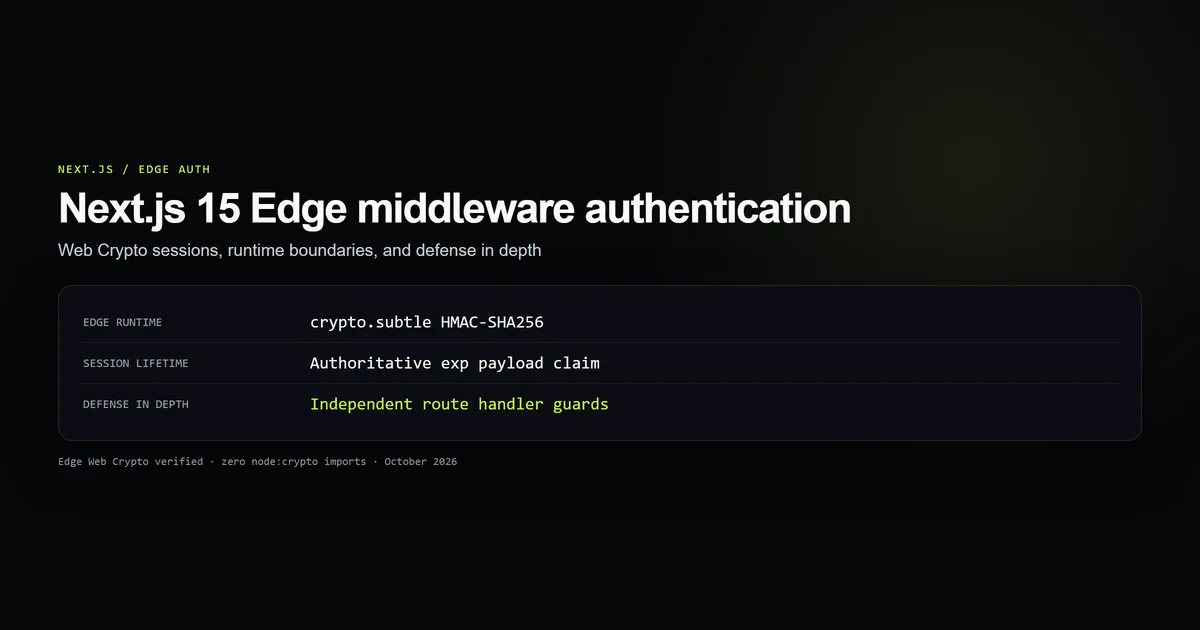
This site applies this exact pattern in Next.js Edge middleware authentication to ensure that administrative sessions are validated before /admin or any nested control page renders.
Route groups and URL pathname evaluation
Next.js App Router relies heavily on route groups—folders wrapped in parentheses like app/(dashboard)/settings/page.tsx or app/(marketing)/about/page.tsx—to organize code without affecting URLs.
A frequent error is including the route group folder name in the matcher definition:
export const config = {
  // BROKEN: Route groups do not exist in the HTTP request URL
  matcher: ["/(dashboard)/:path*"],
};
When a user visits https://devventa.com/settings, the HTTP request pathname received by the server is /settings. The Next.js routing layer strips parentheses folders during route compilation. Because /(dashboard) never appears in request.nextUrl.pathname, the matcher above matches zero requests.
Always write matchers against the resolved browser URL pathname:
export const config = {
  // CORRECT: Matches the actual browser URL pathname
  matcher: ["/settings", "/settings/:path*", "/analytics/:path*"],
};
Query strings and prefetch headers
Next.js middleware matchers evaluate only the URL pathname. Query parameters and hash fragments are never evaluated by the matcher engine.
If you attempt to write a matcher pattern that checks for query strings, the pattern will fail:
export const config = {
  // INVALID: Matchers do not evaluate query parameters
  matcher: ["/api/export?format=csv"],
};
A request to /api/export?format=csv has a pathname of /api/export. The matcher engine compares patterns against the pathname alone. To branch based on search params, match the base route and inspect request.nextUrl.searchParams inside the middleware handler:
import { NextResponse, type NextRequest } from "next/server";

export const config = {
  matcher: ["/api/export"],
};

export function middleware(request: NextRequest) {
  const format = request.nextUrl.searchParams.get("format");

  if (format === "csv") {
    // Apply specific headers or rate limits for data export
    const response = NextResponse.next();
    response.headers.set("X-Export-Type", "CSV");
    return response;
  }

  return NextResponse.next();
}
Similarly, Next.js <Link> components issue prefetch requests containing the Purpose: prefetch header. Matchers execute on prefetch requests just like standard navigations. If your middleware performs expensive database or network calls, check request.headers.get("purpose") === "prefetch" inside the function body to return early.
Scoped matching in production
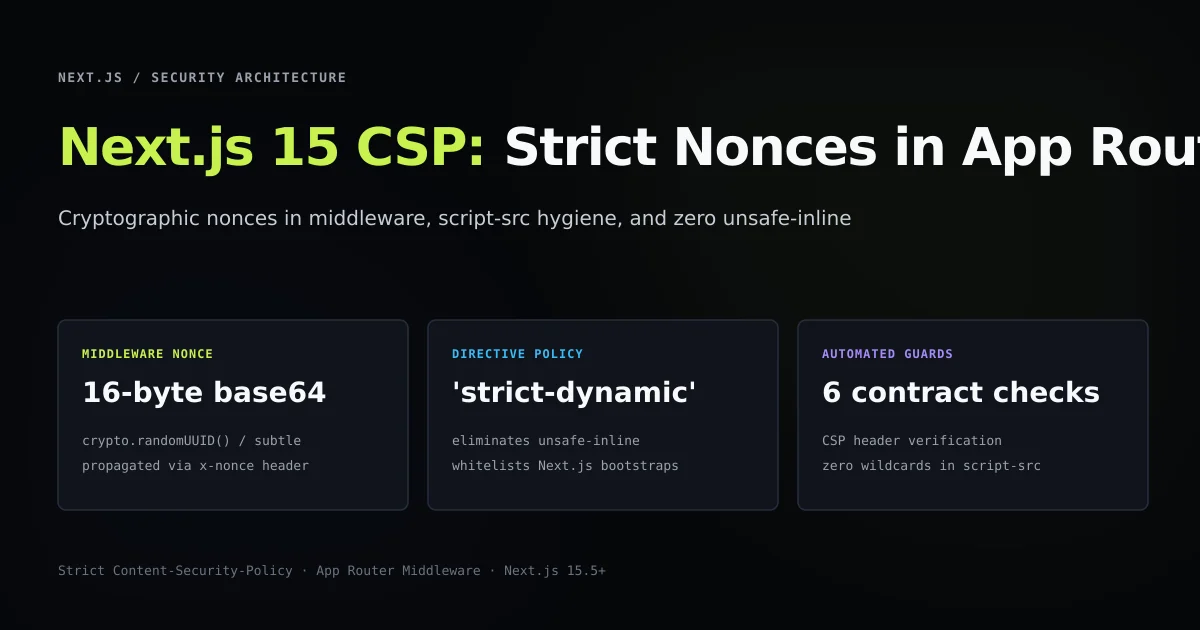
Negative lookahead regular expressions are useful for general utilities like Next.js 15 Content Security Policy nonces that must attach to every HTML document. However, for authentication and administrative gates, an explicit scoped whitelist is far safer and faster.
Here is the audited architecture used in this production repository:
import { NextResponse, type NextRequest } from "next/server";
import { sessionCookieName, verifySessionToken } from "@/lib/admin/session";

const LOGIN_PATH = "/admin/login";
const DASHBOARD_PATH = "/admin";

export const config = {
  matcher: ["/admin", "/admin/:path*"],
};

function applySecurityHeaders(response: NextResponse): NextResponse {
  response.headers.set("X-Robots-Tag", "noindex, nofollow, noarchive");
  response.headers.set("Cache-Control", "no-store, max-age=0, must-revalidate");
  response.headers.set("Referrer-Policy", "same-origin");
  return response;
}

export async function middleware(request: NextRequest) {
  const { pathname } = request.nextUrl;
  const isLoginRoute = pathname === LOGIN_PATH;

  const token = request.cookies.get(sessionCookieName())?.value;
  const session = await verifySessionToken(token);

  if (session.valid) {
    if (isLoginRoute) {
      return applySecurityHeaders(NextResponse.redirect(new URL(DASHBOARD_PATH, request.url)));
    }
    return applySecurityHeaders(NextResponse.next());
  }

  if (!isLoginRoute) {
    return applySecurityHeaders(NextResponse.redirect(new URL(LOGIN_PATH, request.url)));
  }

  return applySecurityHeaders(NextResponse.next());
}
This scoped matcher provides three distinct advantages:
- 1. Zero Public Overhead: Public blog posts, homepages, and static assets bypass middleware entirely. No edge CPU cycles are spent on unauthenticated readers.
- 2. Defensive Simplicity: No complex regex that might break when a new file extension or static asset directory is added.
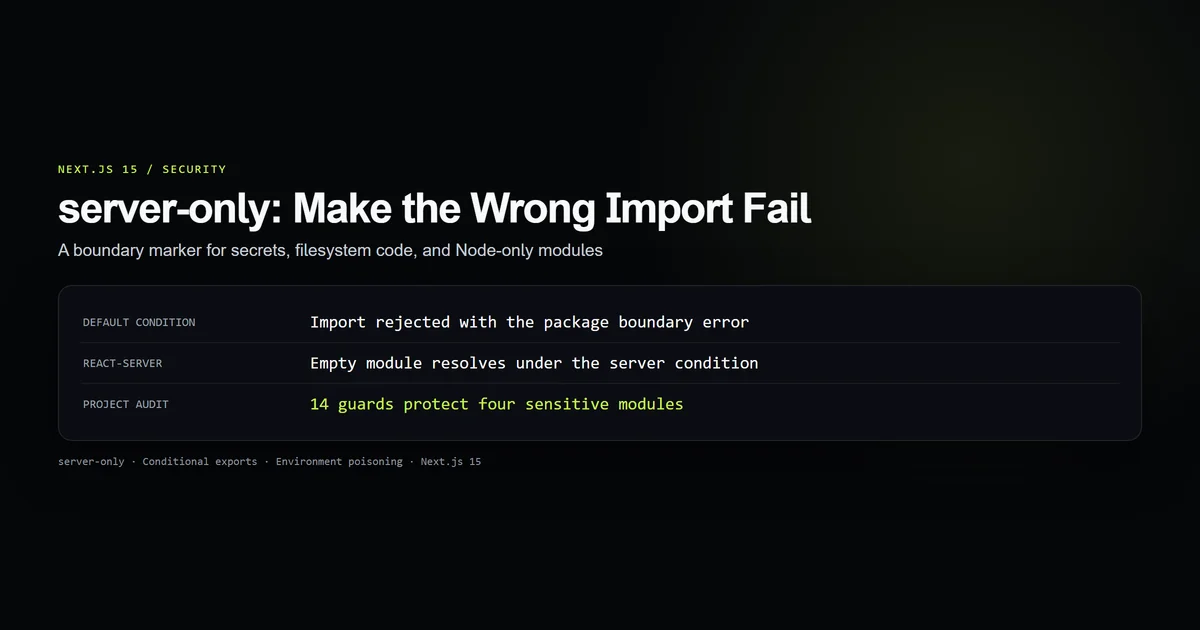
- 3. No Middleware Secrets: Middleware runs on the Edge runtime without importing Node built-ins, keeping your Next.js server-only boundaries cleanly separated.
Best practices for middleware matchers
- Prefer explicit whitelists over global matchers: Match only the route sub-trees that actually require edge headers, rewrites, or redirects.
- Always pair root paths with wildcards: Use
["/admin", "/admin/:path*"]instead of a solitary wildcard to avoid trailing slash matching discrepancies. - Exclude media extensions in negative lookaheads: Ensure
svg|png|jpg|jpeg|gif|webp|icoare included in your negative lookahead regex when matching globally. - Match browser URLs, not folder paths: Never include route groups like
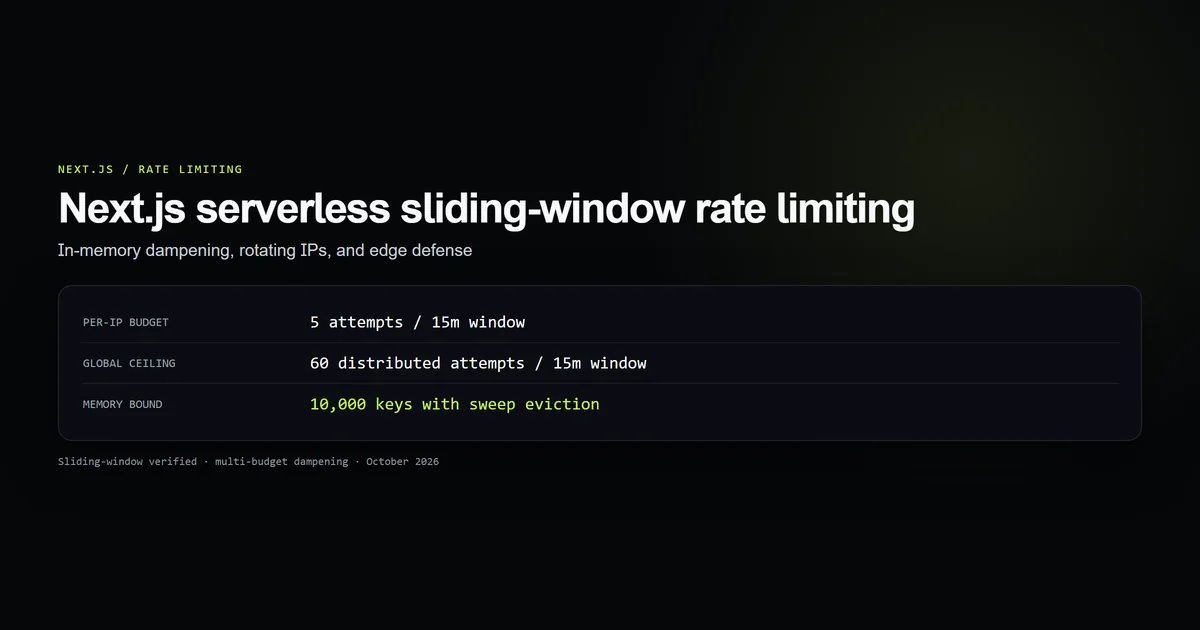
(marketing)or parallel route slots like@modalin your matcher patterns. - Keep Edge compute lightweight: Combine matcher filtering with in-process limits like Next.js serverless rate limiting to protect endpoints without ballooning cloud bills.
Common middleware matcher mistakes
- Omitting
favicon.icofrom negative lookahead: Browsers request/favicon.icoon almost every initial visit. Omitting it causes an edge invocation on every tab open. - Assuming matchers check search parameters: Expecting
matcher: ['/search?q=*']to work; matchers ignore query parameters entirely. - Adding leading dots or asterisks without escapes: Writing unescaped regular expressions that accidentally match unintended paths or fail compiler validation.
- Relying on middleware as the sole security barrier: Treating middleware matching as foolproof authentication without repeating checks inside Server Components or Server Actions.
Conclusion: scope the filter, guard the endpoint
Next.js middleware matchers provide a performant first-line filter for incoming HTTP traffic. By crafting explicit whitelists and well-tested negative lookaheads, you prevent static assets from running unnecessary Edge code while ensuring protected routes never leak.
Scope your matcher configuration tightly, test path variations in automated checks, and always back edge redirects with authoritative server-side checks.
Frequently asked questions
How do I exclude static files from Next.js middleware?
Why does my middleware run on favicon.ico and images?
Can I match query parameters in Next.js middleware matcher?
Does route group syntax like (dashboard) work in middleware matcher?
Why should I use scoped matchers instead of negative lookaheads?

Muhammad Kashif
Founder and editor of Devventa, covering AI coding assistants, Next.js and the modern AI development stack.