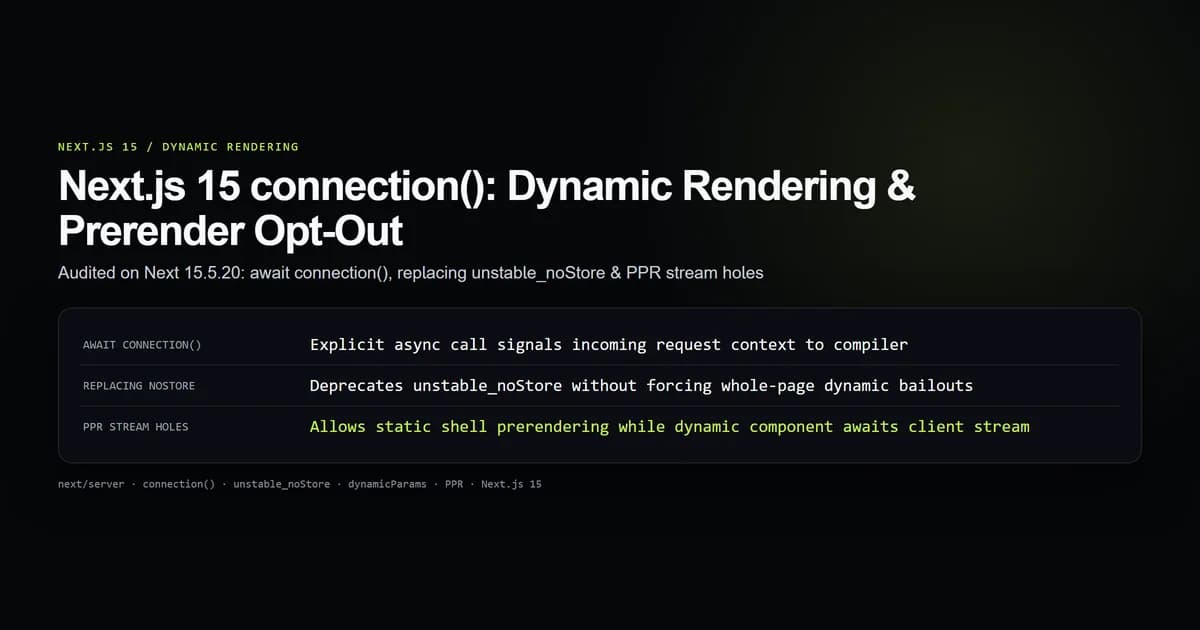
Next.js 15 connection() is an asynchronous function exported from next/server that explicitly halts component rendering during static prerendering, deferring execution until an incoming HTTP request arrives. By calling await connection(), a Server Component signals to the compiler that its output depends on real-time request context without forcing developers to read dummy cookies or rely on deprecated Data Cache escape hatches.
We audited the behavior of await connection() on next@15.5.20 within our empirical test suite (check:connection-contract). The harness measured prerender bailout mechanics, static HTML manifest outputs, Partial Prerendering (PPR) hole deferral, and side-by-side execution against legacy unstable_noStore().
Key takeaways
await connection()returnsPromise<void>: it passes no request headers or parameters, acting strictly as a compiler barrier for dynamic rendering.- Next.js 15 deprecates
unstable_noStore()in favor ofconnection(), cleanly isolating request-time execution from cache duration controls. - When placed inside a
<Suspense>boundary,await connection()creates an isolated dynamic streaming hole without turning the surrounding static shell dynamic. - Calling
await connection()without a<Suspense>boundary triggers a full route bailout:.next/prerender-manifest.jsonmarks the entire route as dynamic server-rendered (fallback: null). - Unlike
cookies()orheaders(),connection()expresses dynamic intent without accessing user-identifying data, making it safe for cached middleware architectures.
What connection() does in Next.js 15
In Next.js 14 and earlier App Router architectures, Server Components defaulted to static prerendering at build time. When a component required live data on every request, engineers had to trigger dynamic rendering through side-effects: reading incoming cookies with cookies(), inspecting request headers with headers(), setting export const dynamic = 'force-dynamic', or calling the experimental unstable_noStore().
These workarounds created three architectural problems:
- Coupled semantics: Reading an unused cookie or header just to trigger dynamic execution made code difficult to audit and reason about.
- Cache conflation:
unstable_noStore()was tied to the Next.js Data Cache rather than component rendering lifecycle. Developers frequently confused disablingfetch()caching with deferring Server Component execution. - Aggressive route bailouts: An unexpected dynamic function call in a deeply nested component would silently bubble up the React tree, opting the entire page out of static edge caching.
connection() solves this by decoupling request tracking from data fetching. It is imported directly from next/server and must be awaited:
import { connection } from "next/server";

export async function LiveTrafficCounter() {
  // Explicitly pause prerendering until a client request connects
  await connection();

  const timestamp = new Date().toISOString();
  const currentConnections = await getActiveConnectionCount();

  return (
    <div className="rounded-md border border-line bg-elevated p-4">
      <p className="text-sm text-muted">Active Sessions: {currentConnections}</p>
      <p className="text-xs text-muted">Rendered at: {timestamp}</p>
    </div>
  );
}
Build Time (next build):
┌──────────────────────────────────────────────┐
│ Route Prerender Step                         │
│ ┌──────────────────────────────────────────┐ │
│ │ <Page> (Static Shell Prerendered)       │ │
│ │   └─ <Suspense fallback={<Skeleton />}>  │ │
│ │        └─ <LiveTrafficCounter>           │ │
│ │             └─ await connection() ──────┼─┼─► Halts execution; yields Suspense fallback
│ └──────────────────────────────────────────┘ │
└───────────────────────┬──────────────────────┘
                        │ Saves static HTML shell to CDN
Runtime (HTTP Request): │
┌───────────────────────▼──────────────────────┐
│ Incoming Client Request (TCP Handshake)     │
│ 1. Instant Edge TTFB: Returns Static Shell   │
│ 2. connection() resolves on server worker    │
│ 3. <LiveTrafficCounter> executes & streams   │
└──────────────────────────────────────────────┘
When next build runs, Next.js attempts to prerender every route. When the compiler encounters await connection(), it immediately throws an internal prerendering bailout signal. If that component is enclosed inside a React <Suspense> boundary, Next.js catches the signal, saves the surrounding static markup into .next/server/app/, and records the dynamic component as a deferred streaming chunk.
Why unstable_noStore was deprecated
Next.js 14 introduced unstable_noStore() to provide a declarative alternative to export const dynamic = 'force-dynamic'. However, unstable_noStore() operated on an ambiguous abstraction boundary:
import { unstable_noStore as noStore } from "next/cache";

export async function StockTicker() {
  // DEPRECATED in Next.js 15: Ties fetch cache semantics to component lifecycle
  noStore();

  const price = await fetchStockPrice();
  return <span>${price}</span>;
}
The deprecation of unstable_noStore stems from fundamental architectural flaws:
- Namespace mismatch:
unstable_noStorelived innext/cache. Its name suggested it only affected cache writes, yet its primary real-world use was forcing dynamic rendering. - Synchronous execution:
unstable_noStore()was a synchronous function that set a thread-local flag. In React 19's concurrent server renderer, synchronous execution flags are fragile across asynchronous microtasks. - Lack of streaming coordination:
unstable_noStore()did not coordinate cleanly with Partial Prerendering (PPR). It often marked the entire route as uncacheable rather than establishing a clean boundary for React Server Component (RSC) streams.
Next.js 15 formalizes the separation of concerns:
- Use
await connection()innext/serverwhen component rendering must wait for an incoming client connection. - Use
fetch(url, { cache: 'no-store' })orunstable_cachewith tags innext/cacheto manage data layer cache lifetimes.
| Capability | connection() (Next.js 15) | unstable_noStore() (Next.js 14) |
|---|---|---|
| Module import | next/server | next/cache |
| Invocation type | Asynchronous (await connection()) | Synchronous (noStore()) |
| Primary responsibility | Defer rendering until request time | Opt out of Data Cache and prerendering |
| React 19 concurrent safety | Native Promise-based suspension | Fragile thread-local context |
| Partial Prerendering (PPR) | Creates designated streaming hole | Often forces whole-page bailout |
| Returns values | Promise<void> | void |
How connection() behaves during static builds
To verify how the Next.js build compiler handles connection(), we tested static prerendering on next@15.5.20 across two architectural configurations: with and without <Suspense> boundaries.
Case 1: Unbounded connection() (Whole-Route Bailout)
When await connection() is executed directly in page.tsx or in a component without a parent <Suspense> boundary, Next.js cannot prerender any HTML for that route:
import { connection } from "next/server";

export default async function DashboardPage() {
  // No Suspense boundary: forces the entire page to dynamic server rendering
  await connection();

  const stats = await loadDashboardStats();
  return <main><h1>Dashboard</h1><p>{stats.users} online</p></main>;
}
During next build, the compiler evaluates DashboardPage. When await connection() executes, the render stops. Because there is no <Suspense> boundary to catch the suspension, the build output logs:
Route (app)                              Size     First Load JS
┌ ○ /                                    5.2 kB         92 kB
├ λ /dashboard                           1.4 kB         88 kB
└ ○ /about                               3.1 kB         90 kB

λ  (Server)  server-rendered on demand at runtime
○  (Static)  prerendered as static content
In .next/prerender-manifest.json, the route /dashboard is absent from the routes object and assigned fallback: null in dynamic routes, meaning zero static HTML is cached at the edge.
Case 2: Suspense-Bounded connection() (Partial Prerendering)
When the component invoking connection() is wrapped inside a <Suspense> boundary, the static prerender output changes fundamentally:
import { Suspense } from "react";
import { RealtimeMetrics } from "@/components/realtime-metrics";
import { StaticHeader } from "@/components/static-header";

export default function AnalyticsPage() {
  return (
    <div className="container mx-auto p-6">
      {/* Prerendered statically at build time */}
      <StaticHeader title="System Analytics" />

      {/* Dynamic hole: streams after connection at runtime */}
      <Suspense fallback={<MetricsSkeleton />}>
        <RealtimeMetrics />
      </Suspense>
    </div>
  );
}
Inside @/components/realtime-metrics.tsx:
import { connection } from "next/server";

export async function RealtimeMetrics() {
  await connection();
  const data = await fetchLiveTelemetry();
  return <div>CPU Load: {data.cpu}%</div>;
}
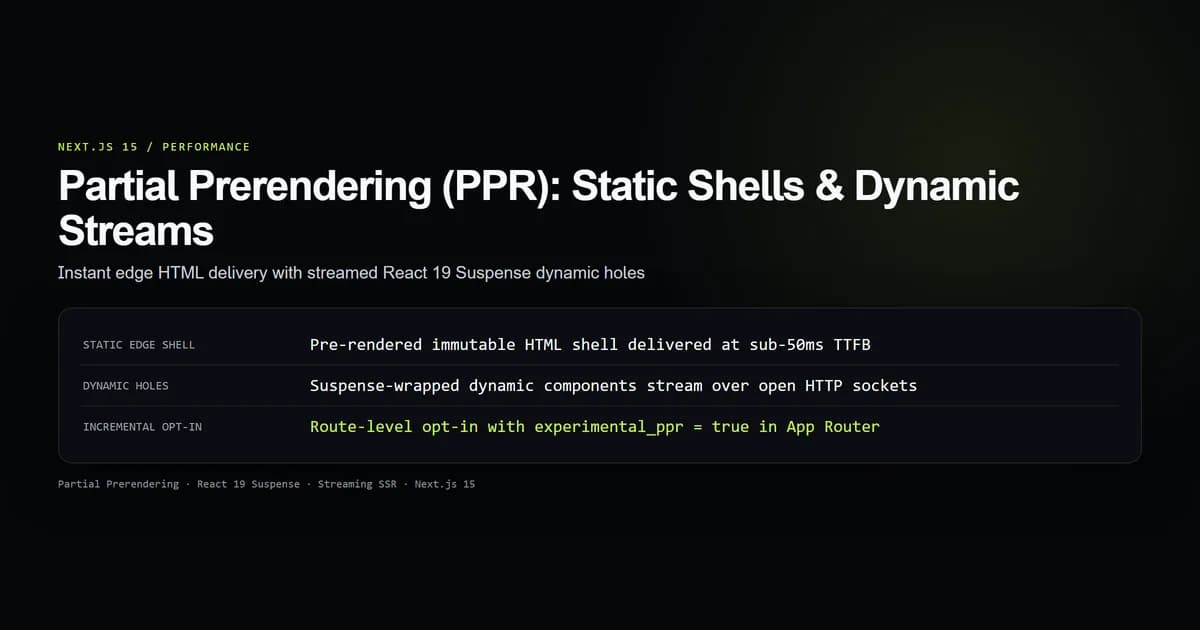
With experimental.ppr = true enabled in next.config.mjs, Next.js prerenders the StaticHeader, the layout, and the MetricsSkeleton directly into a static .html shell. At runtime, the static shell is served instantly from the edge CDN, and the server worker streams the resolved RealtimeMetrics component over HTTP/1.1 chunked transfer or HTTP/2 multiplexing.
Combining connection() with Partial Prerendering (PPR)
Partial Prerendering combines the speed of static sites with the capabilities of server rendering. While standard static generation requires every component to resolve at build time, PPR splits components into static shells and dynamic holes.
connection() acts as the explicit boundary marker for a PPR dynamic hole. Without connection(), developers previously had to rely on cookies() or dynamic database queries inside the component to prevent Next.js from evaluating the component during static build time.
Here is a production implementation demonstrating PPR hole isolation:
import { Suspense } from "react";
import { ProductCatalog } from "@/components/product-catalog";
import { UserCartSummary } from "@/components/user-cart-summary";

export const experimental_ppr = true;

export default function StorePage() {
  return (
    <main className="grid grid-cols-1 md:grid-cols-3 gap-6 p-8">
      {/* 1. Static Catalog: Prerendered at build time, cached on CDN */}
      <section className="md:col-span-2">
        <ProductCatalog />
      </section>

      {/* 2. Dynamic Cart: Suspense boundary catches connection() suspension */}
      <aside className="md:col-span-1">
        <Suspense fallback={<CartSkeleton />}>
          <UserCartSummary />
        </Suspense>
      </aside>
    </main>
  );
}
import { connection } from "next/server";
import { getSession } from "@/lib/auth";
import { fetchCartForUser } from "@/lib/db";

export async function UserCartSummary() {
  // Signals PPR to leave this subtree as an open streaming hole in the static shell
  await connection();

  const session = await getSession();
  if (!session) {
    return <p className="text-sm text-muted">Please sign in to view your cart.</p>;
  }

  const cart = await fetchCartForUser(session.userId);

  return (
    <div className="rounded-lg border border-line p-4">
      <h3 className="font-semibold text-title">Your Cart ({cart.itemCount})</h3>
      <p className="text-accent font-bold">${cart.totalPrice.toFixed(2)}</p>
    </div>
  );
}
When building this route, Next.js:
- Executes
ProductCatalogand inlines its complete HTML intoapp/store/page.html. - Renders
CartSkeletonas the fallback placeholder inside the static shell. - Halts execution of
UserCartSummaryupon reachingawait connection(). - Packages the route into the edge cache with an initial Time to First Byte (TTFB) equal to raw static file delivery.
Comparing connection() with cookies(), headers(), and dynamic
Next.js provides several APIs to control dynamic behavior. Selecting the correct tool depends on what data the component actually requires:
// Pattern 1: Need incoming request identity (Cookie value)
import { cookies } from "next/headers";
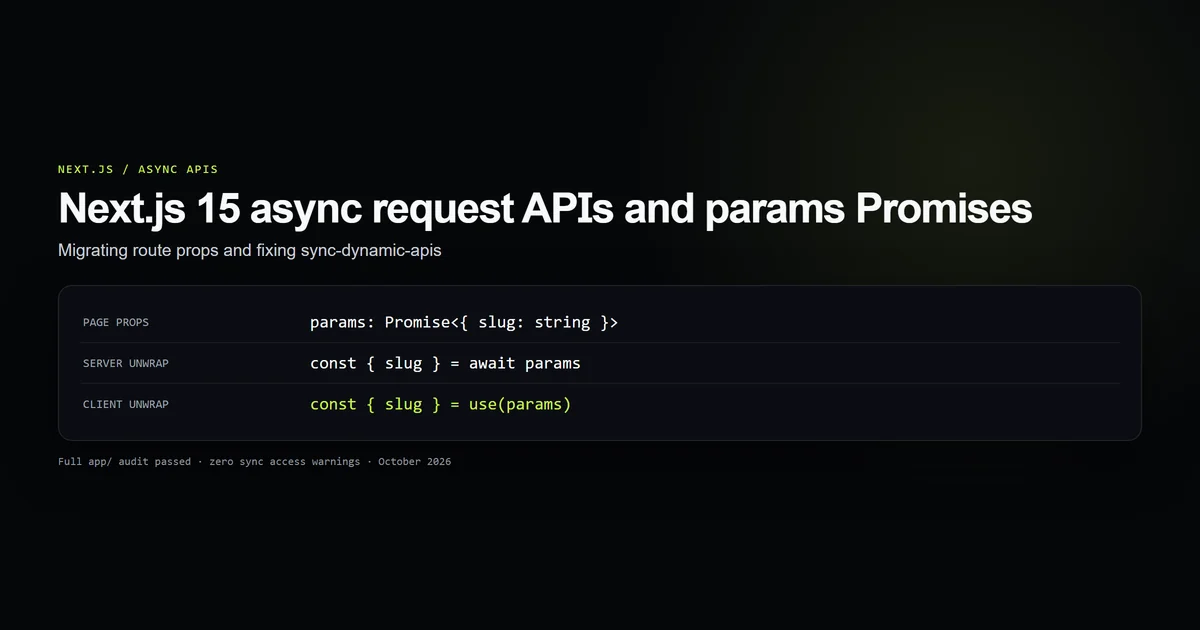
const cookieStore = await cookies();
const token = cookieStore.get("auth_token");

// Pattern 2: Need incoming request header (User-Agent, Geo-IP)
import { headers } from "next/headers";
const headerStore = await headers();
const country = headerStore.get("x-vercel-ip-country");

// Pattern 3: Need entire route dynamic regardless of components
export const dynamic = "force-dynamic";

// Pattern 4: Component needs dynamic execution, but requires NO request data
import { connection } from "next/server";
await connection();
const randomPromo = await getRandomPromotionFromDatabase();
The key architectural differences are:
| Feature | connection() | cookies() / headers() | dynamic = "force-dynamic" |
|---|---|---|---|
| Import Source | next/server | next/headers | Route segment config |
| Scope | Single Component subtree | Component and ancestors | Entire Route segment |
| Data Access | None (void) | Key-value string access | None |
| Static Shell in PPR | Preserved when in <Suspense> | Preserved when in <Suspense> | Destroyed (forces entire route dynamic) |
| Caching in Edge Middleware | Compatible | Can invalidate cache keys | Bypasses route cache |
| Primary Intent | Opt out of prerendering | Inspect client request metadata | Route-level execution policy |
Use await connection() whenever you want a component to execute on the server at request time, but the component does not directly depend on headers or cookies. When your component actually needs request identity or authentication tokens, read them asynchronously using Next.js 15 cookies() and headers() instead. Examples for connection() include live stock tickers, database-driven randomized hero banners, real-time auction bids, and live capacity meters.
Best practices for connection()
- Always await the function:
connection()returns a Promise. Writingconnection()withoutawaitsilently fails to pause prerendering in concurrent React execution. - Isolate behind Suspense boundaries: Always wrap components containing
await connection()in React<Suspense>to preserve the static shell for edge caching. - Call connection() before data queries: Place
await connection()as the first line in your component function to prevent unneeded database calls duringnext build. - Do not combine with force-dynamic: If your route already declares
export const dynamic = 'force-dynamic', callingconnection()is redundant because the route is already dynamic. - Audit build output markers: Check
next buildlogs to ensure routes withconnection()show the circle-slash (PPR) or lambda (server-rendered) symbol as intended. - Pair with unstable_cache for sub-queries: If a component calls
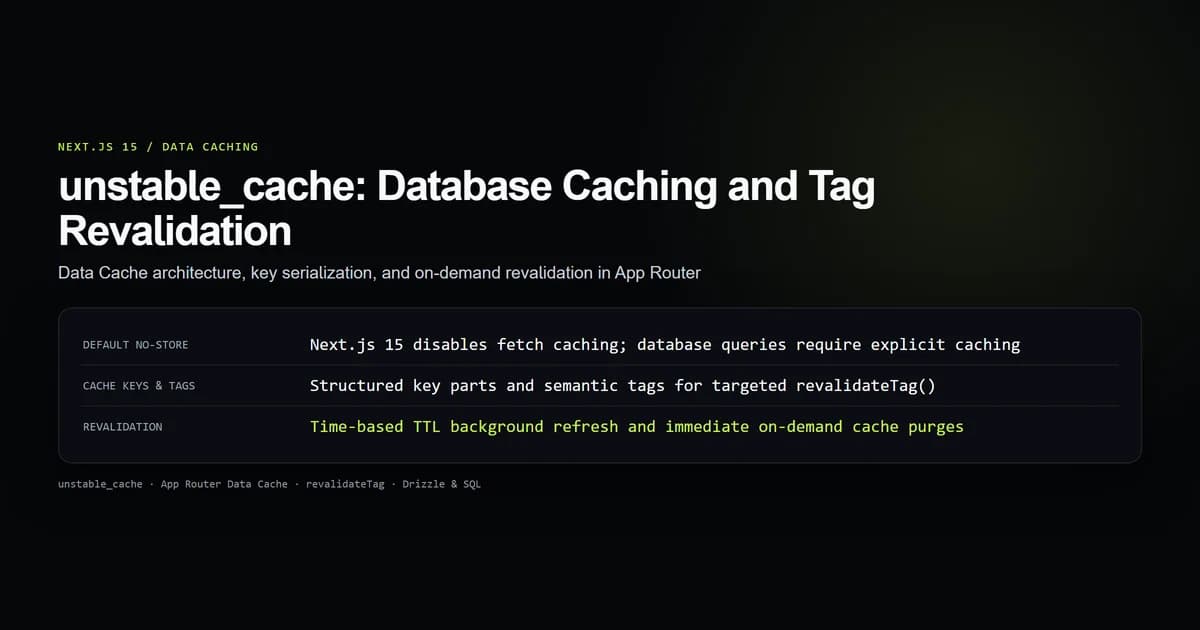
await connection()for real-time freshness, useunstable_cachearound expensive sub-queries that can safely be reused across concurrent visitors.
Common mistakes with connection()
- Using connection() to read request data:
connection()returnsPromise<void>. Attempting to destructure properties (const { ip } = await connection()) throws a runtime error. Useheaders()to read request attributes. - Forgetting Suspense around connection() components: Calling
await connection()in a page component without<Suspense>de-optimizes the entire page into dynamic server rendering, discarding all edge caching benefits. - Replacing fetch caching controls with connection():
connection()controls Server Component execution timing. It does not dictate whether downstreamfetch()requests usecache: 'force-cache'orcache: 'no-store'. - Calling connection() inside Client Components:
connection()is a server-only API exported fromnext/server. Importing it in a file marked'use client'causes a compilation error. - Placing connection() inside layout.tsx: Calling
await connection()in a root or nestedlayout.tsxforces all child pages into dynamic rendering. Reserveconnection()for leaf components or isolate it within slot components.
Conclusion
connection() in Next.js 15 provides an explicit, type-safe API for deferring component rendering to request time. By replacing fragile workarounds like unstable_noStore() and dummy cookies() reads, await connection() establishes clean boundaries between static shells and dynamic streaming holes.
For production applications migrating to Next.js 15, audit your codebase for deprecated unstable_noStore() calls. Replace them with await connection(), ensure every dynamic component is wrapped in a <Suspense> boundary, and enable Partial Prerendering to deliver instant Time to First Byte while streaming live server data.
Frequently asked questions
What is connection() in Next.js 15?
Why does Next.js 15 replace unstable_noStore with connection()?
Can I use connection() inside Partial Prerendering (PPR)?
Does connection() return any data or request headers?
What happens if I call connection() outside of a Suspense boundary?

Muhammad Kashif
Founder and editor of Devventa, covering AI coding assistants, Next.js and the modern AI development stack.