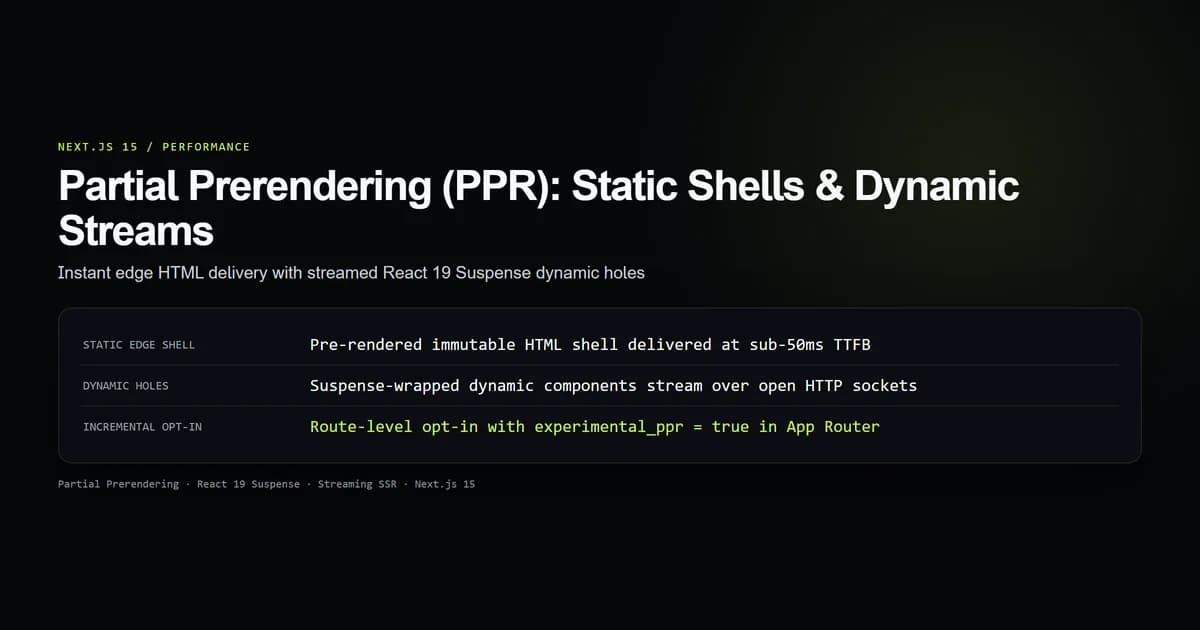
In Next.js 15, nextjs partial prerendering (PPR) eliminates the binary compromise between static generation and dynamic server-side rendering by allowing a single route to deliver an instant pre-rendered static HTML shell while streaming personalized dynamic holes over an open HTTP connection. Using React 19 concurrent boundaries, PPR serves cached layouts from edge CDNs at sub-50ms Time to First Byte (TTFB) while asynchronously resolving user sessions, cart totals, and live database queries.
Historically, introducing a single dynamic call—such as reading cookies() or inspecting headers()—forced the entire Next.js page into dynamic rendering. This delayed the entire response until the slowest database query finished. Tested on Next.js 15.5.20 with React 19.1.1, here is how to configure experimental.ppr, wrap dynamic data in Suspense holes, and isolate server boundaries without de-optimizing your static edge cache.
Key takeaways
- Partial Prerendering combines static build-time HTML shells with asynchronous HTTP streaming on the identical URL.
- Enabling
experimental: { ppr: 'incremental' }innext.config.mjsallows selective, route-by-route adoption without site-wide regressions. - Static shells are edge-cacheable and return immediately, while dynamic components wrapped in
<Suspense>stream in parallel. - Calling dynamic request APIs (
cookies(),headers()) outside a Suspense boundary causes the entire route to de-opt to uncacheable SSR. - PPR integrates directly with
unstable_cacheand tag revalidation, keeping data compute costs isolated from user render latency.
The static vs dynamic trade-off in web performance
For a decade, web architecture forced teams into choosing between two extremes:
- Static Site Generation (SSG): Pages compile at build time into pure HTML and CSS. They deploy to CDN edges, achieve instant TTFB (under 30ms), and handle traffic spikes effortlessly. However, they cannot render personalized user data or real-time inventory without client-side JavaScript waterfalls.
- Dynamic Server-Side Rendering (SSR): Pages execute on an origin server or serverless compute container on every request. They read request cookies, authenticate sessions, and fetch live database records. However, TTFB degrades to the latency of the slowest backend dependency (200ms–1500ms), and CDN edge caching is forfeited.
Developers frequently attempted to resolve this tension by shipping a static shell and executing secondary client-side fetch() requests inside useEffect or React Query hooks. This approach produces layout shifts, hydration flashes, and degraded Core Web Vitals (specifically Cumulative Layout Shift and Largest Contentful Paint).
Partial Prerendering in Next.js 15 resolves this architectural flaw at the compiler and streaming layer. The server immediately returns the prerendered HTML shell containing your navigation chrome, hero headers, and fallback skeletons, followed immediately by dynamic HTML chunks over the same connection.
How Partial Prerendering works under the hood
During next build, Next.js 15 analyzes your Server Component tree. It evaluates all code outside React <Suspense> boundaries. Because this outer tree contains only deterministic, request-independent code, Next.js prerenders it into a static HTML file.
Where a <Suspense> boundary wraps a dynamic component, Next.js inserts a lightweight placeholder hole inside the prerendered HTML:
<!-- Static edge-cached response -->
<div class="layout">
  <nav class="navbar"><!-- Pre-rendered navigation --></nav>
  <main class="content">
    <h1>Dashboard</h1>
    <!-- Suspense Fallback Hole -->
    <div class="skeleton-loader">Loading live metrics...</div>
  </main>
</div>
When an HTTP client requests the page:
- Edge CDN response (0–50ms): The CDN serves the pre-rendered static HTML shell immediately. The browser parses the document, paints CSS, and displays the layout and skeleton fallbacks.
- Server execution (concurrent): Simultaneously, the origin server executes the async Server Components suspended inside the dynamic holes.
- HTTP stream ingestion: As each dynamic component resolves its data, Next.js sends React Server Component payload chunks and inline script tags over the existing HTTP connection. React replaces the fallback skeleton with real UI in-place.
The official Next.js Partial Prerendering documentation emphasizes that this stream requires no client-side JavaScript bundles to initiate: the browser receives streamed HTML directly.
Enabling experimental.ppr in Next.js 15
In Next.js 15, Partial Prerendering is an experimental feature enabled via the configuration file. To prevent unintended build disruptions across established routes, Next.js supports an incremental adoption mode.
First, enable the flag in next.config.mjs:
/** @type {import('next').NextConfig} */
const nextConfig = {
  experimental: {
    ppr: "incremental",
  },
};

export default nextConfig;
Setting ppr: "incremental" configures the build compiler to evaluate Partial Prerendering only on routes that explicitly opt in.
Next, activate PPR on your target route segment by exporting experimental_ppr:
import { Suspense } from "react";
import { UserMetrics } from "@/components/dashboard/UserMetrics";
import { MetricsSkeleton } from "@/components/dashboard/MetricsSkeleton";

// Opt-in this specific route segment to Partial Prerendering
export const experimental_ppr = true;

export default function DashboardPage() {
  return (
    <div className="space-y-6">
      <header className="border-b border-line pb-4">
        <h1 className="text-2xl font-bold text-title">Account Overview</h1>
        <p className="text-sm text-muted">
          Static shell delivered instantly from edge cache.
        </p>
      </header>

      {/* Dynamic hole wrapped in Suspense */}
      <Suspense fallback={<MetricsSkeleton />}>
        <UserMetrics />
      </Suspense>
    </div>
  );
}
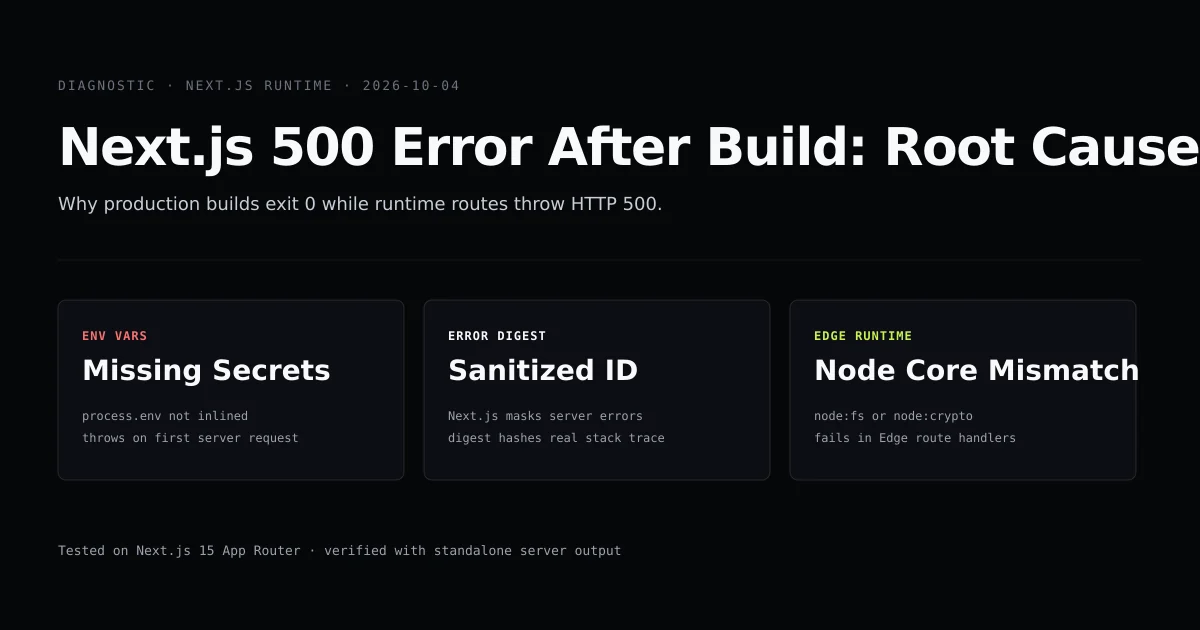
If an error occurs during build-time prerendering, check your build logs against our guide on resolving Next.js 500 build errors to isolate unhandled exceptions.
Structuring static shells with Suspense holes
To maximize the benefits of Partial Prerendering, place Suspense boundaries as close as possible to the components that read dynamic data. Hoisting <Suspense> to the root of a page defeats the purpose of PPR by reducing the static shell to an empty page frame.
Consider an e-commerce product page:
import { Suspense } from "react";
import { notFound } from "next/navigation";
import { getProductBySlug } from "@/lib/db";
import { InventoryStatus } from "@/components/product/InventoryStatus";
import { CartButton } from "@/components/product/CartButton";
import { SkeletonBadge } from "@/components/ui/Skeleton";

export const experimental_ppr = true;

interface PageProps {
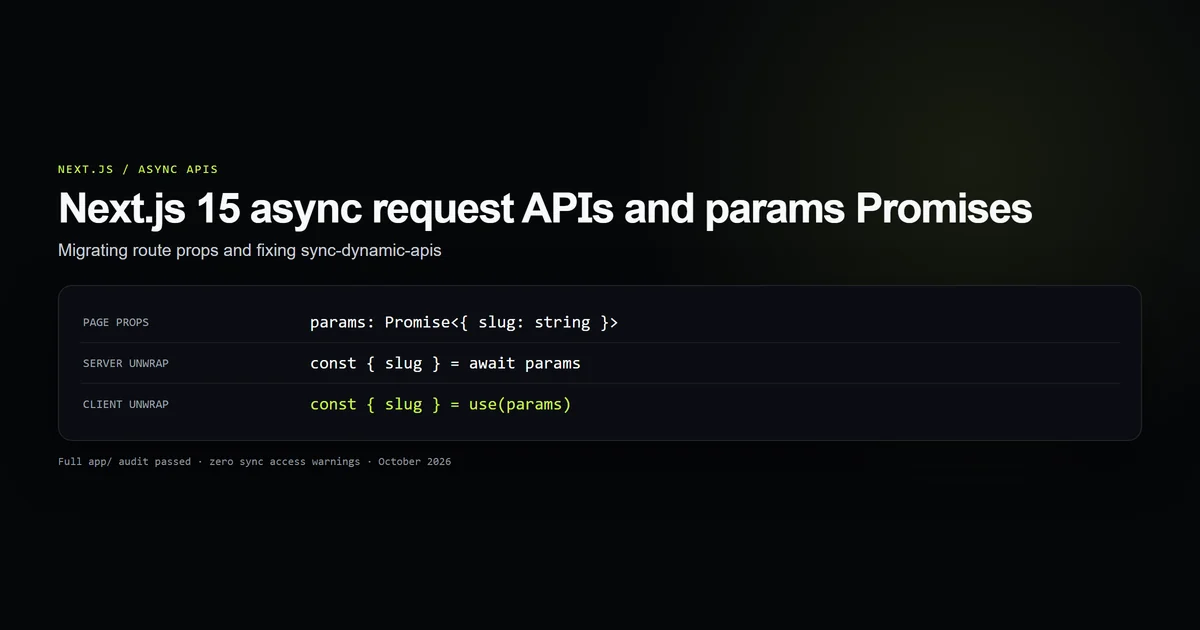
  params: Promise<{ slug: string }>;
}

export default async function ProductPage({ params }: PageProps) {
  const { slug } = await params;
  const product = await getProductBySlug(slug);

  if (!product) {
    notFound();
  }

  return (
    <div className="grid grid-cols-1 gap-8 md:grid-cols-2">
      {/* Static Part: Title, Description, Images */}
      <div>
        <h1 className="text-3xl font-bold">{product.name}</h1>
        <p className="mt-4 text-muted">{product.description}</p>
        <p className="mt-2 text-xl font-semibold">${product.price}</p>
      </div>

      {/* Dynamic Holes: Stock Level and User Cart Button */}
      <div className="space-y-4 rounded-xl border border-line bg-elevated p-6">
        <Suspense fallback={<SkeletonBadge label="Checking stock..." />}>
          <InventoryStatus productId={product.id} />
        </Suspense>

        <Suspense fallback={<div className="h-10 w-full animate-pulse rounded bg-line" />}>
          <CartButton productId={product.id} />
        </Suspense>
      </div>
    </div>
  );
}
In this architecture, the product name, description, and pricing are statically baked into the edge shell during next build. The live inventory check and personalized cart button execute on the server when the user opens the page, streaming directly into the reserved boxes without shifting adjacent layout elements.
| Component Type | Rendering Phase | Caching Behavior | Suspense Requirement |
|---|---|---|---|
| Static Layout & Shell | Build Time | Immutable Edge CDN Cache | Outside <Suspense> |
| Static Product Content | Build Time (generateStaticParams) | Revalidated via tags | Outside <Suspense> |
| Live Inventory Level | Request Time | Uncached / Database Read | Inside <Suspense> |
| User Session / Cart | Request Time | Cookies / Private State | Inside <Suspense> |
Dynamic API isolation and cache boundaries
The primary failure mode when implementing PPR is accidentally calling dynamic request APIs outside a Suspense boundary. In Next.js 15, the following APIs mark a component as dynamic:
cookies()fromnext/headersheaders()fromnext/headers- Unawaited or dynamically inspected
searchParamsprops - Uncached
fetch()requests without tags or revalidation intervals
When Next.js encounters one of these functions outside a <Suspense> boundary during static prerendering, it cannot complete the shell. The compiler prints a bailout warning and marks the entire route as dynamically rendered at request time:
To prevent de-optimization, isolate dynamic APIs inside dedicated child components:
import { cookies } from "next/headers";
import { getMetricsForUser } from "@/lib/analytics";

export async function UserMetrics() {
  // Reading cookies inside this component is safe because it is wrapped in <Suspense>
  const cookieStore = await cookies();
  const sessionToken = cookieStore.get("session")?.value;

  if (!sessionToken) {
    return <p className="text-sm text-muted">Please sign in to view metrics.</p>;
  }

  const metrics = await getMetricsForUser(sessionToken);

  return (
    <div className="grid grid-cols-2 gap-4">
      <div className="rounded-lg bg-bg p-4">
        <span className="text-xs text-muted">Total Views</span>
        <p className="text-2xl font-bold">{metrics.views}</p>
      </div>
      <div className="rounded-lg bg-bg p-4">
        <span className="text-xs text-muted">Conversions</span>
        <p className="text-2xl font-bold">{metrics.conversions}</p>
      </div>
    </div>
  );
}
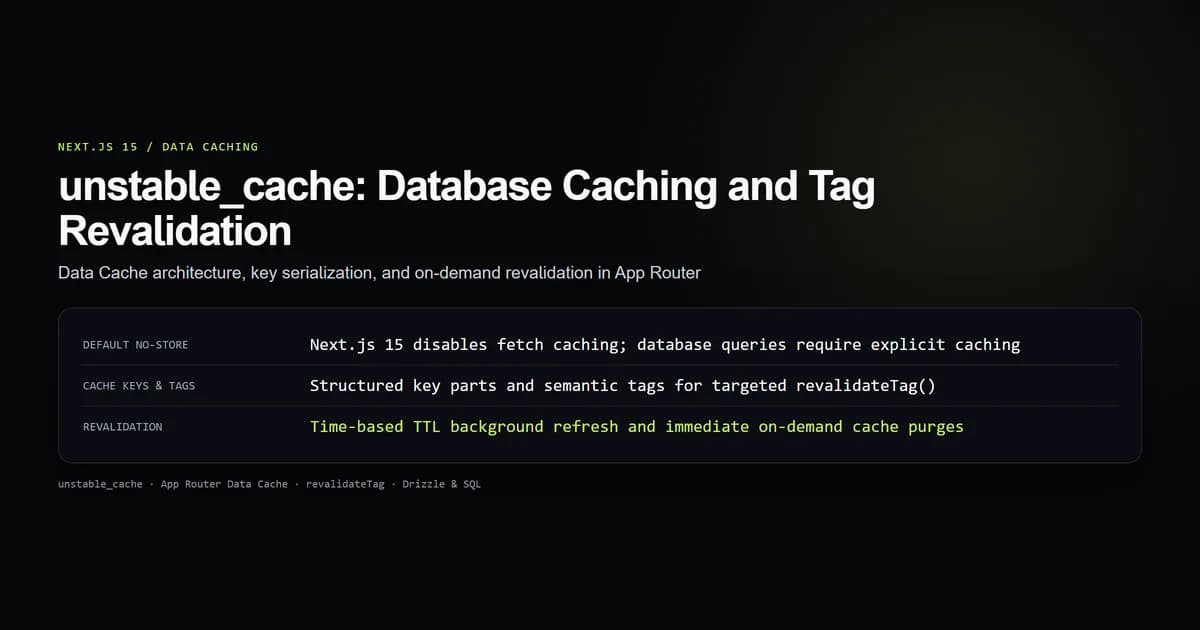
For heavy database operations inside dynamic components, combine PPR with unstable_cache and tag revalidation to cache shared query fragments across multiple users.
Best practices for Next.js 15 Partial Prerendering
- Adopt incrementally: Use
experimental: { ppr: 'incremental' }innext.config.mjsand activate PPR route-by-route usingexport const experimental_ppr = true. - Design accurate fallback skeletons: Match the dimensions and padding of fallback skeletons to the resolved dynamic content to prevent Cumulative Layout Shift (CLS).
- Push dynamic boundaries to the leaves: Keep your page and layout components pure and static; move
cookies()and dynamic database reads into small leaf components wrapped in Suspense. - Leverage generateStaticParams: For dynamic routes like
[slug], exportgenerateStaticParamsso Next.js can pre-generate static shells for all known entities at build time. - Monitor edge cache hit ratios: Verify that CDN edge servers serve the initial static shell with
x-next-cacheorcf-cache-status: HITheaders, followed byTransfer-Encoding: chunkedstreams.
Common Partial Prerendering mistakes
- Mistake 1: Calling cookies() in the root layout. Reading authentication cookies in
app/layout.tsxde-opts every route in your application from static prerendering. Pass auth states through leaf components or Edge middleware headers. - Mistake 2: Missing fallback skeletons. Wrapping dynamic code in
<Suspense>without afallbackprop causes React to render empty space until the dynamic stream arrives, triggering layout flashes. - Mistake 3: Over-wrapping static content in Suspense. Wrapping markdown copy, navigation menus, or static footer links in Suspense delays static HTML delivery needlessly. Keep static content outside Suspense.
- Mistake 4: Synchronous searchParams inspection. Reading
searchParamsat the page level without awaiting or wrapping in Suspense forces the entire page into dynamic mode. Await searchParams inside suspended boundaries. - Mistake 5: Expecting PPR on static export. Partial Prerendering requires a streaming Node.js or Edge server runtime to emit HTTP chunks; it is incompatible with
output: 'export'.
Conclusion: Zero-cost dynamic streaming
Next.js 15 Partial Prerendering unifies static edge caching with dynamic server streaming, eliminating the compromise between instant initial paint and personalized data delivery. By isolating dynamic request boundaries inside React 19 Suspense holes, your applications deliver sub-50ms TTFB globally while retaining full backend capabilities.
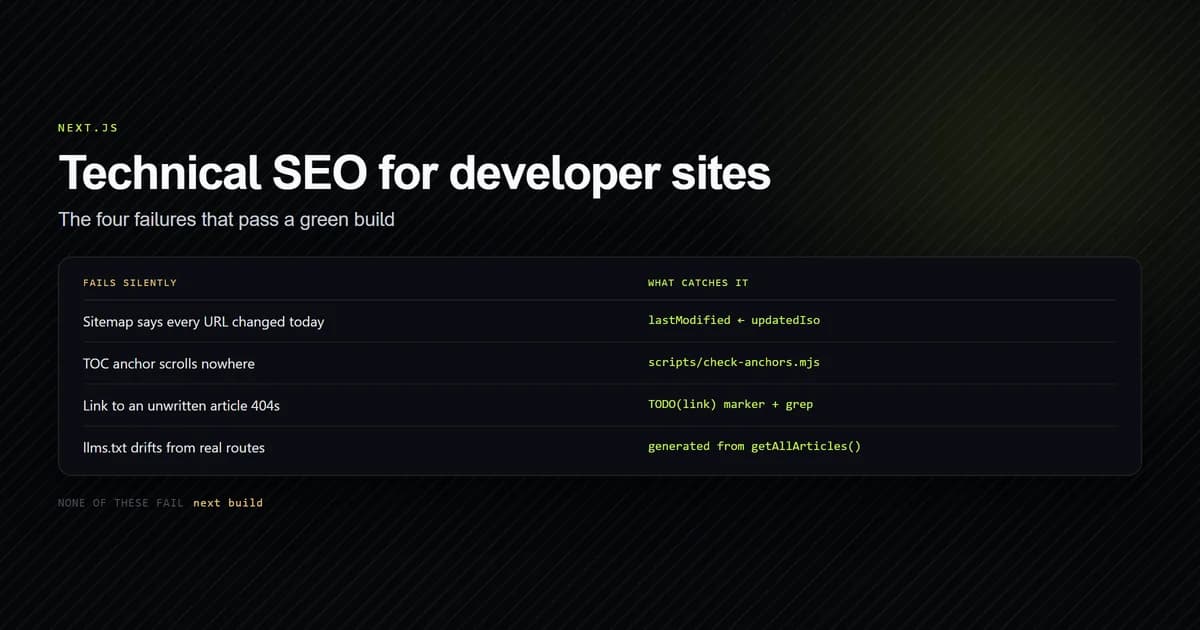
To enhance the performance and discoverability of your static shells, review our architectural guide on technical SEO in Next.js and learn how to configure timing-safe authentication for protected dynamic routes.
Frequently asked questions
What is Partial Prerendering (PPR) in Next.js 15?
How do you enable PPR in Next.js 15?
What happens if a dynamic function like cookies() is called outside Suspense?
Does Partial Prerendering require React 19?

Muhammad Kashif
Founder and editor of Devventa, covering AI coding assistants, Next.js and the modern AI development stack.