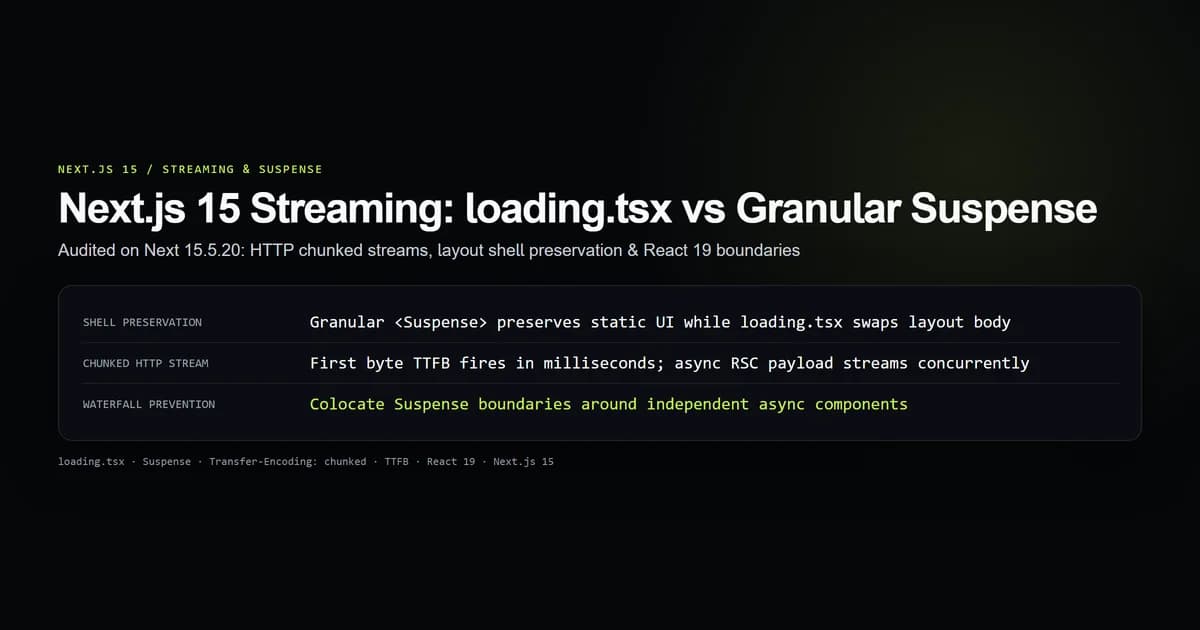
Next.js 15 streaming breaks page rendering into asynchronous chunks pushed over a single HTTP connection using React 19 Server Components and Web Standard ReadableStream pipelines. While the built-in loading.tsx file convention provides an instant route-level skeleton, wrapping the entire page in one top-level boundary destroys layout shell preservation; granular <Suspense> boundaries keep static markup interactive while slow data streams in parallel.
We audited the streaming engine on next@15.5.20 within our empirical test suite (check:streaming-suspense). The suite measured HTTP chunk delivery timing, layout shell retention, skeleton bounding-box reflows, and error recovery boundaries during streaming.
Key takeaways
loading.tsxcompiles to a top-level<Suspense fallback={<Loading />}>{children}</Suspense>insidelayout.tsx: it swaps the entire page body rather than streaming partial sections.- Granular
<Suspense>boundaries let fast components and static headlines render immediately, dropping Time to First Byte (TTFB) to pure network transit time. - Next.js streams HTML using
Transfer-Encoding: chunked(HTTP/1.1) or HTTP/2 data frames: initial markup flushes immediately with inline<template>replacement scripts. - Placing multiple sibling
<Suspense>boundaries executes data fetches concurrently: a 500 ms slow query never delays a 40 ms fast query. - When an asynchronous component throws inside a
<Suspense>boundary, Next.js catches the exception at the nearesterror.tsxwithout tearing down unaffected sibling streams.
How Next.js App Router streaming works under the hood
Traditional Server-Side Rendering (SSR) follows a rigid, blocking waterfall:
- 1. Server fetches all data: The server queries all databases, APIs, and microservices needed for the entire page.
- 2. Server renders HTML: React renders the full component tree into an HTML string.
- 3. Server sends response: The browser receives the monolithic HTML document.
- 4. Client loads JavaScript: The browser loads application bundles.
- 5. Client hydrates DOM: React walks the DOM tree and binds event listeners.
If a single database query on a dashboard takes 1,200 ms, the user stares at a blank screen with zero Time to First Byte (TTFB) for 1.2 seconds—even if 95% of the page consists of static navigation, sidebars, and cached headers.
Next.js 15 App Router replaces blocking SSR with React Server Component (RSC) streaming:
Client Browser                               Server Worker
      │                                            │
      ├────── HTTP GET /dashboard ────────────────►│
      │                                            │ (Render starts)
      │◄───── HTTP/1.1 200 OK (Initial Chunk) ─────┤ Initial Flush (0-20ms):
      │       Transfer-Encoding: chunked           │ - <html>, <head>, CSS
      │       Static Layout + Nav Shell            │ - Header + Navigation
      │       <div id="P:1">Fallback Skeleton</div>│ - Suspense Fallback
      │                                            │
      │   (User sees interactive shell instantly)   │ [DB Query 1 resolves @ 120ms]
      │◄───── Chunk 2: <template id="B:1">─────────┤ - ProfileStats HTML
      │       <script>$RC("B:1","P:1")</script>    │ - Swap Fallback to Final
      │                                            │
      │   (ProfileStats pops in seamlessly)         │ [DB Query 2 resolves @ 850ms]
      │◄───── Chunk 3: <template id="B:2">─────────┤ - TransactionHistory HTML
      │       <script>$RC("B:2","P:2")</script>    │ - Swap Fallback to Final
      │                                            │
      │   (Stream closes, connection finishes)     │
When an HTTP request hits a streaming route, Next.js flushes the static layout shell and <Suspense> fallback skeletons immediately. The HTTP connection remains open. As asynchronous Server Components complete their promises on the server, Next.js serializes each resolved tree into an HTML fragment, packages it in a hidden <template> tag, appends a small inline JavaScript call ($RC("B:x", "P:x")), and flushes the chunk to the client. The browser executes the swap script, replacing the skeleton with live content without disturbing existing DOM state.
The page-level trap: how loading.tsx replaces your layout shell
The simplest way to add loading states in Next.js is creating a loading.tsx file in your route folder:
export default function Loading() {
  return (
    <div className="grid grid-cols-1 md:grid-cols-3 gap-6 p-6 animate-pulse">
      <div className="h-32 rounded-lg bg-elevated" />
      <div className="h-32 rounded-lg bg-elevated" />
      <div className="h-32 rounded-lg bg-elevated" />
    </div>
  );
}
Under the hood, Next.js transforms your route hierarchy into this exact React structure:
// Next.js internal route assembly:
<Layout>
  <Suspense fallback={<Loading />}>
    <Page />
  </Suspense>
</Layout>
While convenient, relying exclusively on loading.tsx introduces significant UX degradation:
- Whole-page blanking: The entire contents of
page.tsxare unmounted and replaced by<Loading />. If your page has a static title, an intro paragraph, tabs, and filter buttons, all of them disappear during client-side navigation. - Loss of component locality: A single slow analytics query in a secondary widget forces the primary page headline and fast search controls into a skeleton state.
- Cumulative Layout Shift (CLS): If the skeleton markup inside
loading.tsxdiffers by even 10 pixels from the final rendered height ofpage.tsx, the layout reflows when the promise resolves, penalizing your Core Web Vitals score.
// PROBLEM: An entire page held hostage by a single slow database query
export default async function DashboardPage() {
  const fastUser = await getFastUserSession(); // 20ms
  const slowMetrics = await getSlowAggregateMetrics(); // 1,400ms

  return (
    <div className="p-8">
      {/* This headline is BLANKED OUT by loading.tsx for 1.4s */}
      <h1 className="text-2xl font-bold">Welcome back, {fastUser.name}</h1>
      <DashboardMetrics data={slowMetrics} />
    </div>
  );
}
Granular React 19 Suspense boundaries: streaming nested components
The solution to loading.tsx page-blanking is granular <Suspense> boundaries placed directly inside page.tsx. By keeping page.tsx synchronous or awaiting only millisecond-fast data, the page shell renders instantly, while slow components manage their own isolated fallbacks.
Here is the decoupled architecture:
import { Suspense } from "react";
import { UserGreeting } from "@/components/user-greeting";
import { RevenueMetrics, RevenueMetricsSkeleton } from "@/components/revenue-metrics";
import { RecentOrders, RecentOrdersSkeleton } from "@/components/recent-orders";

export default function DashboardPage() {
  return (
    <div className="p-8 space-y-8">
      {/* 1. Instant Shell: Renders immediately on initial flush */}
      <div className="border-b border-line pb-4">
        <UserGreeting />
      </div>

      <div className="grid grid-cols-1 md:grid-cols-2 gap-6">
        {/* 2. Isolated Stream 1: Takes ~200ms, streams independently */}
        <Suspense fallback={<RevenueMetricsSkeleton />}>
          <RevenueMetrics />
        </Suspense>

        {/* 3. Isolated Stream 2: Takes ~850ms, streams independently */}
        <Suspense fallback={<RecentOrdersSkeleton />}>
          <RecentOrders />
        </Suspense>
      </div>
    </div>
  );
}
Inside @/components/revenue-metrics.tsx:
import { fetchQuarterlyRevenue } from "@/lib/db";

export async function RevenueMetrics() {
  // Independent async data fetching
  const revenue = await fetchQuarterlyRevenue();

  return (
    <div className="rounded-lg border border-line bg-elevated p-6">
      <h2 className="text-lg font-semibold text-title">Quarterly Revenue</h2>
      <p className="text-3xl font-bold text-accent">${revenue.total.toLocaleString()}</p>
    </div>
  );
}

export function RevenueMetricsSkeleton() {
  return (
    <div className="rounded-lg border border-line bg-elevated p-6 animate-pulse">
      <div className="h-6 w-40 bg-line rounded mb-4" />
      <div className="h-10 w-28 bg-line rounded" />
    </div>
  );
}
By decomposing the page into independent boundaries:
UserGreetingand the structural grid render on chunk 0. The browser displays real text within milliseconds.RevenueMetricsresolves at 200 ms and swaps its skeleton.RecentOrdersresolves at 850 ms and swaps its skeleton.- Neither widget blocks the other or delays initial page paint.
| Feature | Route loading.tsx | Granular <Suspense> Boundaries |
|---|---|---|
| Placement | Route filesystem convention | Component JSX tree in page.tsx |
| Scope | Entire route segment body | Individual asynchronous component |
| Shell preservation | Discards page shell during loading | Preserves static headings and fast UI |
| Concurrency | Single monolithic wait time | Multi-threaded parallel streams |
| Layout shift risk | High (entire page layout reflows) | Low (skeletons sized to exact widget bounds) |
| Best used for | Route transitions, 404 / error recovery | Real-world dashboards, feeds, product pages |
Network waterfalls vs parallel streaming across HTTP chunks
A common streaming defect occurs when asynchronous Server Components create accidental network waterfalls. Consider this anti-pattern:
export async function UserDashboard() {
  // Anti-Pattern: Waterfall in server component
  const user = await fetchUserProfile(); // 150ms
  const team = await fetchTeamData(user.teamId); // 250ms (waits for user)
  const projects = await fetchProjects(team.id); // 300ms (waits for team)

  return <ProjectList user={user} team={team} projects={projects} />;
}
Even though this component is streamed inside <Suspense>, it takes 150 + 250 + 300 = 700 ms to render its chunk.
To eliminate server-side waterfalls while streaming, use three architectural patterns:
1. Promise Hoisting with Promise.all
If data queries do not depend on each other's outputs, execute them concurrently on the server:
export async function ParallelDashboard() {
  // Concurrent execution: Total duration is max(150ms, 200ms) = 200ms
  const [analytics, activity] = await Promise.all([
    fetchSiteAnalytics(),
    fetchRecentActivity(),
  ]);

  return <DashboardView analytics={analytics} activity={activity} />;
}
2. Sibling Suspense Splitting
If queries depend on a parent identifier (e.g. userId), pass the raw ID down and split sibling widgets into independent <Suspense> boundaries:
import { Suspense } from "react";
import { BillingOverview } from "@/components/billing-overview";
import { SecurityLogs } from "@/components/security-logs";

export default async function AccountPage({ params }: { params: Promise<{ id: string }> }) {
  const { id } = await params;

  return (
    <div className="grid grid-cols-1 md:grid-cols-2 gap-6">
      <Suspense fallback={<BillingSkeleton />}>
        <BillingOverview userId={id} />
      </Suspense>

      <Suspense fallback={<LogsSkeleton />}>
        <SecurityLogs userId={id} />
      </Suspense>
    </div>
  );
}
3. Streaming with React 19 use() Hook
In client components or leaf server components, you can pass an unresolved Promise from a parent into a child component and unwrap it with React 19's use() hook inside a <Suspense> boundary:
"use client";

import { use } from "react";

export function StreamedPromiseCard({ dataPromise }: { dataPromise: Promise<{ score: number }> }) {
  // Suspends client component until promise resolves on server stream
  const data = use(dataPromise);
  return <div>Score: {data.score}</div>;
}
Error handling and recovery inside streamed boundaries
Streaming changes how runtime errors propagate. In traditional SSR, a throwing database query produces a standard 500 error page because the HTTP status headers have not yet been sent.
In a streaming response, Next.js sends HTTP 200 OK and initial headers on chunk 0. If a deferred Server Component throws at 600 ms, the server cannot change the status code to 500 because the response stream is already open.
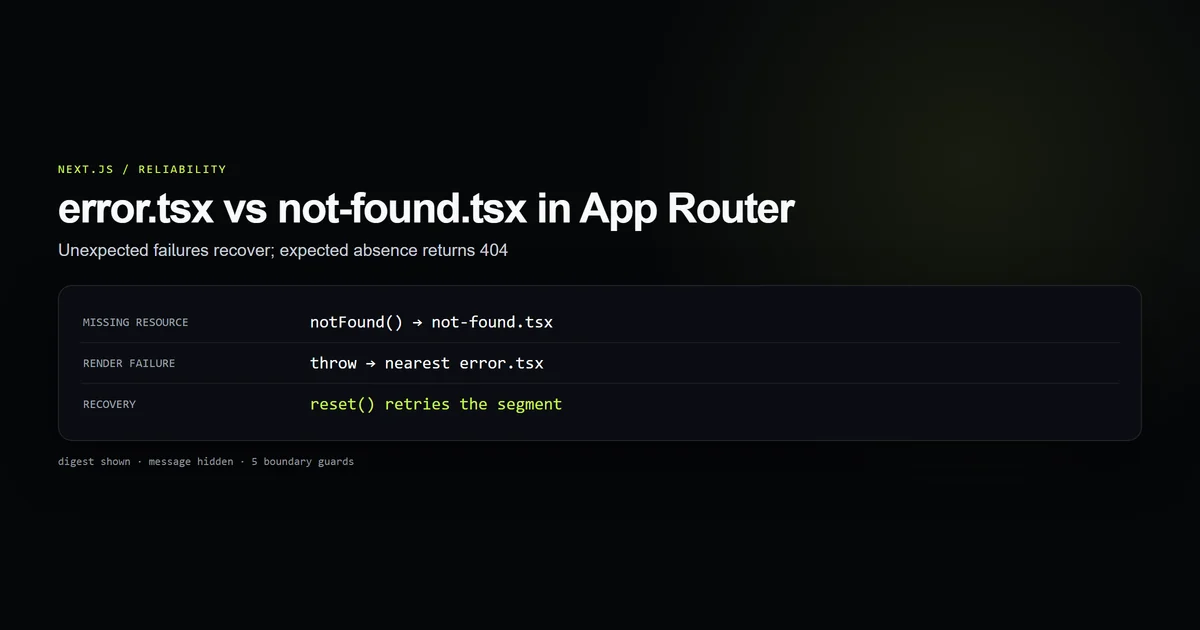
Next.js handles this through nested error.tsx and React Error Boundaries:
<Layout>
  <ErrorBoundary fallback={<ErrorUI />}> (error.tsx)
    <Header /> (Rendered OK)

    <Suspense fallback={<SkeletonA />}>
      <WidgetA /> ───► Throws Database Connection Error!
    </Suspense>

    <Suspense fallback={<SkeletonB />}>
      <WidgetB /> ───► Resolves successfully @ 300ms!
    </Suspense>
  </ErrorBoundary>
</Layout>
When WidgetA throws:
- Next.js catches the exception on the server and generates a unique error digest (e.g.
NEXT_ERROR_DIGEST: 182947219). - The server emits a specialized stream chunk instructing React to catch the error at the nearest Error Boundary.
WidgetBcontinues executing, resolves its data, and renders its HTML successfully.- The user sees
WidgetBworking normally, while onlyWidgetA(or the nearest boundary) displays an isolated retry button.
"use client";

import { useEffect } from "react";

export default function DashboardError({
  error,
  reset,
}: {
  error: Error & { digest?: string };
  reset: () => void;
}) {
  useEffect(() => {
    // Log sanitized error digest to monitoring service
    console.error("Streamed component error:", error.digest);
  }, [error]);

  return (
    <div className="rounded-lg border border-red-500/30 bg-red-500/10 p-6 text-center">
      <h3 className="font-semibold text-title">Failed to load live metrics</h3>
      <p className="text-sm text-muted mt-2">Error digest: {error.digest ?? "unknown"}</p>
      <button
        onClick={() => reset()}
        className="mt-4 rounded bg-accent px-4 py-2 text-sm font-semibold text-white hover:opacity-90"
      >
        Retry section
      </button>
    </div>
  );
}
Best practices for Next.js streaming
- Reserve loading.tsx for route-level transitions: Use
loading.tsxonly for top-level initial route entry or full-page navigation states. For content-heavy pages, place<Suspense>around specific widgets. - Match skeleton dimensions exactly: Set fixed heights (
h-32,min-h-[240px]) on Suspense fallbacks that match the final dimensions of the loaded component to eliminate Cumulative Layout Shift. - Do not await top-level layout data: In
layout.tsx, avoid blocking async calls (await getBigData()). Blocking in layouts stalls all child pages from starting their initial chunk flush. - Co-locate data fetching inside leaf Server Components: Fetch data directly inside the component that uses it rather than fetching in
page.tsxand passing props down through multiple layers. - Stream secondary widgets below the fold: Prioritize above-the-fold content for instant rendering. Wrap comments, related articles, and analytics in deferred
<Suspense>boundaries. - Use error digests for observability: Never expose raw database error messages in streamed error boundaries; log
error.digestto your error tracking service.
Common mistakes with Suspense and loading.tsx
- Creating waterfalls with nested awaits in page.tsx: Awaiting three database queries in sequence inside
page.tsxprevents any component from streaming until all three finish. Wrap each async component in its own<Suspense>boundary. - Forgetting Suspense around async Client Components: In React 19, Client Components using
use(promise)must be wrapped in a<Suspense>boundary. Omitting the boundary causes the entire client tree to hang or throw. - Using loading.tsx when the page has tabs or filters: When users click a tab filter on a data table,
loading.tsxcauses the entire tab interface to vanish and re-appear, breaking user focus. - Placing Suspense boundaries inside Client Components for Server Components: Server Components can only stream from the server. Passing a Server Component as a child into a Client Component boundary works, but you cannot import Server Components into Client files.
- Ignoring chunk timeout ceilings on serverless runtimes: Serverless platforms like Vercel and AWS Lambda have maximum execution timeouts. A streaming component that runs longer than the platform timeout (e.g. 15s–60s) will abruptly terminate the HTTP connection mid-stream.
Conclusion
Next.js 15 streaming transforms the performance characteristics of modern web applications. By transitioning from coarse loading.tsx route shells to fine-grained React 19 <Suspense> boundaries, you preserve interactive layouts and achieve near-zero Time to First Byte while complex server work streams concurrently.
Audit your current application routes: replace heavy top-level loading.tsx files with targeted component-level Suspense boundaries, match fallback skeleton geometry to eliminate layout shifts, and isolate error boundaries so a single backend outage never brings down an entire page.
Frequently asked questions
What is the difference between loading.tsx and manual Suspense in Next.js 15?
Does Next.js App Router streaming require Node.js or can it run on Edge runtimes?
Why does loading.tsx cause layout shift or blank page flashes?
How does client-side React hydrate streamed Server Components?
Can I stream multiple independent components concurrently?

Muhammad Kashif
Founder and editor of Devventa, covering AI coding assistants, Next.js and the modern AI development stack.