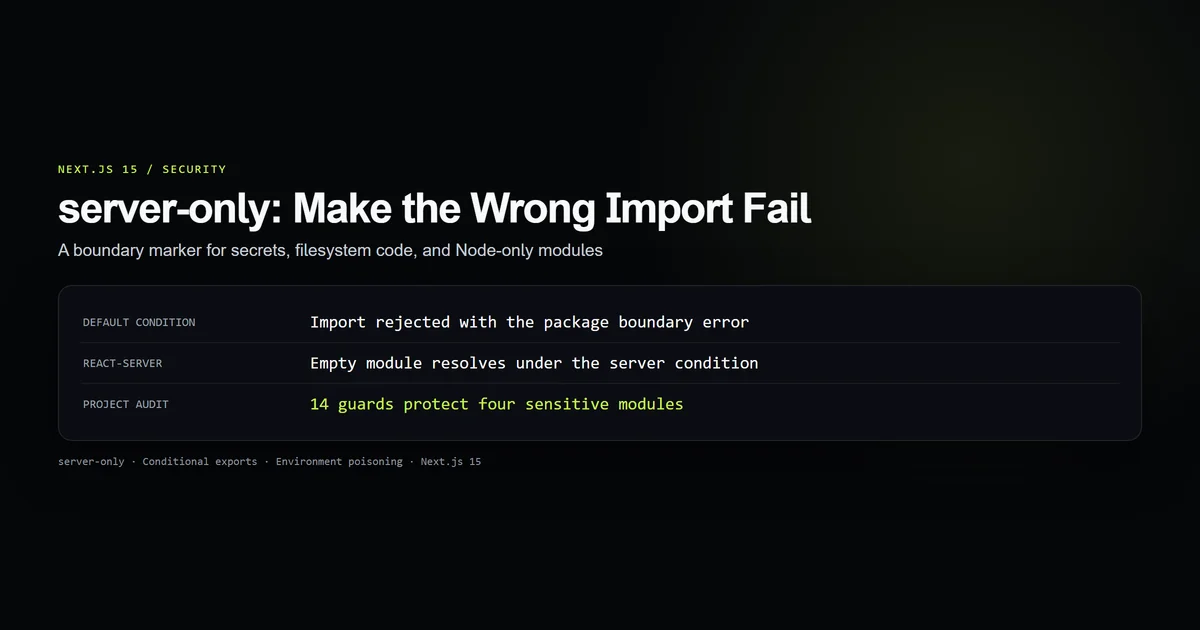
Next.js server-only turns an accidental Client Component import into a build failure before private code reaches a browser bundle. Put import "server-only" at the top of modules that read secrets, touch the filesystem, query a database, or require Node-only packages; it is a boundary marker, not an authorization system.
We tested the installed server-only 0.0.1 package with Node 26.7.0 and audited four sensitive modules in this Next.js 15.5.20 codebase. The resulting 14-guard check proves both conditional-export branches and records the one deliberate Edge-runtime exception. For the wider App Router security baseline, pair this import boundary with the controls in our technical SEO and Next.js architecture guide.
Key takeaways
import "server-only"makes a wrong client-side import fail during the Next.js build instead of failing later in the browser.- The marker protects an import graph; it does not validate users, secure an API route, or replace secret management.
- The installed package resolves an empty file for the
react-servercondition and a throwing file for the default condition. - Plain Node scripts do not inherit Next.js module conditions, so reusing an application loader can produce a misleading Client Component error.
- Edge-compatible shared modules may need Web Crypto and a carefully documented exception instead of a Node-only boundary.
What Next.js server-only protects
Next.js server-only protects modules whose dependencies or data have no valid browser interpretation. The official Server and Client Components guide calls the underlying failure environment poisoning: a shared JavaScript module looks importable from both environments even though it reads a private variable or server API.
Next.js already replaces environment variables without the NEXT_PUBLIC_ prefix with empty strings in client code. That prevents the literal secret from being bundled, but it leaves a worse developer experience: the import can compile into code that sends an empty authorization header and fails only when a user opens the page. A marker answers the earlier question: should this module be in the client graph at all?
Use it for modules that contain any of these:
- private environment variables such as database credentials or signing secrets;
node:fs,node:path,node:crypto, or another Node-only dependency;- database clients and private HTTP authorization headers;
- filesystem-backed MDX loaders;
- administrative data functions that must never become browser-callable utilities.
Our MDX blog architecture reads article files with node:fs. Marking that loader catches both the secret problem and the runtime problem: there is no filesystem for a Client Component to read.
How the server-only import marker works
The source line is intentionally uneventful:
import "server-only";

import { d1Query } from "./d1";
import { validateEmail } from "./newsletter";
The interesting behavior lives in framework resolution. Next.js documents that it handles server-only and client-only imports internally to provide targeted errors. The package installed in this repository also exposes two branches through Node.js conditional exports:
{
  "exports": {
    ".": {
      "react-server": "./empty.js",
      "default": "./index.js"
    }
  }
}
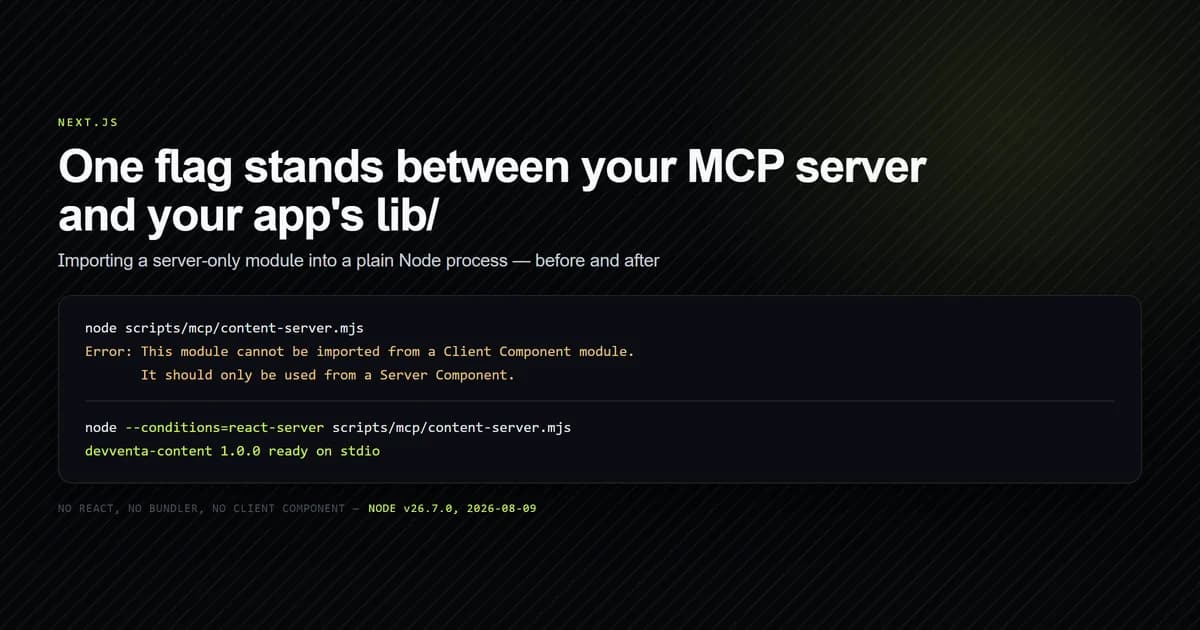
The default file throws the familiar server-only import error. The react-server branch is empty. Our check launched both commands against the installed package:
node --input-type=module --eval "import 'server-only'"
node --conditions=react-server --input-type=module --eval "import 'server-only'; console.log('resolved')"
The first process exited non-zero with the package's Client Component message. The second printed resolved. This is useful evidence for standalone scripts, but do not mistake it for Next.js's whole implementation: the framework documentation explicitly says Next.js handles these markers internally.
Protecting a real data module
Place the marker in the lowest module that owns the private capability, not in every page that happens to call it. This project guards four roots: the MDX filesystem loader, newsletter storage, contact storage, and Node-based credential verification.
import "server-only";

import { createHash, timingSafeEqual } from "node:crypto";

function digest(value: string): Buffer {
  return createHash("sha256").update(value, "utf8").digest();
}
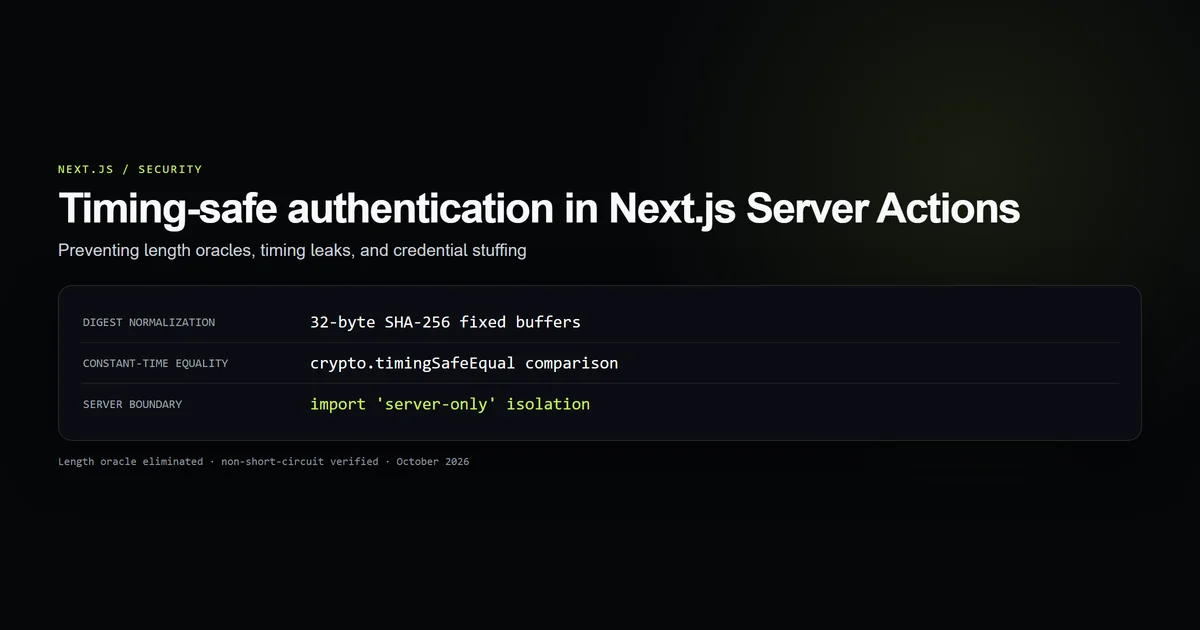
Any Client Component that reaches this file through a direct or transitive import should fail. That is better than relying on a reviewer to notice node:crypto three modules down the graph. Our timing-safe authentication guide covers the comparison contract; the boundary here protects where that contract may execute.
Keep types separate when client code legitimately needs them. A client form may import ContactInput from a type-only file, but it should not import saveContactMessage merely to obtain that type. Shared constants also deserve scrutiny: moving a secret-adjacent configuration object into a common file can quietly create a new route into the protected module.
The Edge runtime exception
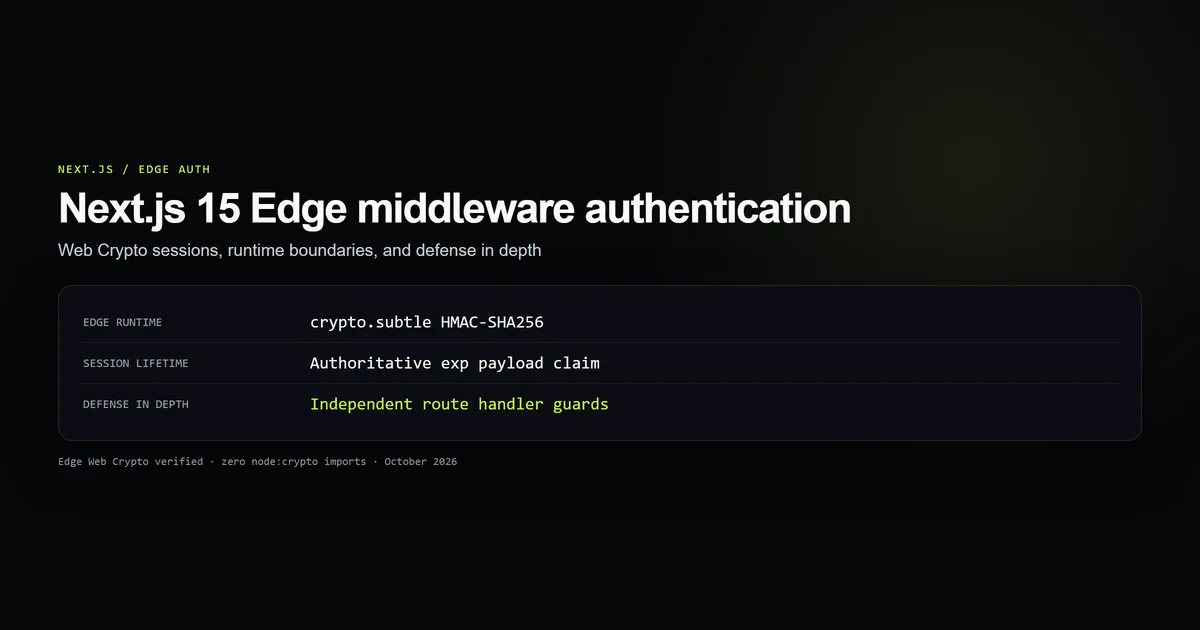
Middleware is the case that broke the tidy rule in this repository. lib/admin/session.ts verifies the same HMAC token in middleware and in Server Components. Marking it with server-only made the plain shared path harder to validate, while importing node:crypto would fail at the Edge runtime.
The fix was a narrower capability split:
lib/admin/auth.tsusesnode:crypto, reads credentials, and stays marked server-only;lib/admin/session.tsreads no credentials and usescrypto.subtle, which exists in the Edge and Node runtimes;- middleware verifies a signed token but cannot perform credential checks;
- server layouts verify the token again before reading administrative data.
This is an exception, not permission to remove the marker from everything. The Edge middleware authentication guide shows the complete Web Crypto contract and the defense-in-depth page guard.
Testing the boundary
An import marker is valuable only if a check notices when it disappears. The committed audit reads the package export map, runs both Node conditions, checks four project modules, and verifies that the Edge exception still uses Web Crypto.
npm run check:server-only-boundary
# server-only-boundary: 14 guards passed; default import rejected,
# react-server condition resolved, 4 sensitive modules protected
The audit does not claim to prove that no secret can ever reach the client. It proves a smaller contract: named sensitive roots carry the marker, the installed package behaves as recorded, and the one unmarked cross-runtime module has no node:crypto dependency. A production next build remains the final import-graph test.
For a dedicated fixture, create a Client Component that imports one guarded function and expect the build to fail. Do not keep that intentionally broken fixture inside the application tree; run it in an isolated test project or generate it in a temporary directory.
Best practices for server-only modules
- Step 1 — Mark capability roots: Put the import beside the filesystem, database, credential, or private network access so transitive consumers inherit the boundary.
- Step 2 — Separate shared types: Move browser-safe types and constants into files that do not import the protected implementation.
- Step 3 — Keep secrets unprefixed: Only values intentionally exposed to the browser belong under
NEXT_PUBLIC_. - Step 4 — Test non-Next.js consumers: CLI tools, workers, and MCP servers may resolve package conditions differently from the App Router.
- Step 5 — Document runtime exceptions: Name why an Edge-shared module is unmarked and constrain its dependencies with a guard.
Common server-only mistakes
- Treating it as authorization. The marker blocks the wrong build graph, not an unauthenticated HTTP request. Keep route and Server Action checks.
- Marking a barrel file only. Another import can bypass the barrel and reach the unmarked implementation. Mark the capability-owning module.
- Exporting shared types from the implementation. Client code then imports the protected file for a harmless type and trips the boundary. Split the type.
- Removing it to satisfy a script. A plain Node script selects the default package branch. Give the script its own adapter or test the required condition instead of weakening the app.
- Assuming every server is Node. Middleware and Edge routes do not support every Node package. Choose runtime-compatible primitives first.
Conclusion: Make the wrong import fail
Use Next.js server-only wherever a module has no legitimate browser consumer. Keep the marker close to the private capability, split shared types away from implementations, and test Edge exceptions as explicit contracts. The goal is not another security label; it is moving a costly runtime surprise into a deterministic build failure. Next, audit the same import graph for Content Security Policy boundaries, which controls what the browser may execute after the bundle arrives.
Frequently asked questions
What does server-only do in Next.js?
Do I need to install the server-only package in Next.js?
Why does importing server-only fail in a plain Node.js script?
Does server-only stop environment variables from reaching the browser?
Can middleware import a server-only module?

Muhammad Kashif
Founder and editor of Devventa, covering AI coding assistants, Next.js and the modern AI development stack.