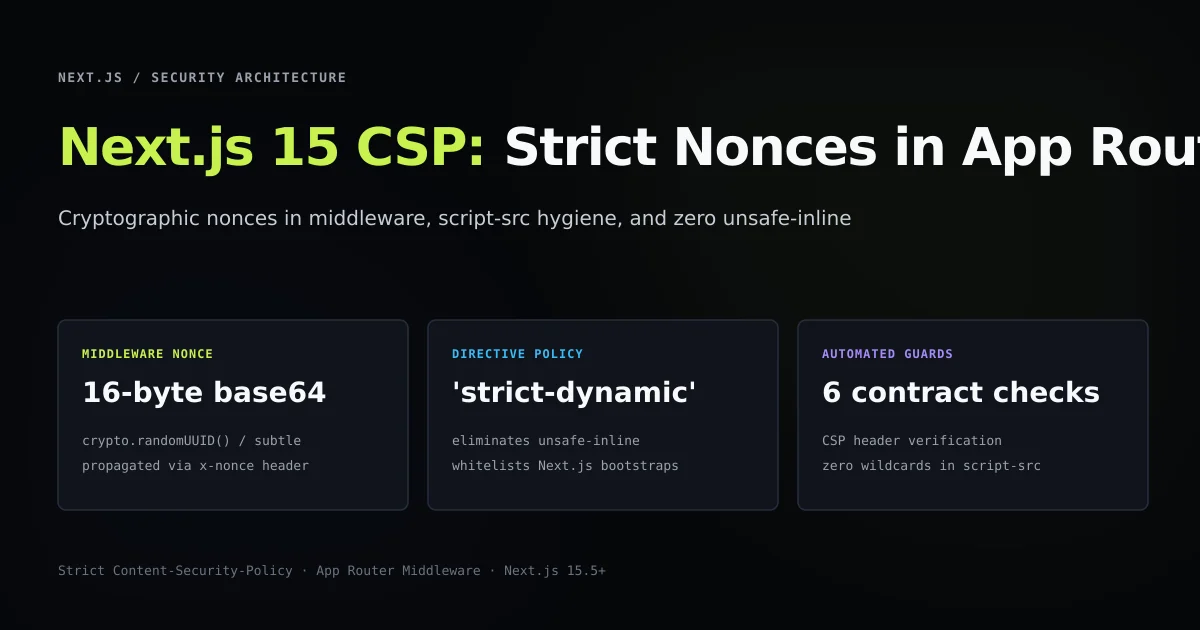
A production nextjs content security policy requires generating a per-request cryptographic nonce in middleware and passing it to Server Components before HTML serialization begins. Attempting to define a strict CSP entirely within static configuration files either forces insecure 'unsafe-inline' exceptions or crashes client-side hydration.
By leveraging Next.js 15 App Router middleware to mint Web Crypto nonces, setting the modern 'strict-dynamic' directive, and forwarding the nonce via internal request headers, you can deploy a zero-trust script policy that defeats cross-site scripting (XSS) while preserving framework bundle loading.
Key takeaways
- Static
next.config.mjsheaders cannot generate dynamic nonces; middleware is required for per-request cryptographic tokens. - Modern CSP Level 3 uses
'strict-dynamic'and'nonce-...'to authorize Next.js runtime hydration without'unsafe-inline'. - Internal request headers (
x-nonce) allow root layouts and Server Components to consume the nonce viaheaders(). - Development environments require
'unsafe-eval'to maintain Turbopack and Webpack Fast Refresh functionality. - Companion HTTP security headers (
nosniff,DENY,strict-origin-when-cross-origin) provide essential defense-in-depth across legacy clients.
Nextjs content security policy requires separating static and dynamic scripts
In standard web applications, developers often start configuring a Content Security Policy by writing a static string inside web server configurations or Next.js headers() inside next.config.mjs. While static rules work cleanly for static media directives like img-src or font-src, they fail completely when applied to modern React frameworks.
Next.js generates multiple inline scripts to serialize page hydration payloads, runtime environment configurations, and initial chunk manifests. If your policy specifies script-src 'self', the browser refuses to execute these inline hydration scripts, leaving your application as static markup with dead event listeners.
The historic workaround was adding 'unsafe-inline' to script-src. Doing so renders the entire Content Security Policy useless against real-world cross-site scripting attacks, as any injected <script> tag or malicious attribute handler executes with identical privileges. The correct architecture separates your policy into two components:
- Static perimeter rules: Directives for stylesheets, images, fonts, and frame ancestors that remain constant across all requests.
- Dynamic execution tokens: A single-use cryptographic token (nonce) generated on every page hit that validates legitimate application scripts while blocking third-party injection.
| CSP Directive | Development Value | Production Value | Security Purpose |
|---|---|---|---|
script-src | 'self' 'unsafe-eval' 'nonce-${nonce}' | 'strict-dynamic' 'nonce-${nonce}' 'self' | Authorizes trusted Next.js execution trees |
style-src | 'self' 'unsafe-inline' | 'self' 'unsafe-inline' https://fonts.googleapis.com | Permits styled components and Tailwind tokens |
font-src | 'self' data: | 'self' https://fonts.gstatic.com data: | Whitelists web font assets and data URIs |
frame-ancestors | 'none' | 'none' | Prevents clickjacking and malicious iframe embedding |
object-src | 'none' | 'none' | Blocks legacy plugin and Flash execution |
base-uri | 'self' | 'self' | Prevents unauthorized base-tag URL rewriting |
Generate cryptographic nonces in Next.js middleware
Because Next.js App Router executes middleware on the Edge or Node.js runtime prior to routing requests to Server Components, middleware serves as the single authoritative point for generating security tokens.
Generating a secure nonce requires high entropy. Using crypto.randomUUID() or Web Crypto crypto.getRandomValues() yields 128 bits of cryptographic randomness. We encode this token as standard base64:
import { NextResponse, type NextRequest } from "next/server";

export function generateNonce(): string {
  // 16 bytes of entropy encoded as base64
  return Buffer.from(crypto.randomUUID()).toString("base64");
}

export function buildContentSecurityPolicy(nonce: string, isDev: boolean): string {
  const scriptSrc = isDev
    ? `'self' 'unsafe-eval' 'nonce-${nonce}'`
    : `'strict-dynamic' 'nonce-${nonce}' 'self'`;

  return [
    `default-src 'self'`,
    `script-src ${scriptSrc}`,
    `style-src 'self' 'unsafe-inline' https://fonts.googleapis.com`,
    `font-src 'self' https://fonts.gstatic.com data:`,
    `img-src 'self' blob: data: https:`,
    `connect-src 'self' https:`,
    `frame-ancestors 'none'`,
    `base-uri 'self'`,
    `form-action 'self'`,
    `object-src 'none'`,
  ].join("; ");
}
To ensure both the incoming request pipeline and the outgoing client response carry the security contract, middleware performs two distinct modifications:
- Request Header Mutation: It stamps
x-nonceand the computedContent-Security-Policyheader into the incoming request headers usingrequest.headers.set(). This makes the values readable by downstream Server Components vianext/headers. - Response Header Application: It stamps
Content-Security-Policyonto the returnedNextResponseinstance so the client browser enforces the rules.
export async function middleware(request: NextRequest) {
  const nonce = generateNonce();
  const isDev = process.env.NODE_ENV !== "production";
  const cspHeaderValue = buildContentSecurityPolicy(nonce, isDev);

  // Clone headers for internal Server Component propagation
  const requestHeaders = new Headers(request.headers);
  requestHeaders.set("x-nonce", nonce);
  requestHeaders.set("Content-Security-Policy", cspHeaderValue);

  // Pass mutated headers down to the App Router engine
  const response = NextResponse.next({
    request: {
      headers: requestHeaders,
    },
  });

  // Stamp security headers onto client response
  response.headers.set("Content-Security-Policy", cspHeaderValue);
  response.headers.set("X-Content-Type-Options", "nosniff");
  response.headers.set("X-Frame-Options", "DENY");
  response.headers.set("Referrer-Policy", "strict-origin-when-cross-origin");

  return response;
}
Propagate nonces to Server Components and document layouts
Once middleware attaches the nonce to the internal request headers, root layouts and Server Components consume the token using the asynchronous headers() API in Next.js 15.
In the root layout, reading headers() automatically informs Next.js that the root document tree requires dynamic per-request rendering. This matches our architectural requirement, as each HTML response must deliver an unpredictable nonce:
import { headers } from "next/headers";
import Script from "next/script";
import type { ReactNode } from "react";

export default async function RootLayout({
  children,
}: {
  children: ReactNode;
}) {
  const headerList = await headers();
  const nonce = headerList.get("x-nonce") ?? undefined;

  return (
    <html lang="en">
      <head>
        {/* Pass nonce to Google Analytics or external telemetry scripts */}
        <Script
          strategy="afterInteractive"
          src="https://www.googletagmanager.com/gtag/js?id=G-DEMO"
          nonce={nonce}
        />
      </head>
      <body>
        {children}
      </body>
    </html>
  );
}
When building structured data or custom inline telemetry, inline script elements must explicitly bind this nonce:
import { headers } from "next/headers";

interface JsonLdProps {
  schema: Record<string, unknown>;
}

export async function JsonLd({ schema }: JsonLdProps) {
  const headerList = await headers();
  const nonce = headerList.get("x-nonce") ?? undefined;

  // Sanitize serialized JSON against </script> injection
  const serialized = JSON.stringify(schema).replace(/</g, "\\u003c");

  return (
    <script
      type="application/ld+json"
      nonce={nonce}
      dangerouslySetInnerHTML={{ __html: serialized }}
    />
  );
}
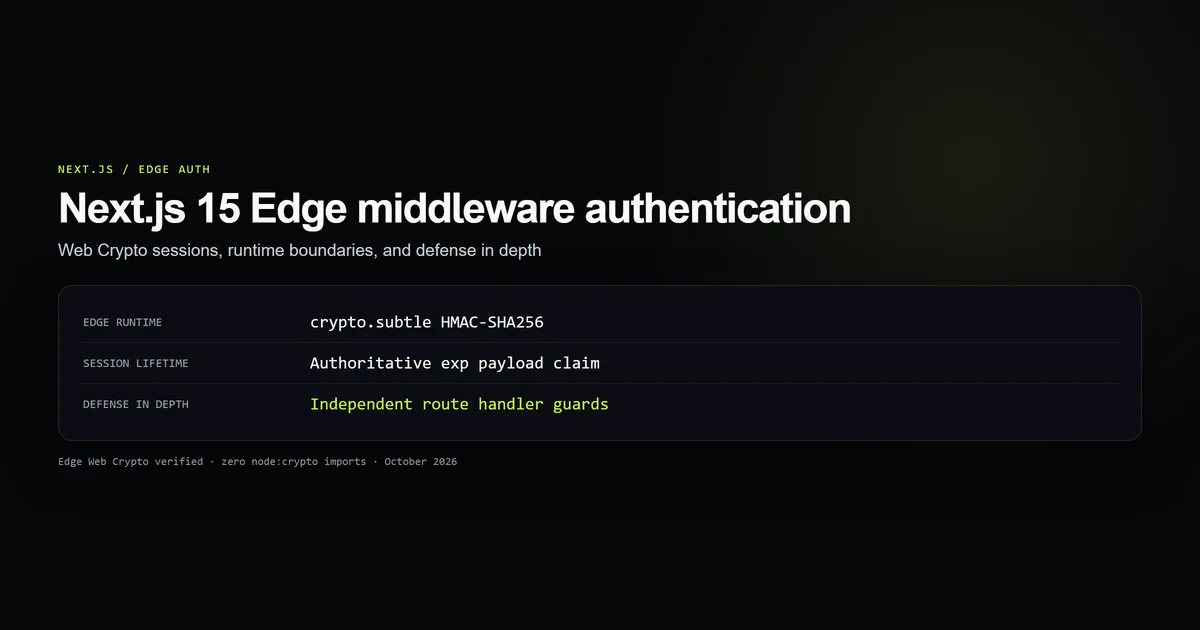
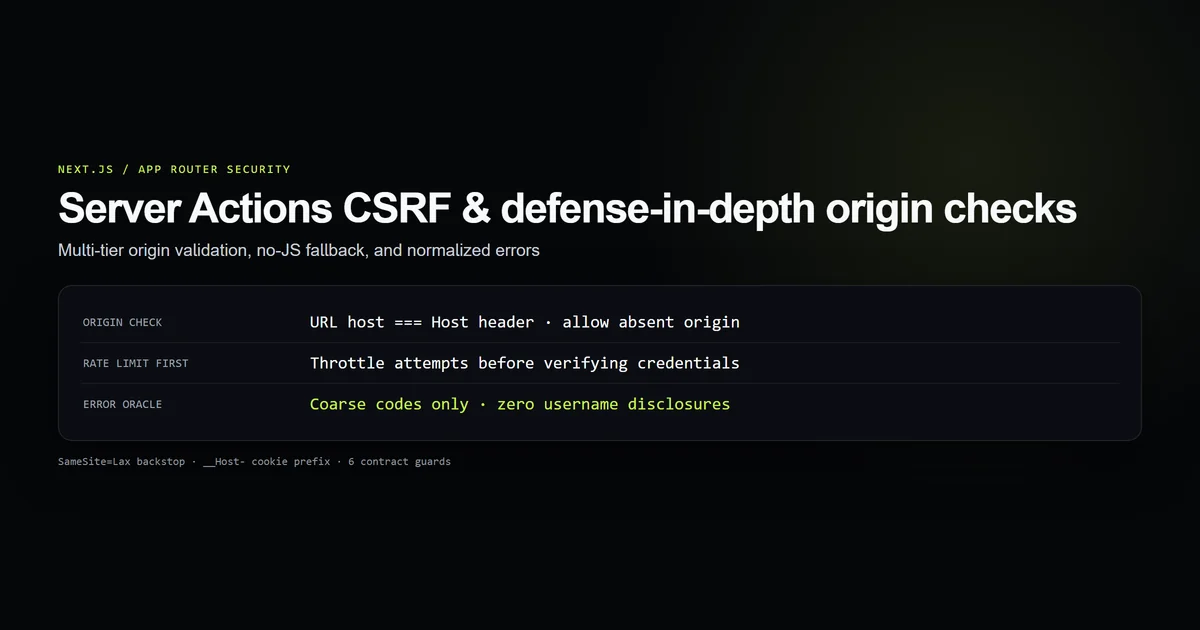
Similar to our timing-safe authentication contracts and Server Actions CSRF defenses, enforcing cryptographic verification on all dynamic inputs stops browser-level attacks before application logic executes.
Configure strict-dynamic to replace unsafe-inline
Prior to Content Security Policy Level 3, maintaining complex Single Page Applications required hashing every compiled chunk or specifying static CDN hostnames. This created fragile deployment pipelines where updating a minor package hash broke production script execution.
The 'strict-dynamic' directive changes trust propagation:
Browser executes root script with valid nonce
  ↓
Root script dynamically creates <script> element for vendor chunk
  ↓
Browser observes parent script was trusted via nonce
  ↓
Browser automatically executes child chunk without requiring explicit hash
When a modern browser supporting CSP Level 3 observes 'strict-dynamic', it intentionally ignores host allowlists ('self', https:) and disables 'unsafe-inline' fallbacks for script execution.
Legacy CSP (Level 2):
script-src 'self' 'unsafe-inline' https://cdn.example.com;
↑ Permits any inline XSS payload injected via URL parameters or database values.

Modern CSP (Level 3):
script-src 'strict-dynamic' 'nonce-rAnd0m123' 'self';
↑ Blocks all un-nonced inline scripts and unauthorized external script loads.
Balance local development and production CSP policies
One of the most frequent points of failure when adopting a strict Content Security Policy in Next.js is local developer experience. In development mode, Next.js utilizes Webpack or Turbopack with inline eval() expressions to achieve sub-second Hot Module Replacement (HMR).
If you apply production 'strict-dynamic' without 'unsafe-eval' to localhost:3000, your console immediately fills with EvalError: Refused to evaluate a string as JavaScript because 'unsafe-eval' is not an allowed source of script in the following Content Security Policy directive.
To prevent developers from disabling CSP locally, branch your policy cleanly based on environment:
export function getScriptSrcDirective(nonce: string): string {
  const isProduction = process.env.NODE_ENV === "production";

  if (isProduction) {
    // Zero eval, zero inline, trust propagated through nonces
    return `'strict-dynamic' 'nonce-${nonce}' 'self'`;
  }

  // Permit evaluation strictly during local development
  return `'self' 'unsafe-eval' 'nonce-${nonce}'`;
}
This ensures developers test their nonce plumbing on every build while reserving hard evaluation boundaries for live infrastructure.
Deploy a complete HTTP security header suite
A Content Security Policy represents the script execution boundary, but robust perimeter defense requires companion headers. Per MDN Web Security Standards and Next.js Security Guidance, every response should ship with the following baseline headers:
export const baselineSecurityHeaders = [
  {
    key: "X-Content-Type-Options",
    value: "nosniff",
  },
  {
    key: "X-Frame-Options",
    value: "DENY",
  },
  {
    key: "Referrer-Policy",
    value: "strict-origin-when-cross-origin",
  },
  {
    key: "Permissions-Policy",
    value: "camera=(), microphone=(), geolocation=(), browsing-topics=()",
  },
  {
    key: "Strict-Transport-Security",
    value: "max-age=63072000; includeSubDomains; preload",
  },
];
These headers guarantee that:
- Browsers never guess MIME types for user-uploaded assets (
nosniff). - Malicious third-party portals cannot wrap your application in invisible
<iframe>overlays (DENY). - External link transitions truncate sensitive URL path parameters (
strict-origin-when-cross-origin), protecting query state like pagination parameters. - Unused hardware capabilities like cameras and microphones cannot be commandeered by compromised dependencies (
Permissions-Policy).
Best practices for Next.js CSP deployment
- Generate nonces using cryptographically secure PRNGs. Never derive nonces from timestamps, static hashes, or sequential counters. Use
crypto.randomUUID()or Web Crypto random bytes. - Never allow 'unsafe-inline' in production script-src. If an external analytics or marketing library requires inline execution, pass the nonce to its loader tag rather than relaxing policy boundaries.
- Set frame-ancestors 'none' inside CSP. While
X-Frame-Options: DENYprotects older user agents, modern browsers prioritizeframe-ancestors 'none', which provides complete clickjacking protection. - Sanitize inline JSON payloads. When embedding JSON-LD or initial state, always escape
<characters as\u003cto eliminate premature script tag termination vulnerabilities. - Monitor policy violations with report-to. Deploy a reporting endpoint using the
report-uriorreport-todirectives to detect broken third-party integrations before enforcing breaking policy changes.
Common Next.js content security policy mistakes
Hardcoding nonces in static page exports
Attempting to run a strict nonce-based CSP on a site built with output: 'export' or static SSG routes fails by definition. Because static HTML files are generated at build time, any embedded nonce is baked into the static artifact and shared across all visitors, turning the nonce into a known static value that attackers can easily bypass.
Forgetting to propagate the nonce via request headers
Generating a nonce inside middleware and stamping it only on the outgoing NextResponse breaks App Router rendering. Server Components run before the response is constructed and have no way to inspect outgoing response headers. You must clone and mutate incoming request headers (request.headers.set("x-nonce", nonce)) so headers() can read it in downstream components.
Whitelisting wildcard domains in connect-src
Setting connect-src * to allow arbitrary API fetches neutralizes data exfiltration defenses. If an attacker discovers an injection flaw, a permissive connect-src allows them to beacon sensitive session tokens or keystrokes to an arbitrary foreign domain without browser interference.
Missing style-src unsafe-inline exemptions
While script execution should never permit 'unsafe-inline', CSS stylesheets frequently require it when using CSS-in-JS libraries or dynamic CSS variable updates. Enforcing nonces on stylesheets often produces noticeable flashes of unstyled content (FOUC). Whitelisting 'unsafe-inline' for style-src is acceptable when script-src remains strictly locked down.
Conclusion: Durable browser-level defense
A production Content Security Policy turns the browser into an active enforcement engine for your application's security model. By binding cryptographic nonces in Next.js 15 App Router middleware, pairing 'strict-dynamic' with modern Web Crypto tokens, and propagating values through internal request headers, you secure client execution without compromising modern React developer workflows.
Review your current route headers, replace legacy 'unsafe-inline' directives with dynamic middleware nonces, and verify your policy with automated CI guard suites to maintain reliable, verifiable defense across every release.
Frequently asked questions
Why can't Content Security Policy be set purely in next.config.mjs?
What does 'strict-dynamic' do in a Next.js CSP?
How do Server Components access the CSP nonce generated in middleware?
Why does Next.js Fast Refresh break with strict CSP in development?

Muhammad Kashif
Founder and editor of Devventa, covering AI coding assistants, Next.js and the modern AI development stack.