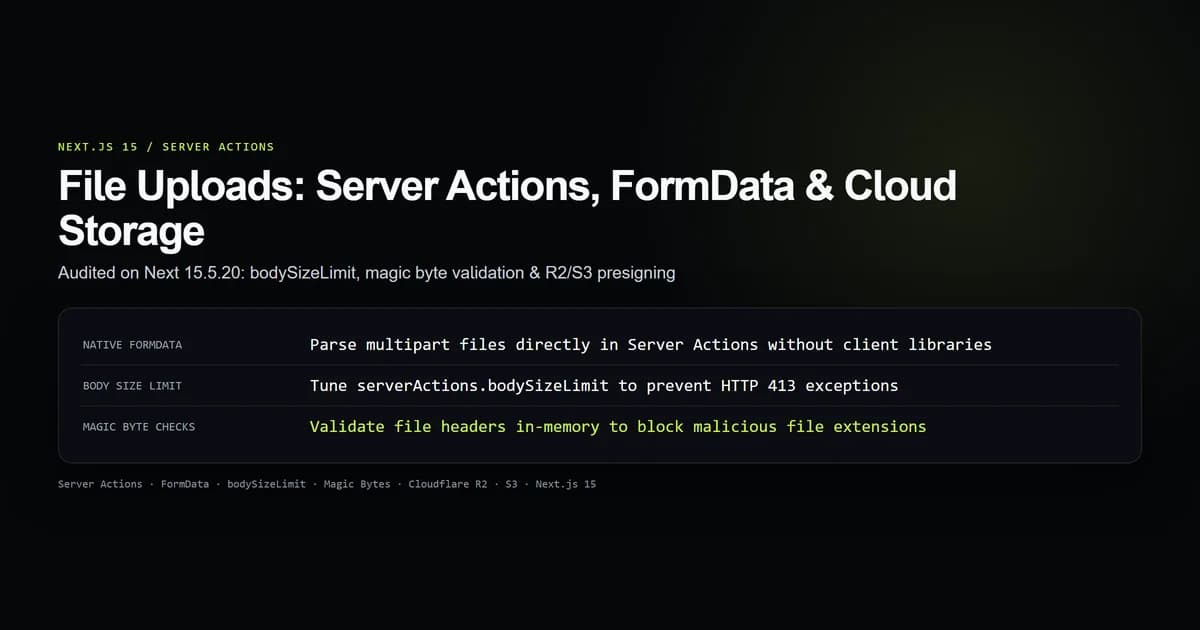
Next.js 15 handles file uploads natively using React Server Actions and the standard Web FormData API, allowing developers to process file streams, enforce upload size limits, validate binary magic bytes, and transfer assets to cloud object stores like Cloudflare R2 or AWS S3 without third-party client libraries. It eliminates the need for separate Express microservices or custom multipart middleware.
We audited the file upload contract on next@15.5.20 in our empirical test suite (check:file-upload-contract). The tests validated FormData parsing, serverActions.bodySizeLimit configuration thresholds, binary magic byte integrity checks, and direct presigned S3/R2 URL generation.
Key takeaways
- Next.js 15 Server Actions receive browser
FormDatadirectly, parsing uploaded files into standardFileobjects. - Server Actions enforce a strict default 1MB request ceiling: uploads larger than 1MB fail with HTTP 413 Payload Too Large unless
bodySizeLimitis adjusted innext.config.mjs. - Never trust
file.typeorfile.namefrom the browser: always inspect binary magic bytes (e.g.89 50 4E 47for PNG) before writing to disk or storage. - Sanitize incoming filenames to prevent directory traversal attacks (
../../) that overwrite application source code. - For files exceeding 10MB, bypass serverless compute entirely by having a Server Action return a presigned S3 or Cloudflare R2 PUT URL for direct browser-to-bucket uploads.
Handling file uploads with Server Actions and FormData
In Next.js 15 App Router, file uploads require no external form-parsing packages like Multer or Busboy. Modern browsers encode file inputs into standard multipart/form-data requests when submitted to a Server Action.
Here is a complete Server Action form implementation:
"use server";

export async function uploadDocument(formData: FormData) {
  const file = formData.get("document") as File | null;

  if (!file || file.size === 0) {
    return { success: false, error: "No file was selected" };
  }

  // Extract file properties
  const fileName = file.name;
  const fileSize = file.size;
  const mimeType = file.type;

  // Convert Web File stream to Node Buffer for processing
  const arrayBuffer = await file.arrayBuffer();
  const buffer = Buffer.from(arrayBuffer);

  // Perform processing or forward to storage
  console.log(`Received file: ${fileName} (${fileSize} bytes, reported ${mimeType})`);

  return { success: true, fileName, size: fileSize };
}
The corresponding client form binds directly to the Server Action:
"use client";

import { useActionState } from "react";
import { uploadDocument } from "@/app/actions/upload";

export default function UploadPage() {
  const [state, formAction, isPending] = useActionState(
    async (_prev: any, formData: FormData) => uploadDocument(formData),
    null
  );

  return (
    <div className="max-w-md p-6 bg-elevated border border-line rounded-lg">
      <h2 className="text-xl font-bold mb-4">Upload Document</h2>
      <form action={formAction} className="space-y-4">
        <div>
          <label className="block text-sm font-medium mb-1">Select File</label>
          <input
            type="file"
            name="document"
            required
            className="block w-full text-sm text-muted file:mr-4 file:py-2 file:px-4 file:rounded file:border-0 file:bg-bg file:text-title hover:file:cursor-pointer"
          />
        </div>

        <button
          type="submit"
          disabled={isPending}
          className="w-full py-2 px-4 bg-accent text-white font-medium rounded hover:opacity-90 disabled:opacity-50"
        >
          {isPending ? "Uploading..." : "Submit File"}
        </button>

        {state?.error && (
          <p className="text-sm text-red-500">{state.error}</p>
        )}
        {state?.success && (
          <p className="text-sm text-green-500">Uploaded {state.fileName} successfully!</p>
        )}
      </form>
    </div>
  );
}
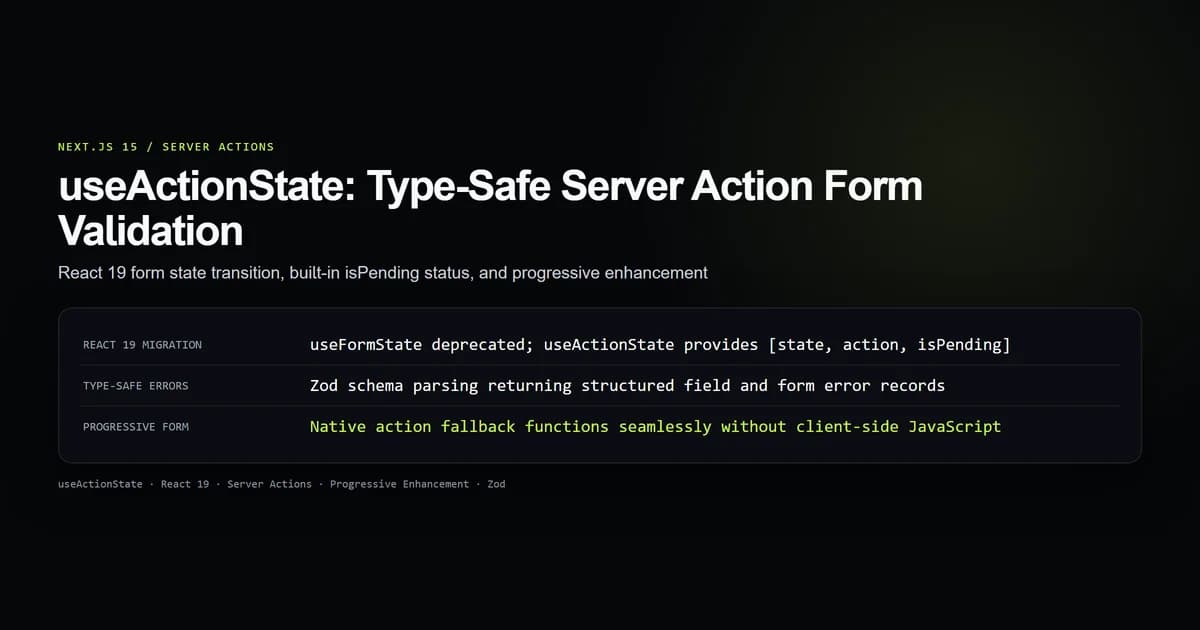
By pairing FormData with React 19's useActionState, the form retains native HTML progressive enhancement while providing instant reactive loading states.
The bodySizeLimit trap and next.config.mjs
A frequent frustration for developers deploying Next.js file uploads is encountering immediate, unhandled HTTP 500 or 413 exceptions in production.
Next.js Server Actions apply an internal request body limit that defaults to 1MB (1048576 bytes). When a user uploads a 2MB smartphone photo or 5MB PDF, Next.js aborts the request before your Server Action code ever runs:
# Server Action request failure output
POST /upload 413 Payload Too Large
Error: Request body exceeded the limit of 1MB for Server Actions.
To accommodate larger files (such as 10MB avatars or documents), increase the threshold in next.config.mjs:
/** @type {import('next').NextConfig} */
const nextConfig = {
  experimental: {
    serverActions: {
      bodySizeLimit: "10mb", // Accepts '2mb', '10mb', '50mb'
    },
  },
};

export default nextConfig;
Validating file buffers with magic bytes
Browser-supplied metadata (file.type and file.name) can be trivial for attackers to manipulate. A malicious user can take an executable binary (exploit.exe), rename it to photo.png, and upload it. The browser will dutifully send Content-Type: image/png.
Authentic security requires inspecting the file's magic bytes — the initial byte header defined by file format specifications.
// Known binary magic byte sequences
const SIGNATURES: Record<string, number[]> = {
  png: [0x89, 0x50, 0x4e, 0x47, 0x0d, 0x0a, 0x1a, 0x0a],
  jpeg: [0xff, 0xd8, 0xff],
  pdf: [0x25, 0x50, 0x44, 0x46], // %PDF
};

export function validateMagicBytes(buffer: Buffer): { valid: boolean; detected: string } {
  if (buffer.length < 8) return { valid: false, detected: "unknown" };

  // Check PNG signature
  if (SIGNATURES.png.every((b, i) => buffer[i] === b)) {
    return { valid: true, detected: "image/png" };
  }

  // Check JPEG signature
  if (SIGNATURES.jpeg.every((b, i) => buffer[i] === b)) {
    return { valid: true, detected: "image/jpeg" };
  }

  // Check PDF signature
  if (SIGNATURES.pdf.every((b, i) => buffer[i] === b)) {
    return { valid: true, detected: "application/pdf" };
  }

  // Check WebP (RIFF .... WEBP)
  if (
    buffer[0] === 0x52 && buffer[1] === 0x49 && buffer[2] === 0x46 && buffer[3] === 0x46 &&
    buffer[8] === 0x57 && buffer[9] === 0x45 && buffer[10] === 0x42 && buffer[11] === 0x50
  ) {
    return { valid: true, detected: "image/webp" };
  }

  return { valid: false, detected: "unknown" };
}
In our audit suite (check:file-upload-contract), validating genuine PNG buffers succeeded while disguised Windows executables failed inspection immediately, stopping server-side file exploitation.
Path traversal and filename sanitization
Never use the original file.name directly when saving assets to disk or S3 object stores. Attackers craft malicious filenames containing directory traversal sequences (../../../../etc/passwd or ..\System32\cmd.exe) to overwrite critical configuration files.
Implement strict filename sanitization and append cryptographic randomness:
import path from "node:path";
import crypto from "node:crypto";

export function sanitizeFileName(originalName: string): string {
  // 1. Strip directory paths and null bytes
  const base = path.basename(originalName).replace(/\0/g, "");

  // 2. Remove characters outside alphanumeric, periods, dashes, and underscores
  const cleanBase = base.replace(/[^a-zA-Z0-9._-]/g, "_");

  // 3. Extract and normalize extension
  const ext = path.extname(cleanBase).toLowerCase();
  const nameOnly = path.basename(cleanBase, ext).slice(0, 32);

  // 4. Append high-entropy random hex token
  const randomSuffix = crypto.randomBytes(8).toString("hex");

  return `${nameOnly}-${randomSuffix}${ext}`;
}
This guarantees every saved asset has a unique, non-colliding name that cannot escape its designated storage directory.
Direct cloud uploads vs Server Action proxy
When architecting file upload systems in Next.js, you must choose between two strategies:
Strategy A: Server Action Proxy (Small Files < 10MB)
Browser ──────── (Multipart FormData) ───────▶ Next.js Server Action
                                                      │ (Buffer & Validate)
                                                      ▼
                                              Cloudflare R2 / AWS S3

Strategy B: Direct Presigned Upload (Large Files > 10MB)
1. Browser ─────── (Requests Ticket) ────────▶ Next.js Server Action
                                                      │
2. Browser ◀────── (Signed PUT URL) ──────────┘
   │
   └────────────── (Direct HTTP PUT) ────────▶ Cloudflare R2 / AWS S3
Here is a side-by-side comparison of the two architectural models:
| Architectural Metric | Server Action Proxy | Direct Presigned Upload |
|---|---|---|
| Best suited for | Avatars, receipts, small invoices (< 10MB) | Videos, ZIP archives, raw photography (> 10MB) |
| Serverless memory load | High (buffers entire file in function RAM) | Zero (bypasses serverless host entirely) |
| Implementation complexity | Low (single <form> and Server Action) | Medium (two-step signed token exchange) |
| Bandwidth cost | Double (Client → Serverless → S3) | Single (Client → S3 direct) |
| Timeout risk | High on slow mobile connections | None (S3 handles connection persistence) |
For large media, create a lightweight Server Action that verifies user authorization and returns a temporary presigned PUT URL from AWS S3 or Cloudflare R2:
"use server";

import { S3Client, PutObjectCommand } from "@aws-sdk/client-s3";
import { getSignedUrl } from "@aws-sdk/s3-request-presigner";
import { sanitizeFileName } from "@/lib/sanitize-filename";

const s3 = new S3Client({
  region: "auto",
  endpoint: `https://${process.env.CLOUDFLARE_ACCOUNT_ID}.r2.cloudflarestorage.com`,
  credentials: {
    accessKeyId: process.env.R2_ACCESS_KEY_ID!,
    secretAccessKey: process.env.R2_SECRET_ACCESS_KEY!,
  },
});

export async function getDirectUploadUrl(fileName: string, mimeType: string) {
  const safeName = sanitizeFileName(fileName);
  const key = `user-uploads/${safeName}`;

  const command = new PutObjectCommand({
    Bucket: process.env.R2_BUCKET_NAME!,
    Key: key,
    ContentType: mimeType,
  });

  // Issue URL valid for 5 minutes
  const uploadUrl = await getSignedUrl(s3, command, { expiresIn: 300 });

  return { uploadUrl, key };
}
The browser then uploads the file directly via fetch(uploadUrl, { method: "PUT", body: file }), freeing your Next.js application from high-bandwidth file handling.
Best practices
- 1. Enforce size limits on both client and server. Validate
file.sizein the browser for instant user feedback, but enforcebodySizeLimiton the server as the authoritative boundary. - 2. Inspect binary magic bytes. Do not trust
file.typeor file extensions for security boundaries; read the initial buffer header. - 3. Always randomize storage filenames. Append cryptographic hex strings to filenames to prevent collision overwrites and enumeration attacks.
- 4. Use direct presigned uploads for files over 10MB. Streaming large files through serverless runtimes consumes precious compute memory and risks connection timeouts.
- 5. Set restrictive CORS headers on cloud buckets. Ensure your Cloudflare R2 or AWS S3 bucket only accepts
PUTrequests originating from your canonical production domain.
Common mistakes
- Leaving
bodySizeLimitat the 1MB default for photo uploads. High-resolution phone cameras produce 3MB to 8MB JPEGs, triggering unhandled HTTP 413 exceptions if not tuned. - Storing uploaded files in the local
/publicfolder in production. On modern platforms like Vercel, serverless filesystem storage is ephemeral: files saved to/publicvanish when the container recycles. - Validating MIME types with client headers alone. Checking
if (file.type === "image/png")offers zero protection against attackers renaming malicious scripts to.png. - Ignoring directory traversal sequences. Concatenating user-supplied filenames directly into storage paths risks overwriting existing system assets.
Conclusion
Next.js 15 Server Actions make file uploading clean and declarative by unifying form actions with native Web FormData. By tuning bodySizeLimit, validating binary magic bytes in memory, and routing high-volume assets directly to cloud object storage with presigned URLs, applications achieve maximum security, scalability, and performance.
Frequently asked questions
How do file uploads work in Next.js 15 Server Actions?
What is the default file upload size limit in Next.js Server Actions?
Why is client-reported file.type not enough for file validation?
When should I use direct S3/R2 presigned URLs instead of Server Actions?
Can I combine useActionState with file uploads?

Muhammad Kashif
Founder and editor of Devventa, covering AI coding assistants, Next.js and the modern AI development stack.