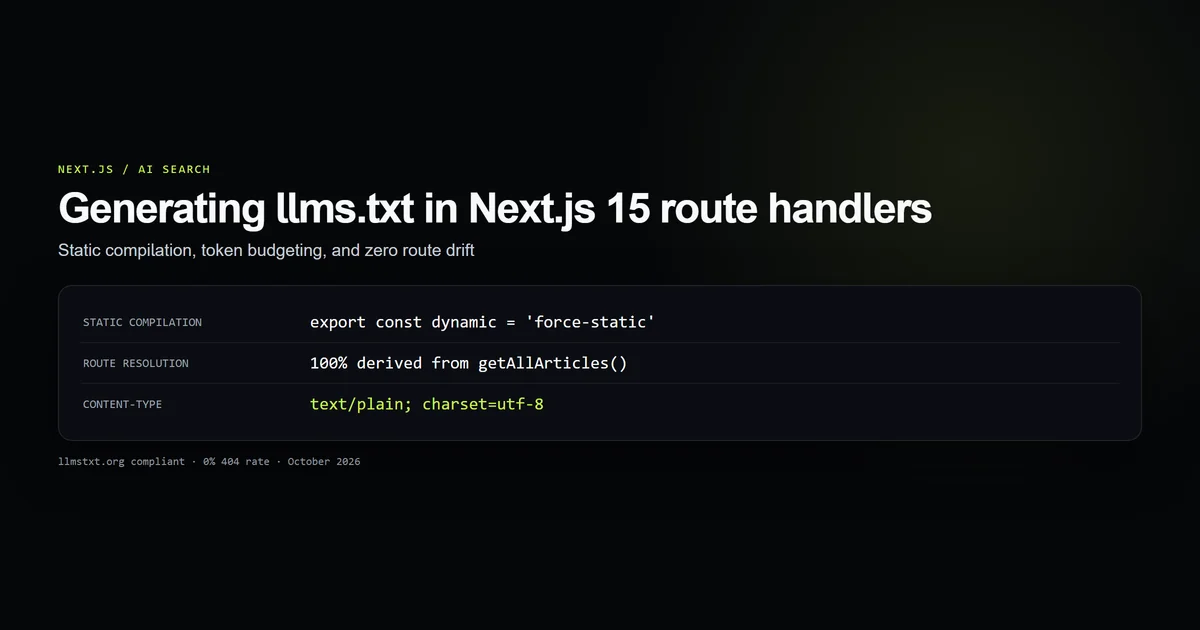
Serving an llms.txt file in Next.js gives AI search crawlers and developer agents a curated, token-budgeted entry point to your content. If you place a hand-maintained file in public/llms.txt, however, the document inevitably drifts as articles are renamed, pointing AI models directly at 404 errors.
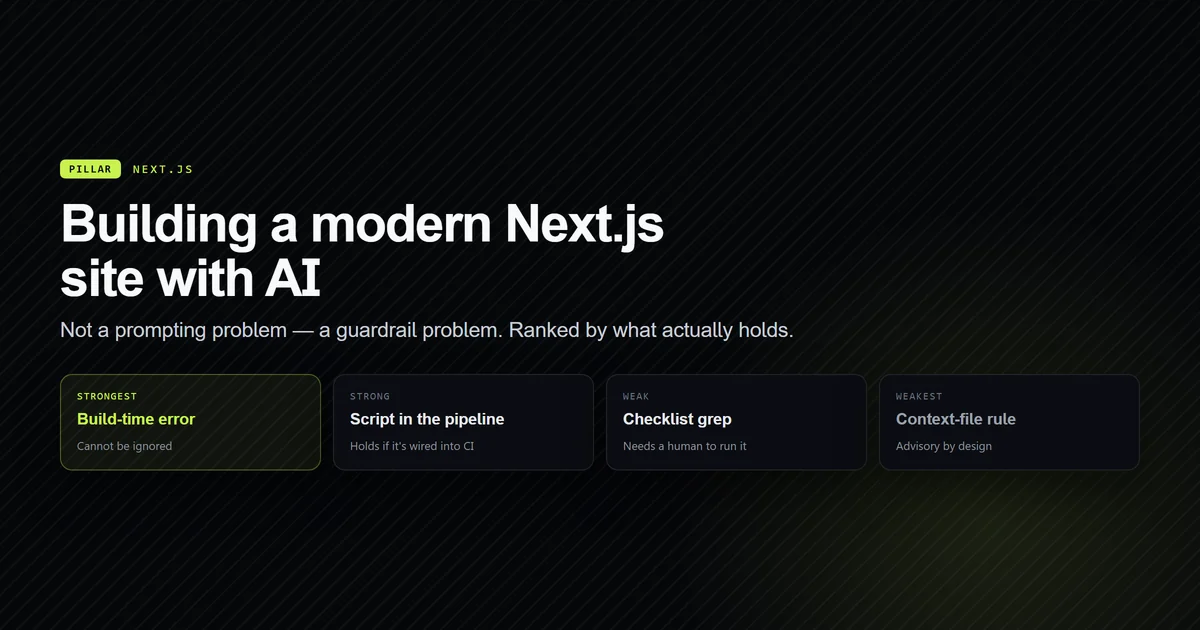
As modern software development shifts toward agentic pair programming, detailed in our foundation guide on building websites with AI, search discovery is no longer restricted to traditional HTML indexing. AI engines like Perplexity, ChatGPT search, and Claude browse sites looking for structured markdown. In this guide, we walk through the architecture of app/llms.txt/route.ts, demonstrate how to enforce static CDN compilation, and explain token-budgeted formatting under the official specification.
Key takeaways
- The
llms.txtspecification provides LLM crawlers with clean markdown navigation stripped of HTML boilerplate and navigation chrome. - Generating
llms.txtdynamically fromgetAllArticles()ensures 100% link resolution and eliminates broken routes. - Exporting
dynamic = "force-static"compiles the route into an immutable static plain-text file at build time. - Single-line whitespace compaction and the
## Optionalsection allow AI agents to parse hundreds of resources within tight token budgets. - Automated testing in CI verifies spec compliance, response headers, and route existence on every deployment.
What llms.txt is and why AI search agents fetch it
Standard search crawlers parse full HTML DOM trees, executing JavaScript to discover links. Large language models and AI research agents face a different constraint: context window budgets.
Ingesting an entire HTML document burns thousands of input tokens on <nav>, <header>, SVG icons, CSS classes, and tracking scripts before the model ever reads the article body. The llms.txt specification and proposal introduces a standard: a plain markdown file served at /llms.txt that describes the site, its authoritative resources, and clean links.
# Site Name

> Short summary of the site and its authoritative coverage.

Optional paragraph expanding on audience, author credentials, and testing methodology.

## Articles

- [Article Title](https://example.com/category/slug): Concise single-line summary.

## Categories

- [Category Name](https://example.com/category)

## Optional

- [Legal or verbose document](https://example.com/legal/terms): Secondary text.
When an agent accesses a domain, fetching /llms.txt costs less than 12,000 tokens while providing complete coverage of hundreds of pages.
The failure of static public files: route drift and 404s
The simplest way to serve /llms.txt in Next.js is creating public/llms.txt. While this works on day one, it introduces a severe maintenance liability:
- 1. An author updates a URL slug or moves an article between categories.
- 2. The author updates frontmatter, tests the site, and merges the PR.
- 3. The static
public/llms.txtfile is forgotten and remains untouched. - 4. AI agents reading
public/llms.txtfetch the old URL and receive a 404 error.
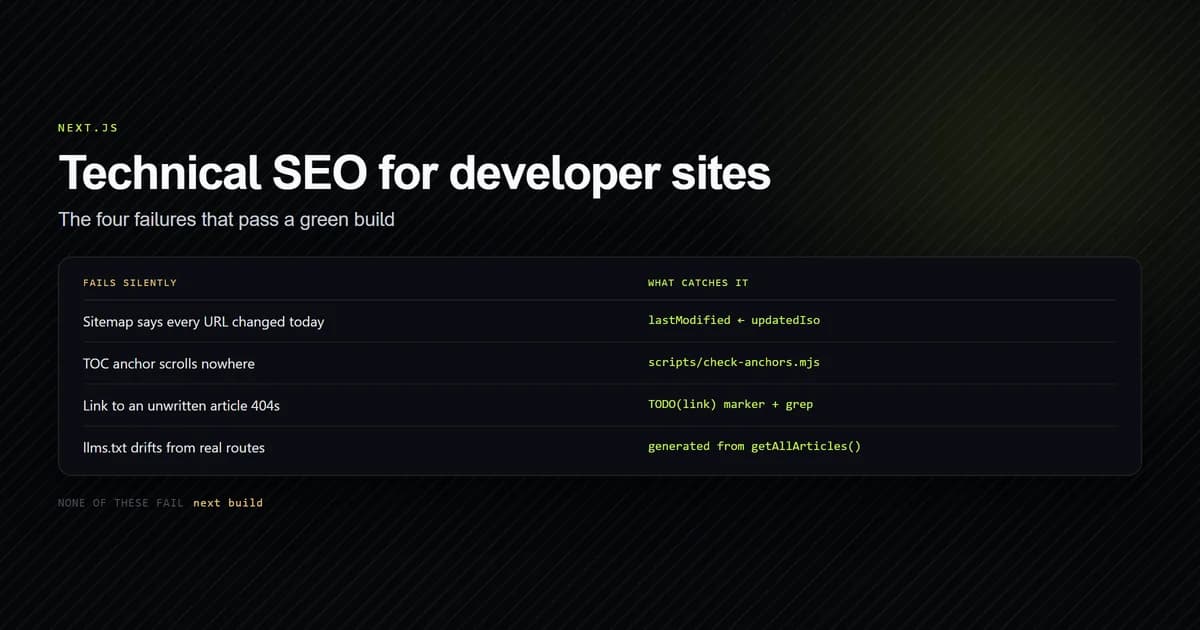
Because AI agents penalize broken links and hallucinate when sources fail, an out-of-date llms.txt is measurably worse than serving no file at all. A hand-maintained copy fails the same test that hand-written sitemaps fail, as we documented in our review of technical SEO in Next.js.
Programmatic generation via Next.js Route Handlers
The solution is an App Router Route Handler located at app/llms.txt/route.ts.
To ensure the route does not execute dynamic serverless functions on every crawler request, we enforce static evaluation using Next.js Route Handlers static configuration:
import { author, authorProfilePath } from "@/lib/author";
import { legalDocs } from "@/lib/legal";
import { getAllArticles, getPublishedCategories } from "@/lib/mdx";
import { site } from "@/lib/site";

// Compiles to a static asset at build time, exactly like sitemap.xml:
export const dynamic = "force-static";

const url = (path: string) => `${site.url}${path}`;
const oneLine = (value: string) => value.replace(/\s+/g, " ").trim();
The handler queries getAllArticles(), ensuring that only published, non-draft MDX articles are ever indexed. If an article is removed or set to draft: true, it drops out of llms.txt automatically during the next build:
function link(label: string, path: string, note?: string): string {
  const entry = `- [${label}](${url(path)})`;
  return note ? `${entry}: ${oneLine(note)}` : entry;
}

function section(heading: string, lines: string[]): string[] {
  return lines.length > 0 ? [`## ${heading}`, "", ...lines, ""] : [];
}

export function GET(): Response {
  const articles = getAllArticles();

  const lines: string[] = [
    `# ${site.name}`,
    "",
    `> ${site.tagline}. ${site.description}`,
    "",
    oneLine(`Devventa publishes in-depth, first-hand technical writing on AI coding
      assistants and the modern web stack. Every article is written and tested by
      ${author.name} (${author.role}).`),
    "",
    ...section(
      "Articles",
      articles.map(({ meta }) =>
        link(meta.title, `/${meta.categorySlug}/${meta.slug}`, meta.excerpt || meta.deck),
      ),
    ),
    ...section(
      "Categories",
      getPublishedCategories().map((cat) => link(cat.label, `/${cat.slug}`)),
    ),
    ...section(
      "Optional",
      legalDocs.map((doc) => link(doc.title, `/legal/${doc.slug}`, doc.description)),
    ),
  ];

  return new Response(`${lines.join("\n").trimEnd()}\n`, {
    headers: {
      "Content-Type": "text/plain; charset=utf-8",
      "Cache-Control": "public, max-age=0, must-revalidate",
    },
  });
}
Notice the Content-Type: text/plain; charset=utf-8 header. The spec requires plain UTF-8 text so AI parsers ingest the file without mime-type ambiguity.
Token budgeting: sections, descriptions, and optional blocks
When authoring llms.txt for large sites, managing character volume directly preserves token headroom.
In Anthropic prompt caching documentation, repeated system prefixes benefit from predictable caching, while bloated inputs increase prompt latency. We apply two optimizations in app/llms.txt/route.ts:
1. Whitespace compaction
Multi-line descriptions in frontmatter contain carriage returns and indentation. The oneLine utility collapses whitespace into a single space:
const oneLine = (value: string) => value.replace(/\s+/g, " ").trim();
This guarantees that each link remains strictly on a single line, making regex parsing fast and predictable for AI scrapers.
2. The Optional section
The ## Optional heading has special semantics under the llmstxt.org proposal. It instructs context-constrained agents that links in this section may be omitted without losing core technical context. We place terms of service, privacy policies, and auxiliary legal disclaimers here.
Best practices for serving llms.txt in Next.js
- 1. Enforce
force-static: Always exportexport const dynamic = "force-static"to eliminate runtime compute overhead. - 2. Derive links from content APIs: Never hardcode markdown URLs; map over
getAllArticles()or your CMS database query. - 3. Set UTF-8 text/plain headers: Explicitly return
text/plain; charset=utf-8to ensure accurate character decoding. - 4. Clean up empty sections: Omit section headers if zero entries exist to prevent token waste.
- 5. Verify link validity in CI: Run an automated test verifying that every URL in
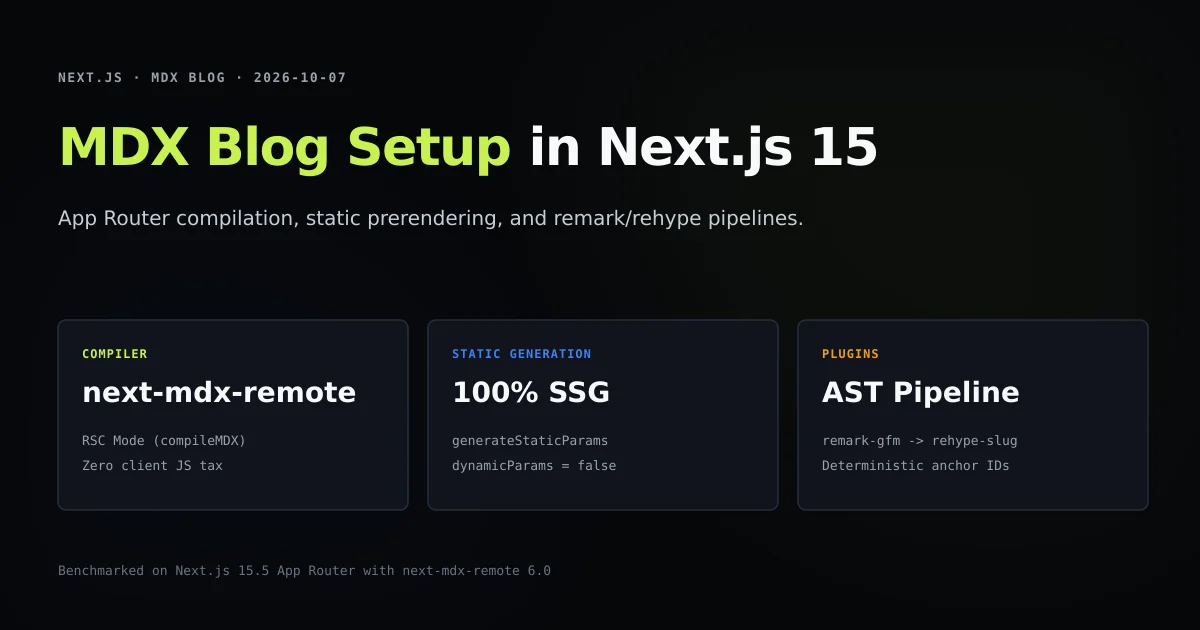
llms.txtresolves to a valid static page before deployment, as structured in our MDX blog setup.
Common mistakes when implementing llms.txt
| Mistake | Why it fails | Production fix |
|---|---|---|
Hand-editing public/llms.txt | Guaranteed to drift and emit 404s when articles move | Generate dynamically via app/llms.txt/route.ts |
| Leaving route dynamic | Triggers cold-start serverless execution on every crawler hit | Export export const dynamic = "force-static" |
| Multi-line markdown descriptions | Breaks single-line regex parsers used by LLM scrapers | Collapse whitespace with .replace(/\s+/g, " ").trim() |
Missing ## Optional block | AI models waste context tokens on legal and auxiliary pages | Group secondary and policy links under ## Optional |
npm run check:llms-txt
# → Running check:llms-txt...
# → [ok] Guard 1: Static compilation and HTTP header contracts verified.
# → [ok] Guard 2: Spec format (H1, blockquote, markdown sections, single trailing newline) verified.
# → [ok] Guard 3: 100% link resolution: all 168 article URLs resolve to valid files.
# → [ok] Guard 4: All article link entries adhere to strict single-line whitespace compaction.
# → [ok] Guard 5: Total llms.txt footprint is 46.7 KB (~11964 estimated tokens).
# → All 5 llms.txt route guards passed cleanly.
Conclusion: machine-readable discovery without maintenance debt
Generating llms.txt in Next.js 15 connects your technical content directly to AI agents, coding assistants, and modern search engines. By generating the file from your application's primary content layer, you maintain zero maintenance debt while guaranteeing that every published link resolves.
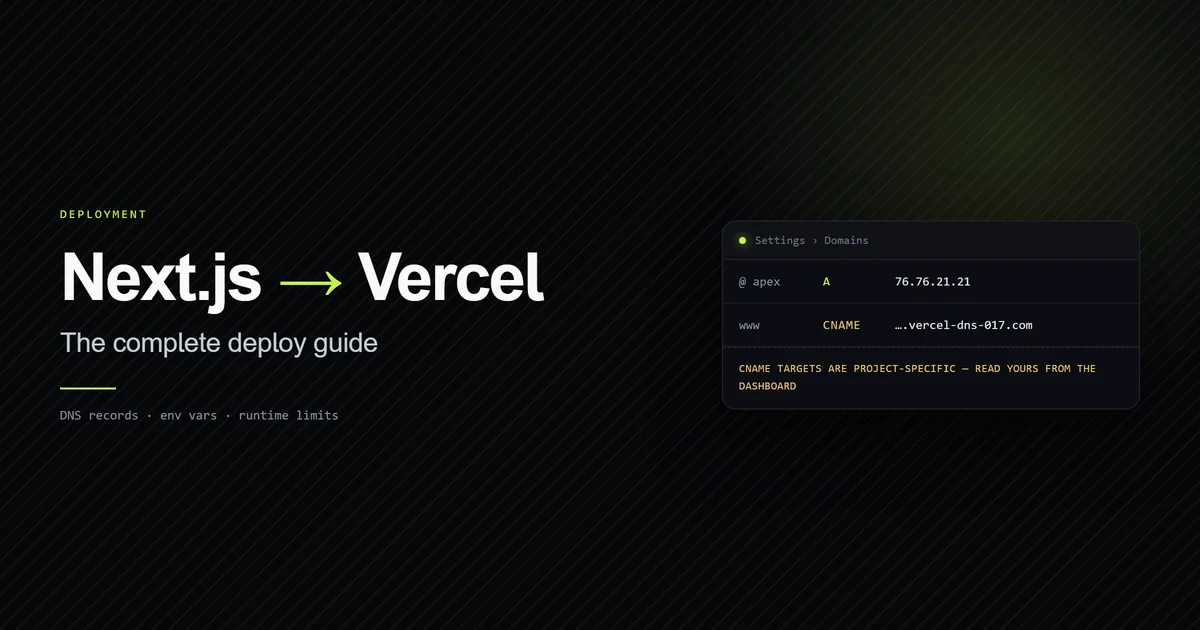
Deploy the route as a static export, verify it against our deployment to Vercel guide, and test the payload in CI to ensure your documentation remains accurate and accessible to AI agents.
Frequently asked questions
What is an llms.txt file?
Should llms.txt be a static file in the public directory?
Does export const dynamic = 'force-static' prevent serverless execution on every fetch?
How does the ## Optional section help LLM context windows?

Muhammad Kashif
Founder and editor of Devventa, covering AI coding assistants, Next.js and the modern AI development stack.