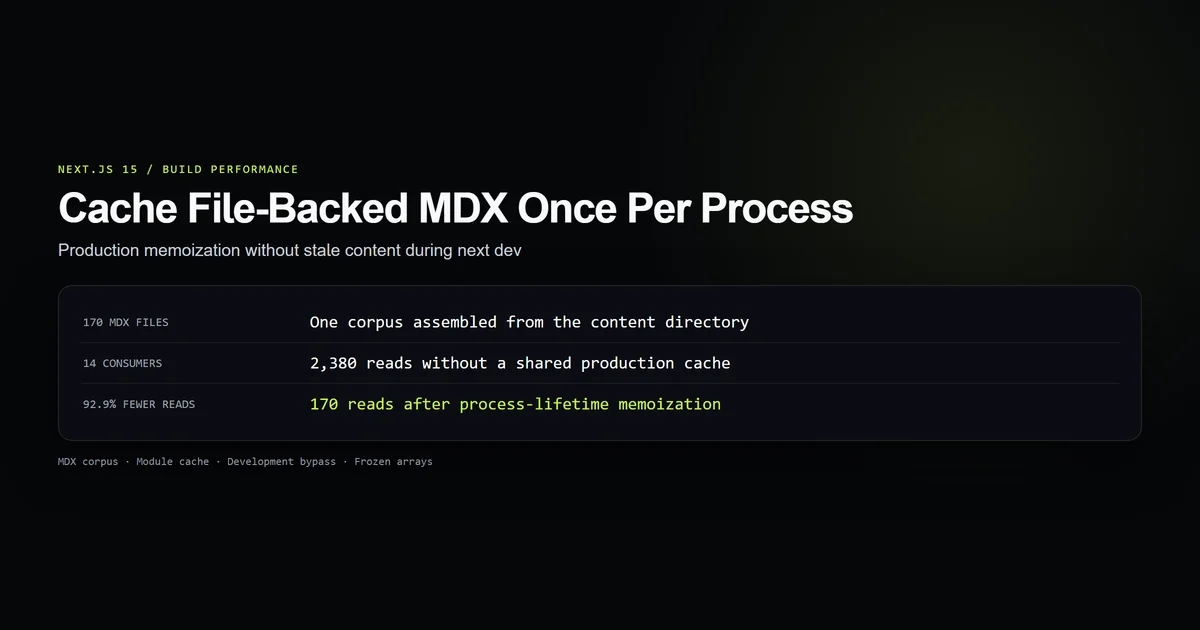
To Next.js cache filesystem data safely, build one immutable corpus per production process and deliberately bypass it during next dev. On this site, routing every content helper through that corpus reduced a 14-consumer model from 2,380 MDX reads to 170, a deterministic 92.9% reduction without hiding edits from Fast Refresh.
We measured the repository's 170 files with Node 26.7.0, gray-matter 4.0.3, and Next.js 15.5.20, then fixed the remaining article lookup that parsed each file twice during static generation. The pattern extends the file-backed architecture in our Next.js MDX setup guide; it is not a replacement for the framework's network Data Cache.
Key takeaways
- File-backed content shipped with the deployment is immutable in production, so a process-lifetime corpus cache has a clear freshness boundary.
- Development must rebuild the corpus or explicitly invalidate it, because module state can outlive an MDX edit during Fast Refresh.
- Every read helper must use the same cache; one direct
parse()path can quietly restore duplicate work. - A shared cached array should be typed readonly and frozen so one caller cannot reorder the site for every later caller.
- React
cache,unstable_cache, and module state have different lifetimes and invalidation models; they are not interchangeable spellings.
Why Next.js cache filesystem data repeats reads
Next.js filesystem reads repeat because the App Router asks for the same content through several independent surfaces. An article appears in generateStaticParams, generateMetadata, the page component, related cards, the sitemap, llms.txt, category archives, search, and homepage blocks.
The first implementation gave every helper its own buildCorpus() call. With 147 content files, a production build once recorded 154 corpus rebuilds across eight workers, or roughly 22,600 file reads and frontmatter parses. Some repetition across workers is unavoidable, but repeating the same directory scan inside one process is not.
This is the core nextjs build repeated file reads failure:
export function getAllArticles(): readonly Article[] {
  return buildCorpus();
}

export function getLatestArticles(): Post[] {
  return getAllArticles().slice(0, 12).map(({ meta }) => metaToPost(meta));
}
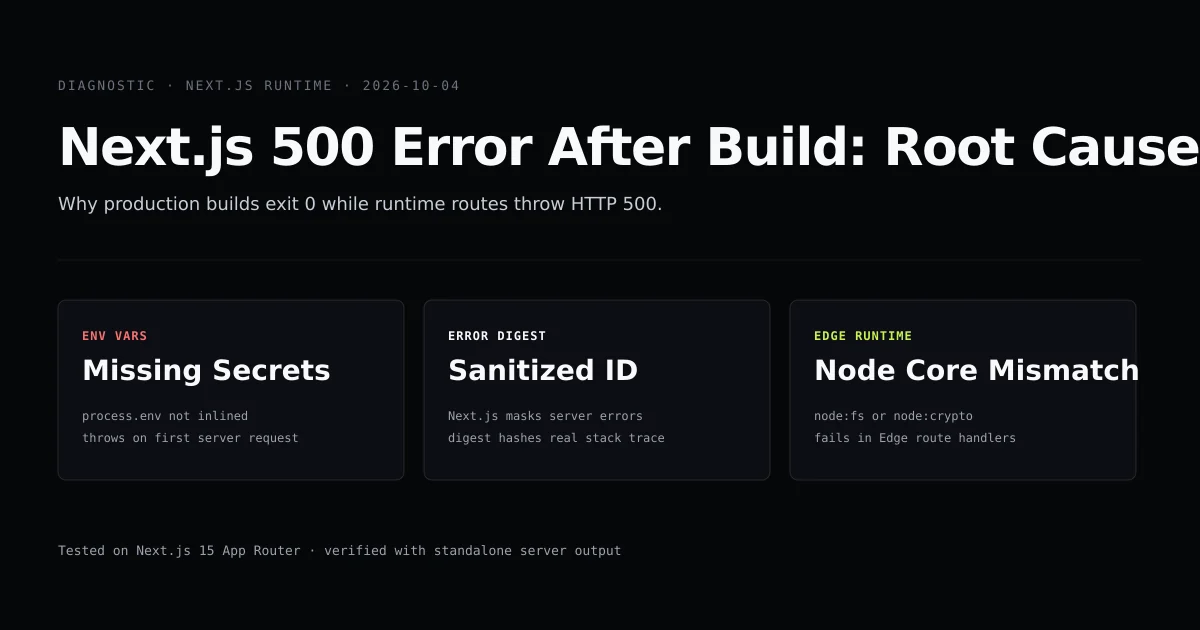
The code looks pure, and each call returns correct data. That makes the problem easy to miss in review: the artifact is a slow build, not a wrong page. Our Next.js 500 error guide covers failures that surface after compilation; this one succeeds while wasting work.
The production corpus cache
The production cache is a nullable module variable initialized on first access. The build function reads and parses every content file, filters drafts, sorts once, and freezes the resulting outer array.
let corpus: readonly Article[] | null = null;

export function getAllArticles(): readonly Article[] {
  if (process.env.NODE_ENV === "development") return buildCorpus();
  return (corpus ??= buildCorpus());
}
This works because the content directory is part of the deployed application. A running production process cannot receive a new MDX file; content changes arrive with a new deployment and therefore a new process. That gives the module cache a stronger freshness contract than a remote CMS response.
Freeze the shared collection at its creation point:
articles.sort((a, b) => b.meta.publishedIso.localeCompare(a.meta.publishedIso));
return Object.freeze(articles);
readonly Article[] catches normal mutations in TypeScript. Object.freeze() catches a cast or JavaScript caller at runtime. This is a shallow freeze: article objects remain mutable, so the project also relies on the narrower convention that helpers only map and filter metadata. Deep-freezing 170 nested records would add work without addressing an observed failure.
Keep development content fresh
Do not cache MDX in development unless you also own reliable invalidation. next dev keeps modules alive across recompiles, while an article edit changes data rather than a React component export. A process-lifetime value can therefore keep serving the old body after the editor saves a new one.
The first cache attempt did exactly that: it made repeat navigation fast and made authoring untrustworthy. Restarting the dev server appeared to fix the problem, which is a diagnostic clue for stale module state rather than an MDX compiler bug.
Next.js documents a development HMR cache for fetch responses in its local development guide. That mechanism does not turn arbitrary node:fs reads into invalidated data dependencies. If the source is a repository file and the corpus is small, rebuilding in development is the least surprising rule.
Reuse the corpus everywhere
A central cache only works when every consumer goes through it. The last bypass in this repository was getArticle(), which read and parsed a file directly. The article route calls that helper once in generateMetadata and again in the page component, doubling per-article parsing during static generation.
The production branch now searches the shared corpus:
export function getArticle(categorySlug: string, slug: string): Article | null {
  if (process.env.NODE_ENV !== "development") {
    return getAllArticles().find(
      ({ meta }) => meta.categorySlug === categorySlug && meta.slug === slug,
    ) ?? null;
  }

  // Development reads the requested file again for fresh authoring output.
  for (const ext of [".mdx", ".md"]) {
    const full = path.join(CONTENT_DIR, categorySlug, `${slug}${ext}`);
    if (!fs.existsSync(full)) continue;
    const article = parse(categorySlug, `${slug}${ext}`);
    return article.meta.draft ? null : article;
  }
  return null;
}
This is the project implementation, including the deliberately direct development path. At 170 MDX files, a linear search is negligible beside disk I/O and frontmatter parsing. If the corpus grows into thousands, cache a category-and-slug map beside the array and measure the memory tradeoff.
This fix also ensures cache mdx nextjs means more than caching the homepage list while individual routes continue parsing independently. Audit the import graph and the call graph, not only the most obvious helper.
React cache vs module cache
The react cache vs module cache choice comes down to lifetime and ownership. React's official cache reference describes a Server Component memoization facility whose cache is invalidated across server requests. Next.js's version 15 caching guide separates request memoization, the persistent Data Cache, the Full Route Cache, and the client Router Cache.
| Mechanism | Lifetime | Best fit |
|---|---|---|
React cache() | One server render/request | Deduplicating ORM or computation calls in a component tree |
unstable_cache() | Across requests, with keys and revalidation | Database and API results that change independently of deployments |
| Module variable | One process | Immutable files packaged with the deployment |
| Development rebuild | One call | Local files that must reflect every edit |
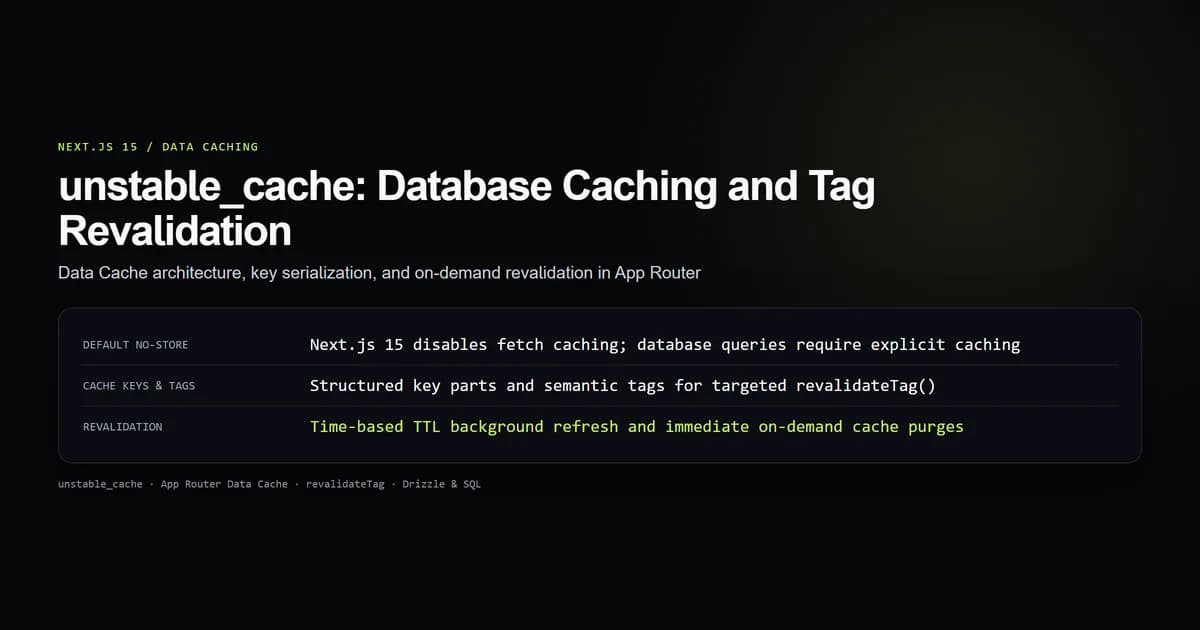
Our unstable_cache guide handles database queries and tag invalidation. Using it for repository MDX would add key and revalidation machinery to data that only changes on deploy. Conversely, a module variable is wrong for database rows because it has no cross-instance invalidation contract.
Measuring the read reduction
The committed guard counts the corpus-consuming call sites and parses the real content directory once for each of the 14 it finds. It then models the same passes over one frozen collection and checks the production cache, development bypass, freeze, and getArticle() reuse in source.
npm run check:mdx-corpus-cache
# mdx-corpus-cache: 6 guards passed; 170 files x 14 consumers
# uncached 2380 reads in 652.9 ms; shared corpus 170 reads in 38.9 ms;
# reads reduced 92.9% per process
The elapsed milliseconds are a local observation from October 24, 2026, not a universal benchmark. Disk cache state, antivirus scanning, processor speed, and file count all move it. The read counts and 92.9% reduction are deterministic for 14 consumers: one complete read instead of fourteen.
The limitation matters: module state is not shared across build workers or serverless instances. Each process pays for one corpus. This change removes duplicate work inside a process and makes no distributed-cache claim.
Best practices for file-backed caches
- Step 1 — Define the freshness boundary: Cache for a process only when files cannot change during that process's production lifetime.
- Step 2 — Bypass or invalidate in development: Correct edits matter more than a faster local directory scan.
- Step 3 — Route every consumer through one accessor: Search for direct
readFileand parser calls after introducing the cache. - Step 4 — Return immutable collections: Use readonly types, freeze shared arrays, and derive new views without mutation.
- Step 5 — Measure reads before milliseconds: Counts reproduce across machines; timing numbers do not.
- Step 6 — State the process boundary: Never imply that module memory is shared across workers, regions, or deployments.
Common filesystem cache mistakes
- Caching mutable runtime data in a module. A database or CMS can change without a deploy. Use a revalidatable data cache instead.
- Caching during authoring. Stale MDX makes editors distrust Fast Refresh and restart the server unnecessarily.
- Leaving one direct parse path. Metadata and page rendering can silently read the same file twice even after list helpers are fixed.
- Returning a mutable array. One in-place
sort()changes every later page in that process. Freeze the shared value. - Publishing benchmark milliseconds as a guarantee. Report the environment and lead with deterministic read counts.
Conclusion: Cache the owned immutable corpus
Use a module-level cache when Next.js reads files that ship with the deployment and cannot change underneath the process. Keep development uncached, freeze the shared collection, and make every helper consume the same source. For this 170-file site, that contract removes 2,210 of 2,380 modeled reads per process. If the data changes independently of deployment, choose tagged Next.js data caching instead of stretching module memory beyond its honest lifetime.
Frequently asked questions
How do I cache filesystem data in Next.js?
Should I use React cache for reading MDX files?
Why does my Next.js MDX content stay stale in development?
Does a module cache share data across Next.js build workers?
Can I mutate an array returned from a shared content cache?

Muhammad Kashif
Founder and editor of Devventa, covering AI coding assistants, Next.js and the modern AI development stack.