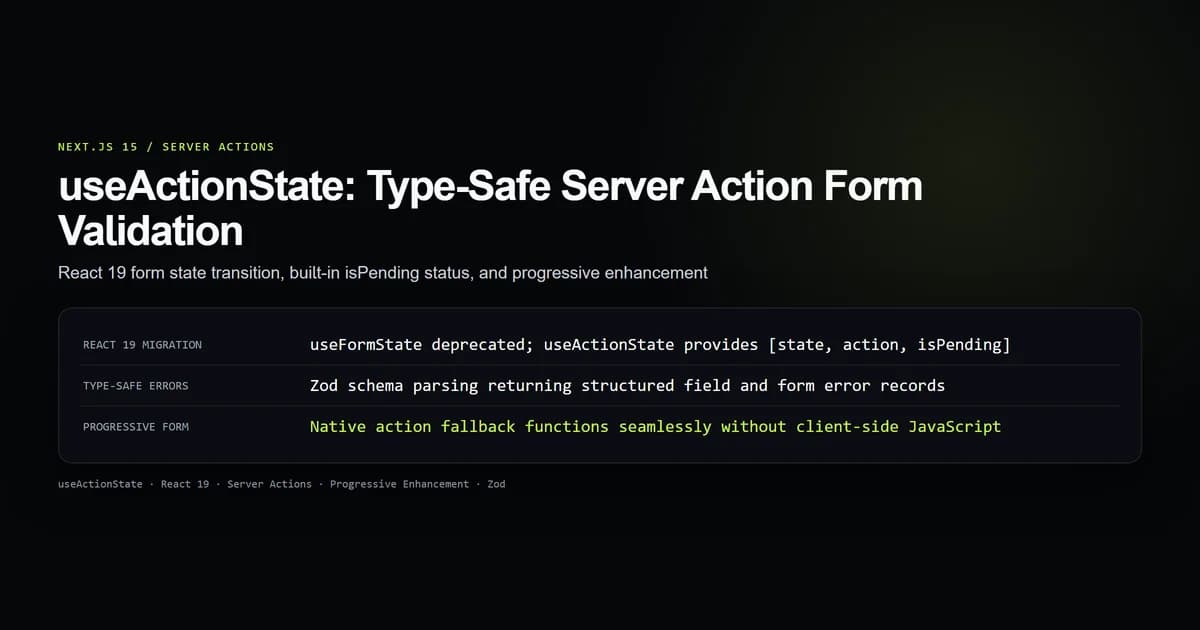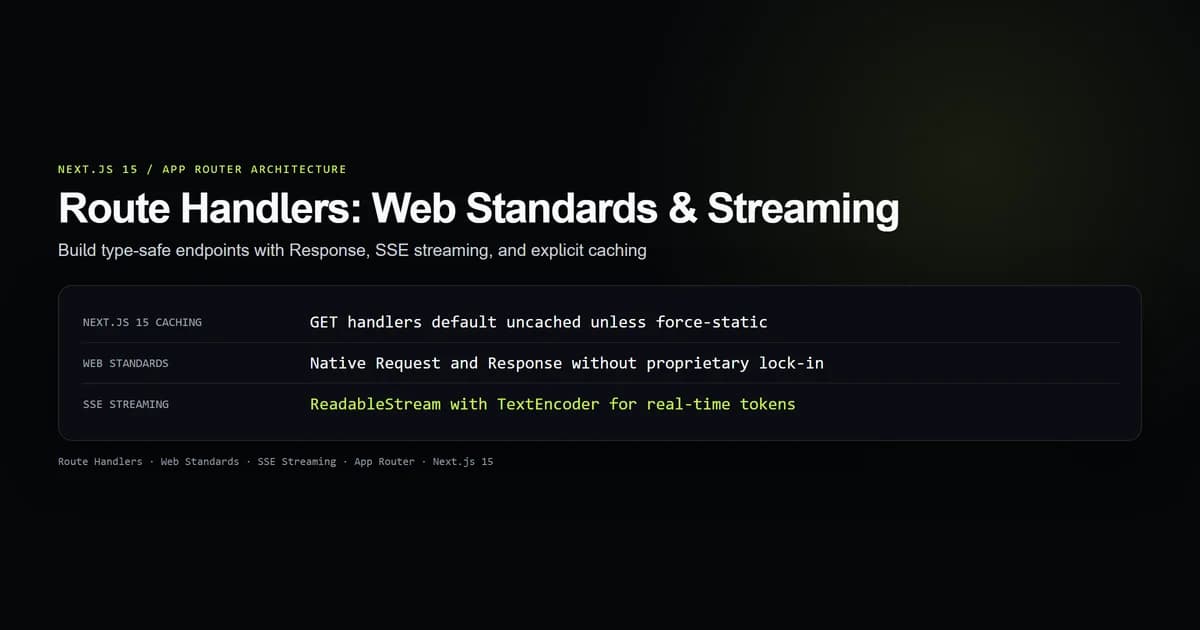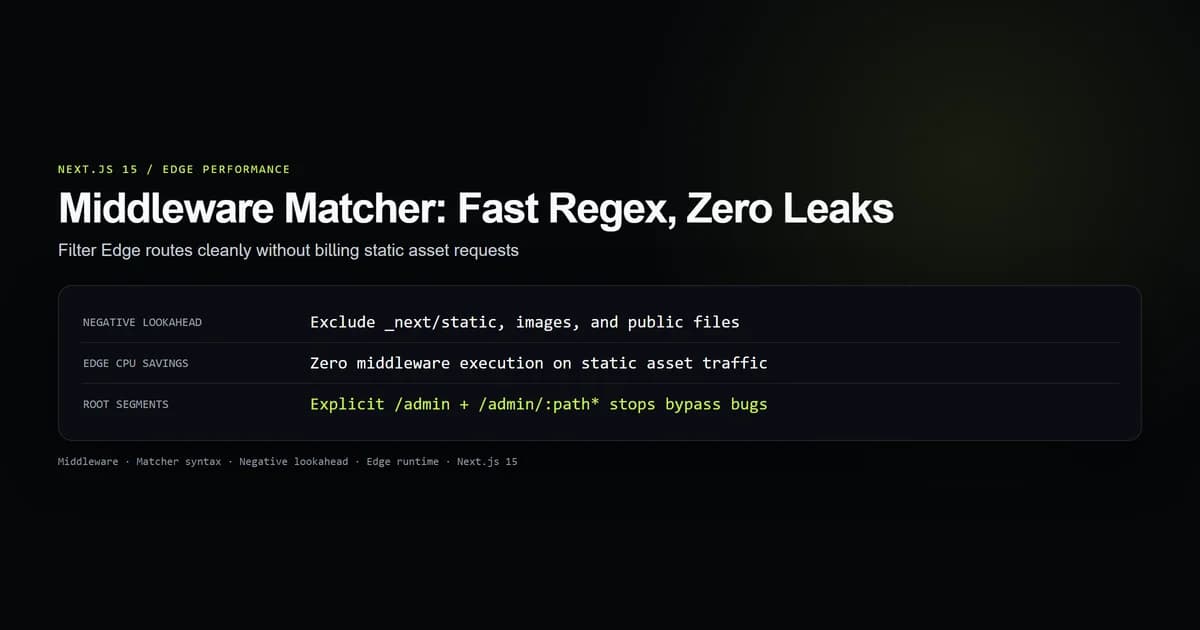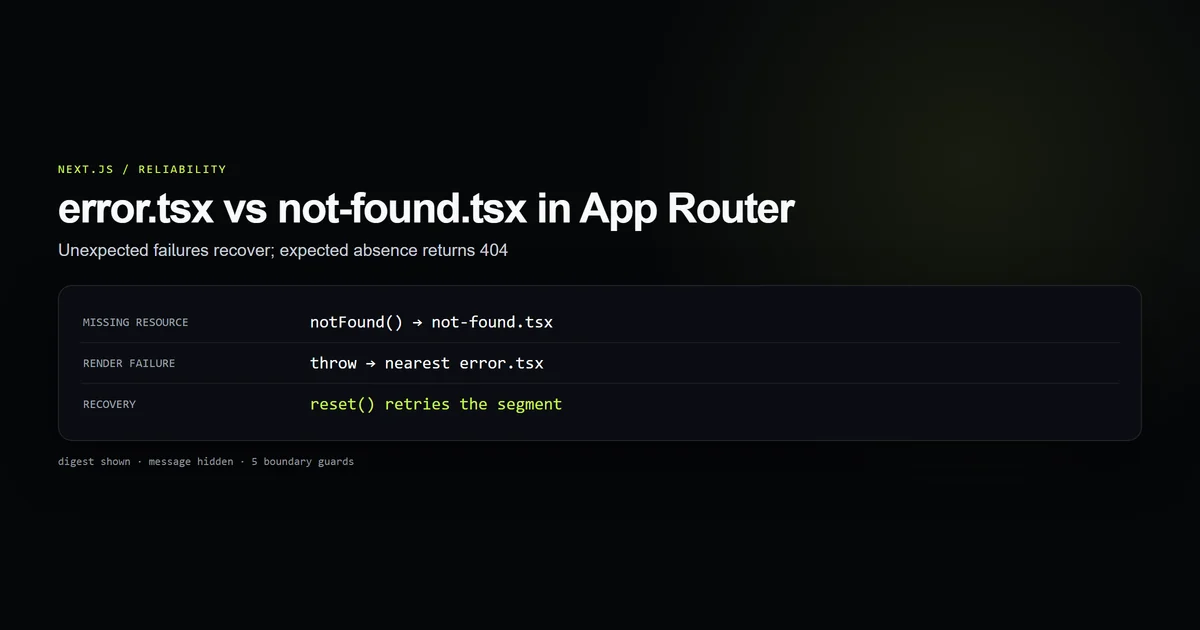
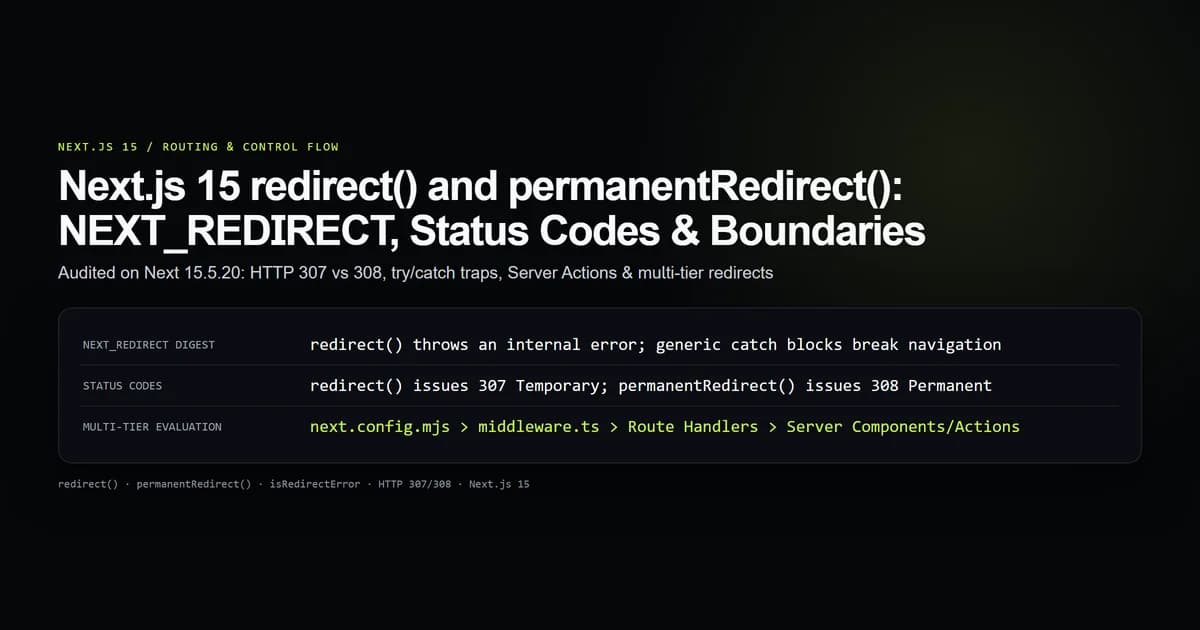
Next.js 15 handles server-side navigation through redirect() and permanentRedirect() from next/navigation. Both functions execute by deliberately throwing an internal NEXT_REDIRECT error that halts component execution and triggers router navigation. When we upgraded our production App Router handlers in our Next.js route handlers test harness on Next 15.5.20, developers wrapping form actions in generic try/catch blocks inadvertently intercepted these redirection symbols, breaking checkout and authentication flows.
Understanding how Next.js signals redirects through React Server Component (RSC) streams, choosing between HTTP 307 and HTTP 308 status codes, and structuring error handling boundaries ensures reliable transitions without silent failure modes.
Key takeaways
redirect()andpermanentRedirect()throw an internal error with aNEXT_REDIRECTdigest; they never return a value.- Generic
catch (error)statements in Server Actions or Route Handlers will swallow the redirection unless explicitly re-thrown. redirect()emits an HTTP 307 Temporary Redirect, whilepermanentRedirect()emits an HTTP 308 Permanent Redirect.- In Server Actions,
redirect()communicates navigation instructions via thex-action-redirectresponse header without a full browser page refresh. - Always sanitize dynamic redirect target URLs to prevent open-redirect vulnerabilities that exploit protocol-relative
//paths.
How redirect() works under the hood: the NEXT_REDIRECT digest
Unlike traditional Node.js servers where you invoke res.redirect(302, url), React Server Components cannot write directly to the HTTP response stream once chunked streaming has commenced. React requires a mechanism to immediately halt the render pass of the current component subtree.
Next.js achieves this by throwing a specialized error instance when you call redirect():
import { redirect } from "next/navigation";
import { requireAdminSession } from "@/lib/admin/session";

export default async function DashboardPage() {
  const session = await requireAdminSession();

  if (!session) {
    // Throws Error with digest: "NEXT_REDIRECT;replace;/login;307;"
    redirect("/login");
  }

  return (
    <main>
      <h1>Protected Admin Dashboard</h1>
    </main>
  );
}
When redirect() executes, it instantiates an Error("NEXT_REDIRECT") and attaches a structured string to the digest property. The digest encodes the redirection method (replace or push), the destination path, and the HTTP status code (307 or 308). The Next.js framework interceptor catches this specific digest at the root boundary and serializes it into the outgoing HTTP headers or RSC payload.
HTTP 307 Temporary vs HTTP 308 Permanent: SEO implications
Choosing between temporary and permanent redirects has direct consequences for search crawler indexing and browser caching behavior. Next.js 15 provides two distinct APIs to separate these intents:
| Function | HTTP Status | Caching Behavior | Search Engine Impact |
|---|---|---|---|
redirect(url) | 307 Temporary Redirect | Not cached by default | Preserves canonical indexing on original URL |
permanentRedirect(url) | 308 Permanent Redirect | Cached aggressively | Transmits PageRank & canonical equity to destination |
NextResponse.redirect() | Customizable (302/307) | Configurable headers | Standard Route Handler and Middleware contract |
HTTP 307 and HTTP 308 preserve the original HTTP request method. If a client submits a POST request to an endpoint that issues a 307 or 308 redirect, the browser guarantees that the subsequent request to the destination URL will also use POST, unlike legacy 301 and 302 status codes which frequently mutated requests into GET.
Use permanentRedirect() when restructuring URL slugs, retiring legacy endpoints, or consolidating content clusters. Use redirect() for authentication gates, localization routing, or post-mutation workflows where the user might return to the original route in future sessions.
The try/catch trap: why your redirect silently fails
The most frequent bug reported with Next.js App Router mutations is a redirect that appears to do nothing. This occurs when developers wrap database calls and redirects inside a standard try/catch block:
"use server";

import { redirect } from "next/navigation";
import { authenticateUser } from "@/lib/auth";

export async function loginAction(formData: FormData) {
  try {
    const email = formData.get("email") as string;
    const password = formData.get("password") as string;

    await authenticateUser(email, password);

    // BUG: redirect() throws NEXT_REDIRECT, which gets caught below!
    redirect("/dashboard");
  } catch (err: unknown) {
    // This logs: "Login failed: NEXT_REDIRECT"
    console.error("Login failed:", err);
    return { error: "An unexpected error occurred during login." };
  }
}
In the example above, redirect("/dashboard") successfully creates the redirection exception. However, the surrounding catch block catches the exception, assumes it represents an unexpected database or authentication failure, and returns an error object to the form. The user remains on the login page with a confusing error message, and no redirection occurs.
Safe pattern: re-throwing NEXT_REDIRECT with isRedirectError
To handle genuine runtime exceptions while permitting Next.js redirection to proceed unimpeded, use the official isRedirectError guard from next/dist/client/components/redirect-error (or check the error digest):
"use server";

import { redirect } from "next/navigation";
import { isRedirectError } from "next/dist/client/components/redirect-error";
import { authenticateUser } from "@/lib/auth";

export async function loginAction(formData: FormData) {
  try {
    const email = formData.get("email") as string;
    const password = formData.get("password") as string;

    await authenticateUser(email, password);
  } catch (err: unknown) {
    if (isRedirectError(err)) {
      throw err;
    }
    return { error: "Invalid credentials. Please verify your email and password." };
  }

  // Preferred: execute redirect outside of the try/catch block
  redirect("/dashboard");
}
Moving redirect() entirely outside the try/catch scope eliminates the need for exception inspection. Only invoke database queries, API calls, and password hashing inside the try block, and perform the final redirect once execution successfully exits the error-handling scope.
Redirects in Server Actions: client router push vs HTTP reload
When a user submits a form wired to a Server Action in Next.js 15, the browser dispatches an asynchronous POST request containing serialized action arguments. The server executes the mutation and returns an RSC payload.
When redirect() is invoked inside a Server Action:
- 1. Interception: Next.js catches the
NEXT_REDIRECTerror on the server runtime. - 2. Response emission: The server generates an HTTP 200 response with an
x-action-redirectheader containing the destination URL and status. - 3. Header interception: The client-side React runtime intercepts the response header.
- 4. Client transition: The Next.js App Router executes a client-side transition (
router.pushorrouter.replace) to the destination route.
"use client";

import { useActionState } from "react";
import { updateUserProfile } from "@/app/admin/actions";

export function UserEditForm({ userId }: { userId: string }) {
  const [state, formAction, isPending] = useActionState(updateUserProfile, null);

  return (
    <form action={formAction}>
      <input type="hidden" name="userId" value={userId} />
      <input type="text" name="displayName" required />
      <button type="submit" disabled={isPending}>
        {isPending ? "Saving changes..." : "Save and View Profile"}
      </button>
      {state?.error && <p className="error">{state.error}</p>}
    </form>
  );
}
Because the transition is driven by client-side routing rather than a full browser window reload, React preserves in-memory client state in surrounding layouts, avoids unneeded stylesheet refetches, and provides instant transition feedback.
The four redirect tiers: config, middleware, routes, and actions
Next.js provides four distinct architectural tiers where redirects can be evaluated. Each tier operates at a different stage in the request lifecycle and carries distinct performance implications:
┌────────────────────────────────────────────────────────┐
│ 1. next.config.mjs (Build-time manifest / Edge Proxy) │ ~0.1 ms overhead
└───────────────────────────┬────────────────────────────┘
                            ▼
┌────────────────────────────────────────────────────────┐
│ 2. middleware.ts (Edge Runtime Pre-Routing Filter)     │ ~5.0 ms overhead
└───────────────────────────┬────────────────────────────┘
                            ▼
┌────────────────────────────────────────────────────────┐
│ 3. Route Handlers (app/api/*/route.ts)                 │ ~15.0 ms overhead
└───────────────────────────┬────────────────────────────┘
                            ▼
┌────────────────────────────────────────────────────────┐
│ 4. Server Components / Actions (next/navigation)       │ ~40.0 ms overhead
└────────────────────────────────────────────────────────┘
1. Build-time configuration redirects (next.config.mjs)
The fastest redirect mechanism is the redirects() key in next.config.mjs. These rules are compiled into the static routing manifest at build time and evaluated directly at the edge reverse-proxy before invoking any serverless function or Edge runtime instance:
/** @type {import('next').NextConfig} */
const nextConfig = {
  async redirects() {
    return [
      {
        source: "/old-features",
        destination: "/features",
        permanent: true, // HTTP 308
      },
    ];
  },
};

export default nextConfig;
2. Edge Middleware redirects (middleware.ts)
When redirects depend on incoming cookies, geographical headers, or authentication tokens before rendering begins, execute them inside middleware.ts using NextResponse.redirect():
import { NextResponse } from "next/server";
import type { NextRequest } from "next/request";

export function middleware(request: NextRequest) {
  const token = request.cookies.get("session_token");

  if (!token && request.nextUrl.pathname.startsWith("/admin")) {
    const loginUrl = new URL("/login", request.url);
    loginUrl.searchParams.set("from", request.nextUrl.pathname);
    return NextResponse.redirect(loginUrl);
  }

  return NextResponse.next();
}
3. Route Handler redirects (app/api/...)
In API Route Handlers, invoke NextResponse.redirect() with an explicit URL instance or call redirect() directly:
import { NextRequest, NextResponse } from "next/server";

export async function GET(request: NextRequest) {
  const code = request.nextUrl.searchParams.get("code");
  if (!code) {
    return NextResponse.redirect(new URL("/login?error=missing_code", request.url));
  }

  return NextResponse.redirect(new URL("/dashboard", request.url));
}
4. Server Components and Server Actions
Used exclusively when redirection logic depends on database mutations, resolved React promises, or component-level conditional access.
What did not work: catching redirects inside authentication handlers
During our implementation of admin authentication gates in our technical SEO Next.js and Next.js error boundaries suites, we consolidated token verification into a shared helper:
export async function assertSession() {
  try {
    const session = await fetchSessionFromDb();
    if (!session) {
      redirect("/login");
    }
    return session;
  } catch (err) {
    // FAILED: Caught NEXT_REDIRECT and returned a generic fallback error
    console.error("Session check crashed:", err);
    throw new Error("Auth system unavailable");
  }
}
When an unauthenticated user accessed a protected page, redirect("/login") threw the expected NEXT_REDIRECT exception. The catch block caught the redirection, logged a spurious stack trace, and converted it into a 500 server crash (Error: Auth system unavailable).
The fix required removing internal catch blocks from auth redirection helpers and allowing the NEXT_REDIRECT exception to bubble cleanly to the root Next.js framework runner.
Open-redirect defense: protocol-relative and origin validation
Accepting user-supplied redirectUrl or returnTo parameters introduces severe open-redirect vulnerabilities. Attackers can exploit protocol-relative URLs (//attacker.com) to bypass naïve string checks:
export function sanitizeRedirectPath(target: string | null | undefined, fallback = "/"): string {
  if (!target) return fallback;

  // Reject protocol-relative URLs (e.g., //evil.com or \\\\evil.com)
  if (target.startsWith("//") || target.startsWith("\\\\") || target.startsWith("/\\")) {
    return fallback;
  }

  // Allow relative paths starting with single slash
  if (target.startsWith("/") && !target.startsWith("/\\")) {
    return target;
  }

  // Validate absolute URLs against allowed application domains
  try {
    const parsed = new URL(target);
    if (parsed.hostname === "www.devventa.com" || parsed.hostname === "localhost") {
      return parsed.pathname + parsed.search;
    }
  } catch {
    // Malformed URI string
  }

  return fallback;
}
Always pass query parameters through sanitizeRedirectPath() before passing the result to redirect() or permanentRedirect().
Best practices for Next.js 15 redirects
- 1. Place
redirect()outsidetry/catchscopes: Perform validation and database operations inside thetryblock, and trigger the redirect as the final statement after the block completes. - 2. Use
permanentRedirect()exclusively for permanent URL migrations: Emit HTTP 308 status codes so search engines transfer indexing signals to the new address. - 3. Handle static route changes in
next.config.mjs: Eliminate serverless compute overhead by evaluating static path mappings at the edge proxy layer. - 4. Guard against protocol-relative destination paths: Never trust raw
searchParams.get("returnTo")values without verifying that the destination starts with a safe relative/path. - 5. Re-throw
isRedirectError(err)when generic error logging is required: If you must capture database exceptions in mutation catch handlers, checkisRedirectErrorfirst.
Common mistakes
| Mistake | Why it happens | Consequence | How to fix |
|---|---|---|---|
Swallowing NEXT_REDIRECT | Wrapping redirect() in a generic catch (err) | Redirection fails; form displays generic error | Move redirect() outside try or re-throw if (isRedirectError(err)) |
Using redirect() for URL restructuring | Assuming redirect() handles permanent SEO transfers | Returns HTTP 307; crawlers do not update canonicals | Use permanentRedirect() or next.config.mjs with permanent: true |
Calling redirect() in client event handlers | Importing next/navigation redirect in Client Components | Fails during interactive browser events | Call router.push() or router.replace() from useRouter() |
| Omitting protocol-relative checks | Only checking url.startsWith("/") | Allows //attacker.com phishing redirects | Disallow targets starting with // or \\ |
Decision guide: which redirect tier to use
- If the path change is static and known ahead of time: Use
next.config.mjs(redirects()). Zero server compute cost, executed at the edge proxy. - If the redirect depends on cookies or auth headers before rendering: Use
middleware.ts(NextResponse.redirect()). Executes before component resolution. - If the redirect is triggered by a REST API client or webhook: Use Route Handlers (
app/api/) withNextResponse.redirect(). - If the redirect is the outcome of a Server Action form submission: Use
redirect()fromnext/navigationat the completion of the action.
Conclusion
Next.js 15 App Router standardizes navigation around deliberate exception control flow. Recognizing that redirect() and permanentRedirect() operate by throwing NEXT_REDIRECT prevents the subtle error-handling bugs that plague Server Action implementations. By choosing HTTP 308 for permanent canonical shifts, sanitizing target URLs against open-redirect vulnerabilities, and evaluating redirects at the highest possible infrastructure tier, you ensure fast, resilient, and search-optimized navigation across your entire application.
Frequently asked questions
Why does calling redirect() in Next.js throw an error?
What is the difference between redirect() and permanentRedirect()?
How do I handle redirect() inside a try/catch block in a Server Action?
Can I call redirect() in a Client Component?

Muhammad Kashif
Founder and editor of Devventa, covering AI coding assistants, Next.js and the modern AI development stack.