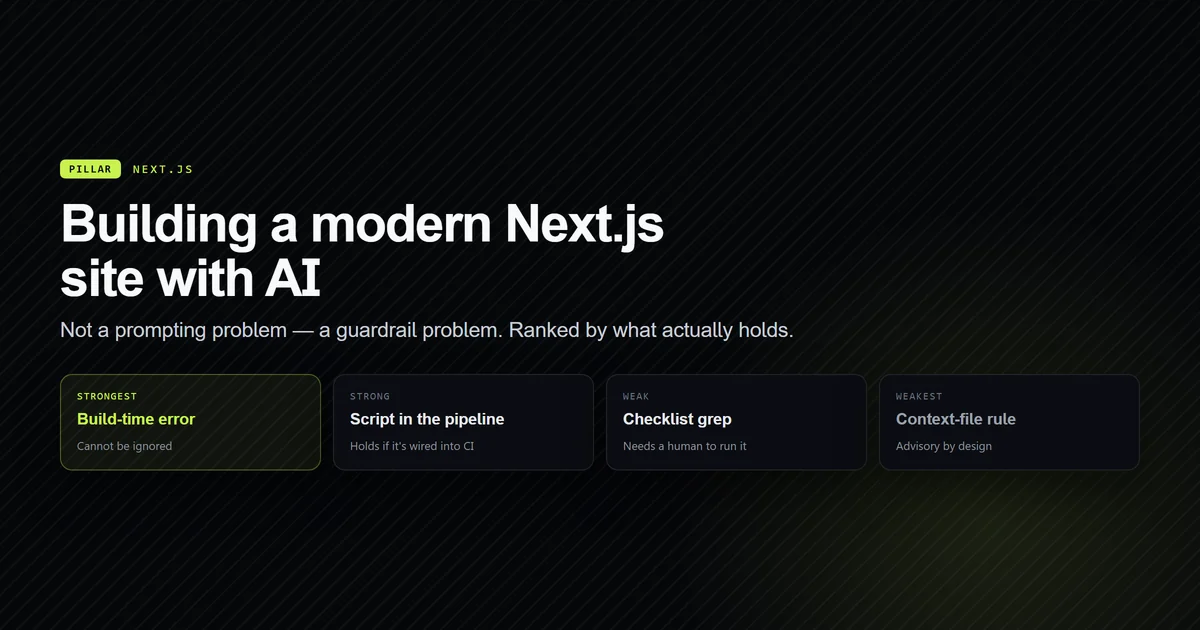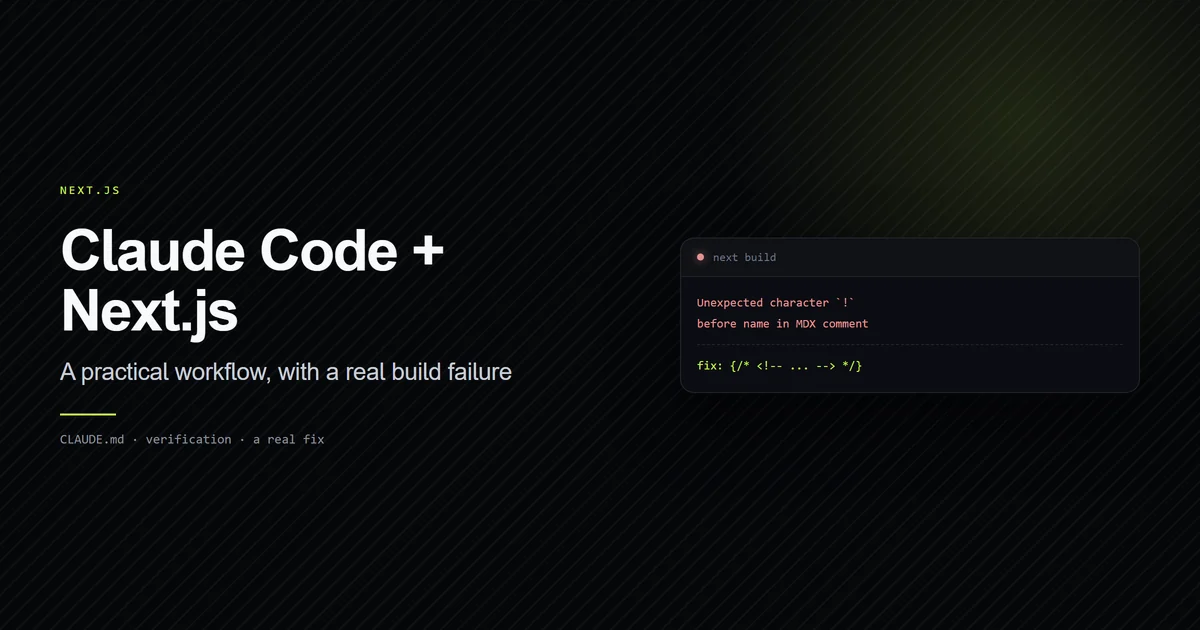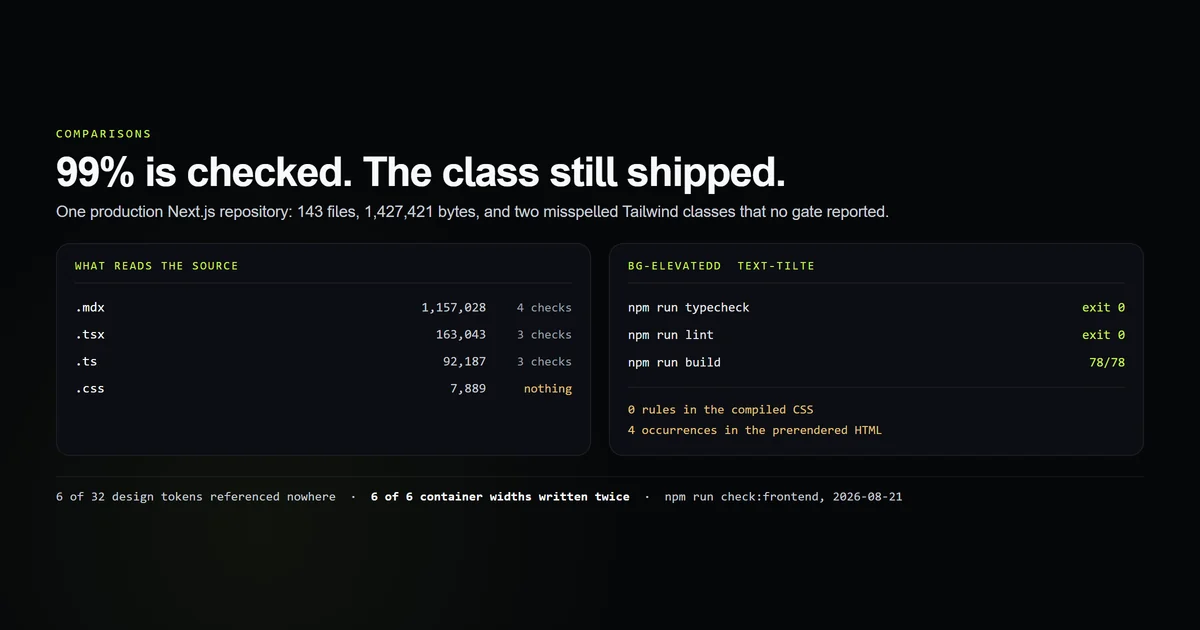
Pick ai tools for web developers by which verifier they can drive, not by how well they write components. We measured this site — a production Next.js 15 app, 143 source files, 1,427,421 bytes — and 99.0% of those bytes are read by at least one committed check. Then we misspelled two Tailwind utility classes inside a file all three of those checks read, and typecheck, lint and next build every one exited 0 while the class shipped to the browser doing nothing. If you are still choosing a surface to work on at all, the assistants pillar is the decision above this one.
Key takeaways
- Coverage is not verification. 99.0% of this repository's source bytes are read by a check; the two classes we broke lived inside that 99.0% and no check reported them.
- The styling layer is 0.6% of the bytes and has no verifier at all — one 7,889-byte CSS file that decides how every page looks.
- A misspelled utility class produces no rule, no warning and no failure. Measured 2026-08-21: three gates green, zero rules in the compiled CSS, four occurrences of the dead class in the prerendered HTML.
- Six of this repo's 32 design tokens are referenced nowhere, and six widths are declared twice — once as a token, once hardcoded. Nothing in the toolchain compares them.
- The useful tool in frontend work is the one that can see the rendered page. Everything else is reading text and reporting on text.
The short answer
Choose the agent that can run your gates and open your page, in that order. On a TypeScript codebase the compiler is doing most of the correcting, and every serious terminal agent can already invoke it. What separates tools on web work is what happens after the build goes green, because on the frontend a green build is not evidence of much.
Two things follow from that. First, an agent that executes commands beats one that only suggests text — the terminal-versus-editor decision is really a decision about who runs the verifier. Second, for CSS and layout, prefer a tool with browser access over a better code model, because no amount of model quality substitutes for looking at the output.
What a web project is actually made of
This is the census, from our internal frontend check script, over app/, components/, lib/ and content/. Tooling is excluded deliberately — scripts/ contains a 3.6 MB tokeniser table from an earlier measurement that would swamp the shape.
| Extension | Files | Bytes | Read by |
|---|---|---|---|
.mdx | 61 | 1,157,028 | 4 checks |
.tsx | 54 | 163,043 | 3 checks |
.ts | 22 | 92,187 | 3 checks |
.css | 1 | 7,889 | nothing |
| everything else | 5 | 7,274 | mostly nothing |
One CSS file, 0.6% of the source, and it decides how all 78 pages look. Every colour, every hairline, every content width on this site resolves from the @theme block in app/globals.css — the mechanism Tailwind's theme documentation describes (see our in-depth architecture guide on Tailwind CSS v4 theme tokens), where each token declaration generates the matching utility classes. It is also the only substantial file in the tree that no committed check opens.
That ratio is the thing roundups aimed at web developers never mention. The bytes are overwhelmingly text a compiler can check; the risk is concentrated in the bytes it cannot.
npm run check:frontend
# → 1,427,421 bytes across 143 files — 99.0% is read by at least one automated check
# → 6 token(s) are declared and referenced nowhere
# → 6 of 6 container widths exist twice
Where the checks stop reading
The 99.0% figure is honest and almost useless, and separating those two things is the point of this article. Here is what each gate actually decides.
| Gate | What it proves | What it cannot see |
|---|---|---|
tsc --noEmit | Types line up across 76 TS/TSX files | Any string inside className |
| ESLint | No banned patterns, no unused imports | Whether a class resolves |
next build | Every route prerenders | Whether the page looks right |
check:anchors | Every TOC href matches a heading ID | Nothing visual |
A className is a string. TypeScript's job ends at proving it is a string, which it is. ESLint's rules operate on the syntax tree, where "bg-elevated" and "bg-elevatedd" are the same shape. And the build's job is to produce a page, which it does — the page is simply missing a background.
Tailwind's own documentation says so plainly. From the class-detection reference: "Tailwind treats all of your source files as plain text, and doesn't attempt to actually parse your files as code in any way." It scans for candidate strings and emits a rule for each one it can resolve. A string it cannot resolve is not an error — it is simply not a class.
A class that ships and does nothing
We ran the experiment rather than asserting it. On 2026-08-21 we changed one line in components/ui/Glow.tsx, replacing the correct tokens with two plausible misspellings — the exact class of error an agent produces when it is writing from memory of a design system rather than from the file.
className={`pointer-events-none absolute z-0 bg-elevatedd text-tilte ${className}`}
Then every gate this repository has — and what each one printed is its own measurement, recorded alongside nine other seeded faults in what a failure actually tells a debugger:
npm run typecheck   # → exit 0, no output
npm run lint        # → exit 0, "No ESLint warnings or errors"
npm run build       # → exit 0, 78/78 pages prerendered
Three green gates. Then we looked at the output rather than the exit codes:
- Rules emitted for those two classes in the compiled CSS: zero. Searched across
.next/static/css/. - Occurrences of the dead class string in the prerendered HTML: four. It ships. Browsers receive a class attribute that matches no rule, and there is no such thing as a client-side error for that.
The file was reverted with git checkout and the run is recorded in scripts/fixtures/silent-class.json, so the claim is dated and re-readable rather than remembered.
This is the failure mode that matters when an AI writes frontend code, and it is invisible to the entire loop the agent uses to correct itself. Give an agent a compiler and it will iterate until the compiler is happy. Give it a styling layer with no compiler and it iterates until it believes it is done, which is a different stopping condition.
Six widths, written twice
The second finding came out of the same run and is a maintenance bug rather than a rendering one. This site declares its content shells as theme tokens:
--container-shell: 1200px;
--container-article: 1120px;
--container-prose: 780px;
And components/ui/Container.tsx sets the same six widths as arbitrary values:
const widths = {
  shell: "max-w-[1200px]",
  article: "max-w-[1120px]",
  prose: "max-w-[780px]",
} as const;
Six of six container widths exist twice. They agree today — the check confirms every pair — and max-w-shell would have resolved from the token directly. Nothing in tsc, ESLint or next build compares the two lists, so the day someone edits one number the site is quietly inconsistent and every gate stays green.
The same run reports the other half of it: six of this repository's 32 theme tokens are referenced nowhere at all, the --container-* set being exactly those six. A design token nobody uses is dead weight an agent will keep reading, keep paying for, and occasionally reach for at random.
Our frontend check now fails if either list drifts. That check took twenty minutes to write and covers a category of bug this project had shipped for months without noticing.
How to pick AI tools for web developers
- Rank on verifier access first. An agent that runs
npm run builditself and reads the failure is worth more than one that writes better first drafts. This is the single largest difference in practice, and it is a harness property rather than a model property — how the loop is actually built explains why. - Buy browser access for the styling layer specifically. It is the only part of the stack where nothing else closes the loop. If your tool cannot open the page, you are the verifier.
- Give the agent the token file, not a description of it. Design tokens are the vocabulary; an agent working from memory invents plausible neighbours. Ours are 32 names in one file, cheap to include and expensive to omit.
- Write the check the toolchain does not have. Ours is 250 lines and catches unreferenced tokens and duplicated values. Any project with a design system can afford the same one, and it covers the defects no diff-scoped review can reach because they live between two files rather than inside one.
- Judge frontend output by rendering it, always. A green build on a web project is a statement about routing, not about appearance.
Common mistakes in AI-assisted frontend work
- Trusting a green build on visual work. Tempting because on backend code a green build is genuinely strong evidence. The symptom is a page that renders with a section missing its background and nobody noticing for a week. The fix is to look at the page, or have something look at it.
- Assuming a class name is validated somewhere. Tempting because everything else in a TypeScript codebase is. The symptom is a component that works in one place and does nothing in another. The fix is a check like the one above, which costs an afternoon.
- Describing the design system in the prompt instead of pointing at it. Tempting because it feels cheaper in context. The symptom is
bg-surfacein a codebase whose token isbg-elevated. Both read as correct; only one exists. - Letting the agent write MDX attributes as expressions. This one bit us in production:
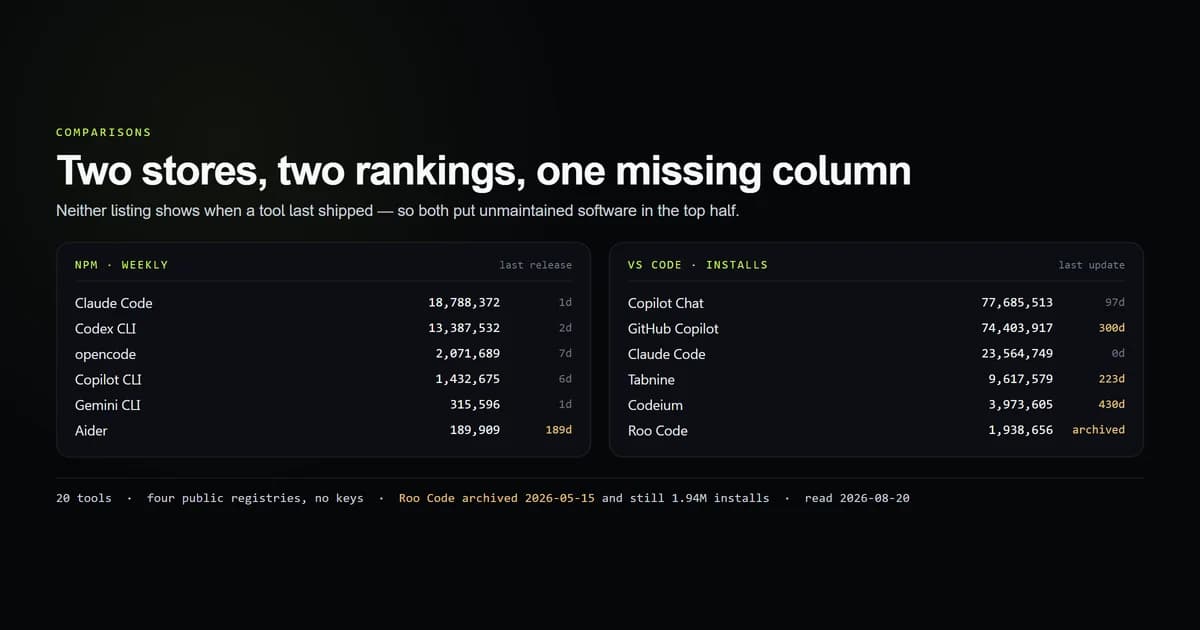
next-mdx-remotesilently drops every{expression}attribute, and the full teardown is a case where a tool's plausible output and the framework's actual behaviour differed with no error in between. - Choosing a tool from an install count. The two big stores rank unmaintained extensions near the top and mark nothing — the measured shelf has the numbers.
What we are not claiming
No tool is ranked here. This measures a repository, not an agent. Which assistant writes better React is not answerable from one machine with one tool installed, and nothing above should be read as a recommendation between named products.
One project, one stack. These figures are Next.js 15, Tailwind v4 and MDX. A Vue and Sass project would have a different census and, in the case of Sass, a compiler that catches an undefined variable — the specific gap measured here is a property of utility-class CSS, not of frontend work generally.
"Read by a check" is not "verified". The coverage figure counts a file being opened by a gate, not a property being proven. That looseness is deliberate and is the finding: the two classes we broke sit inside the 99.0%.
The experiment is recorded, not re-run. Reproducing it means editing a tracked source file, so our frontend check prints the dated fixture instead of repeating the injection. The commands are in the article; anyone can run them in thirty seconds.
Conclusion
If you are picking tools for web work, spend the budget on the loop rather than the model: an agent that runs your gates, plus something that can render the page. On this codebase that combination covers everything the compiler catches and the one category it never will. Write the equivalent check for your own repo before you trust a green build on a visual change — ours found six dead tokens and six duplicated numbers in a project we thought was clean.
Frequently asked questions
What are the best AI tools for web developers in 2026?
Why does AI-generated Tailwind CSS look wrong but still build?
Do AI coding tools understand CSS as well as TypeScript?
How do I check AI-written frontend code before shipping it?
Is a browser-driving AI agent worth it for frontend work?

Muhammad Kashif
Founder and editor of Devventa, covering AI coding assistants, Next.js and the modern AI development stack.