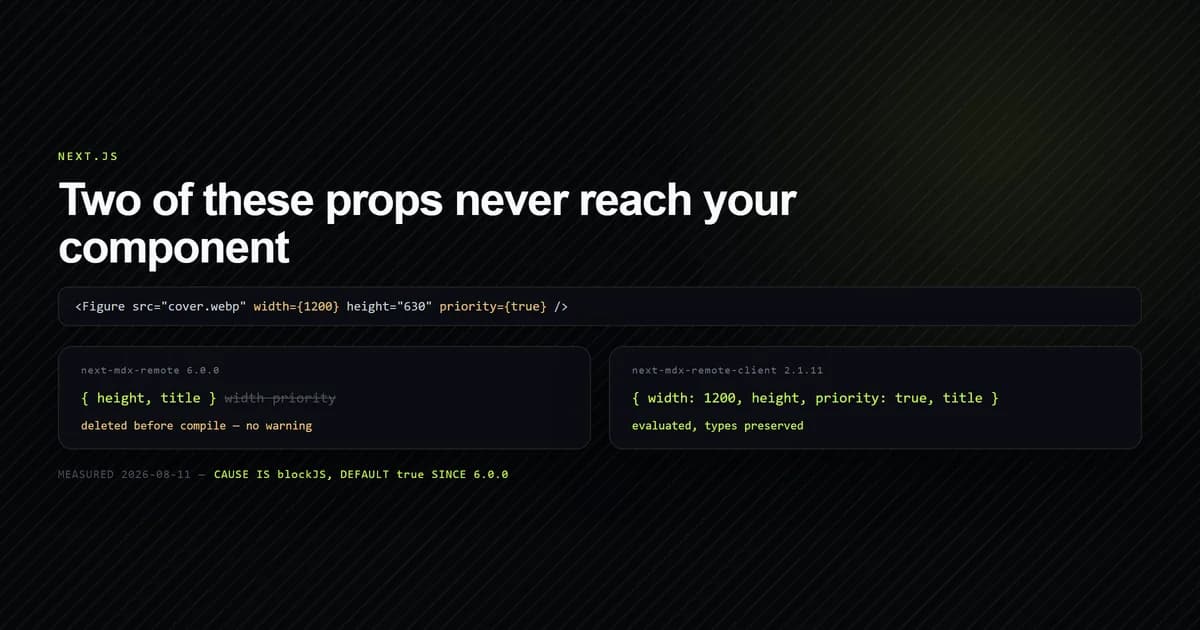
The most deceptive next-mdx-remote errors do not throw at all. Your <Figure width={1200} />
renders without a width because next-mdx-remote 6.0.0 deletes the
attribute before compiling, and tells you nothing. The option responsible is blockJS, it defaults
to true, it landed in the last release before the repository was archived, and it is the reason
next-mdx-remote-client — a maintained fork — now draws four hundred thousand downloads a week.
This walks the exact mechanism, the three ways out, and which one to pick, measured against
next-mdx-remote 6.0.0 and next-mdx-remote-client 2.1.11 on 2026-08-11. For broader syntax breakages across the compiler pipeline, our guide on MDX build errors in Next.js covers unescaped HTML comments and Acorn parser exceptions.
Key takeaways
- The attribute is deleted, not passed as
undefined. A remark plugin removes it from the syntax tree, so your component is called with the prop absent and no warning anywhere. blockJSdefaults totrueas of 6.0.0, published 2026-02-12. Every{expression}in a JSX attribute and every expression in the body goes with it.- It is not an RSC behaviour. The pages-router
serialize()strips the same attributes. - The upstream repository is archived and the npm package is not marked deprecated, so
npm install next-mdx-remotewarns about nothing while 66 open issues sit unanswerable. - Three fixes, in ascending cost: write string attributes, pass
blockJS: false, or move tonext-mdx-remote-client, which evaluates expressions and preserves their types.
What actually happens to your attribute
The failure is quiet enough to cost an afternoon, so it is worth seeing the whole of it. This site
renders every article through next-mdx-remote, and its component map is the one described in
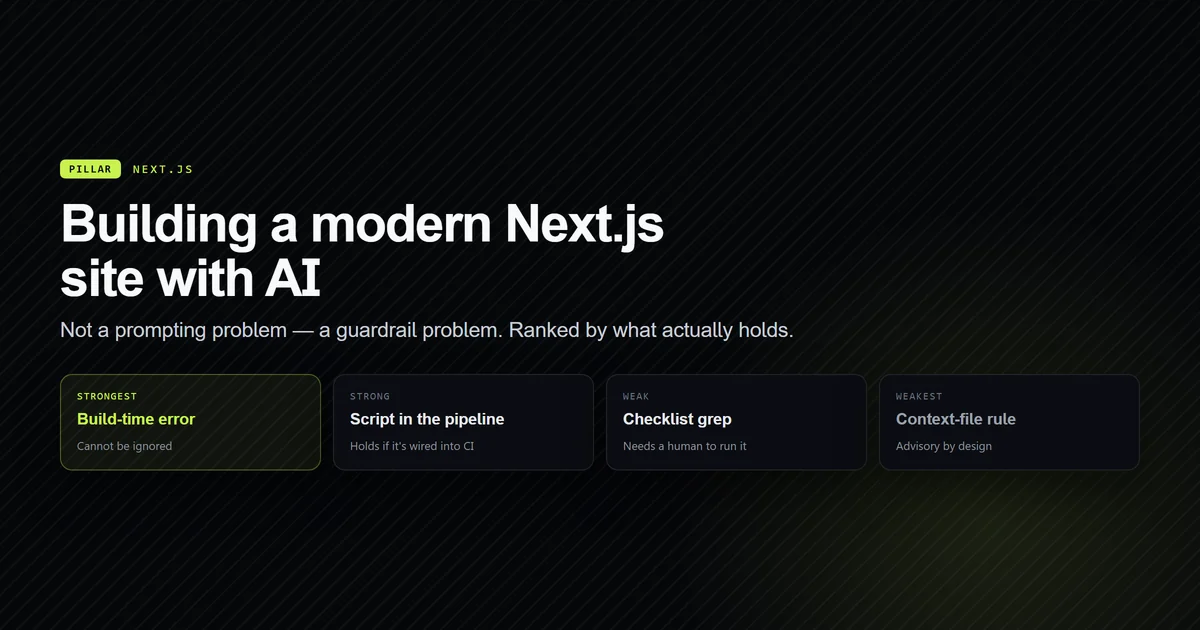
building a modern Next.js site with AI assistance. Compile a
single line of MDX and inspect what the component receives:
const FIXTURE = `<Figure src="cover.webp" alt="A" width={1200} height="630" priority={true} />`;
The props that arrive are these:
node scripts/check-mdx-attrs.mjs
# → OPTIONS                    src     alt     width     height   priority
# → default (blockJS: true)    kept    kept    DROPPED   kept     DROPPED
# → blockJS: false             kept    kept    kept      kept     kept
Rendered for real through compileMDX, the component's own props object is
{"height":"630","title":"t"} — the expression-valued keys are not present at all. That distinction
matters when you debug it: a prop that arrives as undefined suggests a typo in the name, and you
go looking in the wrong place. A prop that was never in the object suggests the value was wrong,
and you go looking in the wrong place again.
The option that causes it
blockJS is a serialize() option added in 6.0.0. When true, and it is true unless you say
otherwise, the compiler gets an extra remark plugin. The plugin ships in the package and its
filter is four lines:
node.attributes = node.attributes.filter((attr) => {
  if (attr.type === 'mdxJsxAttribute') {
    // Keep literal values, remove expression values
    return (attr.value === null ||
      typeof attr.value === 'string' ||
      (attr.value && attr.value.type !== 'mdxJsxAttributeValueExpression'));
  }
  return attr.type !== 'mdxJsxExpressionAttribute';
});
A string value survives. An mdxJsxAttributeValueExpression does not, and neither does a spread.
The same plugin removes mdxFlowExpression and mdxTextExpression nodes, which is why {1 + 1}
in your body text renders as nothing rather than as 2.
This is deliberate. The package's own changelog for 6.0.0 says the options "control how JS in interpreted during compiling MDX" and that "Both default to true for security reasons" (PR #498). MDX from an untrusted source is executable code, and the block is a reasonable default for the remote-content case the library is named after. The cost is that everyone loading MDX from their own repository pays for a threat model they do not have.
This is not an RSC problem
Most write-ups of this pin it to React Server Components, and the search suggestion
next-mdx-remote rsc exists because that is where people meet it. The attribution is wrong. Look at
where the plugin is installed:
function getCompileOptions(mdxOptions = {}, rsc = false, blockJS = true, blockDangerousJS = true) {
  const remarkPlugins = [
    ...(mdxOptions.remarkPlugins || []),
    ...(areImportsEnabled ? [] : [removeImportsExportsPlugin]),
    ...(blockJS ? [removeJavaScriptExpressions] : []),
    // …
  ];
rsc is a separate parameter and is used further down for providerImportSource only. The plugin
list does not consult it. Compiling the same fixture both ways confirms it:
node scripts/check-mdx-attrs.mjs --demo
# → width={1200} survives —  rsc: false   pages router: false
Both false. The pages-router entry point strips exactly what the RSC one does. This site's own
CLAUDE.md recorded the behaviour as an RSC-mode quirk for three weeks; it was measured, and
corrected in the same commit as this article.
Why next-mdx-remote-client exists
The mechanism above would be a footnote if there were somewhere to report it. There is not. As of 2026-08-11:
| Package | Repository | Latest | npm downloads, week of 2026-08-03 |
|---|---|---|---|
next-mdx-remote | archived, last push 2026-03-26 | 6.0.0, 2026-02-12 | 1,071,959 |
next-mdx-remote-client | active, last push 2026-07-15 | 2.1.11 | 442,870 |
The upstream hashicorp/next-mdx-remote repository is archived and read-only with 3,076 stars and 66 open issues
that can no longer be answered. The npm package carries no deprecation flag, so npm install next-mdx-remote prints nothing at all — the usual signal that a dependency has stopped moving
never fires. Version 6.0.0 shipped six weeks before the archive, which makes the expression block
the library's permanent final behaviour.
next-mdx-remote-client is the fork, published by ipikuka (available at ipikuka/next-mdx-remote-client on GitHub), and its npm description states plainly
that it "is a fork of next-mdx-remote". The fork's answer to the same fixture is the interesting
part:
| Package | Props the component receives |
|---|---|
next-mdx-remote@6.0.0 | {"height":"630","title":"t"} |
next-mdx-remote-client@2.1.11 | {"width":1200,"height":"630","priority":true,"title":"t"} |
Note the types. width arrives as the number 1200 and priority as the boolean true, not as
strings — the fork evaluates the expression rather than deleting it, so {1 + 1} in body copy
renders <p>Sum: 2</p>. At 41% of upstream's weekly downloads, this is no longer a niche
alternative.
The three fixes
Pick by where your MDX comes from, not by which is least work.
Write string attributes. width="1200", priority="true". This is what this site does, and
it costs one rule in the authoring standard plus a coercion inside each component. It survives any
future change to blockJS because it never relied on expressions at all. It is the right answer
when you control the content, and it is the only answer that also works if you later accept MDX
from anyone else.
Pass blockJS: false. One option, everything works, and blockDangerousJS remains on
underneath it. That second guard is not nothing — it throws at compile time on a real list of
identifiers:
# with blockJS: false, blockDangerousJS still applies
{process.env.HOME}     # → Security: Access to 'process' properties is not allowed
{eval("1")}            # → Security: eval() calls are not allowed
{({}).constructor}     # → Security: .constructor access is not allowed
{[1,2].map(n => n * 2)} # → compiles
Useful, but it is a denylist walking an AST, not a sandbox. Turn blockJS off for content you
author and commit. Leave it on for content anyone can submit.
Move to the fork. npm uninstall next-mdx-remote && npm install next-mdx-remote-client. The
import paths and API differ — the RSC entry point exports evaluate() returning { content, error }
rather than an MDXRemote component that throws — so this is a migration, not a swap. It buys a
maintained dependency and an issue tracker that accepts issues, which over a multi-year site is
worth more than the afternoon it costs.
The other errors v6 hands you
Three more come from the same compile path, and the messages point away from the cause in all three.
Could not parse expression with acorn. A literal { in prose. Writing set it to
{"key": "value"} in the file without that code span asks MDX to parse an expression, and it
fails the whole compile — which, in a static export, takes every other route with it. Escape it as
\{ or wrap it in a code span.
This one is not hypothetical: the first build of this article failed on exactly that line, in
the paragraph describing the error, because the example was written in italics rather than in
backticks. next build reported Could not parse expression with acorn and exited before
prerendering the remaining 41 pages.
Your imports silently disappear. removeImportsExportsPlugin is installed whenever
useDynamicImport is falsy, which is the default. An import Foo from "./foo" at the top of your
MDX is deleted, and the <Foo /> below it then fails as an undefined component. Setting
mdxOptions.useDynamicImport: true restores it; passing the component through the components map
instead is the better answer.
Expected component X to be defined. The compiled output calls _missingMdxReference for any
capitalised tag not present in the components map. It is a render-time throw, not a compile error,
so it escapes a serialize() that returned cleanly and surfaces as a 500 on one page.
Making the failure loud
A silent drop needs a check, because review will not catch it — the broken line looks exactly like
the working one, and no debugger can be handed a message that was never produced. Seeded against
ten of this project's real faults, this one was one of only two that printed nothing at
all. scripts/check-mdx-attrs.mjs compiles the fixture above, prints the survival
table, then scans every file in content/ for a braced attribute value on a capitalised tag and
exits non-zero on a hit. Across 36 MDX files it currently reports none.
Getting there took two corrections worth repeating. The first run flagged
<ArticleGrid posts={posts} /> — a TSX sample inside a fenced code block, in an article about
writing components. A checker for JSX-in-MDX has to distinguish the document from the document's
examples, or every article teaching this rule fails it; the scanner now blanks fenced blocks and
inline code spans while preserving line numbers. The second is the rule about {/* … */} comments:
those are mdxFlowExpression nodes and the plugin removes them too, which is exactly what a comment
should do, so the scan deliberately ignores body expressions and looks only at attributes. That
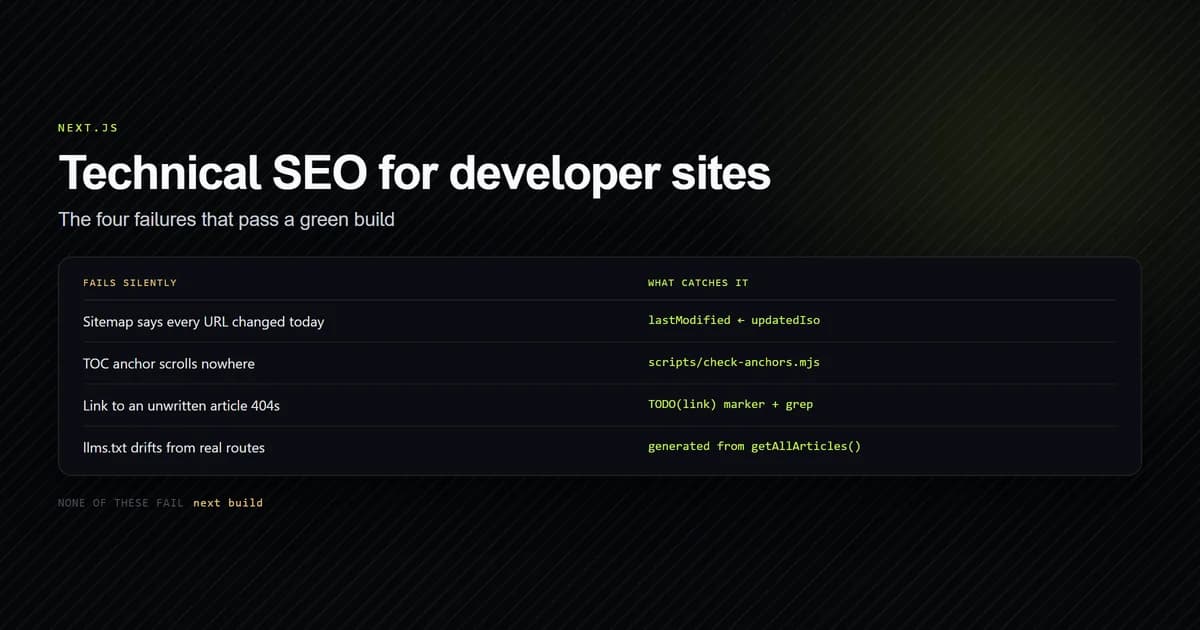
convention is the one this site relies on for
deferred internal links, and it survives v6 by accident rather than
by design.
Common mistakes
- Assuming the prop name is wrong. The attribute is absent from the props object, which reads like a typo. Check whether the value was an expression first.
- Trusting the absence of a deprecation warning. npm says nothing about
next-mdx-remote. The repository being archived is the signal, and it is only visible on GitHub. - Filing it as an RSC bug. Both entry points strip it. The fix is the same either way.
- Disabling
blockJSon user-submitted MDX.blockDangerousJSis a denylist, not a sandbox. If strangers can write your MDX, keep the default and use strings. - Fixing one attribute and shipping. They fail as a class. Scan the whole corpus once.
- Pinning to
^6.0.0and moving on. The upstream repository cannot ship a 6.0.1. Whatever 6.0.0 does is what it will always do.
Conclusion
If you author your own MDX, write string attributes and add a scan that fails the build on a braced
one — it costs an hour and it is immune to whatever the library does next. If you need real
expressions, blockJS: false is one line and keeps a useful guard underneath. If you are starting
a project today, install next-mdx-remote-client: the API differs enough to matter, but the
alternative is a dependency whose issue tracker is closed and whose last release is its last.
For the wider stack this sits inside, building a modern Next.js site with AI
assistance covers the rest of the content pipeline, our end-to-end MDX blog Next.js 15 setup details the full RSC architecture with gray-matter and slug generation, and
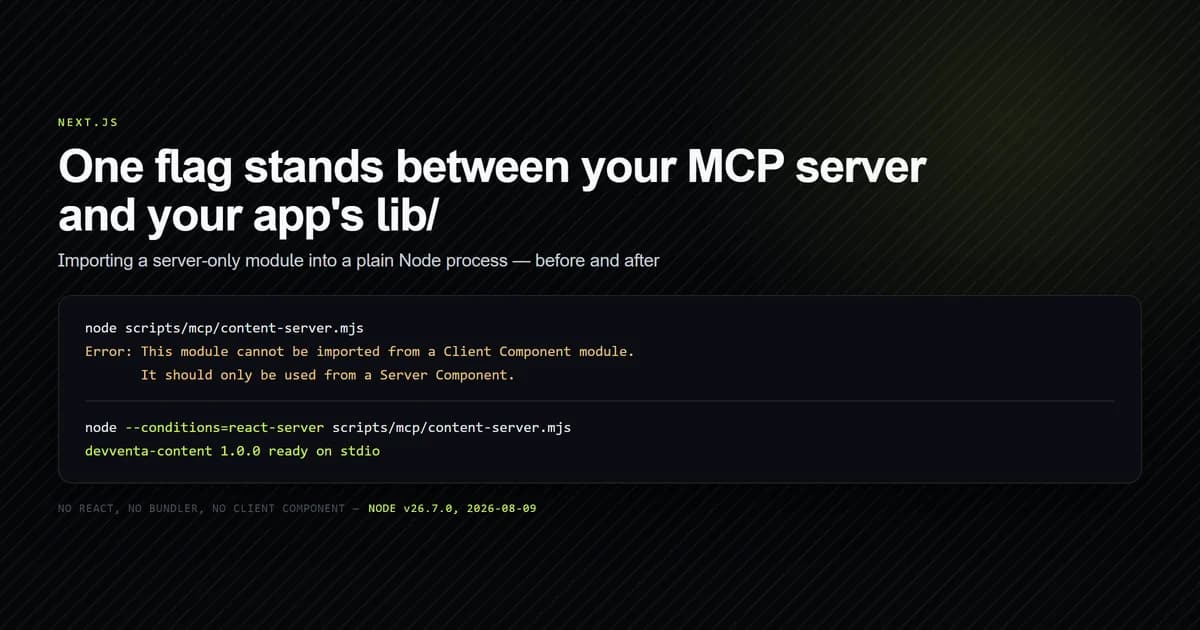
the Next.js MCP server setup shows the same lib/ being reused
outside the app.
Frequently asked questions
Why are my next-mdx-remote attributes not working?
What is next-mdx-remote-client?
Is next-mdx-remote deprecated?
Does the expression drop only affect RSC mode?
Is blockJS: false safe to turn off?

Muhammad Kashif
Founder and editor of Devventa, covering AI coding assistants, Next.js and the modern AI development stack.