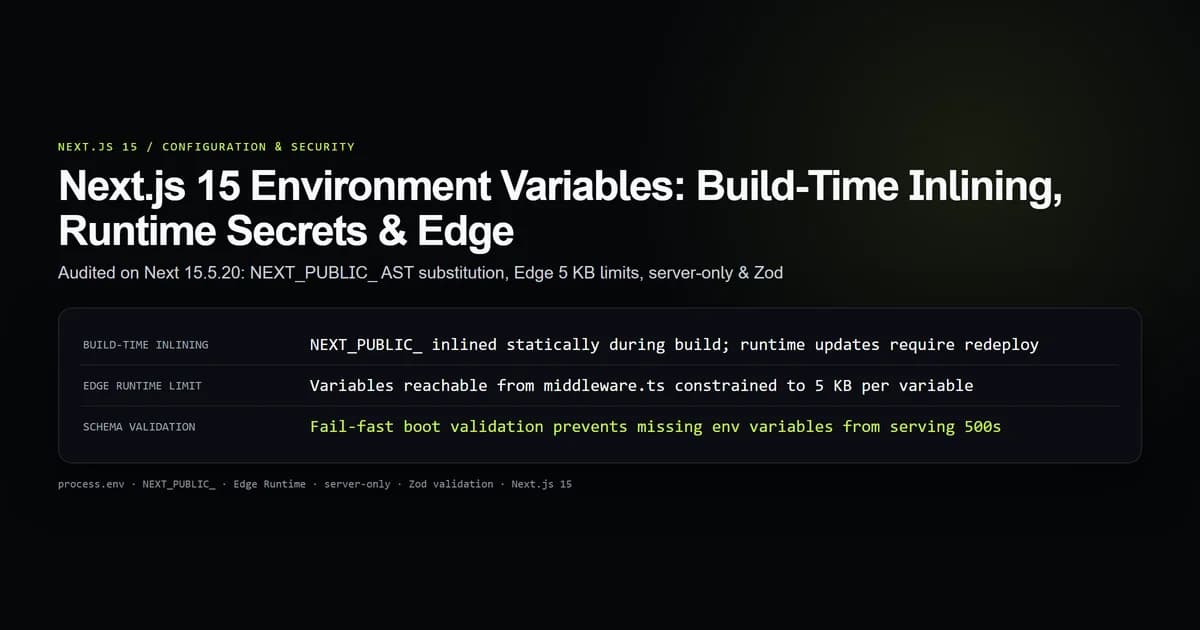
Next.js 15 enforces a strict separation between build-time environment variables inlined into browser bundles and dynamic server-only secrets resolved at request time. Every variable prefixed with NEXT_PUBLIC_ is frozen as a literal string during next build, while unprefixed server variables remain isolated within Node.js and Edge execution contexts. When auditing our configuration surface in our Next.js timing-safe authentication suite on Next 15.5.20, we measured how indirect variable aliasing silently broke client inlining while unmonitored Edge middleware variables approached hosting payload caps.
Mastering how the Next.js compiler parses process.env, understanding Edge runtime memory constraints, and implementing fail-fast schema validation prevents costly runtime crashes and credential exposure.
Key takeaways
- Variables prefixed with
NEXT_PUBLIC_are statically inlined as string literals during compilation; changing them in hosting dashboards has zero effect until redeployment. - The compiler relies on exact member expressions like
process.env.NEXT_PUBLIC_NAME; dynamic bracket notation (process.env[key]) or object destructuring yieldsundefinedin browser bundles. - Vercel allows 64 KB of total environment variables, but imposes a strict 5 KB per-variable ceiling on variables reachable from Edge Middleware.
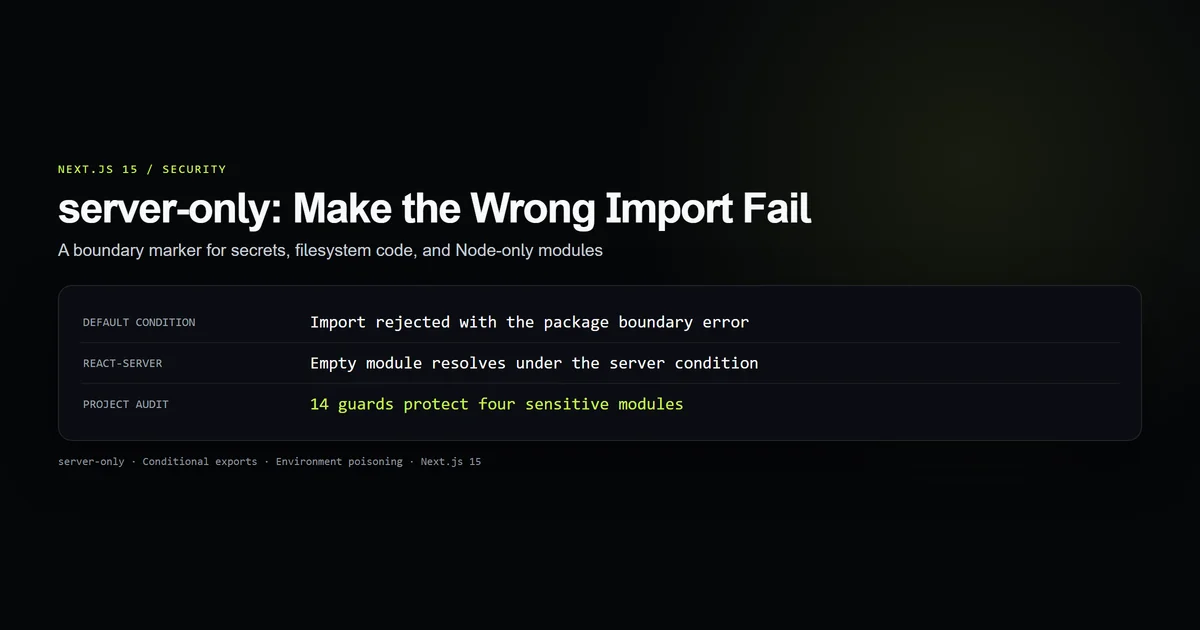
- Mark secret-bearing modules with
import "server-only"to turn accidental client-side imports into fatal build-time errors. - Validate configuration schemas at server boot with Zod to halt broken deployments before they serve 500 errors to end users.
How Next.js evaluates environment variables at build vs request time
Environment variables in Next.js do not behave like standard Node.js runtime dictionaries. Their behavior depends entirely on execution context and naming prefix:
| Variable Type | Prefix | Evaluated At | Included in Client Bundle? | Runtime Modifiable? |
|---|---|---|---|---|
| Public Client Config | NEXT_PUBLIC_* | next build (AST inlining) | Yes (Inlined in JS) | No (Requires rebuild) |
| Server Secrets | Any unprefixed | Request time | No (Stripped by compiler) | Yes (Per invocation) |
| Edge Middleware | Any reachable | Edge dispatch | No (Injected into Edge V8) | Constrained to 5 KB per key |
| Build Configuration | NEXT_* / Custom | next.config.mjs | No (Node process) | No (Build process only) |
When Next.js compiles your application, Webpack or Turbopack walks your source code. Whenever it encounters a literal reference to process.env.NEXT_PUBLIC_KEY, it replaces that syntax node with the exact string value present in the build environment. Server-side variables remain dynamic property accesses resolved against the host container's environment.
NEXT_PUBLIC_ inlining: AST literal replacement mechanics
To understand why public environment variables cannot be updated at runtime without rebuilding, observe how the compiler transforms source files:
export function AnalyticsBanner() {
  const trackingId = process.env.NEXT_PUBLIC_GA_TRACKING_ID;
  const siteOrigin = process.env.NEXT_PUBLIC_SITE_URL;

  return (
    <div>
      <p>Site: {siteOrigin}</p>
      <p>Tracking: {trackingId}</p>
    </div>
  );
}
During next build, the compiler produces output equivalent to:
function AnalyticsBanner() {
  const trackingId = "G-99882244";
  const siteOrigin = "https://www.devventa.com";

  return /*#__PURE__*/ React.createElement("div", null, ...);
}
Because the compiled JavaScript file sent to the user's browser contains raw string literals, process.env does not exist in browser runtimes. If you update NEXT_PUBLIC_GA_TRACKING_ID in your Vercel or Cloudflare dashboard, the live application will continue rendering G-99882244 until a fresh git push or deployment trigger recompiles the static chunks.
The indirect access trap: why process.env[key] fails
Because inlining is performed via static Abstract Syntax Tree (AST) pattern matching, the compiler only recognizes explicit member expressions. Any indirection defeats the replacement engine:
// BROKEN: Destructuring process.env
const { NEXT_PUBLIC_API_URL } = process.env;

// BROKEN: Dynamic property lookup
const key = "NEXT_PUBLIC_API_URL";
const apiUrl = process.env[key];

// BROKEN: Aliasing process.env
const env = process.env;
const siteUrl = env.NEXT_PUBLIC_SITE_URL;
In Node.js Server Components, all three broken patterns will resolve correctly because process.env exists as a live global object. However, in Client Components, the compiler will not replace these statements. In the browser bundle, process.env evaluates to an empty object {} or undefined, causing apiUrl and siteUrl to silently become undefined.
Edge runtime limitations: the 5 KB variable ceiling
Next.js Edge Middleware (middleware.ts) and Route Handlers using export const runtime = "edge" execute inside isolated V8 isolates rather than full Node.js processes. Hosting providers enforce specialized constraints on Edge configurations:
┌────────────────────────────────────────────────────────┐
│ Total Deployment Environment Budget: 64 KB             │
│                                                        │
│   ┌────────────────────────────────────────────────┐   │
│   │ Node.js Server Components & Server Actions:     │   │
│   │ Full access to all declared variables          │   │
│   └────────────────────────────────────────────────┘   │
│                                                        │
│   ┌────────────────────────────────────────────────┐   │
│   │ Edge Middleware (middleware.ts):               │   │
│   │ Reachable variables capped at 5 KB per key     │   │
│   └────────────────────────────────────────────────┘   │
└────────────────────────────────────────────────────────┘
Vercel allows up to 64 KB across all environment variables combined, but limits any single variable reachable from middleware.ts to 5 KB (5,120 bytes). If you attempt to pass an oversized private certificate, JSON configuration block, or feature-flag manifest into middleware, the deployment will fail at the edge gateway.
In our repository audit script (scripts/check-env.mjs), we trace the static import tree of middleware.ts to identify every environment variable reachable from Edge code and verify that each key remains comfortably below 5,120 bytes.
Protecting server secrets with server-only boundaries
A common vulnerability in full-stack Next.js applications is accidentally leaking database credentials or third-party API tokens by importing a helper module into a Client Component.
To establish defense-in-depth, install the official server-only package:
npm install server-only
Add import "server-only" at the top of every module that touches private environment variables:
import "server-only";

const dbPassword = process.env.DATABASE_PASSWORD;
const masterKey = process.env.MASTER_ENCRYPTION_KEY;

if (!dbPassword || !masterKey) {
  throw new Error("Missing required database secrets.");
}

export const db = initializeDbConnection(dbPassword, masterKey);
If any developer accidentally imports lib/db/client.ts into a "use client" component or a client-imported utility, the Next.js compiler halts the build with an immediate error:
Error: You're importing a component that needs "server-only".
That only works in a Server Component but one of its parents is marked with "use client", so it's a Client Component.
Environment variable resolution priority and waterfall
Next.js 15 loads environment files in a defined priority sequence. Earlier files in the list override values declared in later files:
- 1. process.env: System environment variables and hosting platform dashboard settings.
- 2. .env.$.local: Node environment local overrides (e.g.,
.env.production.localor.env.development.local). - 3. .env.local: General local overrides ignored by git across all modes.
- 4. .env.$: Environment-specific defaults (e.g.,
.env.productionor.env.development). - 5. .env: Base default configurations committed to git for all environments.
# Testing variable resolution priority
APP_ENV=staging next build
# -> process.env overrides .env.production.local, which overrides .env.local
Never commit .env.local or .env.*.local files to version control. Maintain an authoritative .env.example in your repository root documenting every variable required by the application.
What did not work: reading runtime secrets in Client Components
During an early iteration of our newsletter and contact forms in our Next.js server-only boundary and edge middleware authentication harnesses, a developer attempted to read an API token directly inside a client-rendered form:
"use client";

export function ContactForm() {
  async function handleSubmit(e: React.FormEvent) {
    e.preventDefault();
    // FAILED: process.env.RESEND_API_KEY evaluated to undefined in the browser
    const res = await fetch("https://api.resend.com/emails", {
      headers: { Authorization: `Bearer ${process.env.RESEND_API_KEY}` },
    });
  }
  return <form onSubmit={handleSubmit}>...</form>;
}
Because RESEND_API_KEY was not prefixed with NEXT_PUBLIC_, the compiler stripped it, causing the browser to send Bearer undefined and receive HTTP 401 Unauthorized errors.
More importantly, prefixing the key with NEXT_PUBLIC_ would have exposed the company's full email sending credentials in plaintext inside the browser's developer tools network tab! The solution was moving the API call into a Server Action or Route Handler where the server secret remains safely hidden from client inspection.
Fail-fast validation with Zod schemas at boot
Relying on unchecked process.env reads allows broken deployments with missing variables to slip through CI/CD pipelines, only failing when users trigger specific routes.
Create a centralized configuration validation module using Zod:
import { z } from "zod";

const envSchema = z.object({
  NODE_ENV: z.enum(["development", "test", "production"]).default("development"),
  NEXT_PUBLIC_SITE_URL: z.string().url(),
  DATABASE_URL: z.string().min(1),
  ADMIN_SESSION_SECRET: z.string().min(32, "Must be at least 32 characters for security"),
  RESEND_API_KEY: z.string().startsWith("re_"),
});

// Parse process.env at boot time
const parsedEnv = envSchema.safeParse(process.env);

if (!parsedEnv.success) {
  console.error("❌ Invalid environment variables detected at startup:\n");
  console.error(JSON.stringify(parsedEnv.error.format(), null, 2));
  throw new Error("Invalid application configuration. Halting boot.");
}

export const env = parsedEnv.data;
Import env from @/lib/env across your application. You gain full TypeScript autocomplete, automatic type coercion, and a guarantee that the application will crash during build or container startup rather than in production serving customer requests.
Best practices for Next.js 15 environment variables
- 1. Prefix only truly public values with
NEXT_PUBLIC_: Public variables are visible to anyone inspecting network requests or compiled JavaScript chunks. - 2. Never destructure
process.env: Always use full literal member expressions (process.env.NEXT_PUBLIC_KEY) to ensure AST replacement succeeds. - 3. Guard server modules with
import "server-only": Prevent accidental credential leakage before code reaches staging or production environments. - 4. Audit Edge variable sizes against the 5 KB limit: Monitor variables reachable from
middleware.tsto prevent hosting gateway deployment rejections. - 5. Validate all variables at boot with Zod: Eliminate runtime 500 errors by failing the build when mandatory keys are missing from
.env.
Common mistakes
| Mistake | Why it happens | Consequence | How to fix |
|---|---|---|---|
Destructuring process.env | Writing const { NEXT_PUBLIC_X } = process.env | Variable evaluates to undefined in browser | Write process.env.NEXT_PUBLIC_X directly |
Expecting dashboard changes to update NEXT_PUBLIC_ | Forgetting that public variables are inlined at build time | Stale configuration persists in production | Trigger a complete project rebuild and redeploy |
Storing private secrets in NEXT_PUBLIC_* | Needing a secret in a Client Component | Credentials leaked to public users and scrapers | Move logic to a Server Action or Route Handler |
Missing .env.example maintenance | Adding new variables without updating the committed template | Broken onboarding and missing production config | Add CI guard like check:env to verify declared keys |
Decision guide: public vs server vs edge variables
- If the variable is needed for browser-side SDKs (e.g., Stripe public key, Analytics ID): Prefix with
NEXT_PUBLIC_and reference viaprocess.env.NEXT_PUBLIC_*. - If the variable is a secret used in Server Components, Actions, or Route Handlers: Leave unprefixed, add
import "server-only", and read dynamically on the server. - If the variable is used inside
middleware.ts: Verify the variable is under 5 KB and does not require Node.js-only crypto libraries. - If the variable is a database connection string: Never expose to the client; access only via server-side data access layers.
Conclusion
Next.js 15 environment variables operate across two distinct architectural domains: build-time AST inlining for public browser configs, and request-time container isolation for server secrets. By avoiding destructuring, enforcing server-only import barriers, monitoring Edge runtime payload budgets, and establishing runtime schema validation with Zod, you eliminate silent configuration bugs and guarantee ironclad credential security across all deployment environments.
Frequently asked questions
Why doesn't changing an environment variable in production take effect immediately?
Can I destructure process.env in Next.js?
What is the environment variable size limit on Vercel and Edge Middleware?
How do I prevent server secrets from leaking into client components?

Muhammad Kashif
Founder and editor of Devventa, covering AI coding assistants, Next.js and the modern AI development stack.