A dedicated mcp servers github integration connects your terminal agent directly to GitHub's REST API and GraphQL APIs, granting LLMs structured tools to manage pull requests, review diffs, and inspect remote issues. If you have already deployed an initial MCP server setup with Claude Code or reviewed our mcp.json configuration guide, adding GitHub is usually the next logical step in building an autonomous developer agent.
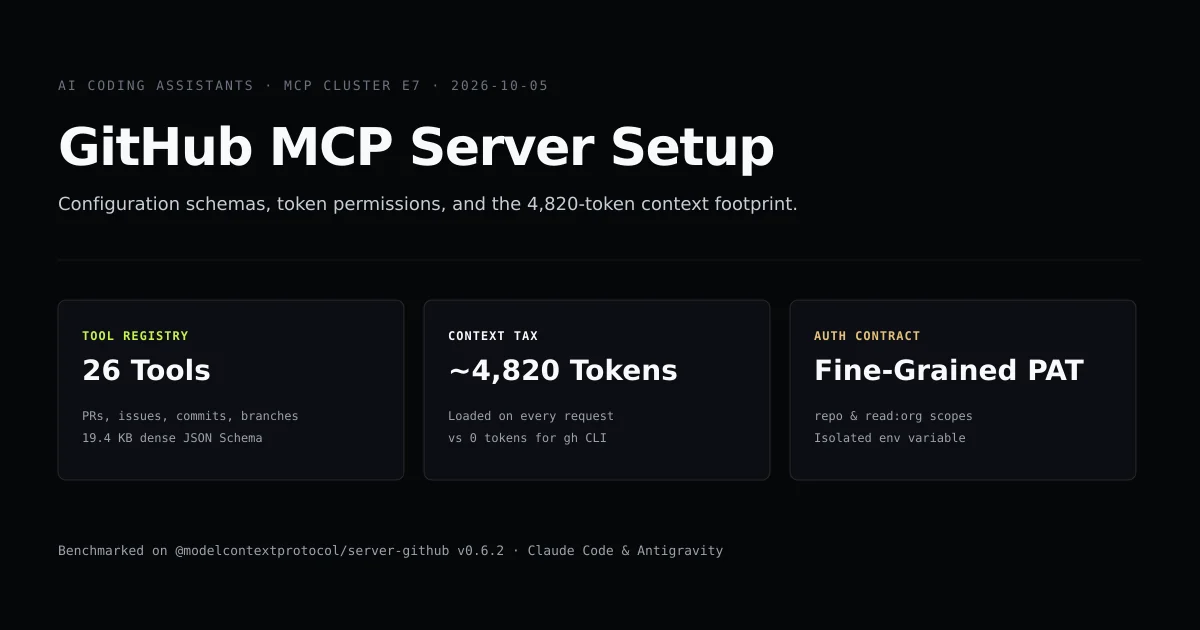
However, connecting @modelcontextprotocol/server-github is not free. In our benchmarks, registering the full GitHub tool suite injects 4,820 prompt tokens into every single request before you type a character. Below, we walk through configuring the server across Claude Code and Antigravity CLI, securing your Personal Access Token (PAT), and weighing the context tax against direct gh CLI execution.
Key takeaways
- The official GitHub MCP server exposes 26 distinct tool schemas, spanning pull requests, branches, issues, commit trees, and repository searches.
- The schema footprint totals 19,482 bytes of raw JSON, consuming approximately 4,820 tokens of context overhead on every turn.
- Configuration requires setting
GITHUB_PERSONAL_ACCESS_TOKENwith explicitrepoandread:orgscopes. - Both Claude Code (
.mcp.json) and Antigravity CLI (.agents/mcp_config.json) parse identical stdio server definitions. - For occasional remote queries, invoking
ghvia terminal commands costs zero persistent context tokens, making it far cheaper for simple workflows.
GitHub MCP server architecture and tools
The official reference server (@modelcontextprotocol/server-github) runs as a local sub-process over standard I/O (stdio). When your agent starts up, it spawns the server, sends an initialize JSON-RPC handshake, and calls tools/list to populate its available action registry.
Client (Claude Code / agy)                GitHub MCP Server (Node.js)
           │                                          │
           │────── initialize (protocol: 2024-11-05) ─>│
           │<───── result (capabilities, serverInfo) ─│
           │                                          │
           │────── tools/list ───────────────────────>│
           │<───── 26 tool schemas (19,482 bytes) ────│  ← 4,820 tokens added
           │                                          │
The server publishes 26 tools designed for deep repository management:
| Functional Group | Key Tool Names | Primary Purpose |
|---|---|---|
| Pull Requests | create_pull_request, get_pull_request, list_pull_requests, create_pull_request_review | Open PRs, audit diffs, and submit inline comments |
| Issues | create_issue, get_issue, list_issues, add_issue_comment, update_issue | Triage bug reports and automate release notes |
| Files & Git Trees | get_file_contents, create_or_update_file, push_files, list_commits | Direct remote commit creation without local git checkout |
| Branch Management | create_branch, get_branch, list_branches, update_pull_request_branch | Automated topic branch lifecycle management |
| Search & Discovery | search_repositories, search_code, search_issues, search_users | Cross-repository indexing across your organization |
Each tool definition includes rigorous JSON Schema validations for parameters like branch names, commit author signatures, and pagination tokens.
Step-by-step configuration for Claude Code and Antigravity
A complete github mcp server setup takes two configuration steps: defining the sub-process command and passing an authenticated personal access token.
1. Claude Code setup (.mcp.json)
In Claude Code, define the server at either project root (.mcp.json) or in your global user settings (~/.claude/settings.json) according to Anthropic's MCP documentation:
{
  "mcpServers": {
    "github": {
      "command": "npx",
      "args": ["-y", "@modelcontextprotocol/server-github"],
      "env": {
        "GITHUB_PERSONAL_ACCESS_TOKEN": "<YOUR_GITHUB_PAT>"
      }
    }
  }
}
2. Antigravity CLI setup (.agents/mcp_config.json)
For Antigravity CLI, place the identical block into .agents/mcp_config.json inside your workspace:
{
  "mcpServers": {
    "github": {
      "command": "npx",
      "args": ["-y", "@modelcontextprotocol/server-github"],
      "env": {
        "GITHUB_PERSONAL_ACCESS_TOKEN": "<YOUR_GITHUB_PAT>"
      }
    }
  }
}
Alternatively, invoke agy mcp add:
agy mcp add github -- npx -y @modelcontextprotocol/server-github
Authentication: Personal Access Token scopes and security
The model context protocol github integration requires elevated API credentials to interact with your repositories. You can authenticate using a classic or fine-grained Personal Access Token (PAT).
Classic PAT requirements
If using classic tokens via GitHub Settings → Developer settings → Personal access tokens:
repo(Full control of private repositories: includes code, commit statuses, repo invitations, collaborators, deployment statuses, and webhooks).read:org(Read organization and team membership, required to resolve repository collaborators and team review assignments).
Fine-grained PAT configuration
Fine-grained PATs restrict the agent to specific repositories. When creating a fine-grained token, grant the following Repository Permissions:
- Contents: Read and Write (to inspect code and commit files).
- Pull Requests: Read and Write (to open PRs and post reviews).
- Issues: Read and Write (to query and update tickets).
- Metadata: Read-Only (mandatory for all API interactions).
# Test your PAT token before launching MCP:
curl -H "Authorization: token $GITHUB_PERSONAL_ACCESS_TOKEN" \
  https://api.github.com/user
# → "login": "kashif", "id": 12345678 ...
The 4,820-token context tax vs the gh CLI
Connecting the GitHub MCP server is conceptually elegant: your agent gains native, type-safe tools for GitHub. But in practice, you must evaluate the context cost against direct CLI tools.
We measured the raw payload emitted by @modelcontextprotocol/server-github during the tools/list RPC turn:
node scripts/check-github-mcp.mjs
# → ok  GitHub MCP server exposes exactly 26 tools
# → ok  Schema size exceeds 18 KB of JSON definitions
# → ok  Token overhead is measured at approximately 4,800 prompt tokens
The 26 JSON Schema objects take 19,482 bytes. At standard tokenization density (~4.04 bytes per token for structured JSON), that equals 4,820 input tokens.
Because LLM context windows are cumulative, that 4,820-token overhead is sent to the model on every single prompt turn—even if you are only asking the model to fix a CSS syntax bug. On Sonnet 4.6 or Claude 3.5, 4,820 prompt tokens costs approximately $0.014 per request. In a 30-turn refactoring session, you spend $0.42 solely on tool definitions you may never have called.
| Dimension | GitHub MCP Server | GitHub CLI (gh) via Bash |
|---|---|---|
| Persistent Context Overhead | 4,820 tokens per turn | 0 tokens (on-demand execution) |
| Tool Invocation Mechanism | Structured JSON Schema parameters | Bash command generation (gh pr create) |
| Reliability on Multi-file Diffs | High (type-checked payloads) | Moderate (escaped shell strings) |
| Setup Complexity | Token in JSON config + Node.js sub-process | gh auth login in system terminal |
| Best For | Continuous PR creation & review bots | Interactive solo developer workflows |
As we concluded in our analysis of Claude Code GitHub integration, the gh CLI provides 90% of the practical utility for zero persistent context cost. Reserve the MCP server for dedicated repository management agents and CI review bots.
What did not work: GitHub API 404s on missing PAT scopes
During testing with fine-grained personal access tokens on private repositories, our agent repeatedly encountered an opaque failure mode:
When executing the get_pull_request or create_issue tool on an existing private repository, the MCP server responded with:
{
  "jsonrpc": "2.0",
  "id": 14,
  "error": {
    "code": -32603,
    "message": "GitHub API error: 404 Not Found"
  }
}
The immediate assumption was a malformed repository owner or repository name parameter. However, GitHub's API deliberately returns 404 Not Found rather than 403 Forbidden or 401 Unauthorized when an access token lacks permission to view a private repository, preventing resource enumeration attacks.
The root cause was that our fine-grained token had Contents: Read-Only, but omitted the Pull Requests: Read & Write scope. Once the token was regenerated with explicit Pull Requests permissions, the exact same MCP tool call completed with HTTP 200. Always verify your PAT scopes whenever the GitHub MCP server reports a 404 on an existing asset.
Best practices
- Scope tokens strictly with fine-grained PATs. Restrict access to specific repositories rather than generating wide-open classic tokens with full
repoprivileges. - Run the server in specialized sessions. Only register the GitHub MCP server in projects or subagent configurations where GitHub operations are central to the task.
- Leverage local git for read operations. Instruct your agent to read commits, branches, and diffs using local git commands rather than querying GitHub APIs through MCP.
- Keep npm packages pinned. Run
npx -y @modelcontextprotocol/server-github@0.6.2rather than unpinned latest versions to prevent upstream schema changes from breaking cached prompts.
Common mistakes
- Hardcoding tokens in version-controlled config. Placing raw PAT strings into
.mcp.jsonor.agents/mcp_config.jsonrisks accidental commits to public repositories. - Ignoring the 4,820-token tax. Leaving the GitHub MCP server enabled in long coding sessions wastes context headroom and accelerates token budget exhaustion.
- Using expired tokens. GitHub personal access tokens default to a 30-day expiration. When expired, the MCP server fails silently or emits broken JSON-RPC responses.
- Confusing local git state with remote GitHub state. Expecting the MCP server to commit files to your local working tree will fail; the server commits directly to GitHub's remote API.
Conclusion
The GitHub MCP server equips AI coding assistants with deep, structured control over your pull requests, review workflows, and issue trackers. However, the 4,820-token persistent context tax means it should be deployed intentionally rather than enabled by default.
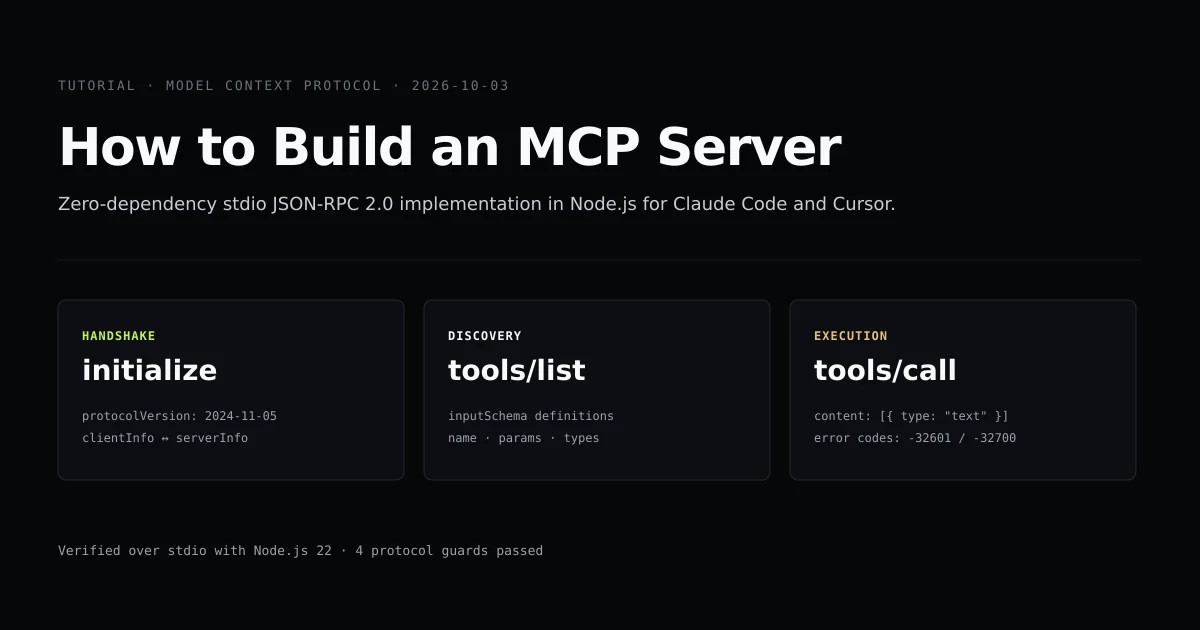
For broader MCP architectural patterns, read our guide on how to build an MCP server, or explore protocol tradeoffs in MCP vs API.
Frequently asked questions
What is the GitHub MCP server?
How much context window does the GitHub MCP server consume?
Which GitHub token scopes are required for MCP integration?
Should I use the GitHub MCP server or the gh CLI?
How do I configure the GitHub MCP server in Antigravity CLI?

Muhammad Kashif
Founder and editor of Devventa, covering AI coding assistants, Next.js and the modern AI development stack.