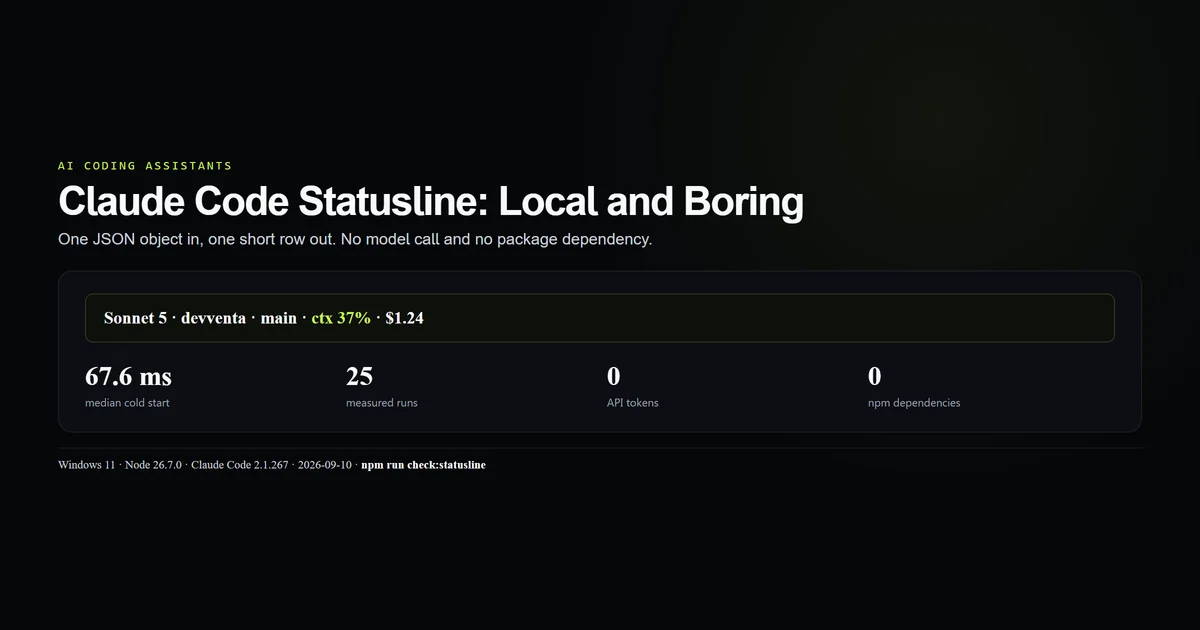
A Claude Code statusline is a local JSON-to-text renderer, not a model feature. The dependency-free Node version we built handles complete input, startup nulls, and malformed JSON; across 25 Windows cold starts it ran in a 67.6 ms median and consumed no API tokens. This guide gives you the tested renderer, its settings entry, and the fields worth spending one terminal row on. Measured 2026-09-10 on Claude Code 2.1.267 and Node 26.7.0.
Key takeaways
- Claude Code sends session JSON to a local command on stdin and displays stdout.
- The tested renderer shows model, project, branch, context use, and cost with no package dependency.
- Twenty-five cold processes measured 63.9–74.3 ms, with a 67.6 ms median on Windows 11.
- Null fields and malformed JSON need explicit fallbacks or the line disappears.
- The status line runs locally and uses zero model tokens; slow subprocesses still make the interface lag.
How the Claude Code statusline works
Claude Code invokes the configured command after UI events and pipes one JSON object to stdin. Your custom statusline prints text, and the terminal renders it. Anthropic's status line documentation names the update events and input fields; the complete guide puts it beside hooks and settings without confusing it for either.
This is a clean boundary:
Claude Code session JSON → local command → stdout → terminal row
No response goes back into the conversation. No API request is made. The security boundary is still real, because the command field executes a shell command under workspace trust.
The renderer
The published renderer is the exact file this repository checks: scripts/statusline.mjs. It uses only Node's built-in path module and JSON parser.
import { basename } from "node:path";

let raw = "";
for await (const chunk of process.stdin) raw += chunk;

try {
  const data = JSON.parse(raw || "{}");
  const model = data.model?.display_name ?? "Claude";
  const cwd = data.workspace?.current_dir ?? data.cwd ?? "";
  const project = cwd ? basename(cwd.replace(/[\\/]+$/, "")) : "?";
  const branch = data.workspace?.git_branch ? ` · ${data.workspace.git_branch}` : "";
  const pct = Math.round(data.context_window?.used_percentage ?? 0);
  const cost = Number(data.cost?.total_cost_usd ?? data.total_cost_usd ?? 0);
  process.stdout.write(`${model} · ${project}${branch} · ctx ${pct}% · $${cost.toFixed(2)}`);
} catch {
  process.stdout.write("Claude · status unavailable");
}
The repository version adds a finite-number guard around cost. That line matters when an external wrapper supplies a string that does not parse cleanly.
The measured result
Three fixture cases cover the failures the UI otherwise hides:
| Case | Output |
|---|---|
| Complete | Sonnet 5 · devventa · main · ctx 37% · $1.24 |
| Startup nulls | Haiku · devventa · ctx 0% · $0.00 |
| Malformed JSON | Claude · status unavailable |
Then we started Node as a fresh process 25 times with the complete fixture. Cold-start latency measured 63.9 ms minimum, 67.6 ms median, and 74.3 ms maximum. That includes Windows process startup and JSON parsing, which is what Claude Code pays.
The number is machine-specific. The guard is deliberately loose at 100 ms rather than authored to the 67.6 ms conclusion. It should catch a dependency or subprocess accidentally entering the hot path without failing because Windows Defender had a busy moment.
Configure it
Point statusLine.command at the real script:
{
  "statusLine": {
    "type": "command",
    "command": "node scripts/statusline.mjs",
    "padding": 1
  }
}
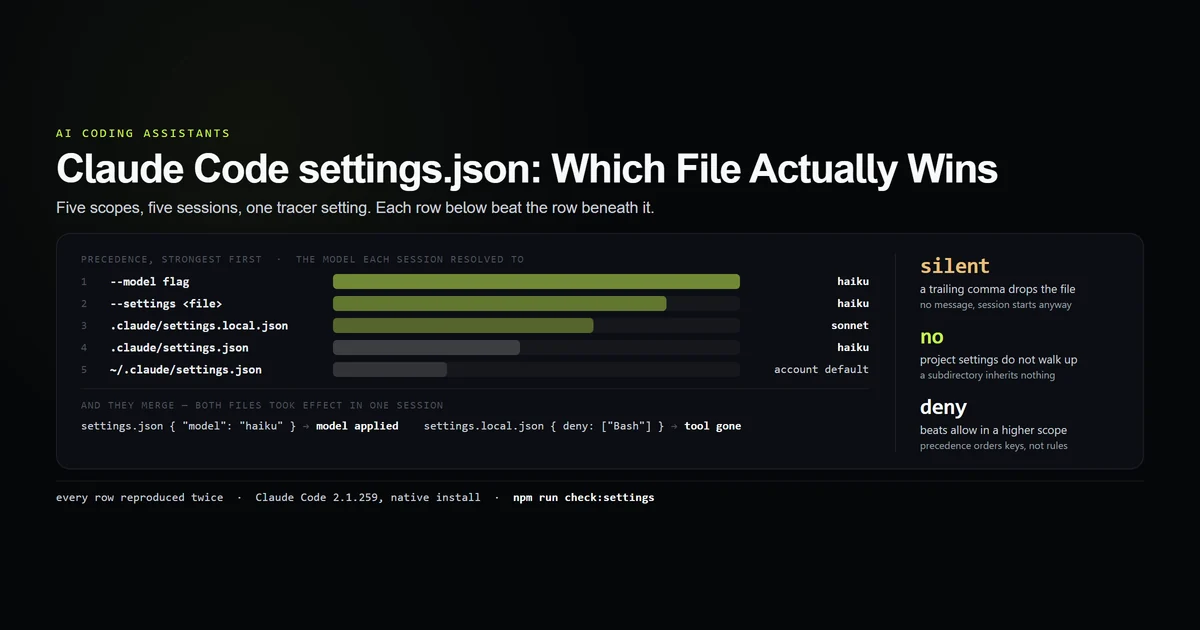
Use an absolute path in user settings, where the working directory changes between projects. A relative path fits project settings because it belongs to the repository. Claude Code settings scopes determine who inherits the command.
The /statusline command can generate a setup from natural language. Hand-authoring is preferable when the file will be committed and checked, because the source and its three failure cases travel together.
Fields worth showing
The terminal row is scarce. Start with fields that change a decision:
- Model: catches an inherited or fallback model before an expensive run.
- Project and branch: prevents an edit in the wrong checkout.
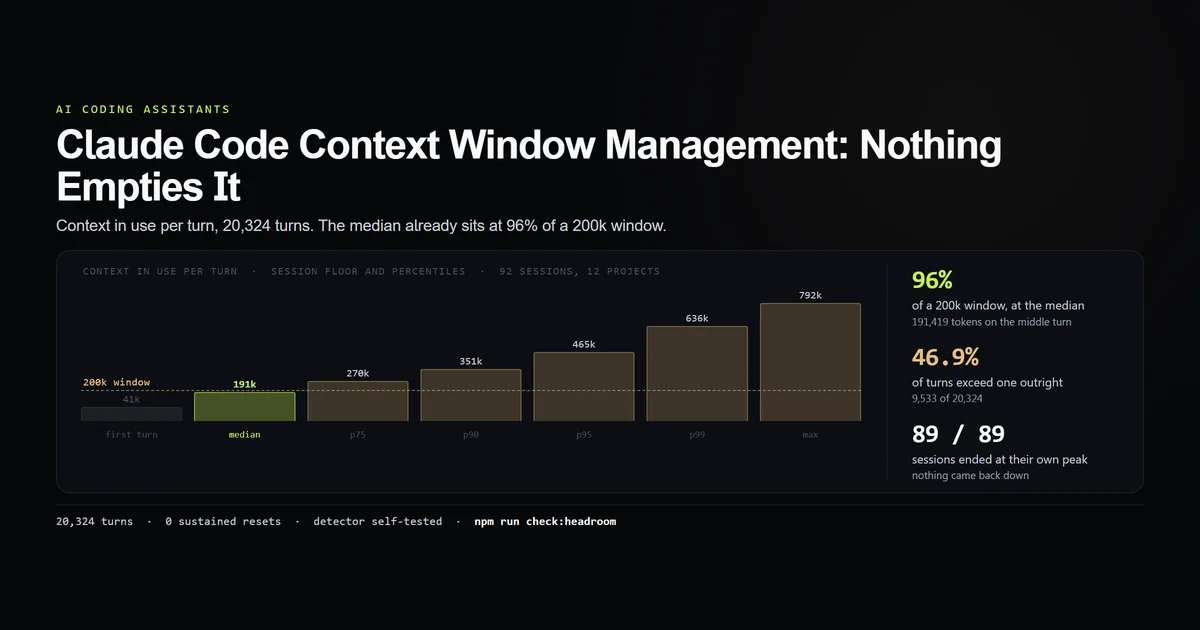
- Context percentage: tells you when to compact or start fresh; context-window management explains what the percentage cannot tell you.
- Session cost: keeps a long autonomous run visible without opening another panel.
- Rate limits: useful only when they are the current constraint.
The docs also expose session ID, version, workspace directories, vim mode, agent name, transcript path, duration, lines changed, and rate-limit windows. More data is not a better status line. If it wraps, notifications share the row and the useful number is the first thing truncated.
Refresh and cancellation
Claude Code updates the line after assistant messages, compaction, permission-mode changes, and vim-mode changes. Events are debounced by 300 ms. If a new update arrives while the command is still running, the in-flight command is cancelled.
Set refreshInterval only for time-based or externally changing information:
{
  "statusLine": {
    "type": "command",
    "command": "node scripts/statusline.mjs",
    "refreshInterval": 5
  }
}
A clock needs that timer. Context percentage does not; it already changes with session events. Anthropic's commands reference documents /statusline, while the dedicated page documents the one-second minimum.
What did not work
The official shell example uses jq, and this repository's WSL environment does not have it. Publishing that sample would violate the rule that every command must run here. Node is already required by the project, so the claude status renderer uses JSON.parse and works on Windows and WSL.
Malformed stdin blanked the first draft. Null values behaved because of optional chaining, but invalid JSON threw before stdout. The catch path now renders “status unavailable,” and the malformed case is committed beside the script.
A live git status was rejected after the timing pass. The input already supplies workspace.git_branch. Spawning git on every event adds work to a command Claude may cancel 300 ms later, so the renderer uses the provided branch and avoids repository I/O.
Best practices
- Read one JSON object from stdin and write only the final line to stdout.
- Treat every field as nullable before the first API response.
- Keep the command dependency-free when Node or Python is already installed.
- Use input fields before spawning
git,curl, or another process. - Benchmark cold process startup, not an imported function in a warm runtime.
- Add
refreshIntervalonly for a value that changes while the session is idle. - Keep secrets and full transcript paths off a shared terminal or screen recording.
Common mistakes
Writing diagnostics to stdout. Claude Code renders them. Send diagnostics to stderr during manual testing, then remove them.
Assuming zero tokens means zero cost. A 500 ms git scan every few seconds burns local time and may visibly stall updates even without an API call.
Ignoring workspace trust. A project status line is a shell command from the repository. Claude skips it until trust is accepted, and that is the correct behavior.
Showing context tokens instead of percentage. Models have different windows. Percentage is the decision signal, and the input already calculates it.
Conclusion
The Claude Code statusline should be boring: parse one object, print one short row, and fail visibly. This Node renderer gives the five signals we act on in a 67.6 ms median cold start, without jq, network access, or model tokens. Add more only when a missing field has caused a real mistake; every extra subprocess competes with the interface it is supposed to clarify.
Frequently asked questions
What is the Claude Code statusline?
Does a Claude Code statusline use tokens?
How do I add a custom statusline to Claude Code?
Why is my Claude Code statusline blank?
What should a Claude Code statusline show?
Muhammad Kashif
Founder and editor of Devventa, covering AI coding assistants, Next.js and the modern AI development stack.