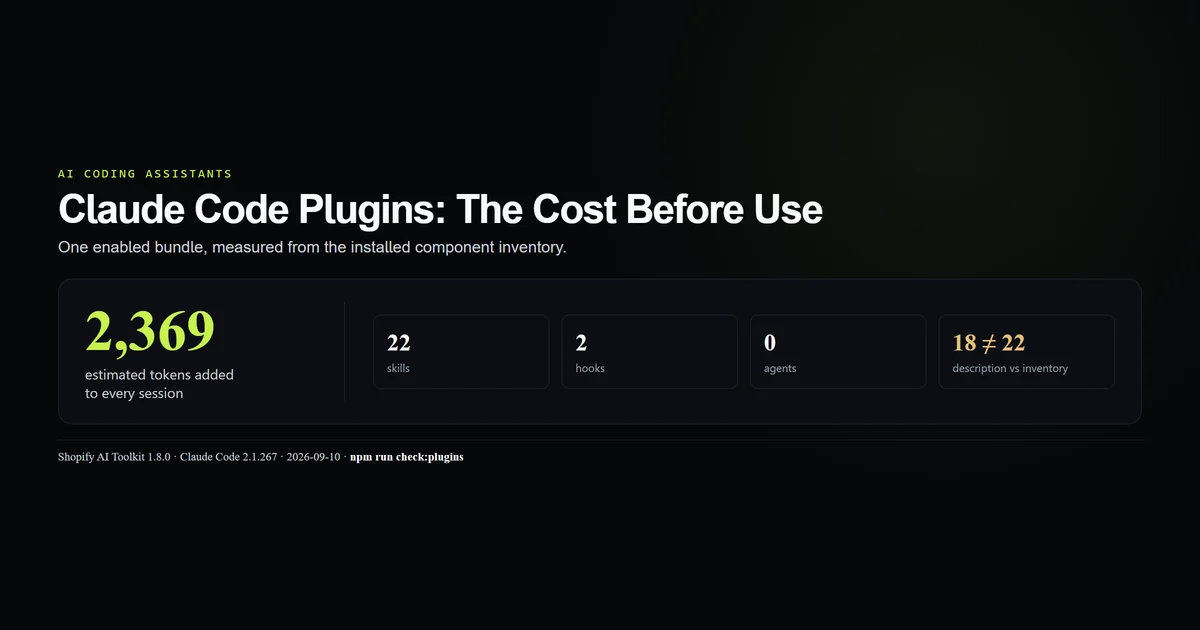
Claude Code plugins are not lightweight wrappers around one command. The one enabled plugin on this machine exposes 22 skills and two hooks, and Claude Code estimates 2,369 tokens of always-on context before any skill fires. By the end, you will know how to inspect that bill, distinguish a plugin from its marketplace, and decide whether the bundle belongs in every session. Measured 2026-09-10 on Claude Code 2.1.267 with Shopify AI Toolkit 1.8.0.
Key takeaways
- One enabled plugin contributes 22 skills, two hooks, zero agents, zero MCP servers, and zero LSP servers.
claude plugin detailsestimates ~2,369 always-on tokens before invocation.- Invoking one skill adds roughly 1.6k to 37.8k tokens, depending on the component; install cost and use cost are separate.
- The plugin description says 18 skills, while the live inventory says 22. Trust the inventory.
- The display name, install identity, and marketplace name are three different strings.
What Claude Code plugins install
A plugin is a distribution boundary. It can package skills, flat slash commands, subagents, hooks, MCP and LSP servers, output styles, themes, monitors, settings, and executables. Anthropic's plugin reference documents the directories and the merge rules; the complete Claude Code guide explains where those surfaces sit in a session.
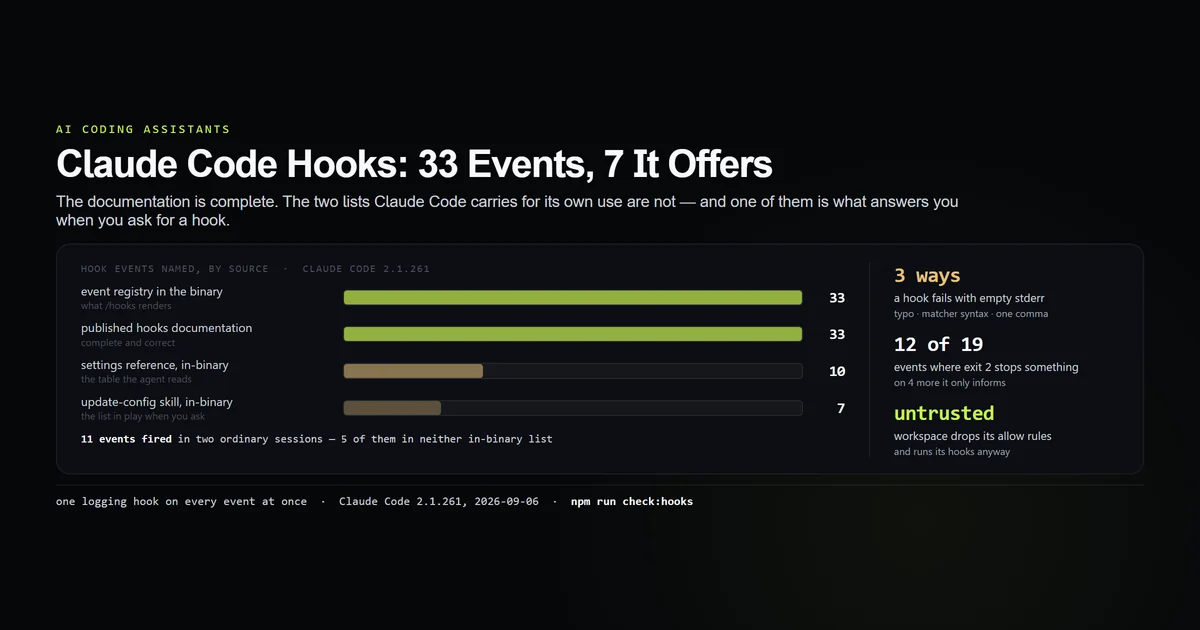
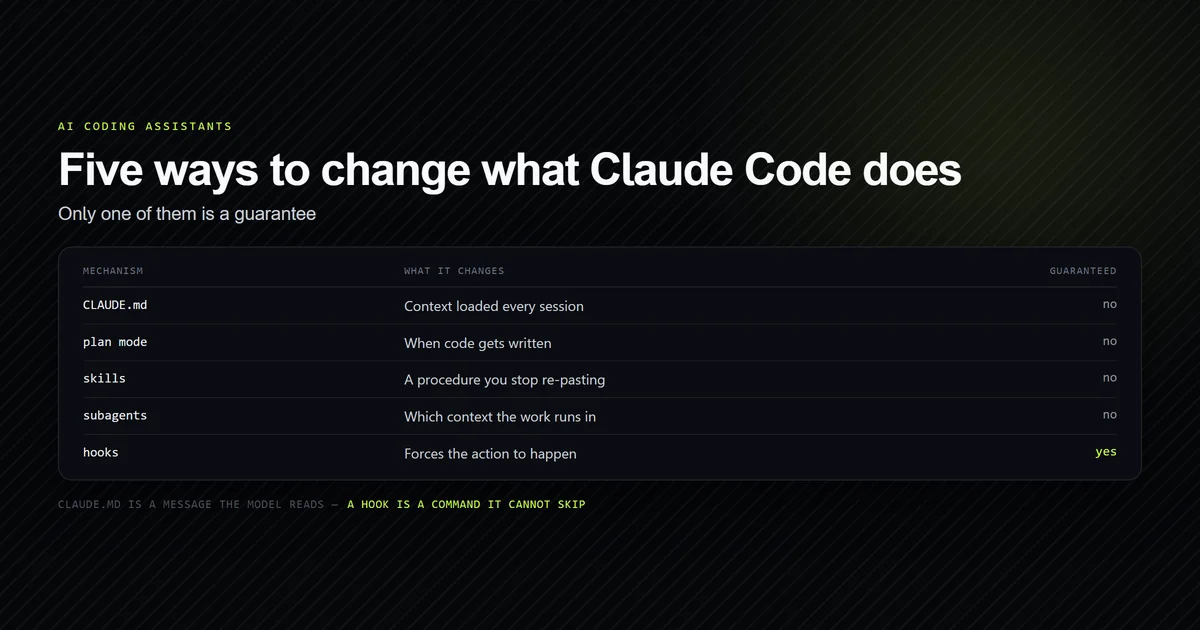
That breadth is the reason to inspect a plugin as code, not as a store listing. A skill changes context when selected. A hook can execute without model selection. An MCP server opens a tool surface. One install can do all three.
The installed plugin
This machine has one enabled plugin from one configured Claude plugin marketplace:
shopify-ai-toolkit@claude-plugins-official
Version: 1.8.0
Scope: user
Status: enabled
The detail view is more useful than the list:
| Component | Count |
|---|---|
| Skills | 22 |
| Hooks | 2 |
| Agents | 0 |
| MCP servers | 0 |
| LSP servers | 0 |
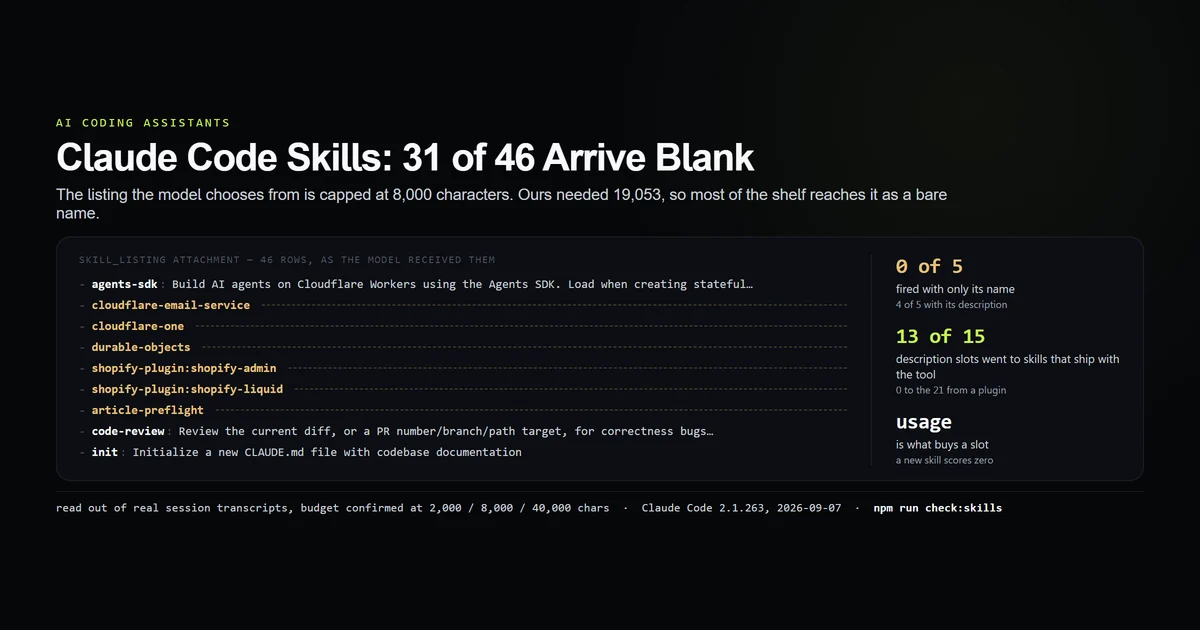
This is not a ranking of the Shopify skills. It is an inventory of what an enabled bundle makes available. Our skill-listing measurement found that descriptions compete for a finite listing budget; the plugin view now makes the bundle's contribution visible before the next session starts.
The 2,369-token floor
The headline is the line most install guides omit:
Projected token cost
  Always-on:   ~2,369 tok   added to every session

Per-component (rounded)
  shopify-dev       ~30 always-on   ~1.6k on-invoke
  shopify-hydrogen ~130 always-on  ~37.8k on-invoke
  ucp              ~130 always-on    ~6k on-invoke
There are two bills. The always-on estimate is the menu Claude needs in order to decide whether a component applies. The on-invoke estimate is the body loaded after selection. Disabling a skill inside your prose does not erase its listing cost; disabling the plugin does.
The 22 on-invoke estimates sum to roughly 121.6k tokens, but that is not a per-session charge. It is the upper shelf: what you would load if every skill fired once. The meaningful installation number is 2,369, and the meaningful task number is the one component that actually ran.
Description versus inventory
The plugin introduces itself as providing 18 development skills. Four lines later, its component inventory lists 22 by name.
That disagreement is not editorial trivia. Search cards and marketplace descriptions age independently from shipped files. A buyer reading only the description undercounts the context surface by four components, or 22%. The live inventory is derived from the installed version and is the number this article uses.
The local cache shows why drift is plausible. Versions 1.7.2 and 1.8.0 remain on disk at 11,707,281 and 12,123,161 bytes, about 23.8 MB combined. The active version gained shopify-app-pricing, while the older cache stayed available. Cache presence is not enabled state.
The /plugin command
Use the /plugin command for discovery and interactive management. Use the terminal commands when you need output that can be recorded or checked:
claude plugin list
claude plugin details shopify-ai-toolkit@claude-plugins-official
Both commands are read-only and were run for this article. The same help surface exposes disable and enable, but we did not change the operator's active plugin to make a point.
Anthropic's plugin discovery guide also covers installation, updates, and dependency handling. The practical inspection order is details, install, restart, list. A restart matters because the detail view explicitly treats plugin updates as session-bound state.
Marketplace versus plugin
A marketplace is a catalog. A plugin is one package selected from it. This machine has the official Anthropic catalog configured, but only the Shopify toolkit installed and enabled.
That distinction explains three names in one measurement:
| Role | Value |
|---|---|
| Install identity | shopify-ai-toolkit@claude-plugins-official |
| Reported plugin name | shopify-plugin |
| Marketplace | claude-plugins-official |
Copy the identity from claude plugin list. Do not reconstruct it from the display title.
What did not work
The roadmap's 21-skill premise was stale before drafting began. Claude Code 2.1.267 reports 22 in the installed plugin. The brief changed rather than forcing the old number into a headline.
The obvious plugin identity failed. claude plugin details shopify-plugin@shopify-plugins returned “Plugin not found.” The detail heading says shopify-plugin, but the installed identity is shopify-ai-toolkit@claude-plugins-official. Display name is not an address.
The plugin's own two counts disagree. We did not average 18 and 22 or quietly choose the friendlier one. The article uses the enumerated inventory, and the discrepancy is part of the result.
Best practices
- Run
claude plugin detailsbefore enabling a bundle; record both always-on and on-invoke cost. - Prefer the component inventory over the description's count.
- Install at project scope when only one repository needs the extension; user scope reaches every session.
- Disable a plugin you are not using. The always-on description cost exists specifically so Claude can consider it.
- Read hooks and server definitions as executable configuration, not documentation.
- Keep the exact
plugin@marketplaceidentity in team setup notes.
Common mistakes
Counting marketplace entries as installed plugins. A catalog can contain dozens while claude plugin list contains one. Confirm enabled state locally.
Looking only at disk usage. Two cached versions consume 23.8 MB, but only one is active. The context bill follows enabled components, not cache bytes.
Treating 121.6k as an every-turn charge. It is the rough sum of all on-invoke estimates. The always-on charge is 2,369; invoked bodies are conditional.
Assuming a plugin skill behaves like a standalone one. Plugin skills are namespaced and distributed with other components. Skills and hooks have different enforcement properties, even when they arrive in one archive.
Conclusion
Claude Code plugins are worth enabling when the bundle's repeated work exceeds its permanent menu cost. On this machine, one Shopify install means 22 skills, two hooks, and about 2,369 tokens before use. Inspect the live inventory, copy the exact install identity, and disable the bundle outside Shopify work; the /plugin card is the beginning of that decision, not the evidence for it. The installed marketplace is also the best corpus on disk for learning a file format: we read all 30 command files it ships to find out which frontmatter fields experienced authors actually set.
Frequently asked questions
What are Claude Code plugins?
How do I list installed Claude Code plugins?
Do Claude Code plugins use tokens when no skill is invoked?
What is a Claude plugin marketplace?
How do I inspect a plugin before enabling it?
Muhammad Kashif
Founder and editor of Devventa, covering AI coding assistants, Next.js and the modern AI development stack.