The claude code doctor command is useful, but its exit code is not a complete health signal. On Claude Code 2.1.270, claude doctor found a malformed project settings file, printed an Invalid settings section, then still said No installation issues found and exited 0. The two statements cover different scopes. Read the report by section; do not reduce it to the last line.
Key takeaways
claude doctoris a read-only shell diagnostic;/doctoris a model-driven bundled skill.- A malformed
.claude/settings.jsonproduced a visible diagnostic and exit code 0. - “No installation issues” does not mean “all project configuration is valid.”
- The slash form can propose fixes, but current documentation says it asks first.
- Use safe mode to isolate customizations after doctor confirms the installation itself.
Claude Code doctor command: two surfaces
Claude Code has two related controls with different scopes.
| Form | Runs where | Behavior |
|---|---|---|
claude doctor | Your shell | Read-only installation diagnostics without a session |
/doctor | Inside a Claude Code session | Broader setup checkup that can propose fixes |
This is not syntax trivia. The complete Claude Code guide covers the session lifecycle; shell doctor works even when you do not want to load that lifecycle, while slash doctor deliberately uses it.
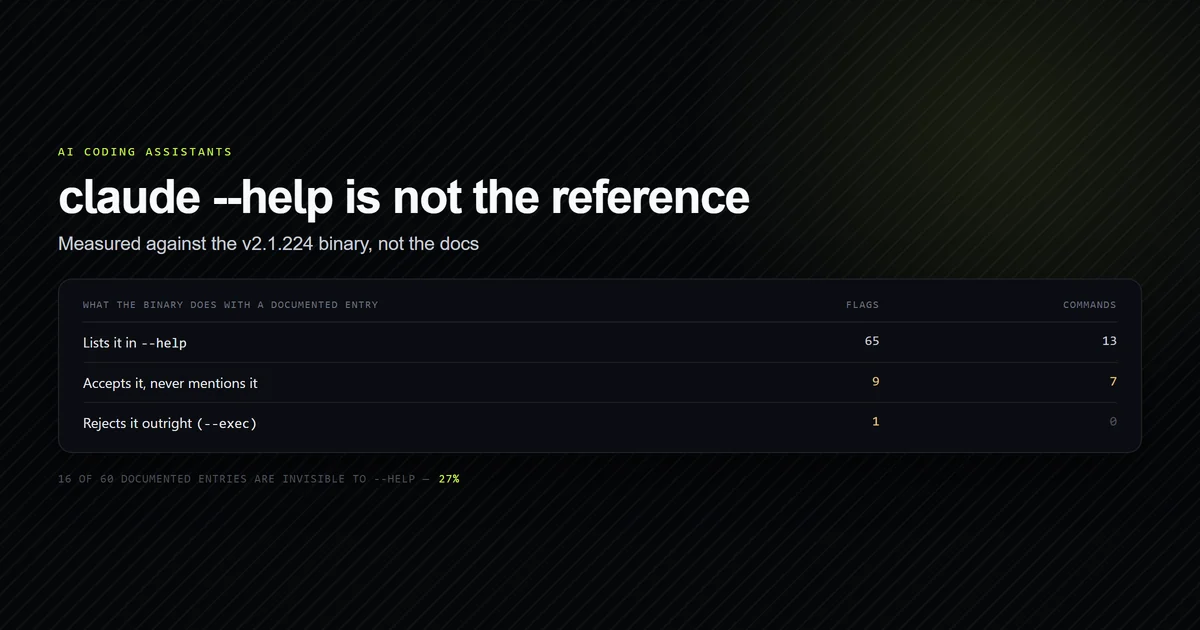
The shell form has one option, --help. It reads settings in the current directory without a workspace-trust prompt, which makes the working directory part of the test.
claude doctor
The healthy run
Our normal repository produced this redacted report on 2026-09-15:
Claude Code doctor

Running: native (2.1.270)
Commit: 97ecbf7abeb4
Platform: win32-x64
Path: <home>/.local/bin/claude.exe
Config install method: native
Search: OK (bundled)
Auto-updates: enabled
Auto-update channel: latest
Last update attempt: success → 2.1.270 (2026-09-12)

No installation issues found.
The process exited 0. This is the clean case people expect: one executable, bundled search available, updater healthy, no installation conflict reported.
It also reported that remote managed settings were not fetched because this account is not on an eligible Enterprise or Team subscription. That is an availability note, not an error.
Malformed settings still exit 0
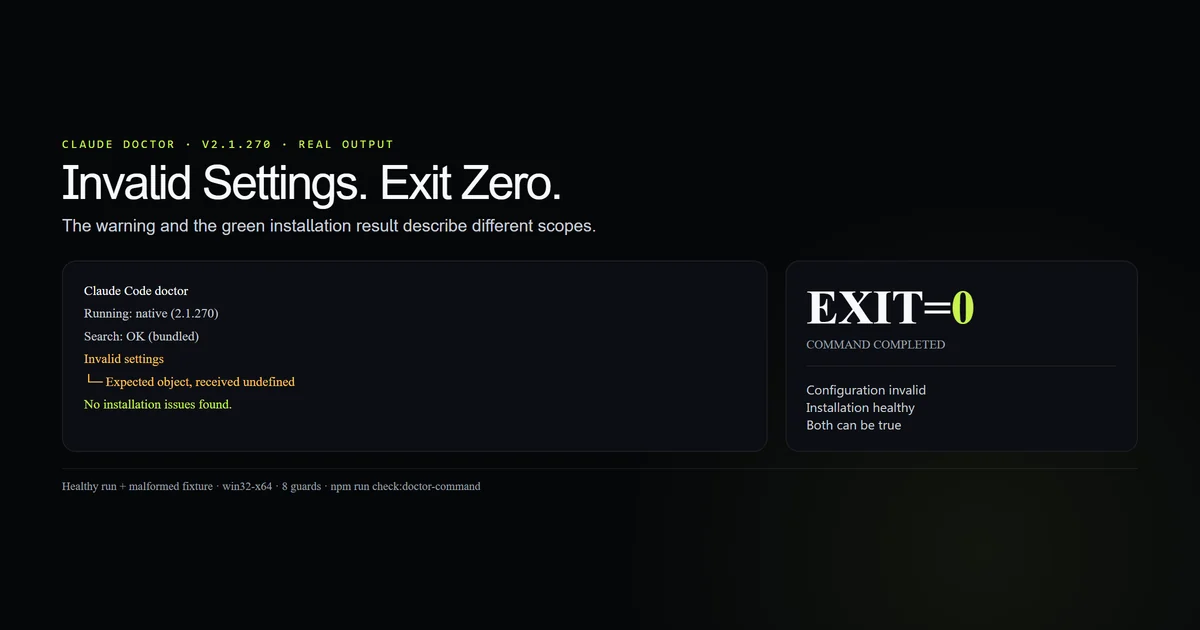
We then ran the same command from a fixture containing a deliberately truncated .claude/settings.json:
Invalid settings
- <fixture>/.claude/settings.json: Expected object, but received undefined

No installation issues found.
EXIT=0
The finding is internally consistent once you separate categories. The installation is healthy; the project settings are not. The process exit code represents the command completing, not every diagnostic section being green.
npm run check:doctor-command
The committed check confirms that the fixture is genuinely invalid JSON, both runs exited zero, and the invalid run carried both the red settings section and green installation conclusion.
What claude doctor checks
The shell report is primarily an installation and startup check. On this Windows build it printed:
- running version, native commit and platform;
- resolved executable path and install method;
- bundled search availability;
- auto-update state, channel and last update attempt;
- managed-settings and organization-policy availability;
- malformed settings found under the current directory;
- Remote Control availability;
- an installation conclusion.
Anthropic's setup documentation recommends the command after installation. That is the right use: detect duplicate installs, path problems, a stale package-manager setup or settings the CLI cannot parse.
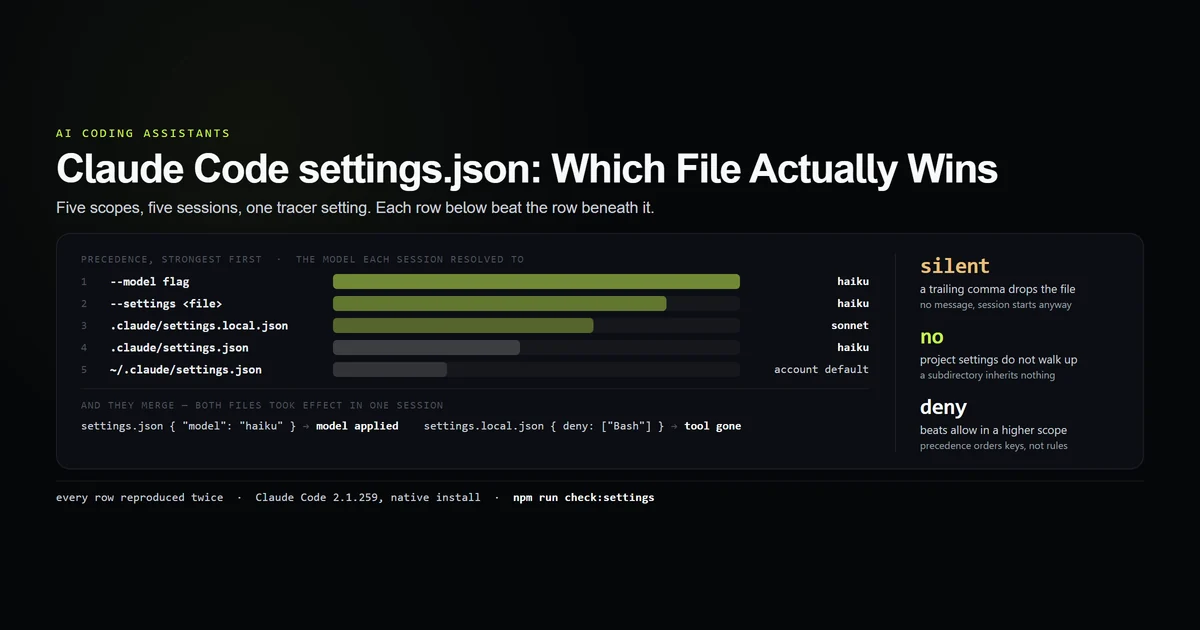
For configuration work, pair it with the settings.json scope guide. Doctor tells you that a file is invalid; it does not explain which valid scope will win after you fix the syntax.
What /doctor adds
The slash form is broader because it is a bundled skill with model and tool access. Anthropic's command reference says it can inspect duplicate installs, PATH, settings, unused skills, MCP servers, plugins, slow hooks, release-channel updates and instruction bloat.
It can also recommend moving procedural content out of always-loaded CLAUDE.md and into on-demand skills or nested instruction files. Those are judgment calls, not simple parse checks, which is why the skill reports findings and asks before changing anything.
/checkup is an alias for /doctor. The slash form remains typable when disableBundledSkills is enabled on current versions; an environment variable or explicit skill override is required to hide it.
How to read doctor output
Read top to bottom and keep each section's scope:
- Binary. Confirm the running executable is the one you intended to install.
- Services. Check search and updater status.
- Warnings. Treat each named warning section as independent.
- Policy. Read managed-settings notes as account context, not local failures.
- Conclusion. Use the final installation sentence only for installation health.
For automation, match stable section labels sparingly. Human-facing wording changes between releases, and the current shell command does not offer JSON output. A dedicated JSON parser for .claude/settings.json is more reliable than scraping prose for that one condition.
The broader Claude Code command reference is useful here because “doctor” sits among several diagnostics. /debug is for a runtime session, /status reports account and connectivity state, and safe mode isolates customizations.
When doctor is not enough
Doctor cannot prove that your application works, that a hook does the right thing, or that a model followed instructions. It diagnoses Claude Code's setup.
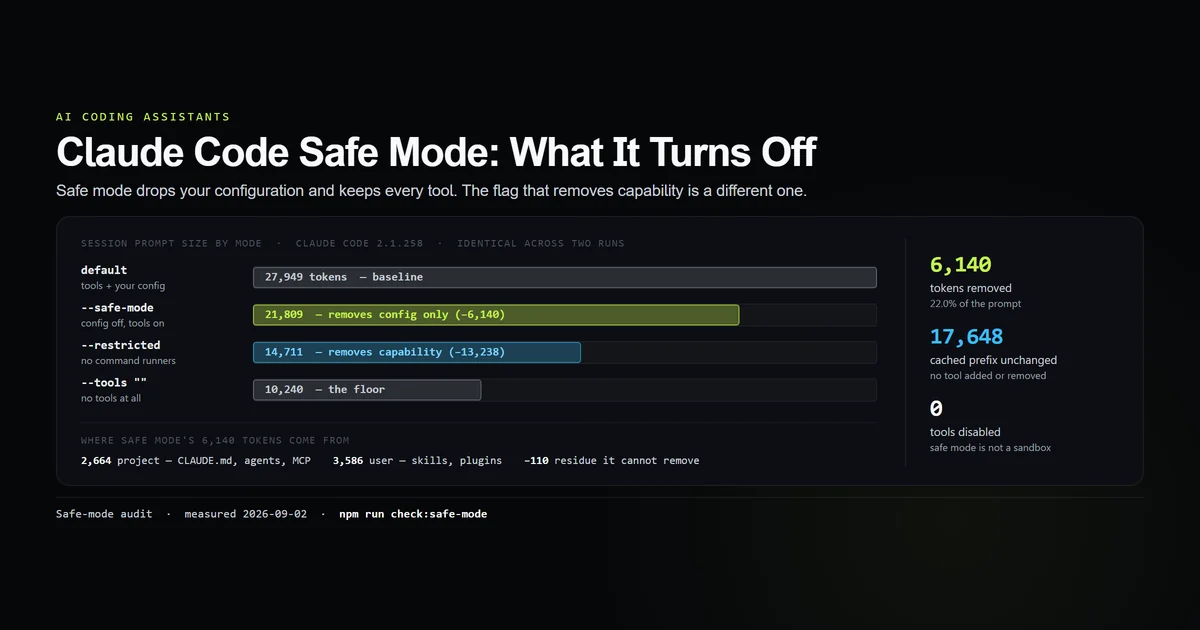
If the installation is healthy but behavior is broken, start a session with --safe-mode. Our safe-mode measurement shows which customization layers disappear, letting you distinguish a bad hook or plugin from a core CLI problem.
Use /debug when the failure happens after a session starts. Use a settings validator when CI needs deterministic pass or fail. Use /verify when the question is whether the product works, not whether Claude Code itself is installed correctly.
What did not work
The first pass treated exit 0 as a clean bill of health. The malformed-settings run overturned that immediately. Exit 0 only said the diagnostic command completed.
The final sentence looked contradictory. It is not, but the output hierarchy is easy to flatten: invalid project configuration and healthy installation can coexist. The command could make that distinction clearer.
The shell command could not repair the file. That is by design. It is read-only. Moving to /doctor broadens the operation and introduces model judgment, so review every proposed edit before accepting it.
Best practices
- Run
claude doctorfrom the project directory whose settings you want checked. - Record version and native commit when filing a reproducible bug.
- Read warning sections even when the process exits 0.
- Validate settings independently in CI.
- Use
/doctorfor interactive remediation, then review the diff. - Switch to safe mode when installation health is green but session behavior is not.
Conclusion
Use the claude code doctor command as a structured report, not a Boolean. The shell form is fast, local and read-only; the slash form is broader and can propose changes. On 2.1.270, invalid settings, a green installation sentence and exit code 0 all appeared in the same run. That is the result to design your troubleshooting and automation around.
Frequently asked questions
What does the Claude Code doctor command check?
What is the difference between claude doctor and /doctor?
Does claude doctor return a non-zero exit code for bad settings?
Can /doctor fix Claude Code problems?
When should I use safe mode instead of doctor?
Muhammad Kashif
Founder and editor of Devventa, covering AI coding assistants, Next.js and the modern AI development stack.