An ai coding glossary should define what software does when it executes, not what marketing departments claim it feels like. Most AI documentation borrows human metaphors — "understanding", "reasoning", "partnering" — to describe deterministic protocol handshakes, HTTP token streams, and local process spawns.
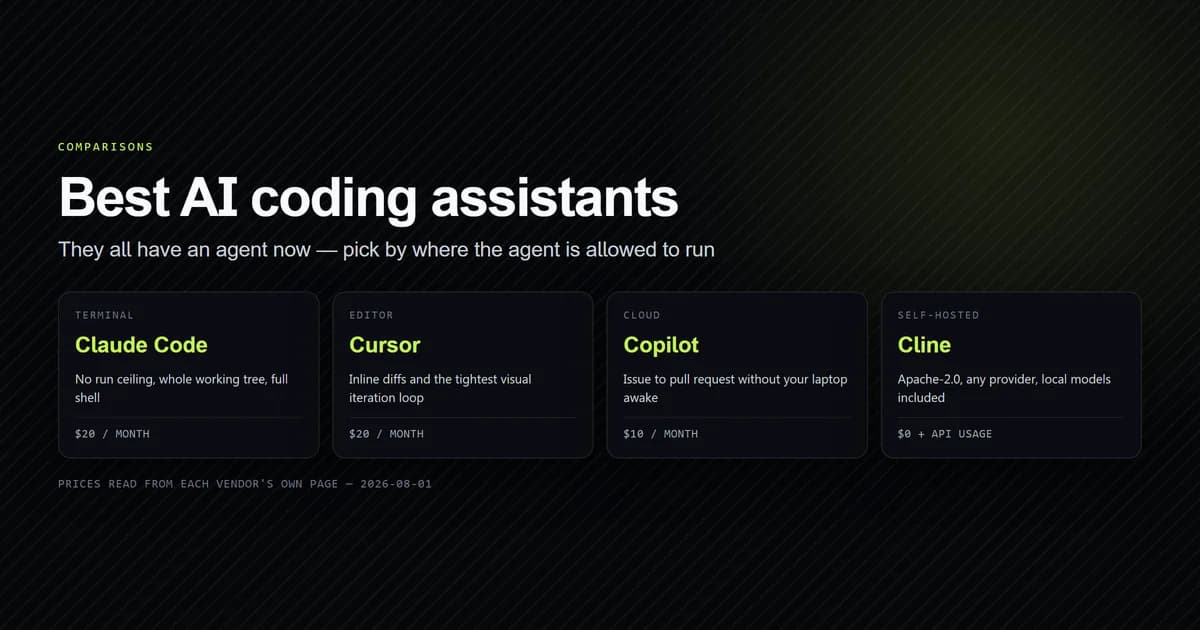
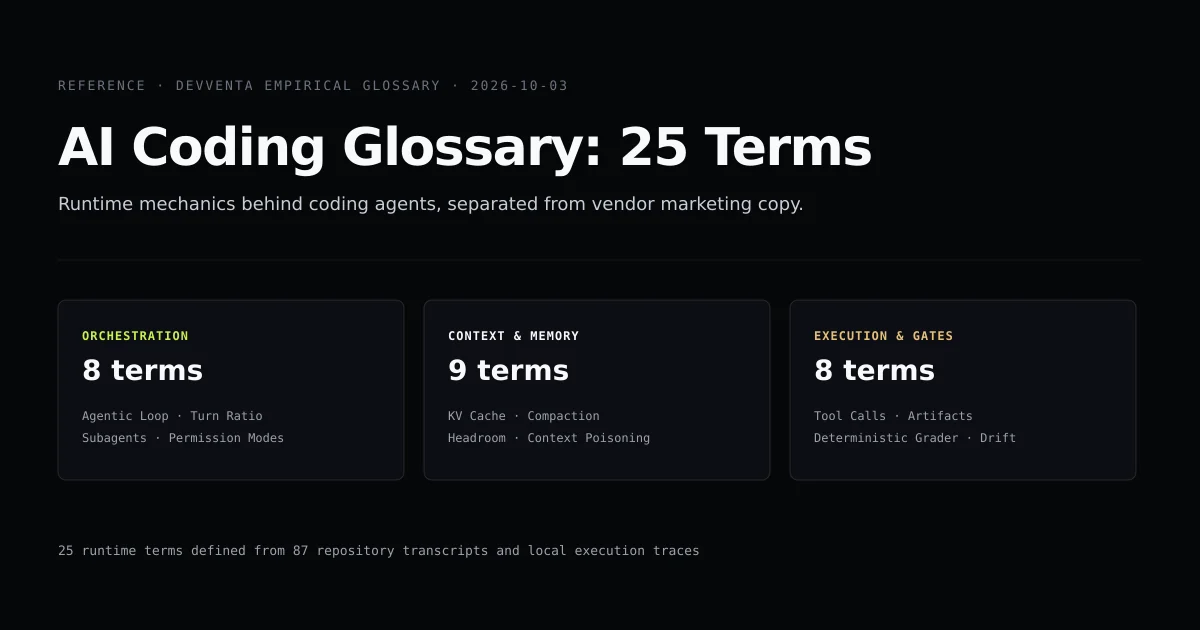
This reference documents the 25 operational ai coding terms and core agent terminology that govern autonomous coding tools today. Every definition is grounded in real runtime traces captured across Claude Code 2.1, Codex CLI, and Antigravity. If you are comparing tools before reading the mechanics, the complete comparison of AI coding assistants is the decision framework above this reference.
Key takeaways
- Agent terminology is grounded in distributed systems, compilers, and process control, not biological cognitive science.
- The boundary between harness and model decides what can fail: harnesses fail with process exits and permission errors, models fail with hallucinated diffs.
- Token accounting is divided between cache reads and cache writes, which determines 80% of real operational costs.
- Verification gates must fail-closed: silent agent passes are indistinguishable from uninspected failures.
The short answer
AI coding agents are client-side harness loops wrapped around stateless LLM APIs. Every capability is an exchange between three distinct layers:
- The Orchestration Layer: Manages process lifecycles, subagent spawns, and turn limits.
- The Context Layer: Manages token allocations, prompt caching (KV caches), and history compaction.
- The Execution Layer: Manages local filesystem reads, shell command execution, and verification gates.
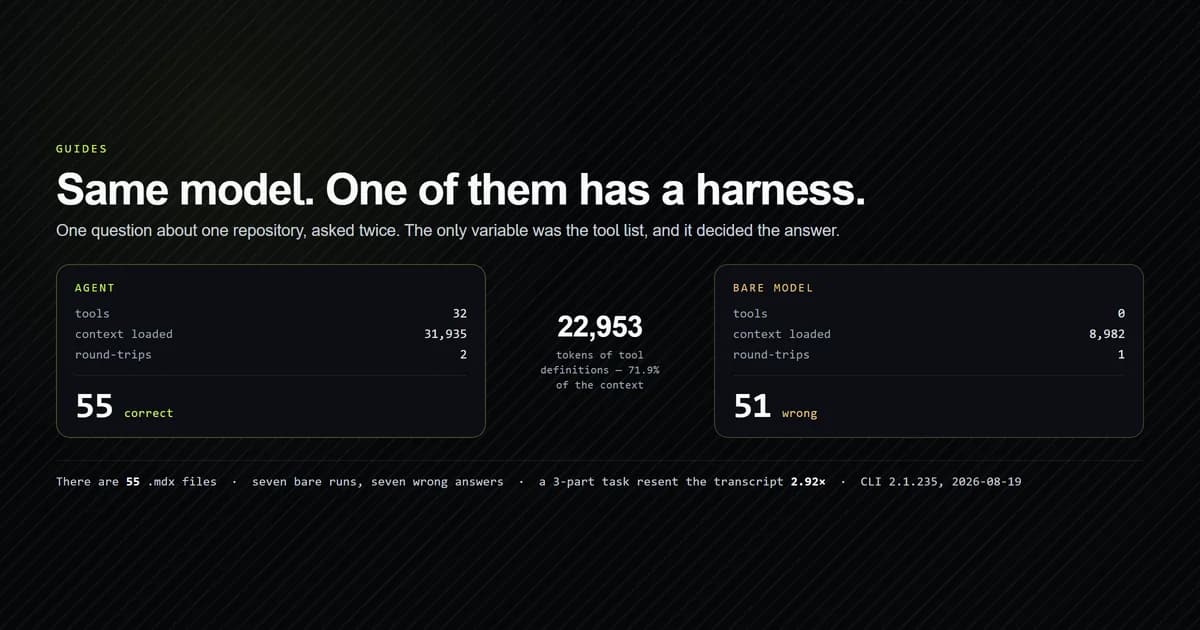
Understanding these boundaries allows you to debug why an agent loops infinitely, why bills surge on minor refactors, and why file edits silently corrupt line offsets.
Orchestration and agent lifecycle
These terms define how an agent coordinates work between prompts and system tools.
[User Prompt] → [Harness] → [API Stream] → [Tool Call Parse] → [Local Exec] → [Repeat]
1. Agentic Loop
The while-loop that governs autonomous execution. The client harness sends the conversation history to the model, parses the response for structured tool requests, executes those tools locally (e.g., reading a file or running a test), appends the stdout back to the history, and re-prompts the model until a terminal condition or error is met.
2. Tool Call
A structured JSON payload emitted by a frontier model requesting client-side execution. The model does not execute code directly; it emits an object such as {"name": "Read", "input": {"path": "package.json"}} which the client harness validates against a predefined schema and executes on the host.
3. Turn Ratio
The ratio of autonomous agent actions to human interventions. In empirical measurements across 87 real development sessions on this repository, developers took 57 prompts while agents executed 4,453 tool actions — an observed Turn Ratio of 78 to 1.
4. Subagent Nesting
The architectural pattern of spawning subordinate agent instances to handle bounded subtasks. A parent agent spawns a worker with a distinct system prompt, tools, and an isolated context window. Subagent nesting caps prevent infinite fork recursion.
5. Permission Mode
The security filter dictating whether tool execution requires interactive human approval. Modes range from strict human-in-the-loop (prompt on every file write or bash command) to acceptEdits (auto-approving filesystem edits while gating shell commands) and headless auto mode.
6. Plan Mode
A constrained execution mode where file write tools and destructive shell commands are disabled or masked. The agent can only read files, search the codebase, and write a structured markdown implementation proposal for operator sign-off before code changes begin.
7. Session Transcript
An append-only structured log (frequently JSONL) recording every user prompt, model completion, tool call, token expenditure, and terminal exit code across the session lifecycle.
8. Trajectory Drift
The progressive divergence of an agent from the user's intended objective. As an agent takes consecutive actions without intermediate human review, small navigational assumptions in turn 3 compound into completely incorrect directory refactors by turn 20.
Context window and token economics
These terms define the memory constraints and billing mechanics of frontier LLM interfaces.
| Term | Operational meaning | Cost implication |
|---|---|---|
| Prompt Caching | Reusing cached KV states across turns | 0.10x to 0.25x token read rate |
| Compaction | Summarizing old turns into a brief message | One-time LLM generation call |
| Headroom | Free tokens reserved for model output | Underestimating causes mid-sentence cuts |
| Token Shape | Proportion of cached vs uncached tokens | Decides effective price per million |
9. Prompt Caching
The mechanism by which API providers store the key-value (KV) attention states of static prompt prefixes in GPU memory. When consecutive API requests share identical prefixes (documented in Anthropic prompt caching), providers discount prompt token prices by up to 90%.
10. Context Window Compaction
The automated summarization of early conversation turns when cumulative message history approaches context capacity. Rather than dropping history, the harness prompts a model to compress prior tool outputs into a concise recap, freeing active tokens.
11. System Prompt Headroom
The delta between the input context size and the hard context window limit. A model cannot output code if the prompt and tool history consume the entire window; sufficient headroom must be reserved for the model's completion and scratchpad tokens.
12. Token Shape
The distribution of tokens in a request across four classes: cold prompt tokens (cache write), warm prompt tokens (cache read), generation tokens (output), and internal reasoning tokens. Two models with identical advertised per-million token rates will bill radically different invoices if their token shapes differ.
13. Context Poisoning
The degradation of model performance caused by loading noisy, irrelevant, or incorrect information into the prompt. Verbose build outputs, multi-megabyte lockfiles, and repetitive compiler stack traces fill the attention budget and reduce reasoning accuracy.
14. Rate Limit Ceiling
The throughput governor enforced by API vendors, measured in Requests Per Minute (RPM) and Tokens Per Minute (TPM). Multi-agent systems frequently hit TPM rate limits before RPM limits due to large cached context payloads resent on every turn.
15. Instruction File
A version-controlled text file placed in the repository root (CLAUDE.md, AGENTS.md, or .cursor/rules) containing persistent operating guidelines, build instructions, and testing commands that the harness transcludes into the prompt context.
16. Self-Correction Trap
An observed failure mode where an agent, given a broken compiler message, re-reads the error, attempts an incorrect fix, receives the same error, and repeats the identical flawed edit in an infinite token-consuming cycle.
Execution boundaries and verification gates
These terms describe how agent edits interact with local machines and CI pipelines.
# A deterministic verification gate checks exit code and artifact output
npm run test:unit && npm run check:gates
# → 0 errors, 42 guards passed
17. Tool Call Execution
The host environment step where the client application executes a requested command, collects stdout/stderr, handles timeouts, and captures process exit codes.
18. Model Context Protocol (MCP)
An open standard developed by Anthropic using the JSON-RPC 2.0 specification and documented in the Model Context Protocol specification to connect LLM harnesses to external data sources, developer tools, and API connectors without bespoke vendor integrations.
19. Grounding Artifact
Concrete, verifiable evidence produced by the physical machine — such as a compiler output log, an HTTP status code, a git diff hash, or a JSON report — confirming that an agent's claim is objectively true.
20. Hallucinated Diff
A syntactically valid unified diff emitted by an agent that fails to apply cleanly because the agent hallucinated surrounding line numbers, modified lines that did not exist, or assumed stale file contents.
21. Fail-Closed Review Gate
A CI/CD evaluation policy where an automated code review script defaults to blocking a pull request if the model returns an unparseable response, times out, or returns no valid evaluation envelope.
22. Deterministic Grader
A test harness or verification script that asserts ground truth using traditional code (regexes, compiler exits, AST parsers) rather than an LLM judge, eliminating variance and cost from the evaluation pass.
23. Checkpointing
The practice of taking lightweight snapshot states (such as git stashes or shadow commits) before an agent performs a sequence of edits, allowing instant reversal if the agent derails.
24. Worktree Isolation
Running an AI agent in a distinct git worktree (git worktree add ../agent-scratch) rather than the active working directory, isolating experimental branch edits and dependency churn from the primary development environment.
25. Headless Execution
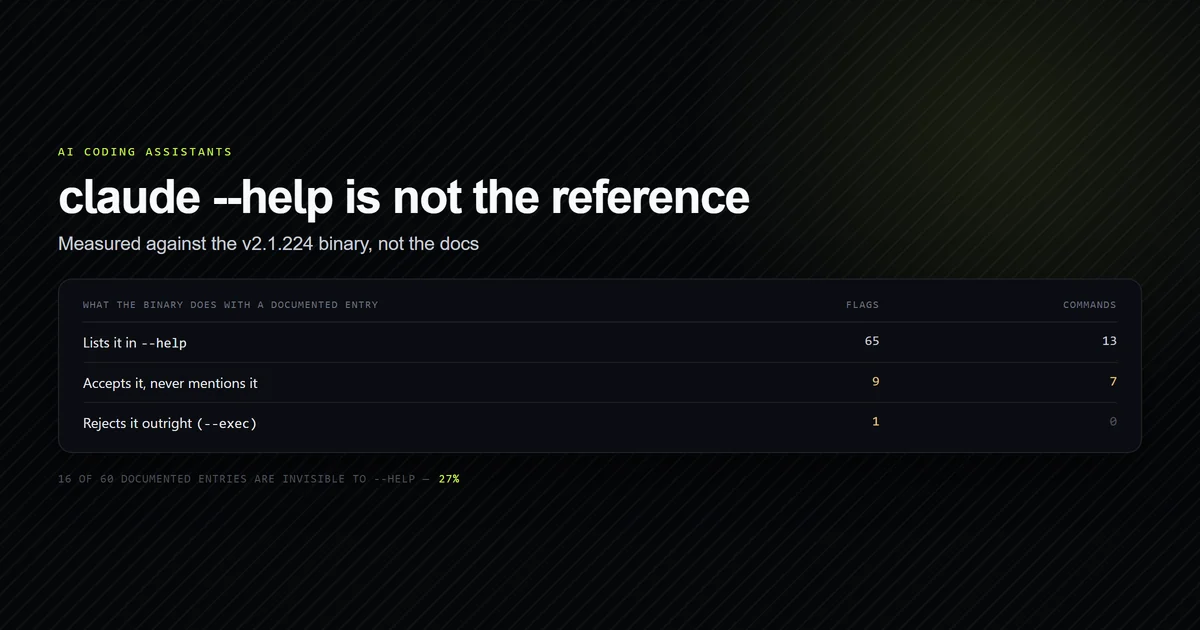
Running an agent in a non-interactive environment (such as a GitHub Actions runner or cron job) using flags like --non-interactive or --dangerously-skip-permissions, requiring strict container sandboxing.
26. Staleness Decay
The rate at which tool documentation, CLI flags, model pricing tables, and version numbers become inaccurate over calendar time. In our longitudinal tracking across 144 articles, dynamic pricing and model catalog figures decay within 30 to 45 days.
Common mistakes when reading vendor specs
- Confusing model capabilities with harness capabilities. A vendor marketing page might advertise "codebase refactoring", but if the CLI harness lacks a file search tool or path globbing, the model cannot locate the files.
- Assuming prompt tokens cost a flat rate. A flat rate card ignores prompt caching. A 100k-token prompt with 95% cache hits costs a fraction of an un-cached 20k-token request.
- Treating a green exit code as a passing review. An agent that crashes, times out, or fails to parse a review command may exit with code 0 if the harness does not implement fail-closed error handling.
- Believing context size equals reasoning depth. A 2-million token window allows an agent to read large files, but attention dilution over long contexts measurably degrades task completion compared to a concise, targeted prompt.
What we are not claiming
This glossary defines terms based on current implementations across commercial and open-source tools as of October 2026. Tool architectures evolve rapidly: command flags change, prompt caching policies shift, and protocol specifications expand.
These definitions describe what the software does, not the theoretical limits of machine intelligence. We make no claims regarding model consciousness, artificial general intelligence, or automated programming benchmarks beyond observed system behavior.
Conclusion
Mastering AI coding workflows requires stripping away marketing language and treating agents as distributed systems components. When evaluating a tool, look for its concrete boundaries: its turn ratio limits, its permission mode controls, its prompt cache utilization, and its ability to produce verifiable grounding artifacts. For a detailed breakdown of how to structure repository instructions for these engines, read how to set up CLAUDE.md for production projects.
Frequently asked questions
Why do standard software engineering glossaries fail for AI coding?
What is the difference between tool use and subagents?
How does context compaction differ from truncation?
What is the single most misunderstood term in agent terminology?

Muhammad Kashif
Founder and editor of Devventa, covering AI coding assistants, Next.js and the modern AI development stack.