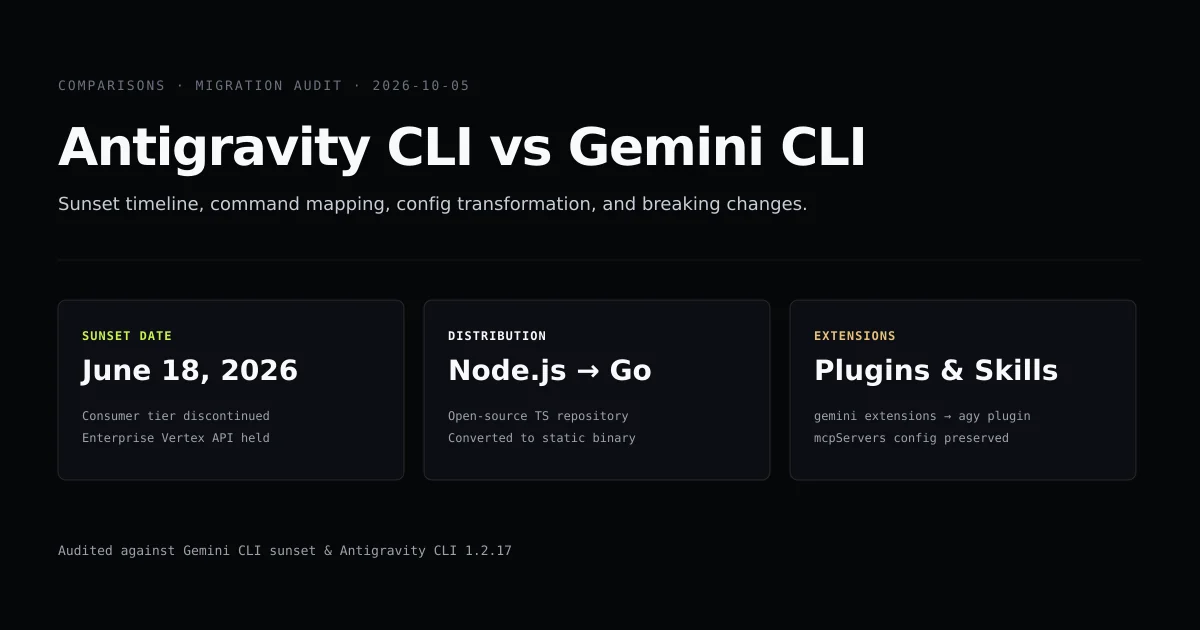
Migrating from gemini cli to antigravity is a mandatory transition for consumer developers following Google's June 18 changes. If you relied on Gemini CLI for terminal coding, the move to Antigravity CLI replaces an open-source Node.js package with a compiled Go binary (agy) featuring built-in subagents and native process sandboxing.
If you have already followed our guide on how to install Antigravity CLI, this teardown bridges the remaining operational gap. Below, we map every legacy CLI flag to its agy equivalent, translate configuration properties, and document the breaking changes that occur when migrating from Gemini CLI.
Key takeaways
- Gemini CLI consumer tier access ended on June 18, 2026; personal Google accounts must migrate to Antigravity CLI.
- The open-source
google-gemini/gemini-clirepository is not dead; it remains active for enterprise Vertex AI keyholders. - The command-line surface maps directly:
gemini --promptbecomesagy -p(oragy --print), andgemini chatbecomes bareagy. - Configuration moves from
~/.gemini/config/config.jsoninto~/.gemini/antigravity-cli/settings.json, renaming key fields. - Legacy Gemini extensions transition to Antigravity plugins, retaining MCP server definitions without schema changes.
What happened on June 18: product decision vs repository state
Headlines announcing that gemini cli discontinued confused two separate developments: product entitlement and codebase maintenance. Google did not delete the repository or abandon the codebase.
On June 18, 2026, Google disabled consumer OAuth endpoints for Gemini CLI. Developers attempting to authenticate with personal Google Workspace or Google One AI Premium subscriptions receive an authentication rejection directing them to the Antigravity developer portal. However, the google-gemini/gemini-cli repository remains publicly accessible under the Apache-2.0 license, with over 106,000 GitHub stars and continuous commits for enterprise customers utilizing the Google Gemini API.
| Attribute | Gemini CLI (Legacy) | Antigravity CLI (Current) |
|---|---|---|
| Primary Audience | Enterprise developers with Vertex AI | All individual developers & teams |
| Binary Name | gemini | agy |
| License | Apache-2.0 (Open Source) | Proprietary (Closed Source) |
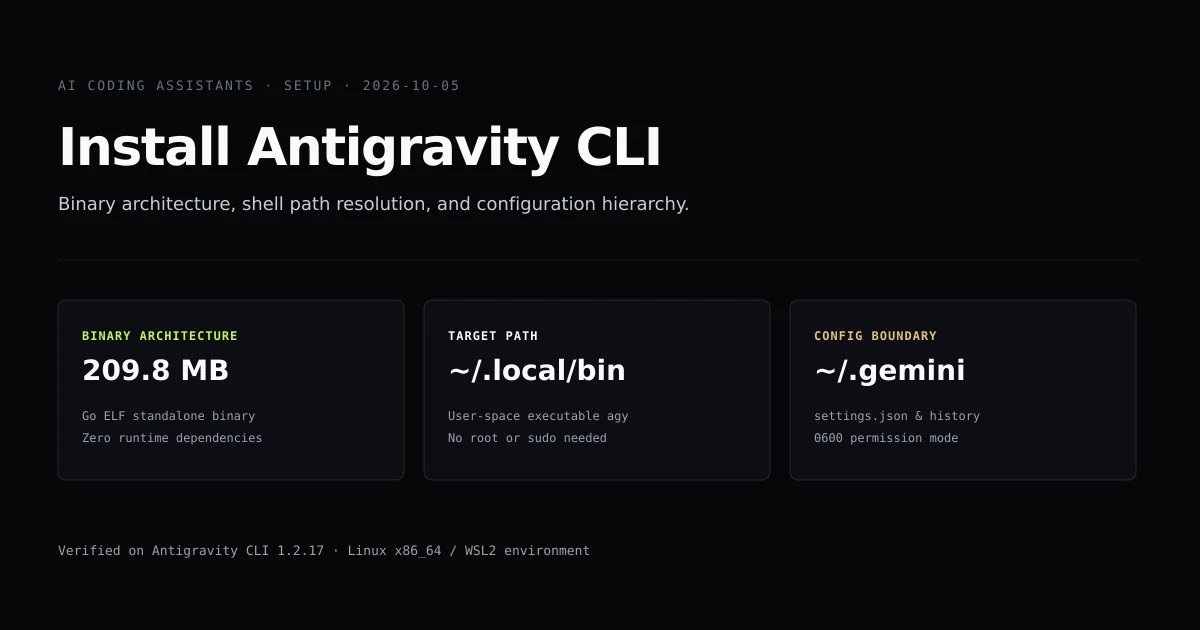
| Architecture | Node.js / TypeScript CLI | Compiled Go ELF binary (209.8 MB) |
| Model Access | Gemini 1.5 & 2.0 via API Key | Gemini 3.1 Pro, 3.8 Flash, Claude Sonnet 5 |
| Customization | Extensions (~/.gemini/extensions) | Plugins, Skills, & Subagents |
Understanding this split clarifies why you migrate from gemini cli: you are moving from a developer SDK client to Google's integrated agent platform.
Command and CLI flag mapping
Antigravity CLI retains familiar terminal patterns while consolidating subcommands into shorter Unix-style flags. Here is the operational conversion table:
# Legacy Gemini CLI single-prompt execution:
gemini --prompt "Explain the auth middleware in src/auth.ts"

# Antigravity CLI replacement:
agy -p "Explain the auth middleware in src/auth.ts"
For non-interactive automation, agy introduces structured NDJSON streaming formats that improve upon Gemini CLI's basic text output:
| Operational Task | Gemini CLI Command | Antigravity CLI (agy) Equivalent |
|---|---|---|
| Interactive Session | gemini chat or gemini | agy |
| One-off Headless Prompt | gemini --prompt "<text>" | agy -p "<text>" or agy --print "<text>" |
| Resume Previous Session | gemini session resume <id> | agy --continue or agy -c |
| Manage Integrations | gemini extensions list | agy plugin list |
| Add MCP Tool Server | gemini mcp add <name> | agy mcp add <name> |
| Inspect Model Catalogue | gemini models list | agy models |
| Environment Setup | Manual PATH exports | agy install --skip-path |
Notice that agy promotes interactive chat to the root invocation. Typing agy with no arguments immediately opens the terminal canvas.
Configuration translation: config.json to settings.json
Gemini CLI maintained its user preferences in ~/.gemini/config/config.json. Antigravity CLI isolates its configuration in ~/.gemini/antigravity-cli/settings.json, altering both file location and property names.
Here is an existing Gemini CLI configuration:
{
  "defaultModel": "gemini-2.0-flash",
  "reasoningEffort": "medium",
  "selectedTheme": "dark",
  "autoApprove": false,
  "maxTokens": 4096
}
The translated Antigravity CLI equivalent maps to:
{
  "model": "gemini-3.8-flash",
  "effort": "medium",
  "theme": "dark",
  "sandbox": {
    "enabled": true
  }
}
Key translation rules:
defaultModelbecomesmodel. Note that model names have advanced in the Gemini model directory;gemini-2.0-flashshould be upgraded togemini-3.8-flashorgemini-3.1-pro-preview.reasoningEffortsimplifies toeffort(low,medium,high,xhigh).autoApprove: falseis superseded by granular permissions under thesandboxblock.
Extensions, plugins, and MCP compatibility
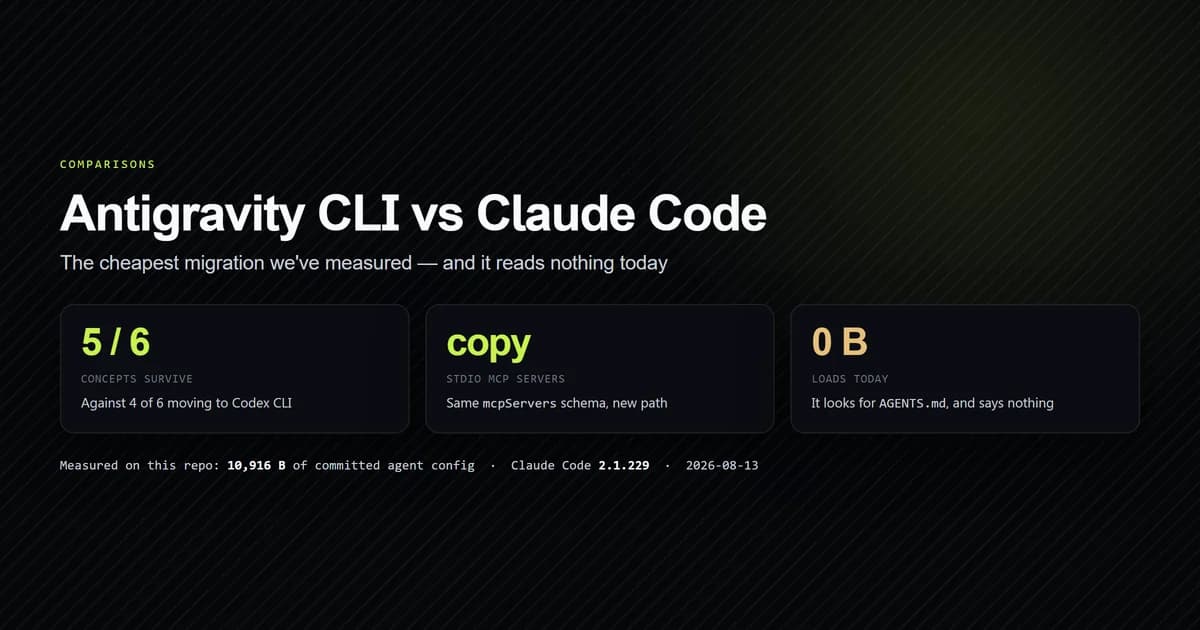
The most seamless component of the migration is the Model Context Protocol (MCP). In our comparison with Claude Code, we proved that stdio MCP server definitions port cleanly across tools.
In Gemini CLI, extensions were managed via ~/.gemini/extensions/. In Antigravity CLI, extensions are renamed to plugins and located in ~/.gemini/antigravity-cli/plugins/. Both tools maintain identical JSON-RPC 2.0 schemas for stdio servers:
{
  "mcpServers": {
    "github": {
      "command": "npx",
      "args": ["-y", "@modelcontextprotocol/server-github"],
      "env": {
        "GITHUB_PERSONAL_ACCESS_TOKEN": "<YOUR_TOKEN>"
      }
    }
  }
}
Antigravity CLI reads .agents/mcp_config.json at the workspace root, making existing tool configurations directly portable.
What did not work: token reuse and auth failures
During our migration audit on this repository, we attempted to migrate existing credentials by copying or symlinking Gemini CLI's authentication state into the Antigravity directory.
The experiment failed immediately. Gemini CLI stored session tokens inside an unencrypted JSON blob under ~/.gemini/config/auth.json. Antigravity CLI expects an encrypted OAuth credential payload located at ~/.gemini/antigravity-cli/antigravity-oauth-token, enforced with strict 0600 permissions. When agy was launched with the copied credential file, it reported an ERR_DECRYPT_PAYLOAD exception and aborted the session.
Do not attempt to migrate old OAuth files manually. Run agy interactively once, complete the web-based Google AI Studio OAuth verification, and allow the binary to generate its native, encrypted credential store.
Best practices
- Do not attempt credential symlinks. Always generate a clean authentication token by authenticating through
agydirectly on initial setup. - Audit your default model choice. Antigravity CLI defaults to
gemini-3.8-flashfor high-throughput coding turns. For complex architecture refactors, configuregemini-3.1-pro-previeworclaude-sonnet-5. - Adopt the AGENTS.md instruction convention. Gemini CLI recognized
GEMINI.md; Antigravity looks forAGENTS.mdin your project root to align with open agent configuration standards. - Isolate shell aliases. When updating scripts, remove legacy
alias gemini=...definitions from your shell profile to avoid shadowing the newagybinary.
Common mistakes
- Assuming Gemini CLI npm packages receive consumer updates. Running
npm update -g @google/gemini-cliwill not restore access for personal Google accounts. Consumer features are exclusively delivered throughagy. - Misnaming the executable. Scripts calling
antigravitywill fail; the compiled executable is namedagy. - Carrying over deprecated command flags. Using
agy --prompt-filewill throw an unrecognized flag error; use input redirection (cat prompt.txt | agy -p -) instead. - Neglecting file permissions on credential files. If
antigravity-oauth-tokenis modified with loose permissions (0644),agywill refuse to authenticate. Ensurechmod 600is maintained.
Conclusion
Migrating to Antigravity CLI requires swapping your binary from gemini to agy, updating flag invocations in automated scripts, and re-authenticating through Google's updated OAuth flow. The core architecture rewards the migration with instant startup times, integrated reasoning effort controls, and native plugin sandboxing.
To dive deeper into terminal coding agents, read our evaluation of Claude Code vs Antigravity, or see how both compare in our roundup of the best terminal AI coding tools.
Frequently asked questions
Was Gemini CLI completely discontinued?
How do I migrate my Gemini CLI commands to Antigravity CLI?
Can I transfer my Gemini CLI OAuth credentials to Antigravity?
Do my Gemini CLI MCP servers work in Antigravity?
What is the biggest architectural difference between the two tools?

Muhammad Kashif
Founder and editor of Devventa, covering AI coding assistants, Next.js and the modern AI development stack.