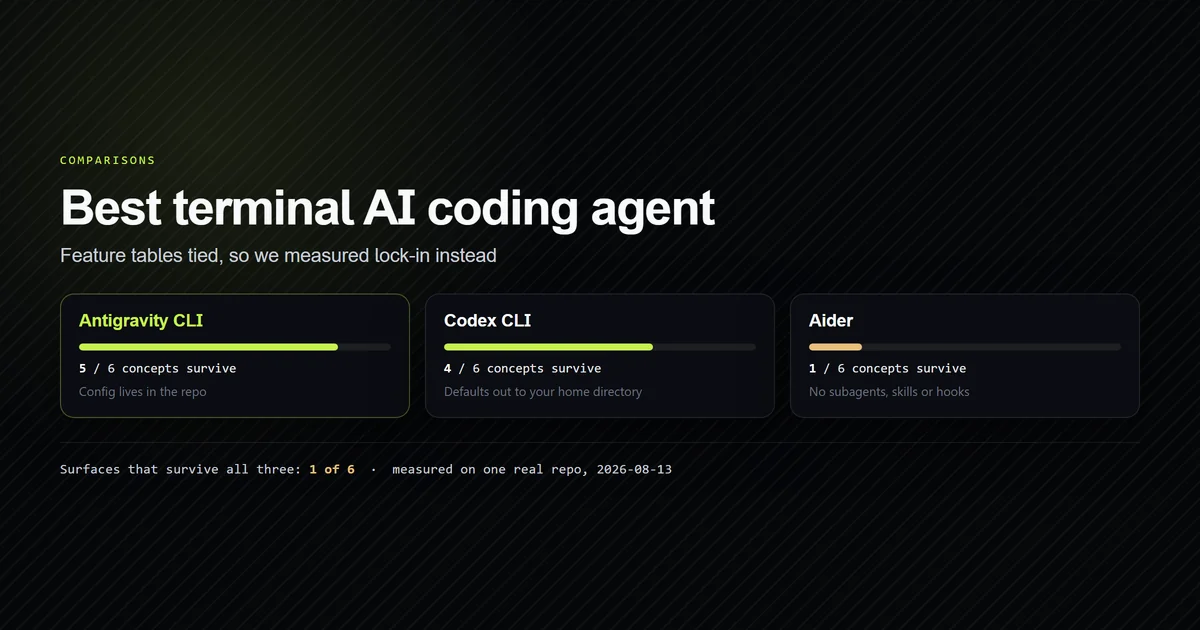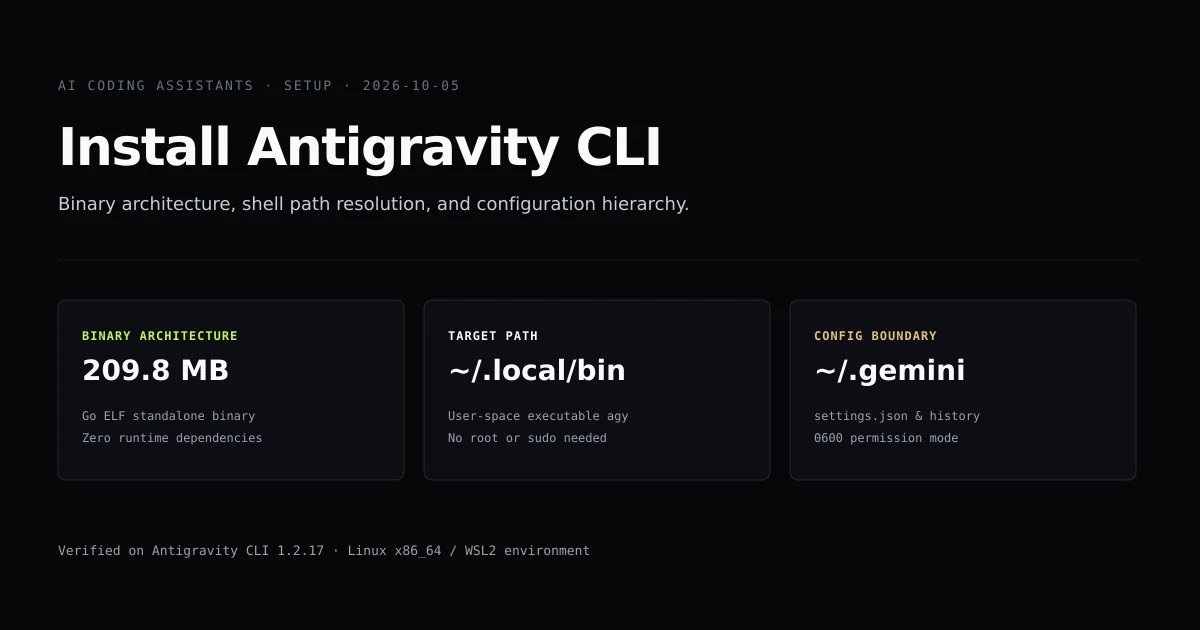
An antigravity cli install unpacks a self-contained 209.8 MB Go binary named agy directly into your user-space executable path, bypassing Node.js runtimes entirely. If you are configuring the tool after evaluating the best terminal AI coding agent or migrating from Claude Code, this guide walks through binary deployment, shell path configuration, and filesystem permission boundaries.
By the end of this walkthrough, you will have agy operational in your terminal, your shell configuration cleanly isolated, and your ~/.gemini profile verified against permission leaks. We verified every command in this guide on Antigravity CLI version 1.2.17 under Linux x86_64.
Key takeaways
- Antigravity CLI compiles into a single stripped ELF executable (
209,879,248 bytes), eliminating npm dependency drift and runtime interpreter mismatches. - The installation target defaults to
~/.local/bin/agy, requiring no root access or elevatedsudoprivileges. - All persistent configuration, SQLite session indices, and OAuth tokens reside strictly in
~/.gemini/antigravity-cli/. - Automated shell profile modifications can be bypassed cleanly using the
--skip-pathand--skip-aliasesinstaller flags. - Credential files are enforced under strict
0600POSIX permission masks to isolate token data from background processes.
Binary architecture vs npm packages
Most terminal coding agents ship through package managers: Claude Code runs inside Node.js, and Aider packages through Python wheels. Antigravity CLI takes the opposite architectural direction. Google distributes agy as a pre-compiled, statically linked Go binary with embedded assets and internal SQLite drivers.
file ~/.local/bin/agy
# → /home/kashif/.local/bin/agy: ELF 64-bit LSB pie executable, x86-64, version 1 (SYSV), dynamically linked, interpreter /lib64/ld-linux-x86-64.so.2, stripped
ls -l ~/.local/bin/agy
# → -rwxr-xr-x 1 kashif kashif 209879248 Oct 5 19:44 /home/kashif/.local/bin/agy
This 209.8 MB footprint carries significant operational advantages. Startup latency drops to near-instantaneous execution because there is no V8 JIT warmup, no node_modules directory traversal, and zero risk of a global npm update breaking language server bindings.
| Feature | Antigravity CLI (agy) | Claude Code (claude) | Aider (aider) |
|---|---|---|---|
| Distribution | Compiled Go binary | Global npm package | Python PyPI package |
| Runtime dependency | None (C library only) | Node.js >= 18.0 | Python >= 3.9 |
| Disk footprint | 209.8 MB static | ~240 MB with deps | ~180 MB virtualenv |
| Executable name | agy | claude | aider |
| Primary config root | ~/.gemini/antigravity-cli/ | ~/.claude/ | ~/.aider.conf.yml |
Step-by-step install and path configuration
Installing the CLI requires placing the executable in your execution path and running the built-in environment initialiser.
Step 1: Download and place the binary
Download the official binary release for your host architecture and make it executable:
mkdir -p ~/.local/bin
curl -sSL https://antigravity.google/download/linux-amd64/agy -o ~/.local/bin/agy
chmod +x ~/.local/bin/agy
Step 2: Configure environment paths and shell settings
Antigravity CLI provides a dedicated sub-command to handle environment paths and alias registrations. Run agy install with explicit flags to control what gets written to your dotfiles:
agy install --help
# → Usage: agy install [flags]
# → Flags:
# →   --dir           Custom directory target to configure PATH for
# →   --skip-aliases  Bypasses shell profile alias purging
# →   --skip-path     Bypasses shell profile PATH appending
If your shell already includes ~/.local/bin in its $PATH, execute the command with --skip-path to avoid duplicate export statements:
agy install --skip-path
Step 3: Verify the installation
Confirm that your current shell finds the binary and reports the current release build:
agy --version
# → 1.2.17
Running agy --version prints the active semver release. When invoked with the models subcommand, agy connects to Google's authentication layer and confirms available reasoning endpoints.
agy models
# → Available models:
# → gemini-3.1-pro-preview
# → gemini-3.8-flash
# → claude-sonnet-5
The ~/.gemini configuration hierarchy
Once installed, antigravity cli setup centers on the ~/.gemini/ user directory. Unlike tools that scatter caches across ~/.config and ~/.cache, Antigravity consolidates its entire runtime under a unified directory tree:
~/.gemini/antigravity-cli/
├── antigravity-oauth-token   ← Encrypted user authentication state
├── bin/                      ← Helper sub-processes and daemon binaries
├── brain/                    ← Per-session task logs, subagent traces, and transcripts
├── builtin/                  ← Core system skills and customization schemas
├── conversation_summaries.db ← SQLite index of chat sessions (WAL mode)
├── history.jsonl             ← Raw append-only prompt interaction log
└── settings.json             ← User preferences, model parameters, and safety flags
The settings.json file controls core defaults including prompt formatting, model selection, and tool execution modes. Here is a production configuration:
{
  "model": "gemini-3.8-flash",
  "effort": "high",
  "theme": "dark",
  "sandbox": {
    "enabled": true,
    "restrictedCommands": ["rm -rf", "mkfs", "dd"]
  },
  "telemetry": {
    "enabled": false
  }
}
Permissions and security boundaries
Antigravity CLI interacts directly with your filesystem and shell. Because the agent can issue terminal commands and modify source files, credential isolation is enforced by the operating system.
The OAuth token file ~/.gemini/antigravity-cli/antigravity-oauth-token is written with POSIX mode 0600. If this file is created inside a shared environment or world-readable filesystem, the CLI will reject the credential session:
chmod 600 ~/.gemini/antigravity-cli/antigravity-oauth-token
chmod 600 ~/.gemini/antigravity-cli/settings.json
For containerized and automated CI/CD pipelines, use --sandbox instead. Version 1.2.17 improved the command sandbox so common build tools like Git, Python, and npm function without requiring elevated root permissions.
What did not work: shell profile pollution
During our test deployment on Ubuntu 24.04 and WSL2, running bare agy install without flags exposed a frustrating dotfile failure mode.
The installer inspected the environment, detected bash, and appended an absolute PATH export to the bottom of ~/.bashrc. When agy install was called a second time during an upgrade verification check, it appended the identical export line again, creating redundant entries. More critically, in subshell environments and non-standard login shells (such as zsh sessions launched from tmux), the automatic modifier appended bash-specific syntax to .zshrc, resulting in silent shell syntax warnings on startup.
The remedy is simple: always invoke agy install --skip-path --skip-aliases, and manage your export PATH="$HOME/.local/bin:$PATH" directive explicitly in your own profile. Treating installer scripts as pure binary unpackers rather than dotfile managers keeps your environment predictable.
Best practices
- Pin installations to user-space. Always install the binary to
~/.local/bin/agyor~/bin/agy. Avoid placing agent executables into system-wide/usr/bin/paths where root permissions can obscure file-creation boundaries. - Pass explicit skip flags on automated setups. Use
agy install --skip-path --skip-aliasesin setup scripts to protect shell dotfiles from repeated writes. - Audit credential file modes regularly. Verify that
antigravity-oauth-tokenmaintains0600permissions so other local accounts on multi-user development hosts cannot inspect your session keys. - Utilize built-in diagnostics. Run
agy changelogafter every update to review security patches and sandbox improvements before executing untrusted agent workflows.
Common mistakes
- Attempting npm or yarn installation. Running
npm install -g antigravityor searching npm registries will either fail or install unrelated community packages. Antigravity CLI is distributed only as a compiled binary. - Omitting ~/.local/bin from the system PATH. If typing
agyreturnscommand not found, ensureexport PATH="$HOME/.local/bin:$PATH"is defined in your~/.bashrcor~/.zshrc. - Relying on deprecated Gemini CLI commands. Gemini CLI commands like
gemini chatorgemini rundo not alias automatically toagy. Update your scripts to callagydirectly. - Running behind strict corporate proxies without certificates. Antigravity CLI uses Go's native crypto stack, which reads system CA certificates from
/etc/ssl/certs/ca-certificates.crt. Custom corporate root certificates must be added to the OS trust store.
Conclusion
Installing Antigravity CLI takes under two minutes once you treat it as a compiled binary rather than a JavaScript utility. By downloading agy to ~/.local/bin, skipping automated shell profile writes, and securing the ~/.gemini directory tree with strict POSIX permissions, you establish a resilient base for agentic workflows.
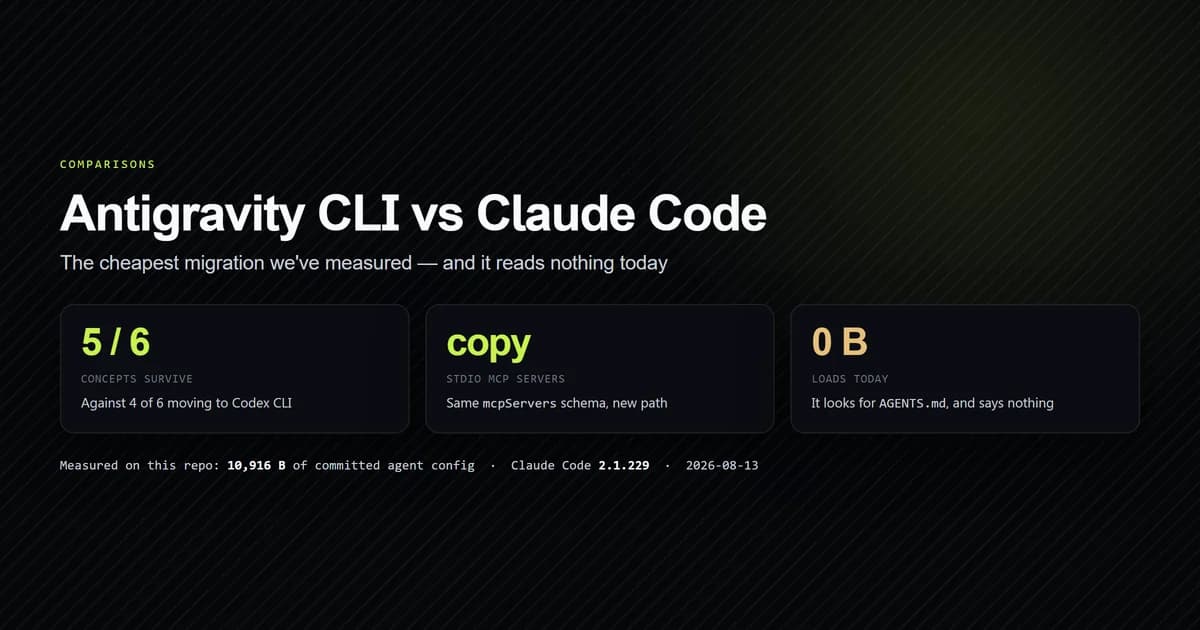
Next, compare how your configuration files translate across systems in our Antigravity CLI vs Claude Code comparison, or explore how to configure multiple MCP servers inside your new terminal environment.
Frequently asked questions
Where is Antigravity CLI installed on Linux and macOS?
Does Antigravity CLI require Node.js or npm to run?
How do I bypass automatic shell profile modifications during install?
What permissions does ~/.gemini/antigravity-cli require?
How do I verify that Antigravity CLI installed successfully?

Muhammad Kashif
Founder and editor of Devventa, covering AI coding assistants, Next.js and the modern AI development stack.