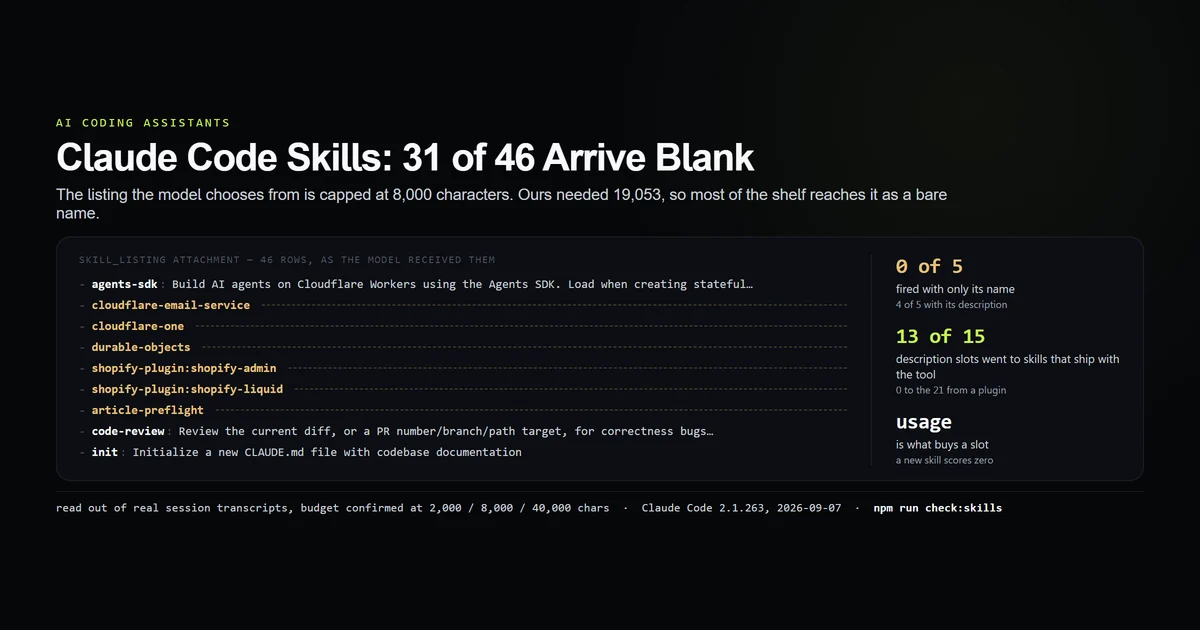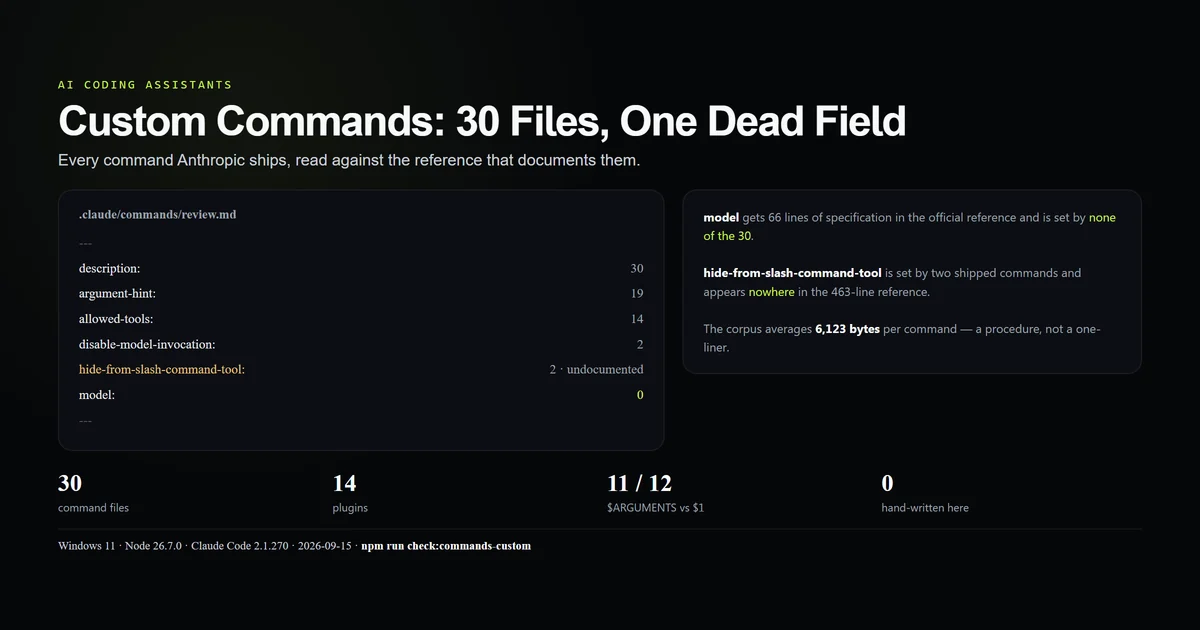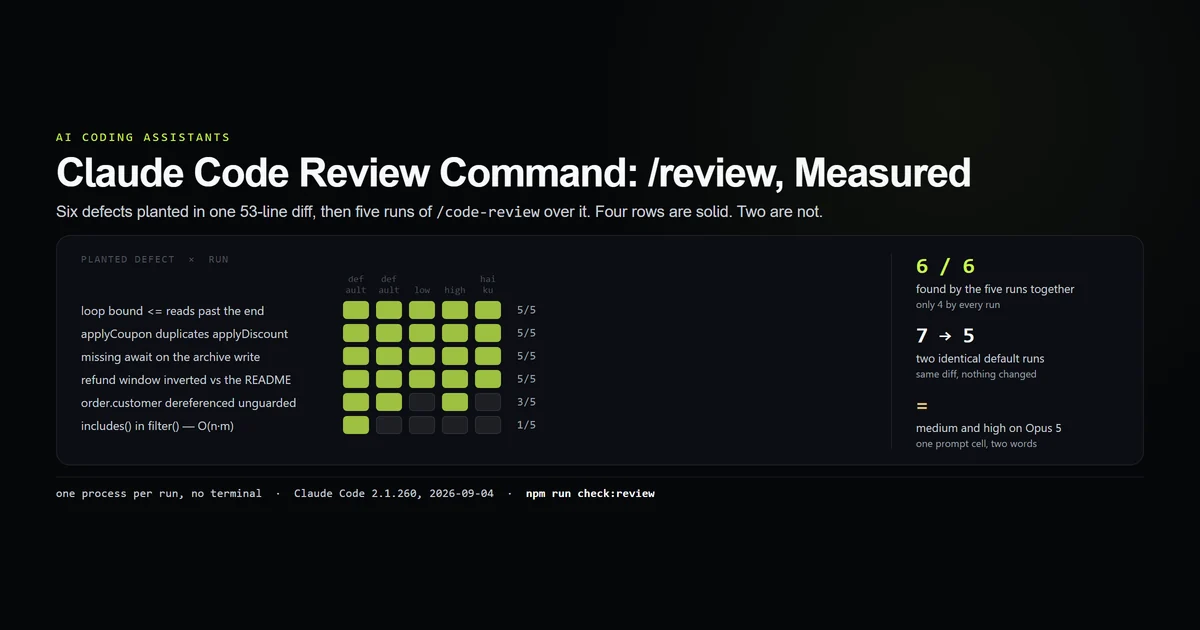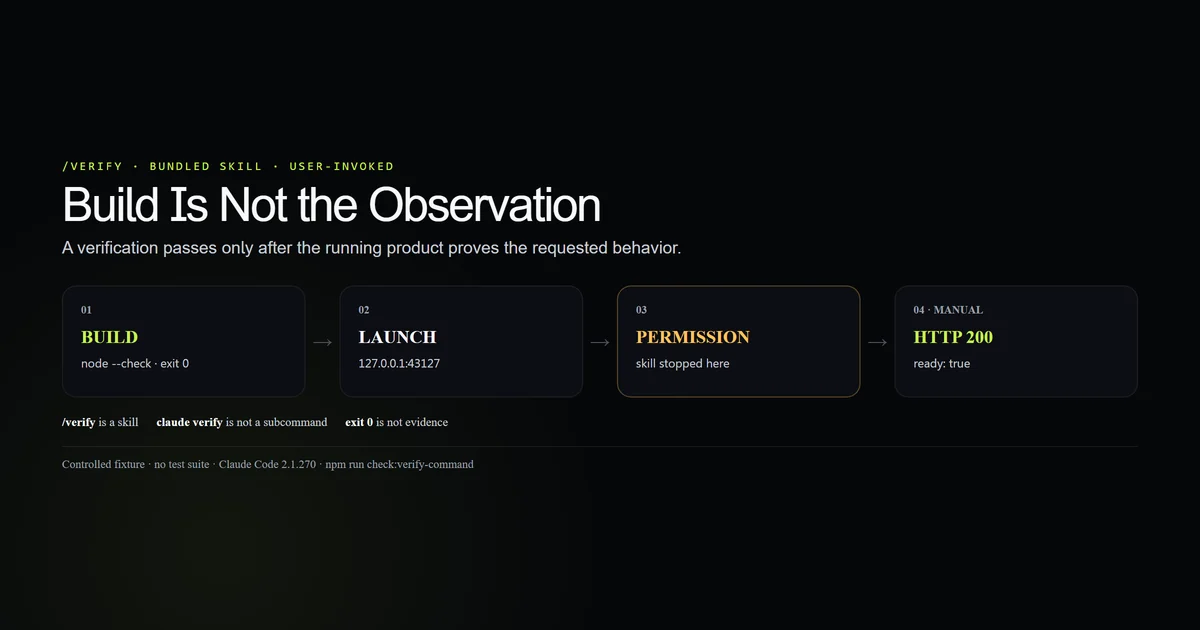
The claude code verify command is a bundled skill that builds your project, runs the application, and observes the result. It is not a claude verify shell subcommand, and it is not another name for “run the tests.” We gave /verify a tiny HTTP app with no test suite on Claude Code 2.1.270. The command recognized the task and requested runtime permission, but the environment did not grant it; our independent observation returned HTTP 200 with the expected JSON. That split is the honest result.
Key takeaways
- Type
/verifyinside a Claude Code session; there is noclaude verifysubcommand. - It is a bundled skill and runs only when you invoke it on current builds.
- The required evidence is a running product, not a green type check.
- A reusable launch recipe can live at
.claude/skills/verify/SKILL.md. - If permissions prevent the launch, verification did not happen—even if the build passed.
Claude Code verify command: what /verify is
/verify is a prompt-based bundled skill, not fixed CLI logic. Claude receives a verification procedure and orchestrates its tools around the project in front of it.
That puts it beside /run and /run-skill-generator, not beside shell subcommands such as claude doctor. The complete Claude Code guide covers the broader tool; the distinction here is narrow and important: a skill can reason about how to exercise your app, but it also spends a model turn and inherits the session's tool permissions.
Anthropic's command reference classifies /verify as a skill and says it runs only when invoked. Before v2.1.215, Claude could invoke it on its own. That historical difference is why undated advice about a “Claude self check” can describe behavior your current session never performs.
The /verify workflow
The intended loop has four concrete stages:
- Discover. Find how the project builds and starts.
- Build. Use the current working tree, not a stale artifact.
- Launch. Run the real surface: server, browser app, CLI or TUI.
- Observe. Compare the requested behavior with the acceptance condition.
The last stage is the reason the command exists. A successful build proves the source parses and links. It does not prove a button opens, an endpoint returns the right payload, or a command accepts input.
/verify Confirm that GET /health returns HTTP 200 and exactly the JSON documented in README.md
The command must begin the message. Text after /verify supplies the acceptance condition.
Our controlled target
We built a 21-line Node HTTP server under scripts/fixtures/verify-app. It has build and start scripts and deliberately has no test script.
{
  "scripts": {
    "build": "node --check server.mjs",
    "start": "node server.mjs"
  }
}
The README defines one observable contract: GET /health must return status 200 and this body:
{"ready":true,"source":"verify-probe"}
We ran the build, launched the server on 127.0.0.1:43127, requested the endpoint and received exactly that response. npm run check:verify-command verifies the fixture, surface classification and separation between the manual observation and the skill attempt.
What the run proved and did not prove
The connected /verify attempt understood that it needed to start the server and inspect /health. It then stopped and asked for command permission. The process exited 0 after printing the request.
That proves three useful things:
/verifyresolved as a command rather than an unknown slash name.- It selected runtime observation instead of inventing a test suite.
- A successful outer process exit does not mean verification succeeded.
It does not prove that the skill reached the endpoint. We performed that observation independently and label it that way. Granting unrestricted PowerShell access to a nested model would have exceeded the safe scope of this fixture, so the article does not turn a permission request into a green result.
Teach verify the launch once
/verify can infer standard projects from README.md, package.json and Makefile. The inference breaks down when your app needs a database, seed data, an environment file, two processes or a graphical session.
Anthropic's skills documentation recommends /run-skill-generator for those projects. It records a launch recipe as a project skill. /verify can also write its own recipe here:
.claude/
  skills/
    verify/
      SKILL.md
At the repository root, that project skill replaces the bundled /verify. This is the same precedence model explained in our Claude Code skills measurement, and it makes the behavior reviewable in git.
Record deterministic setup, the start command, readiness signal, observation steps and cleanup. Do not encode secrets or a developer's absolute home path.
Permissions are part of verification
Runtime checks need more authority than static review. A server must bind a port, a browser tool must open a page, and a CLI must execute. Restricted or non-interactive sessions may deny those actions.
Grant the narrow commands the recipe actually uses. A Node service might need the package build command, the start command and a local HTTP request. It does not need unrestricted access to every PowerShell operation on the machine.
This is where the custom commands and skills guide becomes operational rather than cosmetic. A committed recipe is an auditable permission target; improvised commands change every run and are harder to pre-approve safely.
Verify versus tests, review and run
These tools answer different questions:
| Control | Question answered | Best use |
|---|---|---|
| Tests and type checks | Does encoded behavior still pass? | Fast regression coverage |
/review | Does the diff contain likely defects? | Read-only change analysis |
/run | Can Claude launch and drive the app? | Exploration and demos |
/verify | Does this specific change work in the running app? | Acceptance evidence |
The Claude Code review command inspects code without needing to operate the product. /verify is more expensive and narrower: give it a concrete behavior only after the cheaper checks pass.
Anthropic's best-practices guide makes the same underlying point: Claude performs better when it can verify its work against a strong external signal. A vague “looks good” is not a signal.
What did not work
The first non-interactive invocation never received a prompt. --allowedTools accepts multiple values, so placing the prompt after it caused the option to consume the text. Claude Code exited 1 with “Input must be provided.” Put the positional prompt before variadic options in scripted calls.
The restricted run hit a connection refusal. Retrying with connectivity reached the skill, but the Windows session lacked the PowerShell permission it needed to start and inspect the server.
The command never completed end to end. The manual HTTP 200 proves the fixture works, not that /verify performed the check. This article therefore explains the observed command surface and its blocking condition rather than claiming a successful autonomous verification.
Best practices
- State one observable acceptance condition, including the route, action or output.
- Run fast tests first; reserve
/verifyfor behavior they cannot prove. - Commit a launch recipe for projects with non-standard setup.
- Grant exact commands and local addresses rather than a broad shell wildcard.
- Require the final report to name what it launched and what it observed.
- Clean up servers and temporary state after the observation.
Conclusion
Use the claude code verify command when “the code passes” is weaker than “the product works.” Type /verify inside the session, give it a concrete acceptance condition, and make the launch recipe deterministic. If the command cannot start or observe the app, stop at “not verified.” That wording is less satisfying than a green check, and far more useful.
Frequently asked questions
What does the Claude Code /verify command do?
Is claude verify a terminal subcommand?
Does /verify run automatically?
How does /verify know how to run my app?
Is /verify a replacement for tests?
Muhammad Kashif
Founder and editor of Devventa, covering AI coding assistants, Next.js and the modern AI development stack.