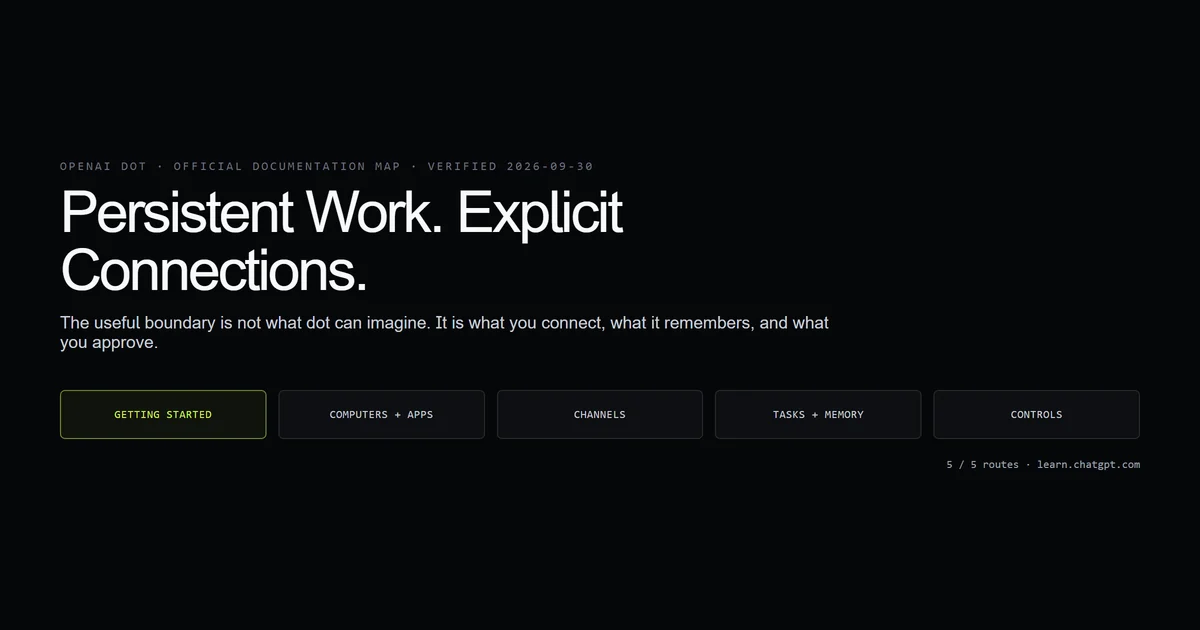
OpenAI dot is a persistent AI coworker you create from ChatGPT, not a new foundation model or a renamed custom GPT. It can own ongoing responsibilities, keep separate notes, connect to selected services, and follow up when work changes. Because those controls will move faster than copied screenshots, this page explains the boundary and sends setup questions to the official OpenAI dot documentation. We checked every destination on 2026-09-30 and committed a link audit so a future edit cannot quietly replace an official route with a secondary source.
Key takeaways
- A dot is persistent. It can keep responsibilities and follow up without waiting for the same prompt again.
- Connections are explicit. Apps, messaging channels, and computer access are separate choices.
- Its memory is scoped. A dot starts with relevant ChatGPT memory and keeps its own notes.
- It can work in the cloud. Some tasks do not require your device to stay involved.
- Use OpenAI's docs for setup. The primary button below opens the maintained getting-started page.
What OpenAI dot is
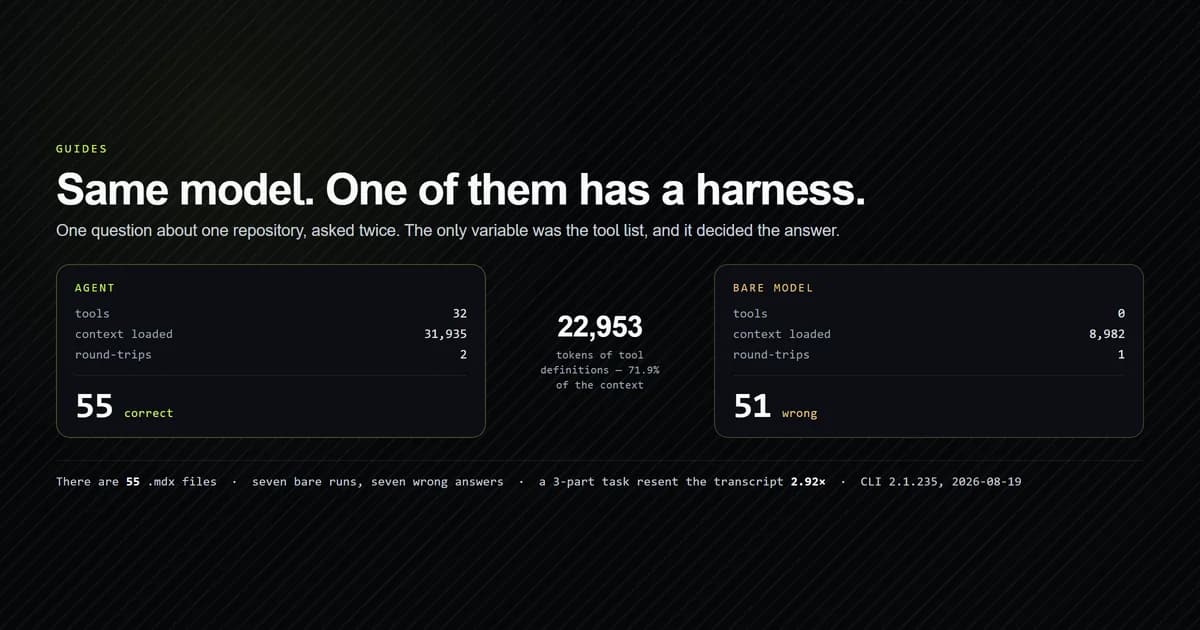
OpenAI dot is an agent-like coworker inside ChatGPT with ongoing responsibilities and its own working context. It is closer to the model-plus-tools loop described in how AI coding agents work than to a saved prompt: persistence, connections, memory, and approval boundaries are the product.
OpenAI says one dot can hold more than one responsibility. That does not mean every responsibility belongs in one dot. Separate work when the data sources, people, or approval rules differ; shared context is useful until it becomes an accidental permission bridge.
The maintained creation steps live on OpenAI's Getting started with dots page. That is the canonical answer for availability and interface details.
What an OpenAI dot can connect to
A dot can use a cloud computer, connected apps, and messaging channels, but each connection is configured separately. Creation alone does not grant universal access.
OpenAI splits the details across two pages:
- Computers and apps covers where work runs and how services connect.
- Channels covers the places a dot can communicate.
That separation is the useful mental model. Treat each connection as a capability with its own data boundary, not as a convenience toggle. If a dot only needs to summarize one source, connect that source first and observe its behavior before adding a channel that can broadcast the result.
Tasks, memory, and follow-up
A dot can retain responsibility-specific notes and decide when a follow-up is relevant. OpenAI documents the behavior on Tasks and memory, including how a dot uses relevant ChatGPT memory at creation and maintains its own notes afterward.
This is the material difference from an ordinary chat. A chat waits for the next message; a dot is meant to keep track of work over time. Write responsibilities as observable outcomes with a clear cadence or trigger. “Keep me informed” is vague. “Summarize new support escalations each weekday and flag anything with customer data” gives the dot a boundary it can apply.
Controls and approvals
A dot operates under controls and approval checks; persistent does not mean unrestricted. Review OpenAI's Controls page before connecting accounts or assigning actions with external effects.
Start with read-only work. Ask for a digest, comparison, or draft before authorizing sends or edits. This mirrors the safer rollout for any agent: observe what it reads, inspect what it proposes, then widen authority only where the output has been predictable.
Use the official OpenAI dot documentation
Use OpenAI's documentation for every interface, availability, and permissions question. This article deliberately avoids reproducing a click-by-click setup that can age while the official pages are updated in place.
What we verified
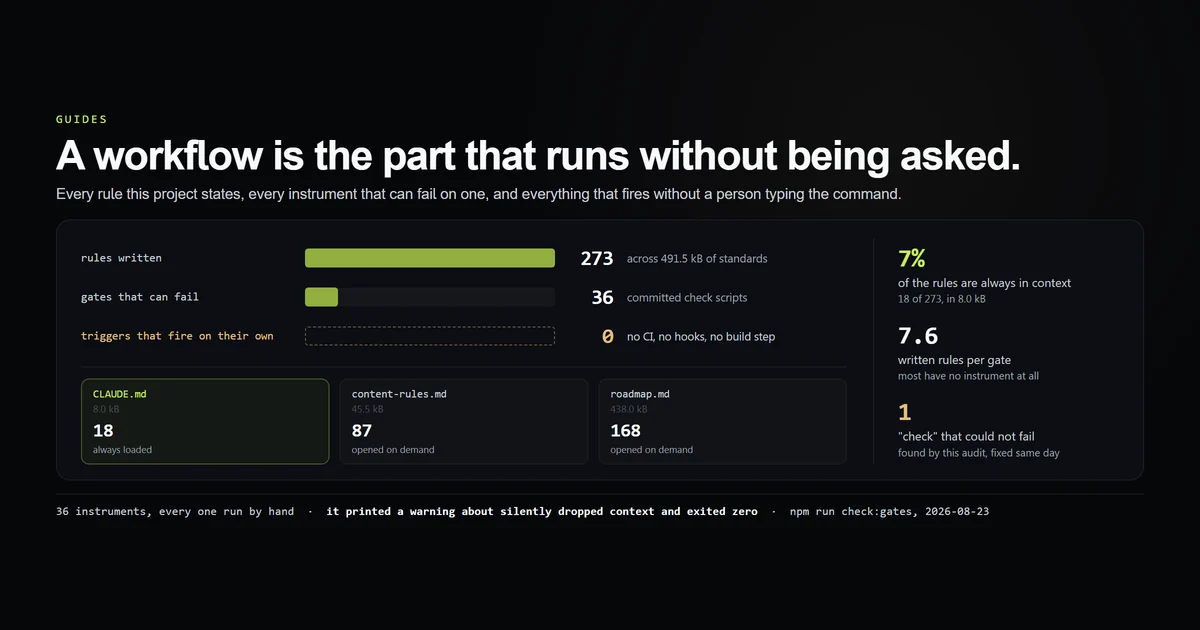
We verified the outbound documentation map, not private product behavior. Our internal check script reads this MDX file and fails unless all five expected pages use learn.chatgpt.com, the CTA points to getting started, and the verification date remains visible.
PASS  all five official documentation pages are in the article
PASS  every external dot documentation link uses the official host
PASS  the primary CTA opens the getting-started page
PASS  the article records the verification date

4 checks passed; 5 official destinations found.
What did not work was treating search summaries as product documentation. They flattened “can connect” into “has access” and omitted the separation between apps, channels, and computers. The source map above preserves that boundary.
Common mistakes
- Calling dot a model. It is a product surface around models, memory, tools, and controls. The symptom is comparing it to model IDs rather than workflows.
- Connecting everything on day one. Convenience hides which connection caused an unexpected result. Add one capability at a time.
- Copying setup screenshots. The page ages the next time the interface moves. Link to OpenAI's maintained steps instead.
- Assigning a responsibility without a stop condition. Define the trigger, audience, and action boundary so follow-up stays useful.
Conclusion
Use OpenAI dot when a responsibility should persist beyond one chat and the required connections can be bounded cleanly. Start with one read-only responsibility, review the first few outputs, and widen access only after the behavior is predictable. For every setup or permissions detail, skip secondary tutorials and use the official documentation button above; this page is the map, not a substitute for the maintained source.
Frequently asked questions
What is OpenAI dot?
Where is the official OpenAI dot documentation?
Does an OpenAI dot run on my computer?
Can OpenAI dot message me first?

Muhammad Kashif
Founder and editor of Devventa, covering AI coding assistants, Next.js and the modern AI development stack.