This Vercel environment variables guide starts with the failure that explains almost every
case: the value was captured at build time and you changed it afterwards. Vercel's environment variables documentation is
blunt about it — changes "are not applied to previous deployments, they only apply to new
deployments" — and Next.js goes further, turning every NEXT_PUBLIC_ value into a literal inside
your JavaScript bundle. This shows how to tell which of your variables are frozen and which are
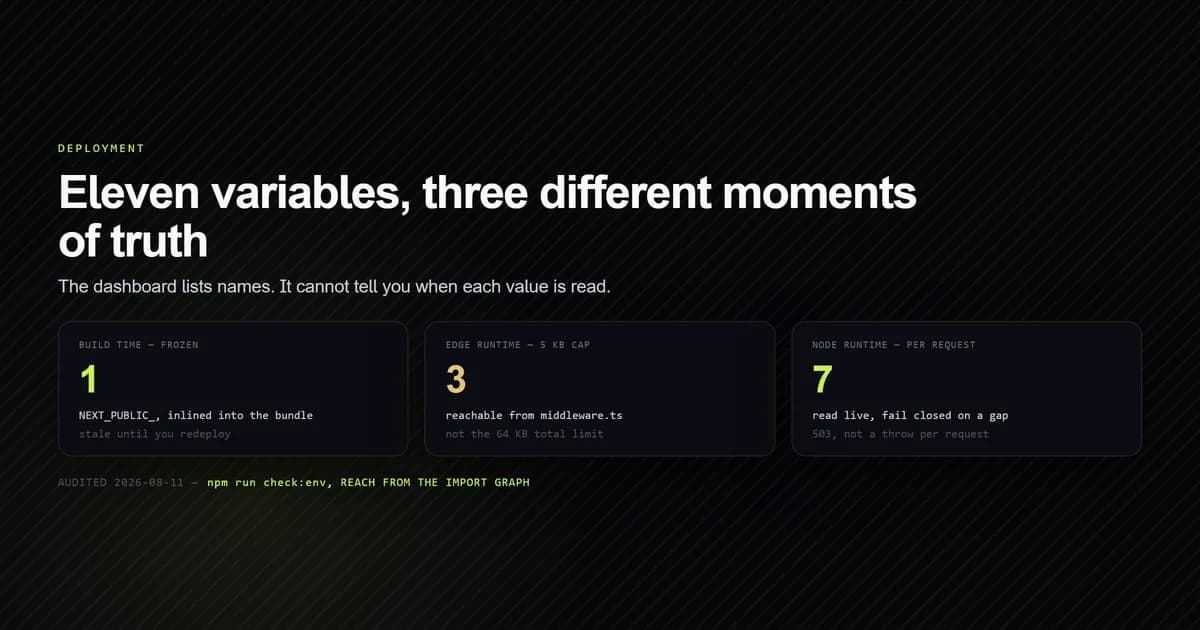
read per request, using the eleven this site runs on, audited on 2026-08-11 against Next.js 15 and
Vercel's documentation as of 2026-06-16.
Key takeaways
- A dashboard change needs a redeploy, not a restart. As detailed in Vercel's deployments documentation, existing deployments keep the values they were built with.
NEXT_PUBLIC_is a build-time inline, not a runtime lookup. The value becomes a literal in shipped JavaScript, so it is public forever and stale until the next build.- The Edge limit is 5 KB per variable, not 64 KB. Reachability from
middleware.tsdecides which cap applies, and no dashboard shows you that. process.envread through an alias is invisible to the inliner. Next.js documents this, and it silently breaks public variables.- Fail closed. Read the whole credential set together and return
nullon any gap, so a misconfigured deploy answers 503 instead of throwing per request.
The one bug behind most of them
There are two moments a variable can be read, and they behave nothing alike.
Build time. next build runs, and every reference to process.env.NEXT_PUBLIC_ANYTHING in
code that reaches the browser is replaced with a hard-coded value. Per Next.js's environment variables guide,
after building, "your app will no longer respond to changes to these environment variables"
and that all such values "will be frozen with the value evaluated at build time." Your
next.config.mjs is in this category too — it executes during the build, so anything it reads is
baked into the compiled configuration.
Request time. A Server Component that opts into dynamic rendering, a route handler, a Server
Action: these run per request in a Node process that has the deployment's variables in its
environment. process.env.CLOUDFLARE_D1_API_TOKEN there is a real lookup.
This site has exactly one variable in the first category and it is the one that reads oddly:
const r2Hostname = normalizeR2Hostname(process.env.NEXT_PUBLIC_R2_HOSTNAME);
That value feeds images.remotePatterns and the URL builder in lib/images.ts, both from the
same normaliser so they cannot disagree. Change the bucket hostname in the Vercel dashboard and
nothing happens: the allowlist was compiled and the URLs were inlined. The site keeps serving the
old host until something triggers a build. The wider architecture this sits in is covered in
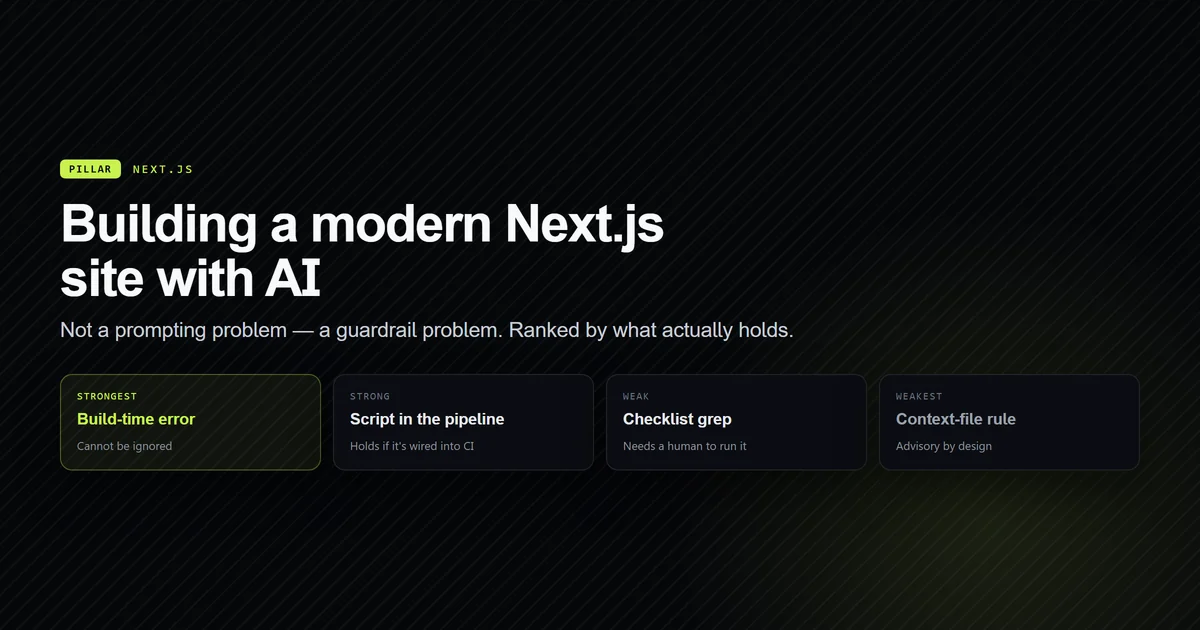
building a modern Next.js site with AI assistance; what matters
here is that "it worked when I set it" and "it works now" are different claims.
Auditing your own surface
The dashboard lists names and environments. It cannot tell you which code reads which variable,
and that is the fact you need. scripts/check-env.mjs walks the source, records every
process.env.NAME, then builds an import graph from middleware.ts and next.config.mjs to work
out each variable's reach:
npm run check:env

# → Environment surface — 11 variables
# →
# →   VARIABLE                    EXPOSURE  REACH          READ IN
# →   ADMIN_PASSWORD              secret    edge           lib/admin/config.ts
# →   ADMIN_SESSION_SECRET        secret    edge           lib/admin/config.ts
# →   ADMIN_USERNAME              secret    edge           lib/admin/config.ts
# →   CLOUDFLARE_ACCOUNT_ID       secret    tooling+node   lib/d1.ts, scripts/upload-r2.mjs
# →   CLOUDFLARE_D1_API_TOKEN     secret    node           lib/d1.ts
# →   CLOUDFLARE_D1_DATABASE_ID   secret    node           lib/d1.ts
# →   MCP_PROBE_TOKEN             secret    tooling        scripts/mcp/_probe-env.mjs
# →   NEWSLETTER_IP_SALT          secret    node           lib/newsletter.ts
# →   NEXT_PUBLIC_R2_HOSTNAME     public    build+node     next.config.mjs, lib/images.ts
# →   R2_API_TOKEN                secret    tooling        scripts/upload-r2.mjs
# →   R2_BUCKET                   secret    tooling        scripts/upload-r2.mjs
One public variable out of eleven is the number to aim for. The check also fails the run when
.env.example and the code disagree in either direction — a key declared in the template that
nothing reads is config nobody dares delete, and a key the app reads that the template omits is the
one that works on your machine and 500s on the first deploy.
The script's own first run got two things wrong, and both are worth stealing. It reported a
variable named C, because an uppercase-only character class matched process.env.ComSpec up to
the first lowercase letter and stopped — a one-letter row plausible enough to survive review. And
it reported R2_BUCKET and R2_API_TOKEN as read by nothing, because scripts/upload-r2.mjs
reaches them through const env = { ...loadEnv(), ...process.env } rather than a literal member
expression.
That second bug is the interesting one, because it is the same blind spot Next.js's own inliner
has, for the same reason, and Next.js documents it. A regex over process.env.X and a bundler
doing static replacement both need the property access to be written literally. The scanner now
detects single-line aliases and reports them; a value returned from a helper function is still out
of reach, which the script says in a comment rather than pretending otherwise.
The three limits that actually bite
| Limit | Value | Applies to |
|---|---|---|
| Total per deployment | 64 KB | All variables combined |
| Per variable, Edge | 5 KB | Edge Functions and middleware |
| Redaction threshold | 32 characters | Sensitive values in build logs |
The middle row is the one that surprises people, and it is invisible in the dashboard. Three of
this site's variables are read by lib/admin/config.ts, which is imported by lib/admin/session.ts,
which is imported by middleware.ts — so they run on the Edge runtime and live under the 5 KB cap
rather than the 64 KB one. Nothing about ADMIN_SESSION_SECRET announces that. It is a property of
the import graph, which is why the audit above computes reachability instead of guessing from
filenames.
That constraint also explains a design decision that otherwise looks careless: lib/admin/config.ts
is deliberately not marked server-only, because the Edge runtime does not reliably resolve
that export condition, and the same module has to load in middleware and in Node-side Server
Components. (See our deep dive on Next.js 15 Edge middleware authentication for how this module coordinates with Web Crypto). The compensating control is that nothing client-side imports it.
Sensitive variables are worth turning on for tokens. Vercel stores them unreadable, so no one with
project access can read the value back, and any value of 32 characters or more is replaced with
[REDACTED] in build logs. Two constraints come with it: they are unavailable in the Development
environment, and you cannot recover a value, only replace it.
Which file wins locally
Next.js resolves a variable through five places in order and stops at the first hit:
process.env— a real shell variable beats every file..env.$(NODE_ENV).local— for example.env.development.local..env.local— not loaded whenNODE_ENVistest..env.$(NODE_ENV).env
So .env.local overrides .env, and both are loaded. This is also where vercel env pull fits:
it writes a .env file, which Vercel's docs describe as serving "the same purpose as .env.local".
Both statements are true and together they are a trap.
On this machine, our check script's --values mode reports .env.local absent and .env holding ten
keys. The site runs fine, because Next reads .env at rank five. But scripts/upload-r2.mjs
hand-rolls a reader for .env.local only — it runs outside Next, so it gets no env loading for
free — and therefore finds nothing and reports the R2 credentials missing while the application
using the same account works. The fix is not to pick a filename. It is for every script that runs
outside the framework to read the same set the framework does:
function loadEnv() {
  const out = {};
  for (const name of [".env", ".env.local"]) {
    // …later files win, matching Next's precedence
  }
  return { ...out, ...process.env };
}
Reading a variable safely
The pattern this site uses everywhere is to read the whole credential set in one function and
return null rather than a partial object:
export function readAdminConfig(): AdminConfig | null {
  const username = process.env.ADMIN_USERNAME?.trim();
  const password = process.env.ADMIN_PASSWORD;
  const secret = process.env.ADMIN_SESSION_SECRET?.trim();

  // Password is intentionally not trimmed: leading or trailing whitespace is a
  // legitimate part of a generated passphrase, and silently stripping it would
  // make a correct password fail for reasons nobody could diagnose.
  if (!username || !password || !secret) return null;
  if (secret.length < MIN_SECRET_LENGTH) return null;

  return { username, password, secret };
}
Four decisions in twelve lines, each earned:
?.trim()on everything except the password. Pasting into a dashboard field picks up whitespace constantly. Trimming a password would break a legitimate passphrase instead.- All-or-nothing. A caller can never hold a config with two of three fields set.
- Validated, not just present. A 12-character signing secret is worse than none, so the length floor is checked at read time rather than trusted.
- Callers translate
nullinto a 503.lib/d1.tsdoes the same viaisD1Configured(), so a deploy missing its database credentials returns a clean unavailable from the newsletter route instead of throwing on every request.
Scoping tokens per service
Two API tokens in that list point at the same Cloudflare account and are not interchangeable.
CLOUDFLARE_D1_API_TOKEN carries "D1: Edit"; R2_API_TOKEN carries "Workers R2 Storage: Edit". The
D1 token returns 403 against the R2 REST API, which reads as a broken script rather than a
scope error and is recorded in .env.example next to the variable so nobody rediscovers it.
Two narrow tokens rather than one broad one costs an extra dashboard entry and buys a blast radius: the token that uploads images cannot read the subscriber table. That is the same reasoning applied to team rollouts in AI coding tools for teams, and it is worth applying before you have anything worth protecting, because retrofitting scope onto a token already pasted into three places is the harder job.
Common mistakes
- Changing a value and expecting the running deployment to notice. It will not. Redeploy.
- Prefixing something with
NEXT_PUBLIC_to "make it work". It works because the value is now in your client bundle, readable by anyone. Check what you just published. - Reading
process.envthrough an alias for a public variable. Not inlined, no error, absent in the browser. - Assuming the 64 KB limit applies everywhere. Anything reachable from middleware is capped at 5 KB per variable.
- One token for every service. Scope them separately or the first leak is total.
- Letting a script invent its own
.envreader. It will pick a different filename from the framework and disagree with it six weeks later. - Setting variables only for Production. Preview deployments then fail in ways production never reproduces, which is the worst place to find out.
Conclusion
The newsletter API and D1 contract shows how the route responds when those database credentials are absent, and what the local SQL check can verify without them.
Run an audit that computes reach rather than reading the dashboard: you want to know which
variables are frozen into the bundle, which are read per request, and which cross into Edge and its
5 KB cap. Keep exactly one NEXT_PUBLIC_ variable if you can, read credential sets all-or-nothing
so a bad deploy fails closed, and scope one token per service. If you are wiring the deployment
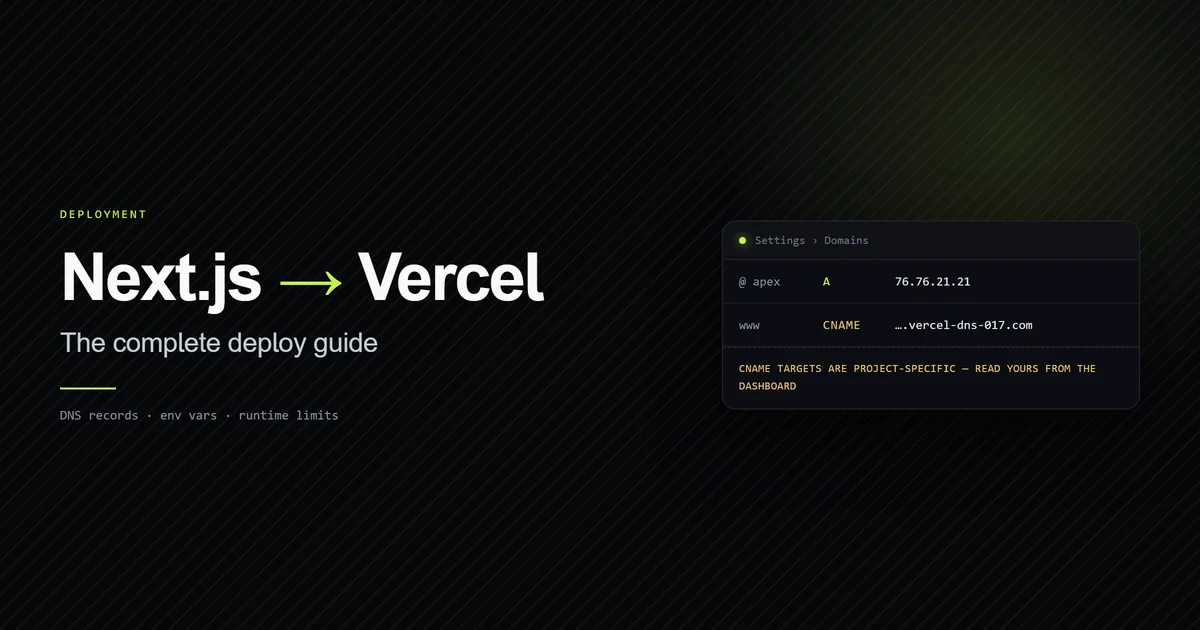
itself, deploying a Next.js site to Vercel covers the build
and DNS side, and running Cloudflare D1 on Vercel picks
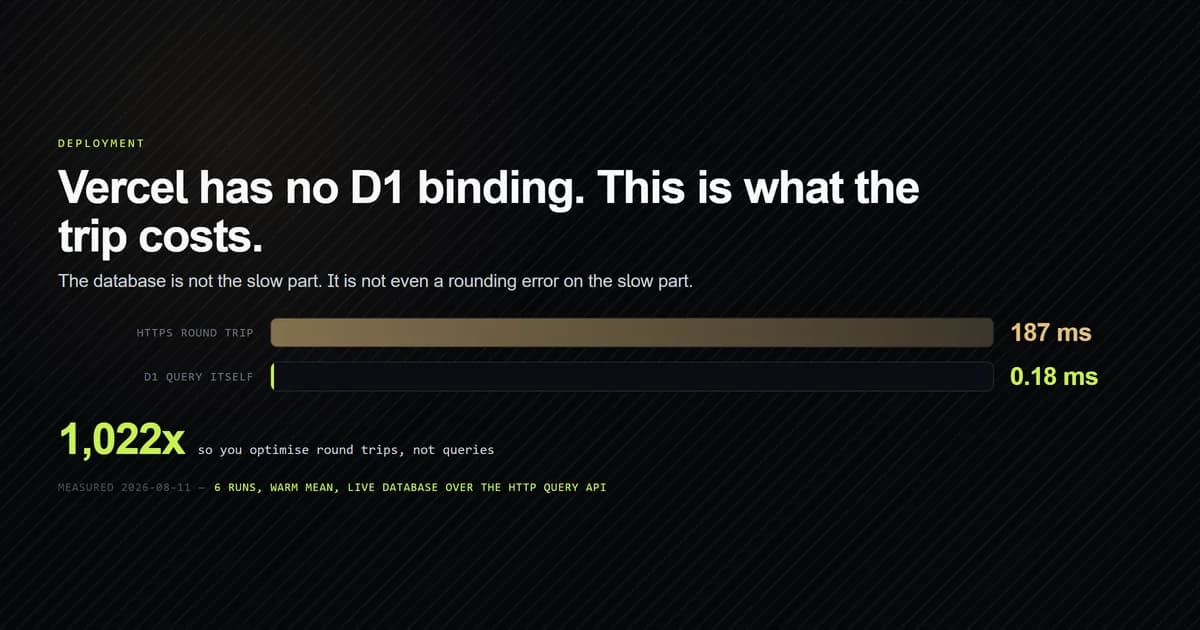
up where three of these variables are actually spent.
Frequently asked questions
Why is my Vercel environment variable undefined in production?
Do I need to redeploy after changing an environment variable on Vercel?
What is the environment variable size limit on Vercel?
What is the difference between .env and .env.local in Next.js?
Should I use Vercel's sensitive environment variables?

Muhammad Kashif
Founder and editor of Devventa, covering AI coding assistants, Next.js and the modern AI development stack.