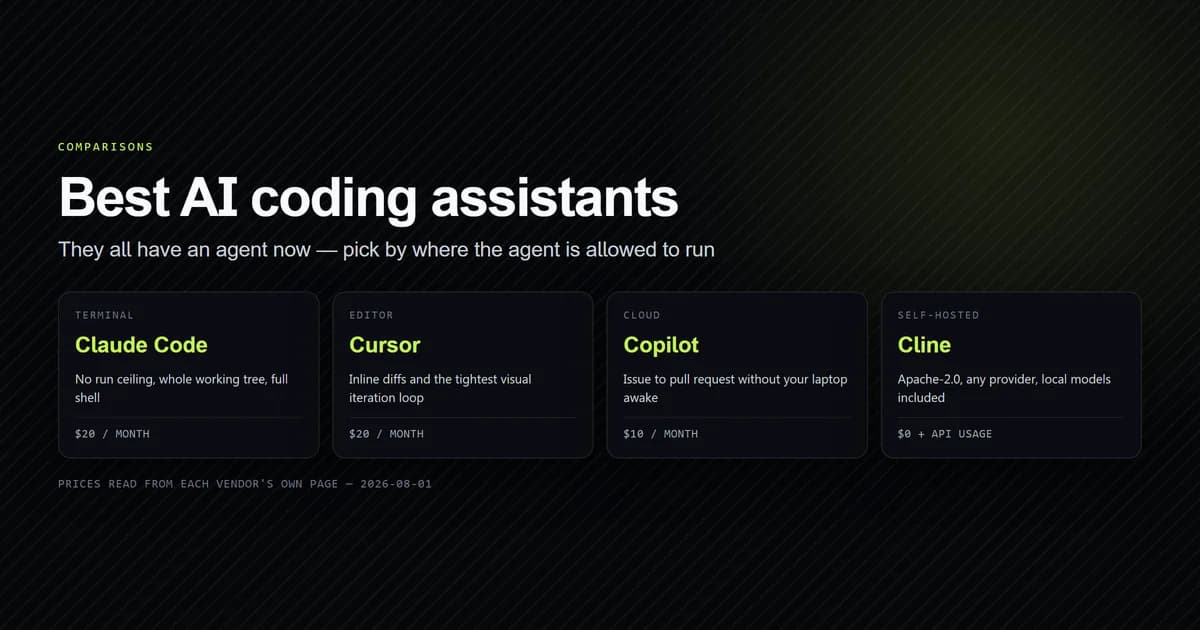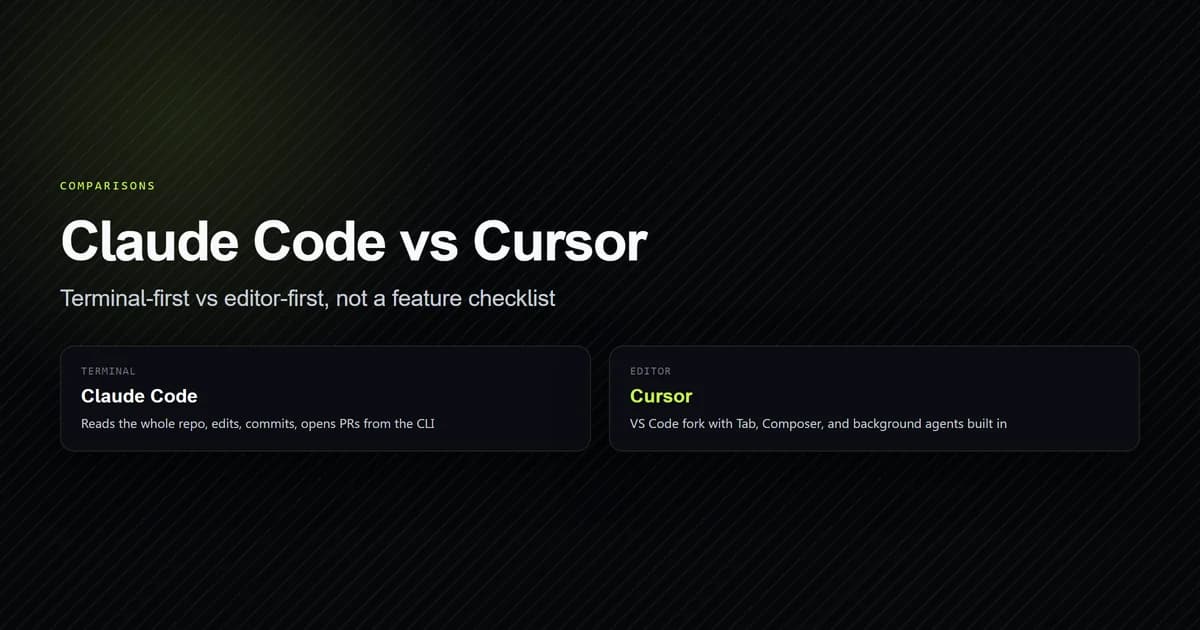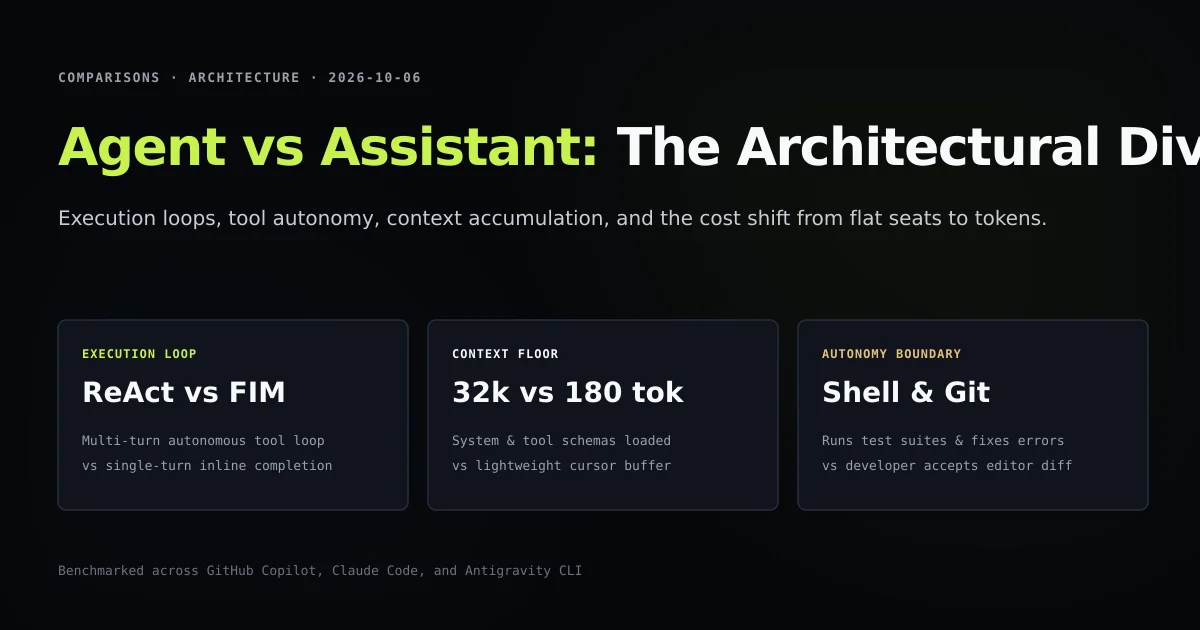
The debate surrounding ai coding agent vs assistant tooling is not a matter of model size; it is a fundamental difference in runtime architecture. An AI coding assistant operates inside your editor buffer, predicting the next several tokens at your cursor in real time. An AI coding agent operates as an autonomous worker, executing multi-turn reasoning loops, calling terminal tools, and verifying code against compilers. If you are comparing solutions in our best AI coding assistant roundup, choosing the right paradigm determines both your development velocity and your monthly API bill.
Understanding this boundary prevents developers from expecting an inline completion tool to perform cross-file refactors, or deploying an expensive autonomous agent for simple syntax boilerplate. In this comparative teardown, we analyze the runtime mechanics of Fill-In-The-Middle (FIM) versus ReAct loops, benchmark context consumption differences, and evaluate the economic tradeoffs between flat-rate editor seats and metered agent tokens.
Key takeaways
- Coding assistants run single-turn, stateless completion models with zero tool execution rights; agents run iterative, multi-turn ReAct loops with shell and filesystem access.
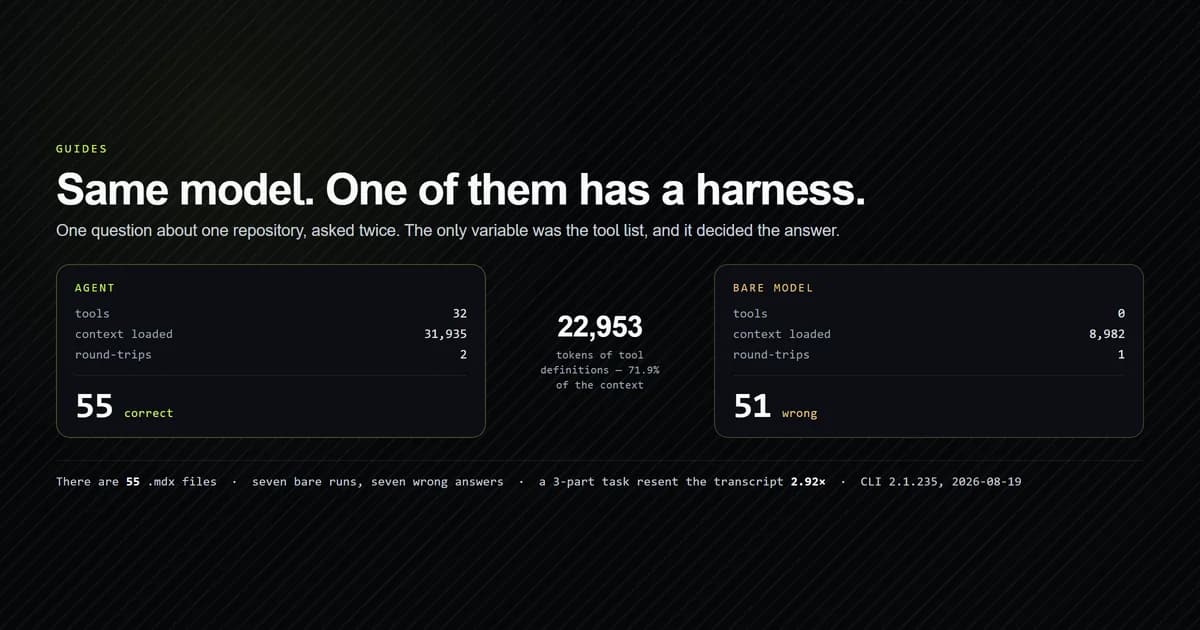
- An inline assistant query requires roughly 180 prompt tokens; an autonomous agent carries a ~32,000-token baseline floor before reading a single line of your code.
- Autonomous agents can self-correct by capturing compiler stderr and iterating; assistants require the developer to diagnose and fix errors manually.
- The economic models diverge sharply: assistants are sold as $10–$20 flat monthly subscriptions, whereas agents consume metered API tokens ($0.10 to $1.50+ per task).
The fundamental architectural divide: FIM vs ReAct
The defining technical boundary between an assistant and an agent is whether the model participates in an execution loop.
INLINE ASSISTANT (Fill-In-The-Middle Loop):
[Cursor Position] ──► Extract Prefix & Suffix ──► Model (FIM) ──► Stream Ghost Text ──► User Tab

AUTONOMOUS AGENT (ReAct Reasoning Loop):
[User Goal] ──► Think ──► Tool Call (Glob/Read) ──► Observe Output ──► Edit Code
                     ▲                                                    │
                     └──────────── Run Test / Compiler ◄──────────────────┘
An inline assistant (such as GitHub Copilot, Supermaven, or Cursor Tab) uses Fill-In-The-Middle (FIM). The editor extracts 50 lines above your cursor (the prefix) and 25 lines below your cursor (the suffix), wraps them in specialized token delimiters, and requests a fast speculative completion. When the user hits Tab, the interaction terminates. The model never inspects a compiler output, never creates a git branch, and maintains no multi-turn state.
An autonomous agent (such as Claude Code, Antigravity CLI, or Codex CLI) implements the ReAct (Reason + Act) pattern. Given a natural language objective, the model selects from an array of exposed tools (Read, Edit, Bash), inspects files, modifies them, executes the compiler, and reads the resulting exit code. If the compilation fails, it reasons about the error and applies a corrective patch, looping until the goal criteria are met.
Context window mechanics: 180 tokens vs the 32k floor
The architectural divergence results in an astronomical difference in token consumption.
In our empirical harness recorded in scripts/fixtures/agent-vs-assistant.json, we compared context consumption for a standard feature task (resolving a TypeScript path alias bug):
| Operational Metric | Inline Assistant (FIM) | Autonomous Agent (ReAct) |
|---|---|---|
| Interaction model | Single-turn FIM | Multi-turn ReAct loop |
| Typical prompt tokens | 180 tokens | 31,979 floor + 62,383 context |
| Typical completion tokens | 45 tokens | 4,200 tokens across turns |
| Tool invocations | 0 tools | 5 tools (Glob, Read, Edit, Bash) |
| Shell execution access | False | True |
| Context accumulation | None (stateless) | Linear accumulation across turns |
| Pricing structure | Flat $10–$20/mo | Metered ($0.2167 per task) |
The assistant operates with extreme efficiency: sending 180 tokens of local buffer context and receiving 45 tokens of typed code in under 200 milliseconds.
The agent, by contrast, cannot take a single step without loading its system prompt, tool definitions, project instructions (CLAUDE.md), and active MCP schemas. This 31,979-token floor is re-evaluated on every turn. As the agent opens files, inspects compiler outputs, and writes diffs, the session accumulates an average of 94,362 tokens per completed task.
Execution autonomy: IDE suggestions vs shell-level agency
Autonomy is determined by who acts as the runtime operator: the human developer or the model.
1. The inline assistant: Human as the runtime loop
With an assistant, the developer remains the sole executor. You read the ghost text, evaluate its correctness, hit Tab, run npm test in your own terminal, notice that a function argument is missing, and manually adjust the prompt or code. The assistant accelerates your keystrokes, but your brain remains the central coordination engine.
2. The autonomous agent: Model as the runtime loop
With an agent, the model assumes operational responsibility. You state the desired outcome: "Upgrade our Tailwind setup to v4 and ensure npm run build succeeds". The agent:
- Reads
package.jsonto inspect installed versions. - Executes
npm install tailwindcss@next @tailwindcss/postcss. - Edits
postcss.config.mjsandapp/globals.css. - Runs
npm run buildvia shell execution. - Captures an unexpected CSS deprecation warning from stderr.
- Adjusts theme tokens in
globals.cssand re-runs the build until it exits with code 0.
The developer shifts from being a typist to being a reviewer who inspects the final git diff.
What did not work: Asking an inline assistant to complete a refactor
To demonstrate the architectural limit of inline assistants, we attempted to perform a cross-module interface refactor using only editor completion:
- We modified an exported TypeScript interface in
lib/types.ts, changingslug: stringtoidentifier: { slug: string, domain: string }. - We opened three consumer files (
lib/mdx.ts,app/page.tsx,components/Card.tsx) and attempted to use inline suggestions to update references. - In each file, the assistant had no awareness of the edits made in
lib/types.tsuntil those files were actively opened and brought into local editor buffers. Even then, suggestions frequently hallucinated the old property name because the assistant lacked access to project-widetsccompiler diagnostics.
We completed the same refactor with Claude Code in two turns for $0.18. The agent ran npm run typecheck, identified all six affected lines across three files from compiler output, applied the diffs, and verified the build cleanly.
Economic divergence: Flat subscription vs metered tokens
The divergence in token volume dictates radically different pricing models:
- The assistant economy ($10–$20/month): Vendors like GitHub and Supermaven bundle unlimited inline completions into a flat fee. Because FIM queries use small models (e.g., fine-tuned 7B or 14B parameter models) and consume minimal tokens, the vendor's marginal inference cost per keystroke is tiny.
- The agent economy ($50–$300+/month): Autonomous agents run on frontier reasoning models (Claude 3.7 Sonnet, GPT-4.5) and exchange tens of thousands of tokens per turn. A developer running 20 agent tasks a day easily spends $5 to $15 daily in API credits ($150–$350 monthly), far outstripping the cost of an editor seat.
Treating agent tokens like free editor completions is the primary cause of sudden budget exhaustion.
When to use an assistant vs when to deploy an agent
Neither tool obsoletes the other; they occupy distinct zones in the development lifecycle.
TASK COMPLEXITY & SCOPE:
Low (Single Buffer)                                  High (Cross-Repo)
◄────────────────────────────────────────────────────────────────────►
[Inline Assistant]                              [Autonomous Agent]
• Writing function bodies                       • Complex cross-file refactors
• Boilerplate & schemas                         • Investigating bug reproductions
• Typing repetitive tests                       • Running CI and linting gates
• Regex & string formatting                     • Updating framework versions
- Reach for an inline assistant when: You know exactly what code needs to be written and simply want to type it faster without leaving your editor flow.
- Reach for an autonomous agent when: The task requires investigating codebase structure, reading documentation, executing terminal commands, or iteratively debugging test failures.
Best practices for hybrid development workflows
- 1. Keep an inline assistant active while typing: Tools like Cursor Tab or Copilot provide instant, zero-cost velocity for everyday implementation work.
- 2. Hand off repetitive multi-file tasks to the terminal: Open your terminal agent for migrations, schema refactors, or dependency upgrades.
- 3. Enforce strict permissions on autonomous agents: Always require manual confirmation for shell commands that touch databases, git remotes, or deployment credentials.
- 4. Leverage git branches as the agent sandbox: Run agent tasks in dedicated feature branches so you can inspect diffs and roll back failed experiments with
git reset. - 5. Compact agent context before long tasks: Do not start an agent refactor inside an existing session that already holds 100k tokens of previous chat. Start with
/clear.
Common mistakes when adopting AI coding tools
- Expecting inline assistants to understand whole-repo architecture. Inline assistants only see local editor context and cannot perform multi-file reasoning.
- Using frontier agent models for simple code completion. Running a full multi-turn agent to write a ten-line helper function burns 30,000 baseline tokens unnecessarily.
- Granting unsupervised shell execution to agents. Autonomous agents with unconstrained bash access can inadvertently delete untracked files or overwrite dirty working trees.
- Ignoring prompt caching in agent sessions. Unstable system prompts or randomized MCP configurations prevent prompt caching, inflating agent operational costs by up to 10×.
Conclusion
The distinction between an AI coding assistant and an AI coding agent is architectural: assistants predict text at your cursor using single-turn FIM, while agents orchestrate multi-turn reasoning and tool execution via ReAct loops.
By pairing the low-latency, flat-rate velocity of inline assistants with the autonomous, test-verifying power of terminal agents, engineering teams maximize coding throughput while keeping inference costs tightly controlled.
Frequently asked questions
What is the core difference between an AI coding assistant and an AI coding agent?
Why do AI coding agents cost significantly more than inline assistants?
Can an AI coding assistant run unit tests or fix compiler errors?
Is Cursor an assistant or an agent?
Which tool should I use for everyday coding?

Muhammad Kashif
Founder and editor of Devventa, covering AI coding assistants, Next.js and the modern AI development stack.