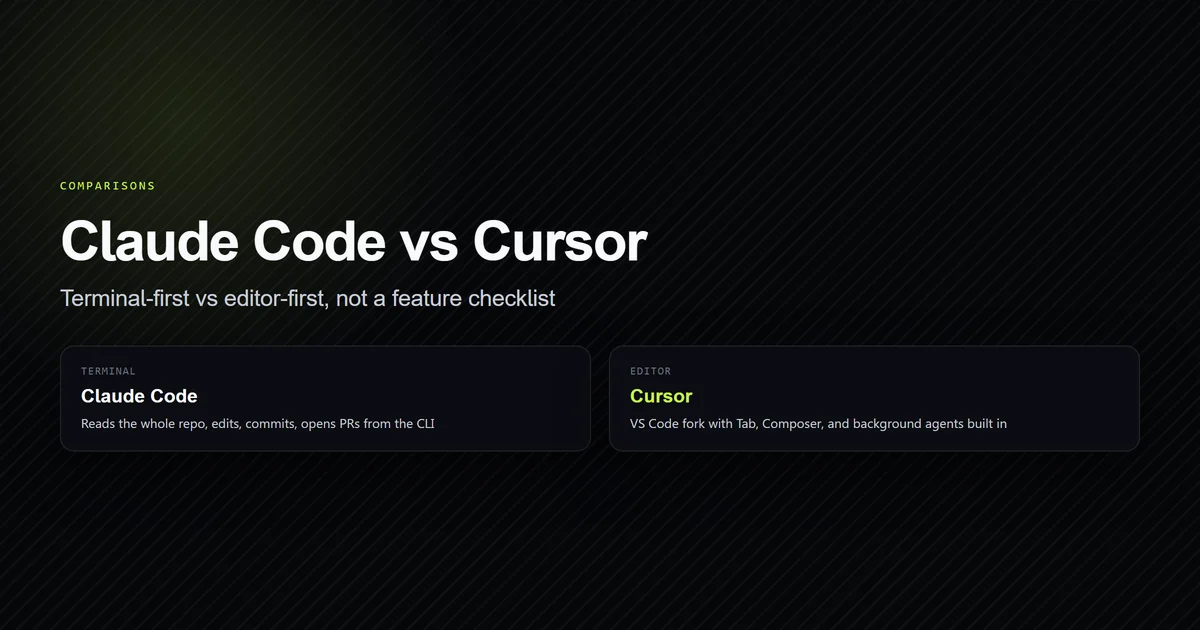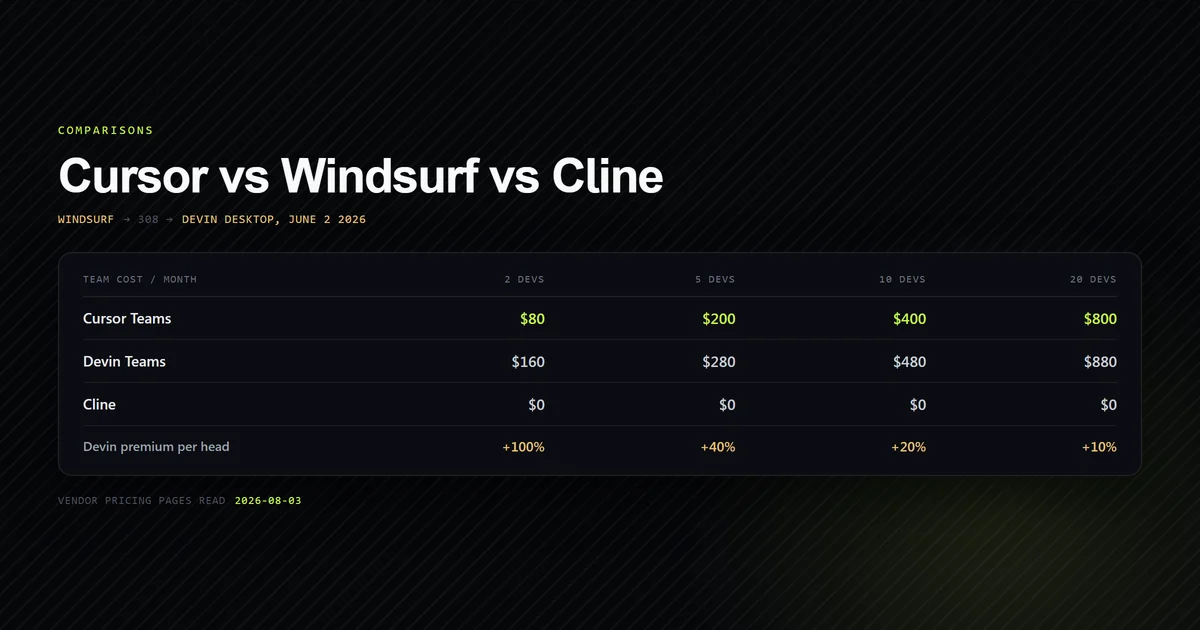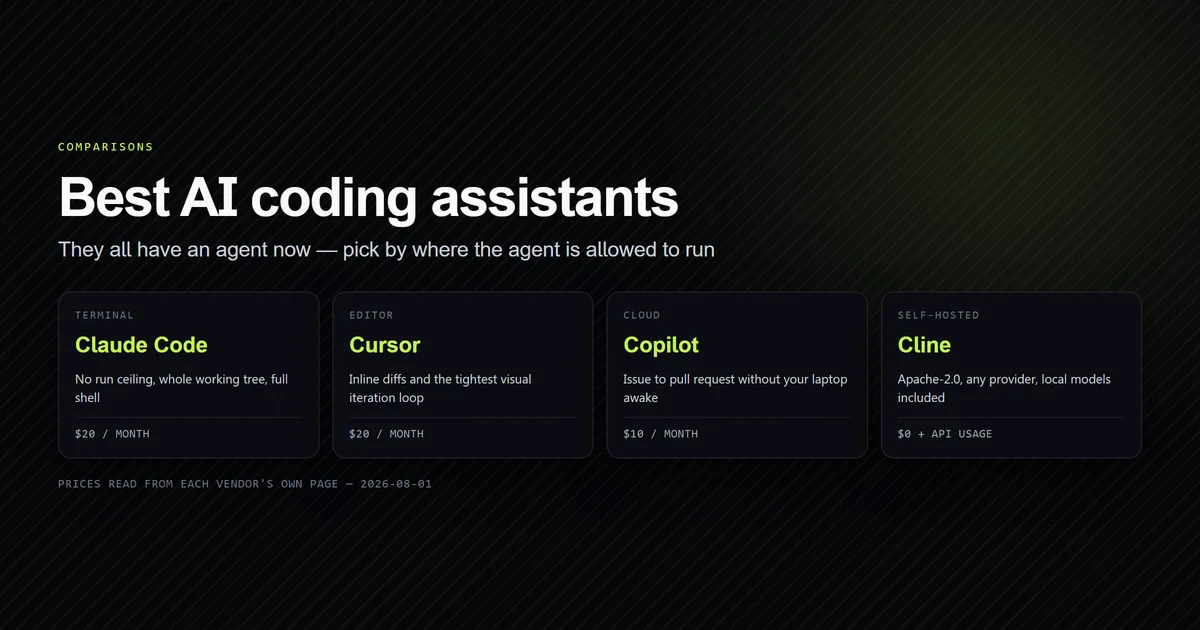
Claude code vs cursor 2026 is no longer a question about terminals and editors — Cursor ships a CLI and Claude Code ships editor integrations, so that axis closed. What is left is a migration cost, and Claude Code 2.1.273 ships the instrument to price it: claude import cursor. We built a Cursor project fixture, ran the importer four times with one file different each time, and counted. It takes the legacy .cursorrules file and ignores AGENTS.md — the one file both tools genuinely share. Our best AI coding assistant comparison ranks the field; this prices the move between two of them.
Key takeaways
claude import cursor --dry-runcounted 4 project items for a.cursor/directory, 4 withAGENTS.mdadded, and 5 with.cursorrulesadded.- The importer therefore skips the cross-vendor file and counts the format Cursor's own documentation treats as superseded.
- Project-level items are never importable non-interactively, with repository write access given as the reason.
- The user-level scan reported two Cursor "skills" on a machine with no Cursor installed; they came from the vendor-neutral
~/.agents/skillsdirectory. - The dry run wrote nothing: the fixture tree was unchanged afterwards.
Claude code vs cursor 2026: what changed
Every comparison written before this year separates the two by surface. That separation is gone. Cursor's CLI runs the same .cursor/rules/ and MCP servers as the desktop editor, and Claude Code has had IDE integrations for longer than that. Our original terminal versus editor workflow comparison still holds on how each one frames a task, and this article does not re-run it.
What replaced the surface question is a configuration question. Both tools now keep their real instructions in committed files, and those files are not the same files. So the useful 2026 version of "Cursor or Claude Code" is: if I move, what comes with me, and what do I rewrite by hand?
The importer, and the fixture
Claude Code answers part of that itself.
claude import --help
# → Import config from another AI coding agent into Claude Code
# → source      Which agent to import from (codex, gemini, cursor)
# → --dry-run   Show what would be imported without writing anything
The fixture is a small but complete Cursor project, committed to this repository so the run is reproducible rather than described.
.cursor/
  rules/
    typescript.mdc     ← description, globs, alwaysApply frontmatter
    always.mdc         ← alwaysApply: true
  commands/
    ship.md
  mcp.json             ← mcpServers, same shape as .mcp.json
.cursorrules           ← legacy single-file rules
AGENTS.md              ← the cross-vendor instruction file
src/index.ts
Every one of those paths is a documented Cursor surface. Cursor's rules documentation describes .cursor/rules as .mdc files carrying description, globs and alwaysApply, and names AGENTS.md as a plain-markdown alternative for the project root.
The count matrix
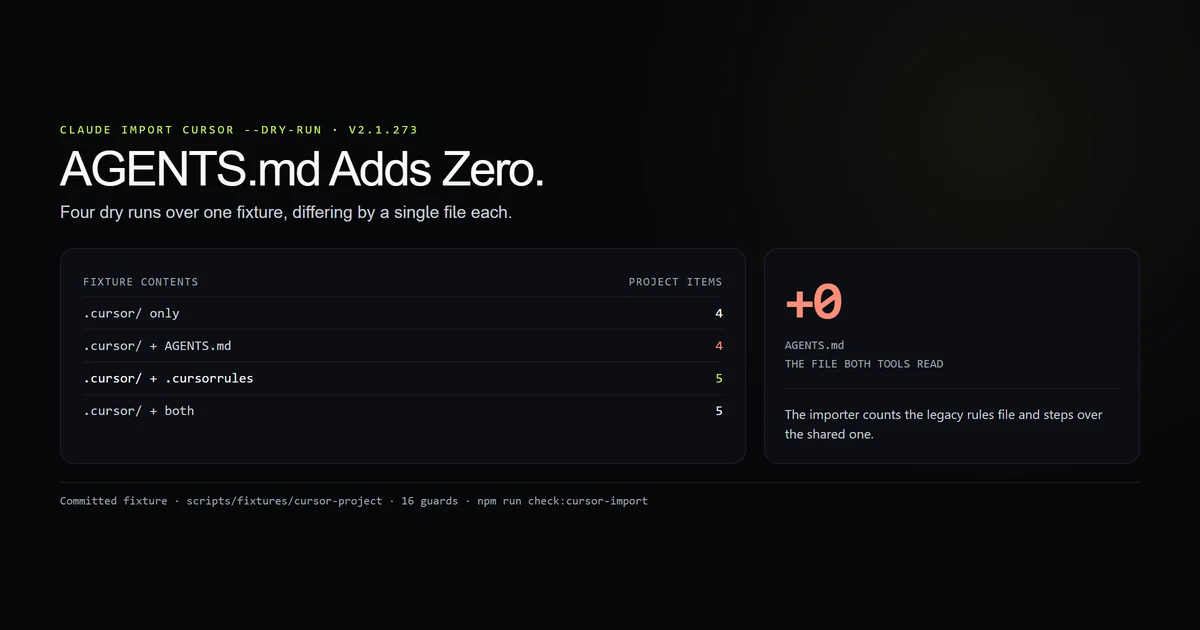
Run the importer over the fixture, then remove one file and run it again. The difference in reported project items names the file it counts.
| Fixture contents | Project items | Delta |
|---|---|---|
.cursor/ only (4 files) | 4 | — |
.cursor/ + AGENTS.md | 4 | +0 |
.cursor/ + .cursorrules | 5 | +1 |
.cursor/ + both | 5 | +1 |
npm run check:cursor-import
The committed check treats that table as arithmetic rather than prose: it asserts the deltas, that the full fixture equals the sum of its parts, and that every path named in a run still exists on disk. Mutate one count and it goes red.
The file that does not move
AGENTS.md adds zero. That is the finding, and it is strange in a specific way: Cursor reads AGENTS.md, and so — via one import line — does Claude Code. It is the only instruction file the two tools genuinely have in common, and it is the one the migration tool steps over.
Meanwhile .cursorrules adds one. Cursor's rules documentation presents the .mdc directory format as the current project-rules mechanism, with the single root file as the older shape. The importer counts the old format and skips the shared one.
The skip stings more once you know how Claude Code treats that file on its own. Our AGENTS.md context measurement found that an unimported AGENTS.md never reaches the model at all — so a migrated Cursor project can end up with the right file committed, untouched by the importer, and silently inert.
The practical consequence for a migration plan: audit AGENTS.md yourself, because nothing will tell you it was skipped. The importer's item count is not a count of your instructions.
The skip is also specific to this source rather than general. Run the same scan with codex named instead, against a directory holding nothing but AGENTS.md, and it counts one project-level item — the same file, +1 there and +0 here, measured the following day.
Project config is deliberately withheld
The second result is a policy, not a bug. In every run, project-level items were counted and then not listed, and the non-interactive path refused to touch them.
Project-level (4 items) from this repo's agent config directory.
They're deliberately withheld and `--yes` won't touch them,
because anyone with write access to the repo could have authored them.
That is the right instinct, and it is the mirror image of a hazard we measured earlier: our MCP setup walkthrough found that a .mcp.json arriving in a pull request runs unprompted the moment anything invokes Claude non-interactively. Here the CLI takes the opposite stance on the same class of file. A rules file, a command file and an MCP server definition are all executable instructions authored by whoever could push to the branch, and the importer makes you look at each one.
The cost is that there is no scripted migration. --yes exists, and on a repository like this one it would import nothing useful.
The user-level scan found a tool that is not here
The user-level half of every run reported the same two items.
User-level (2 items), both skills:
- `shopify-dev`
- `shopify-use-shopify-cli`
Each also had 2 frontmatter keys (`metadata`, `hooks`) dropped.
Cursor is not installed on this machine. There is no ~/.cursor directory. Those two items are the entire contents of ~/.agents/skills, a vendor-neutral location written on 2026-09-04 by a GitHub-sourced Shopify toolkit, and the dropped frontmatter keys match those files exactly — so the scan really did read them.
Read charitably, that is the standard working: user-level agent skills live in a shared directory and the importer looks there. Read practically, it means claude import cursor will report items on a machine that has never run Cursor, and anything in that shared directory is offered to you under another vendor's name. The flag is earned — a skill directory copies whole, bundled scripts included, and once loaded it stays in context for the session.
Which one to pick
Decide on where your instructions live, because that is the part that does not port.
- Several agents, one contract. Write
AGENTS.md, add@AGENTS.mdtoCLAUDE.md, and both tools read one file. Claude Code costs one line here; Cursor costs nothing. - Rules that load conditionally. Cursor wins outright.
globsandalwaysApplyin.mdcfrontmatter scope a rule to file types, and Claude Code has no equivalent — an imported rule is either always in context or not there. - Config that reaches a teammate through git. Both keep project config in the repository. The difference is what happens on arrival, and Claude Code's importer is the more suspicious of the two.
- Money. Cursor's individual Pro plan is $20/month with usage-based billing beyond the included amount, as of 2026-09-16. The full picture belongs in our AI coding tools pricing comparison, not in a migration article.
What did not work
The first trace we captured was worthless and nearly got published. Running claude -p "/import cursor --dry-run" from Git Bash does not run the importer. The shell rewrites the leading slash into C:/Program Files/Git/import, so the session receives a file path, improvises by reading the fixture by hand, and concludes that /import does not exist. It does — the init event lists it among 86 slash commands. Every tool call in that transcript was the model guessing at the job, not the importer doing it, and the whole trace was discarded.
One count was inferred before it was tested. With the full fixture at 5 items and the .cursor-only fixture at 4, subtraction said .cursorrules was the counted file. That is sound arithmetic and it was still run directly, because the roadmap rule here is that a number nobody watched is a guess. The direct run returned 5, as predicted.
No output-quality claim is made anywhere above. Cursor is not installed here. Everything in this article measures which files move and what the CLI does with them; nothing measures which tool writes better code, and no table pretends otherwise.
Best practices
- Run
--dry-runfirst and read the counts, not the prose. The item totals are the part that is checkable. - Audit
AGENTS.mdby hand. The importer will not mention it, in either direction. - Migrate project config through the interactive picker. It is slower on purpose; a rules file is executable instruction text from whoever had push access.
- Convert glob-scoped rules deliberately. Decide per rule whether it becomes permanent
CLAUDE.mdcontent or gets dropped, rather than pasting all of them in. - Check
~/.agents/skillsbefore you accept a user-level item. What is offered as Cursor config may have been installed by something else entirely.
Conclusion
If you are weighing claude code vs cursor 2026, stop comparing surfaces and compare what your repository would have to become. Keep the shared rules in AGENTS.md, bridge them with one line, and treat claude import cursor as a survey rather than a migration — measured on 2.1.273 it counts the legacy rules file, skips the shared one, and hands every project item back to you for review. Read our terminal versus editor comparison next if the workflow question is still open for you.
Frequently asked questions
Can Claude Code import my Cursor configuration?
Does the Cursor importer pick up AGENTS.md?
Is Cursor or Claude Code better in 2026?
What does claude import cursor actually write?
Do I have to rewrite my Cursor rules for Claude Code?
Muhammad Kashif
Founder and editor of Devventa, covering AI coding assistants, Next.js and the modern AI development stack.